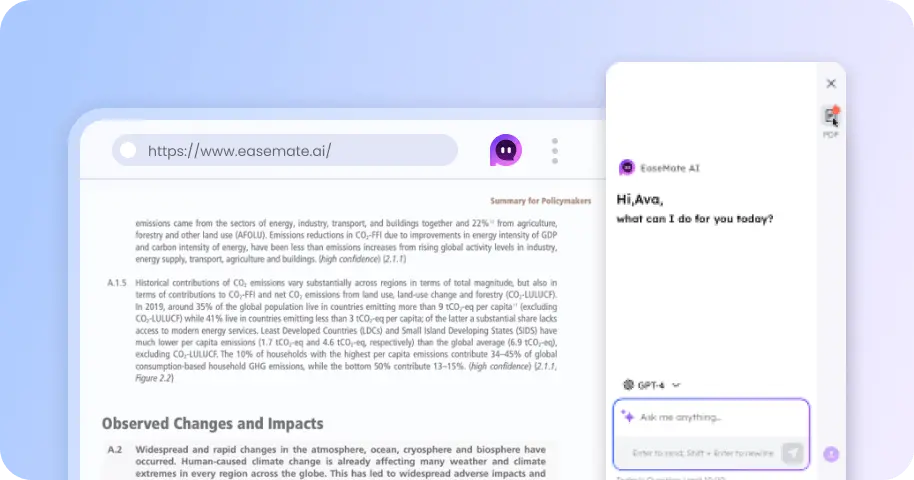
AI Sticker Generator: Create Custom Stickers Online for Free
Create custom stickers from simple text prompts, product images, portraits, pet photos, or other references with EaseMate's AI sticker generator. You can use it to create branded logo stickers for packaging, generate stickers for your band's merchandise, or make personalized gifts for friends.
 GPT-4o
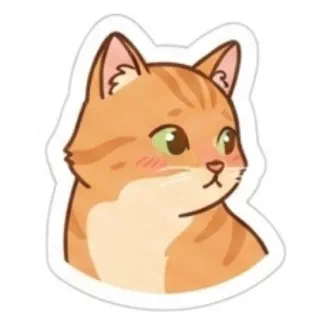

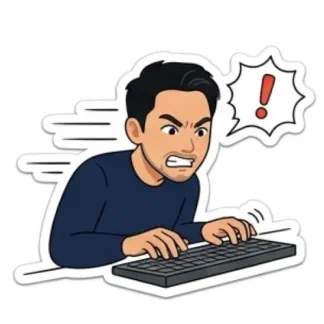
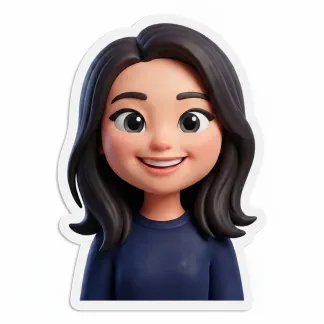



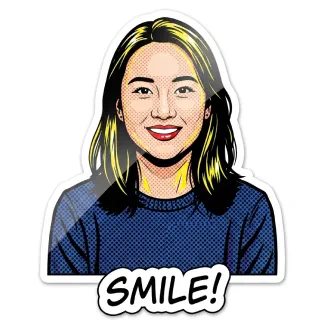
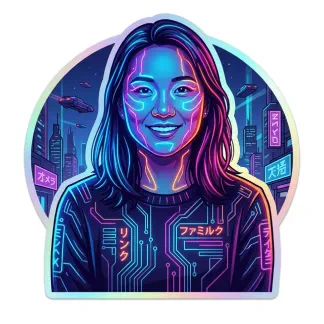
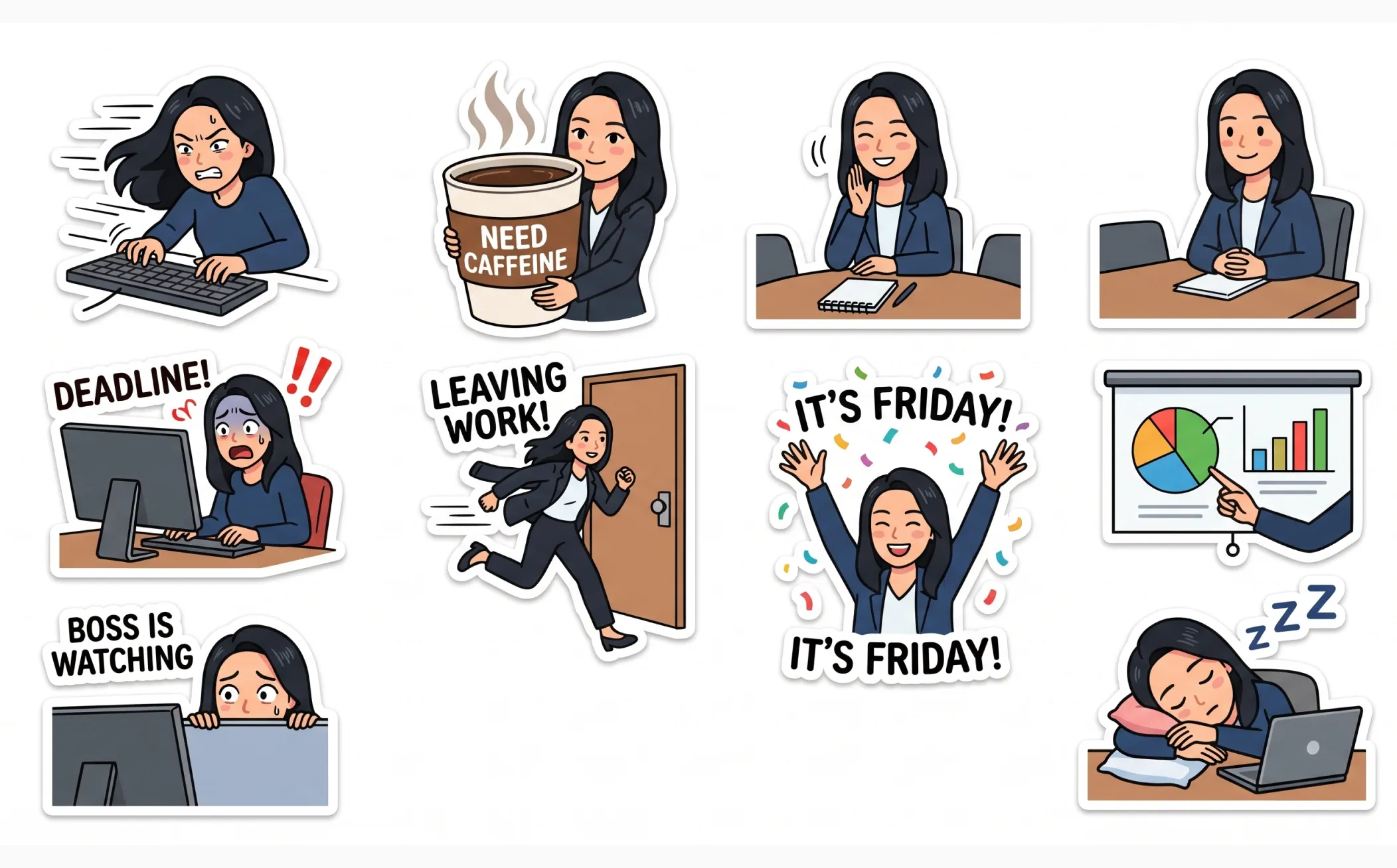
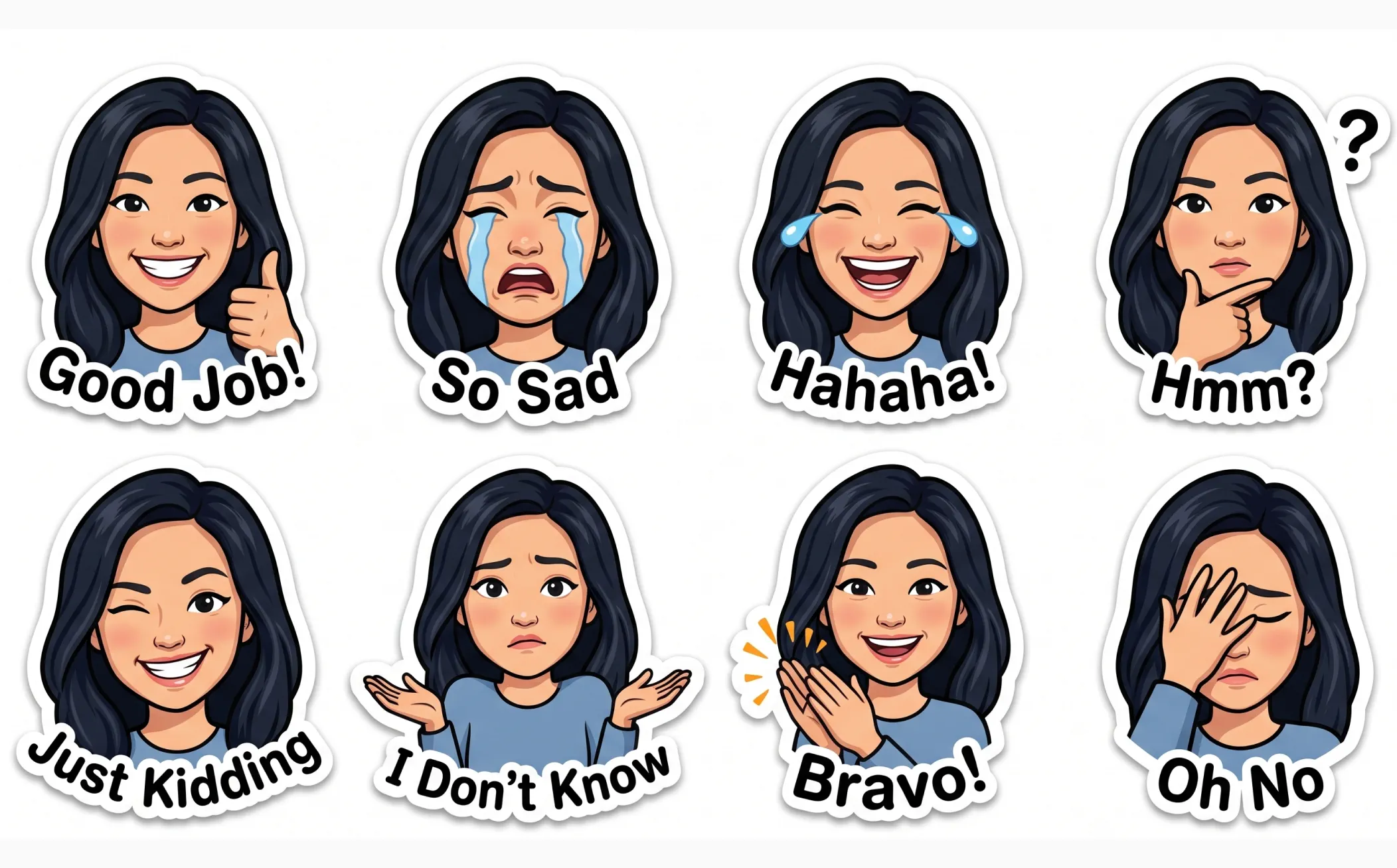
How to Make a Sticker Using EaseMate AI?
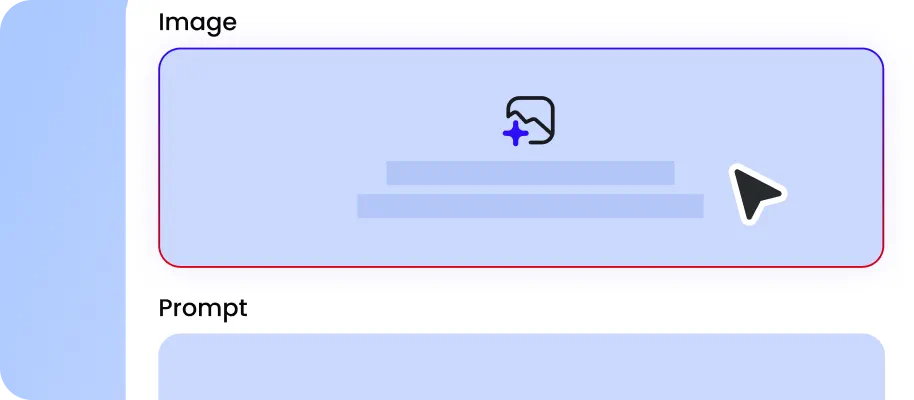
Describe the sticker you want to create, or upload a reference such as a product image, character reference, portrait, or pet photo.
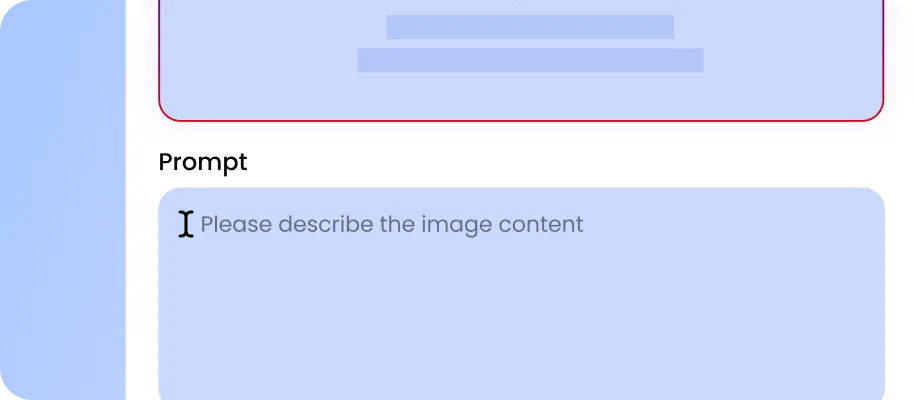
Choose the model you'd like to use, such as GPT Image 2 or Grok, and set the image aspect ratio and resolution to fit your intended use.
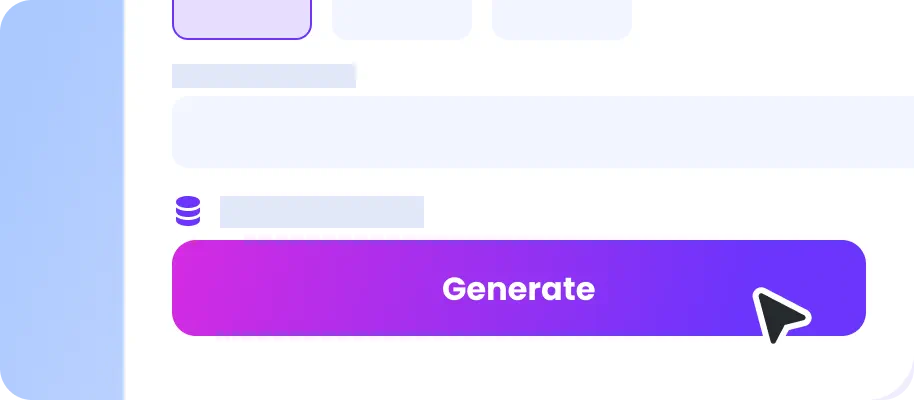
Generate stickers with our AI sticker maker. Once you are satisfied with the design, download the generated image for your personal projects.
Why Choose EaseMate as Your AI Sticker Generator?
With EaseMate's free sticker generator, you can create special sticker designs and explore image models from GPT Image 2, Grok, and other providers without switching between apps. In addition, turning AI-generated designs into printable stickers can significantly improve brand recall. These stickers can be used for giveaways, custom packaging, or branded kits.
Design Stickers from Ideas and Images
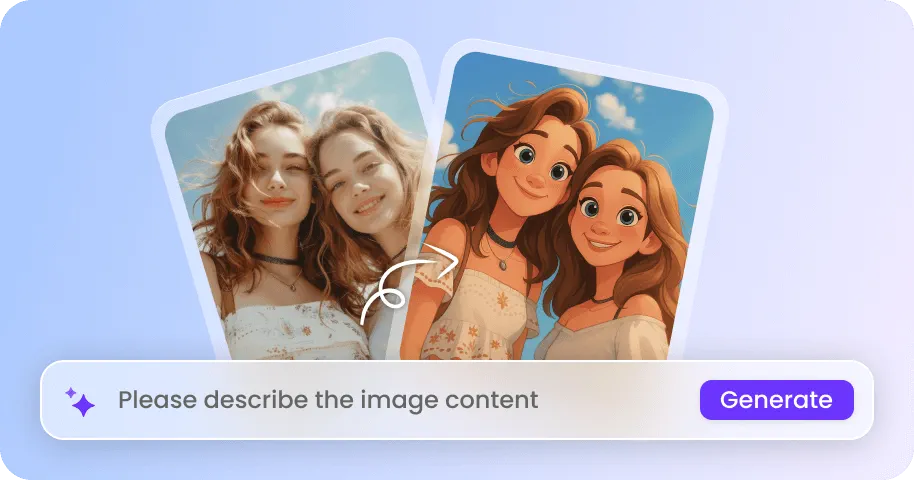
Our AI sticker generator helps you quickly turn creative ideas into custom sticker designs. Start with a prompt or upload a portrait and easily remove the background to isolate the subject for sticker design. EaseMate can instantly create stickers for social media, messaging apps, product packaging, merchandise, or brand campaigns.
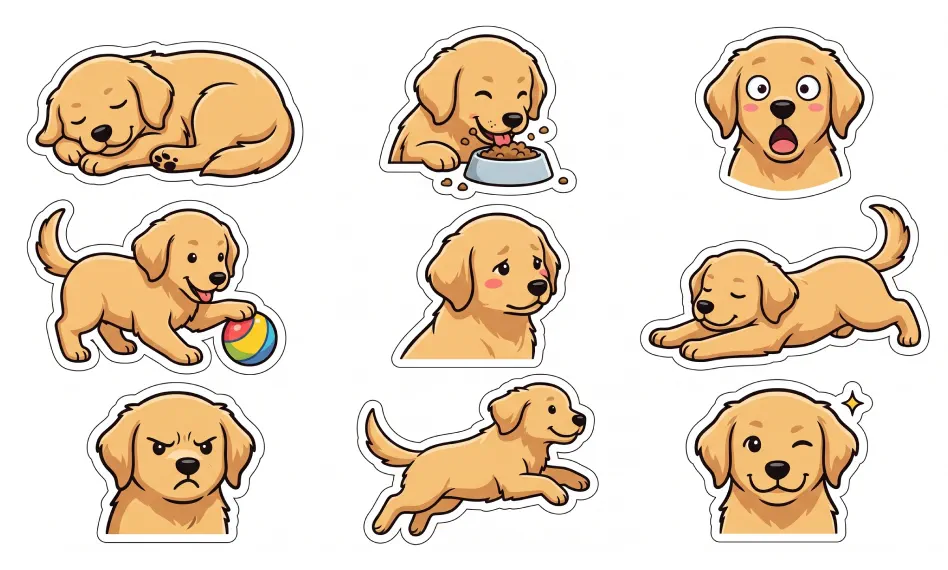
Generate Custom Stickers for Any Scenario
Make stickers from simple ideas for social media, e-commerce, and brand marketing. You can describe a character making a specific expression, a mascot in different poses, or a themed sticker pack for a campaign or event. The AI sticker generator interprets your prompt and generates the subject, composition, expression, and visual details for you, making it easy to turn almost any creative idea into a sticker.
Turn Photos or Image into Stickers with Mutiple Styles
Choose a visual direction that fits your project and create stickers in different styles, such as origami, cute cartoon, hand-drawn illustration, 3D rendering, anime-inspired art, colorful illustration, and minimalist graphics. You can use different styles to create reaction sticker packs, character collections, product stickers, event giveaways, or social media assets while keeping the same idea recognizable across variations.
Keep Your Sticker Designs Consistent with Your Brand
Create a unified sticker collection by providing brand references, product images, and characters. EaseMate's AI sticker generator can help maintain a consistent character appearance and overall design direction across multiple stickers. This is useful for creating branded mascot stickers, packaging stickers, promotional giveaways, merchandise, and social media sticker packs that reinforce your visual identity.
FAQs About EaseMate's AI Sticker Generator
Are my images safe when I upload them to create stickers?
Yes. EaseMate takes the security of your data seriously. Your uploaded content remains private and is only visible to you unless you choose to make it public. If you want to share your work with the community, click "More Features" and open "Library". Find the design you want to share and click "Upload". Once published, your work will be visible to other users in the "Explore" section.
How can I create my first stickers with EaseMate's AI Sticker Generator?
Can I use EaseMate's AI Sticker Generator online for free?
Can I use AI-generated stickers for commercial purposes?
What sticker styles does EaseMate support?
EaseMate AI ToolKit
Find any tool you want here to make efficiency at your fingertips