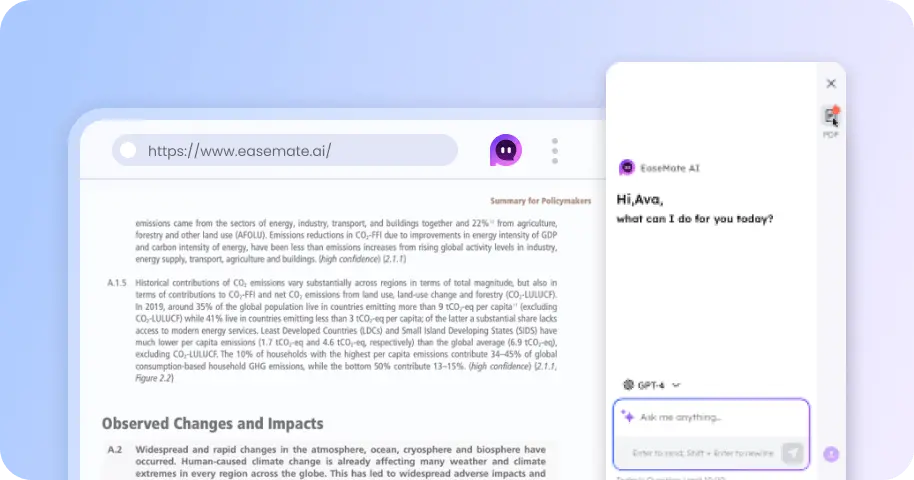
Remove Watermarks in Kling AI Videos Free Online
Remove watermarks from Kling AI videos online with one tap. Simply drop, click, and then you can download clean Kling AI videos for free.

How to Remove Kling AI Watermark with EaseMate AI?
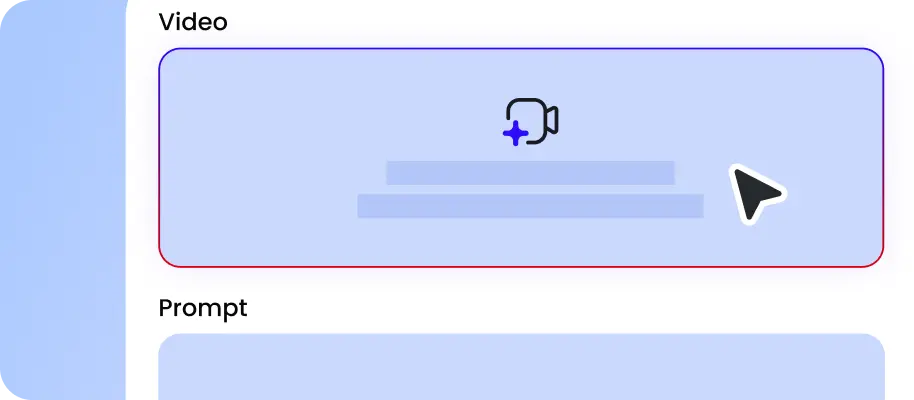
Drag and drop your video generated by Kling AI models in MP4, WebM, or MOV. You can import videos up to 120 seconds at once. Make sure you own the footage or have permission to edit it.
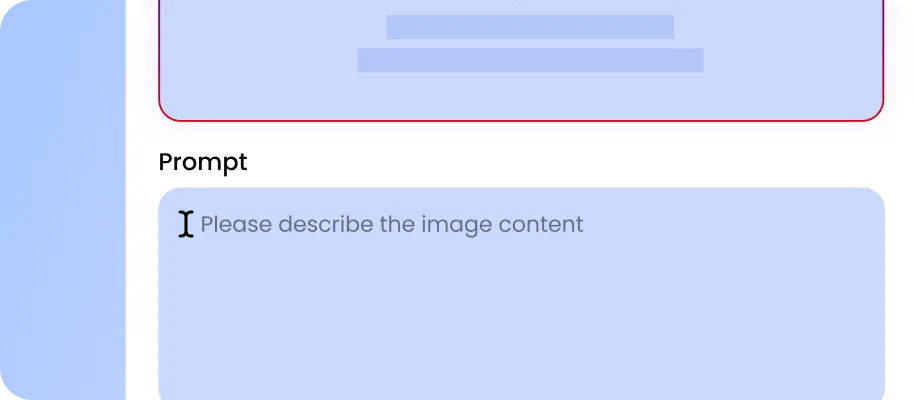
Click “Generate” to start the process. Our online video watermark remover will intelligently locate the Kling logo in your video and erase it frame by frame.

After a few moments, you can preview the clean video in high quality. Export it for social media, ads, or other creative video without any quality loss. Retain any required copyright notices, creator attribution, and content provenance information.
Why Choose Kling Watermark Remover in EaseMate AI
Clean Kling AI videos with one click. Powered by advanced AI, our Kling video watermark remover can automatically identify watermark areas, rebuild hidden backgrounds, and deliver clean videos perfect for YouTubers, TikTokers, and Instagram Reel creators.
Remove Watermark in Kling Videos with AI
Instantly download Kling AI videos without any watermark. Powered by intelligent detection and restoration, our Kling watermark remover can track the moving Kling AI logo frame by frame and reconstruct every hidden detail. Meanwhile, you can also erase subtitles, brand logos, timestamps, and unwanted text in the same process. Upload your Kling video online, and then you can get a watermark-free version ready to publish anywhere.
Free Video Watermark Remover for Kling, Sora 2 & Veo 3
Remove more than just Kling logos with our free video watermark eraser. It supports watermark removal from popular AI models like Kling, Sora 2, Veo 3, Seedance 2.0, and more. Whether you need to remove a corner logo, branding glitch, corrupted text, or unwanted objects, it analyzes each frame and rebuilds missing areas naturally without cropping any important parts. Before editing or reusing a video, make sure you have the necessary rights and preserve any required attribution, copyright notices, and content provenance information.
Erase Kling Logo Without Losing Quality
Clean your Kling AI videos effortlessly without quality loss. Powered by intelligent AI restoration technology, our Kling watermark remover focuses only on the logo area instead of changing the entire video. It understands surrounding scenes, textures, and movement patterns to generate natural replacements that match the original footage. After the process, your Kling videos stay high-resolution, detailed, and free from noticeable artifacts.
Pixel-Perfect Kling Watermark Removal Frame by Frame
Instead of simply covering the Kling logo manually frame by frame, our Kling watermark remover can intelligently detect how the watermark shifts across different scenes and remove it consistently from start to finish. It will fill removed areas with realistic details by analyzing nearby pixels, colors, and patterns. Even in complex scenes with moving subjects, changing lighting, or camera movements, this online AI watermark remover for Kling videos will keep animation smooth, colors balanced, and background consistent.
FAQs of Kling AI Watermark Remover by EaseMate AI
How does this Kling AI Watermark remover work?
Powered by intelligent algorithms, our watermark remover for Kling videos will detect and remove the Kling logo and other unwanted visible watermarks without manually selecting areas or cropping videos. Instead of simply blurring the logo, it will analyze the surrounding pixels, including lighting, textures, and motion patterns, to understand the hidden background. It then uses neural network technology to recreate the missing content and blend the area smoothly into the original footage.
What’s the best Kling video watermark remover?
How to download Kling AI videos without a watermark?
Will it blur my videos after removing the Kling logo?
Can I remove other types of marks in addition to the Kling logo?
EaseMate AI ToolKit
Find any tool you want here to make efficiency at your fingertips