


Free AI Image Combiner Online, No Sign-up
Instantly combine two or more images into one for free. Simply upload, describe your idea online, and our AI image combiner will seamlessly mix styles, objects, and textures with natural transitions.

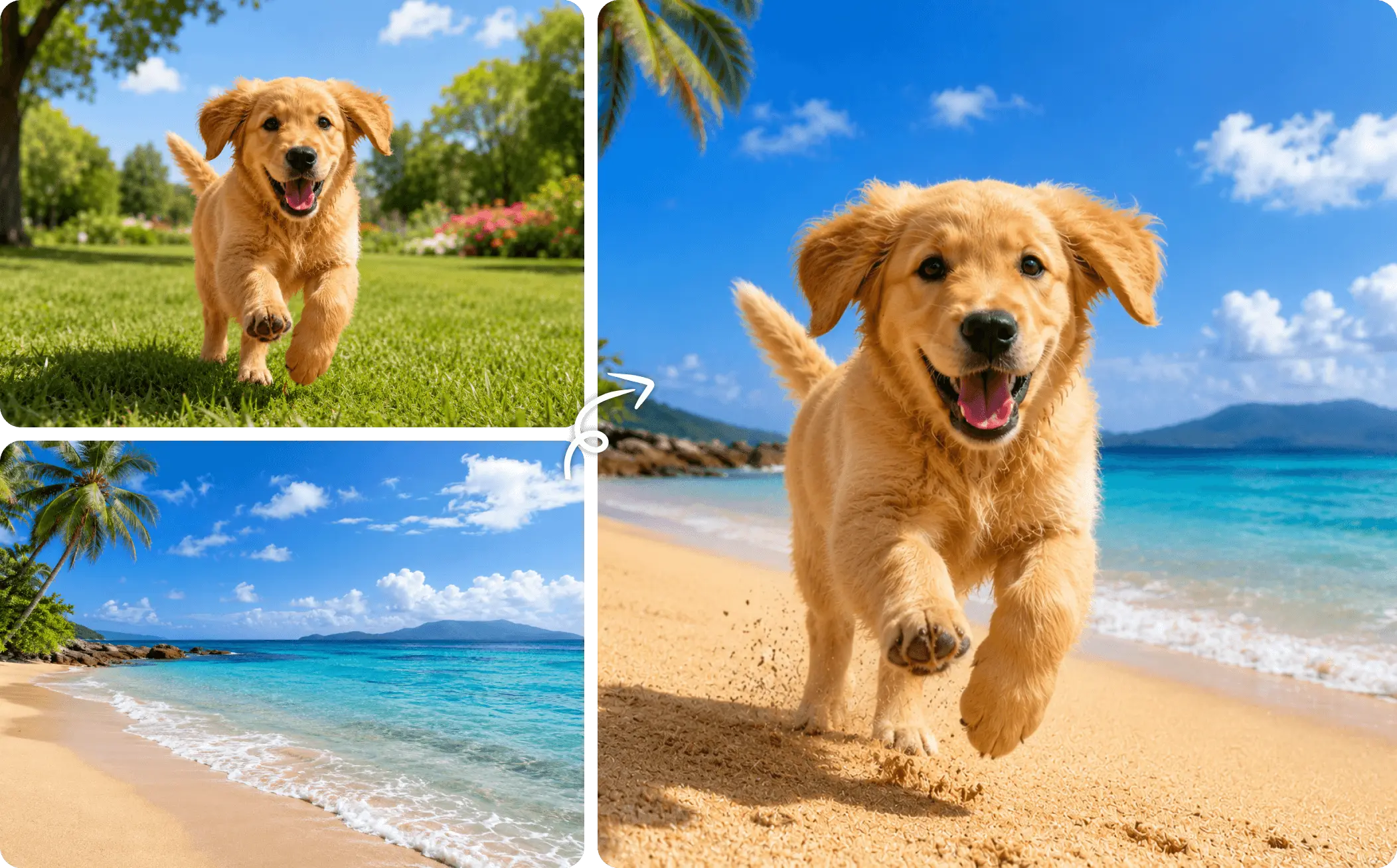
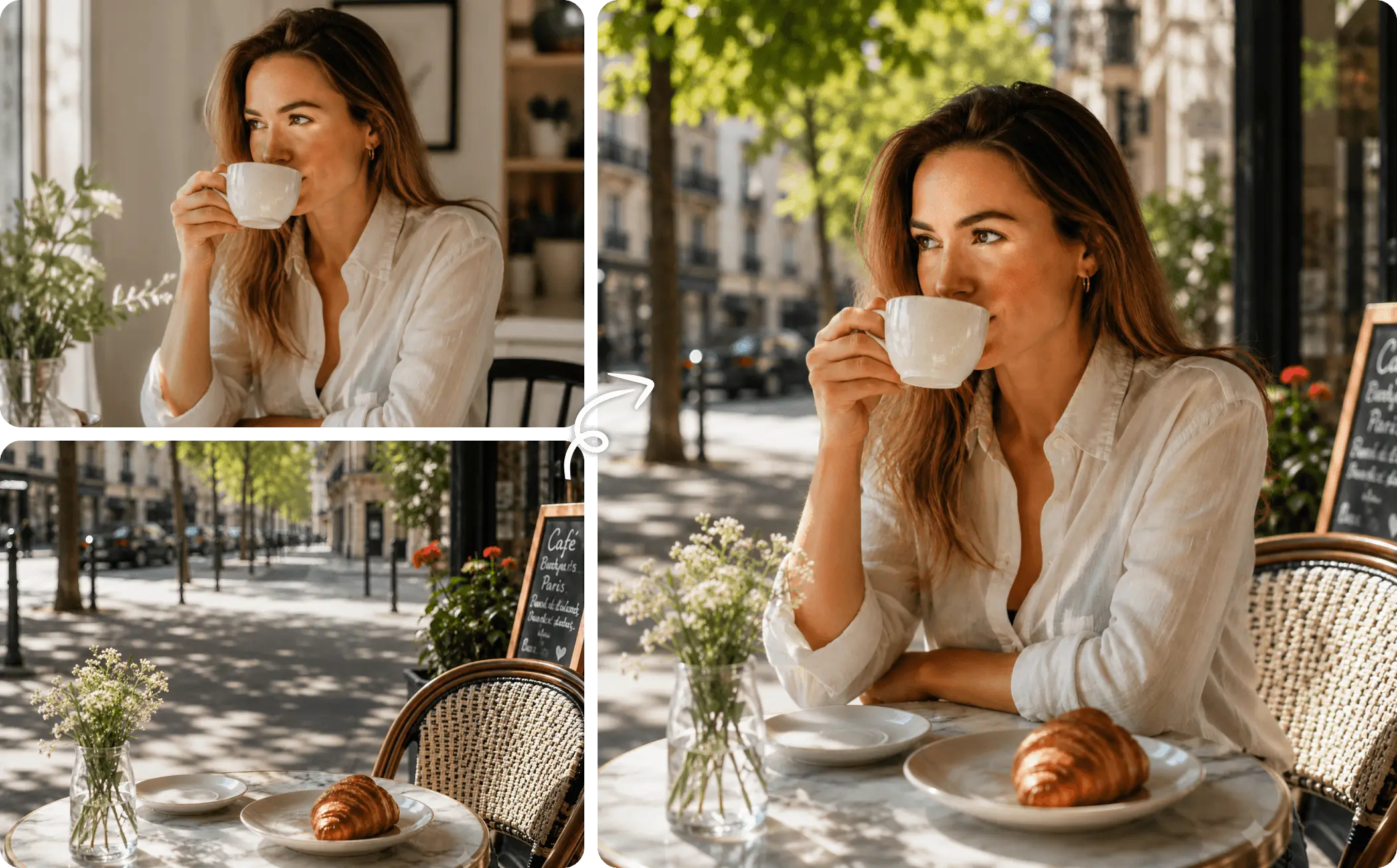
How to Combine Two Photos into One on EaseMate AI?

Select the images you want to blend together. Our AI image combiner supports merging all types of images, including portraits, backgrounds, or product shots.

Type some simple words to tell AI how to combine the uploaded images in one frame. Select the target aspect ratio and output resolution. Click “Generate” to start the seamless image merge.

After a few seconds, you can preview the high-quality output. The output is natural and watermark-free, ready for download, share, or refine further.
Why Choose AI Image Combiner in EaseMate AI
Easily blend two images together with our free AI image combiner. Upload your photos, describe how you'd like them merged, and then you can get a watermark-free new image perfect for e-commerce listings, digital advertising, and social media content.
Merge Photos Together with AI for Free
Instantly merge two or more photos with AI. Simply provide your images, and then our free AI image combiner will understand faces, objects, textures, and backgrounds, then combine them into a realistic new image seamlessly. No layer, no masking, or manual seam painting needed. Everyone can place two people in one frame, blend different backgrounds, mix creative elements, or combine product photos with different scenes in one click.
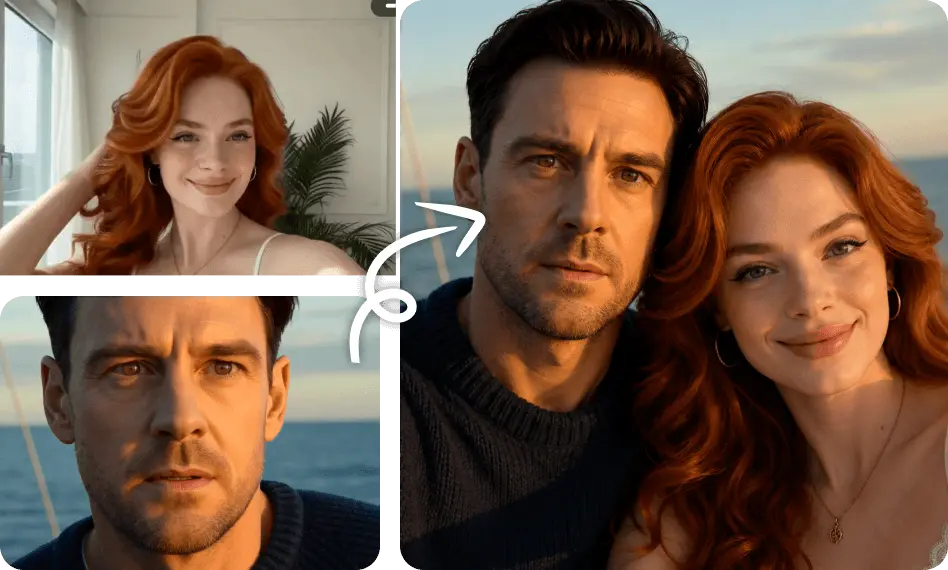
Online Image Combiner with Smart Composition, Color & Lighting Matching
Experience precise image merging with AI-powered composition and color matching. By understanding depth, geometry, and scene lighting, it ensures seamless edges, balanced tones, and realistic depth, producing stunning visuals that feel authentic and untouched. Whether you're creating lifestyle product images or blending artistic scenes, the final result appears professionally photographed rather than digitally edited.
Blend People, Products, and Styles into One Photo Seamlessly
Beyond simple photo collages, our AI image remixer can intelligently merge people, products, backgrounds, and artistic elements into one cohesive image. Put two people in the same photo even if they were photographed separately, create branded product mockups, or instantly change your portrait's background into a travel destination. Moreover, you can also mix artistic references, transfer painting styles, and blend textures from illustrations into your pictures.
Combine Two or More Photos for Marketing, Ads, and Mockups with One Click
With this AI image combiner, creating compelling product marketing assets at scale is a click away. No studios, photographers, or expensive setups are required. Simply upload your products, models, or logos, add a short prompt, and generate realistic ads, branded visuals, and social media creatives instantly. Fashion brands can create virtual try-on experiences, retailers can build lifestyle product shots, and startups can generate investor-ready mockups in minutes.
FAQs of AI Image Combiner by EaseMate AI
How does this AI image combiner work?
Powered by sophiscated generative AI technology, our AI image combiner can merge two or more images into one seamless visual. Once your photos are uploaded, it detects objects, faces, backgrounds, and visual styles, then reconstructs the image with matching lighting, perspective, and textures. Instead of copying and pasting elements, it creates a fully blended image with natural details, making complex photo editing simple and accessible for everyone.
Can I combine images of different sizes?
What type of images can I combine?
Can I combine two images into one for free?
Can I combine two people in one photo with this AI image merger?
EaseMate AI ToolKit
Find any tool you want here to make efficiency at your fingertips




