


Free Christmas Filter: Add Christmas Effect to Photos Online
Experience our free Christmas filter for photos online. One click, zero cost - everyone can create festive, personalized, and warm Christmas photos, family photos, and profile pictures effortlessly. Upload any photos online to enjoy the instant holiday magic!
 GPT-4o
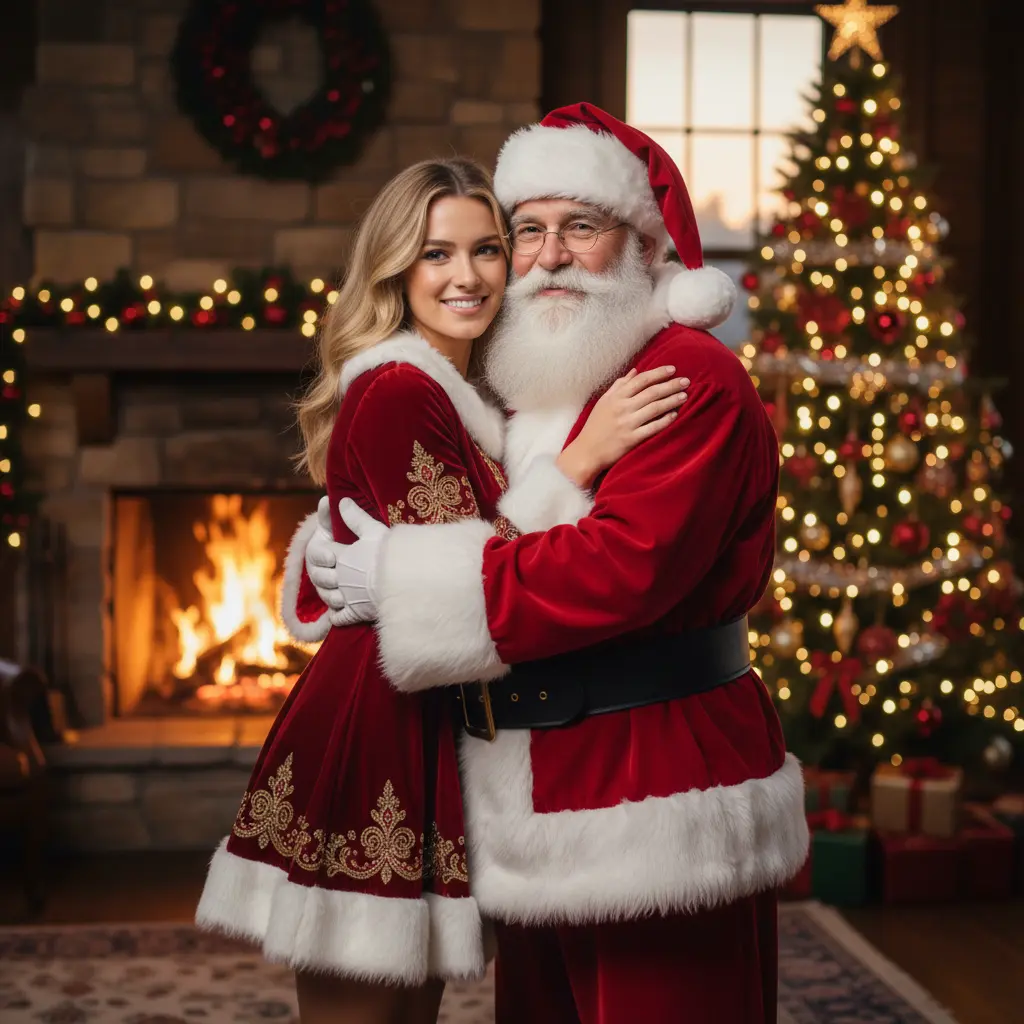

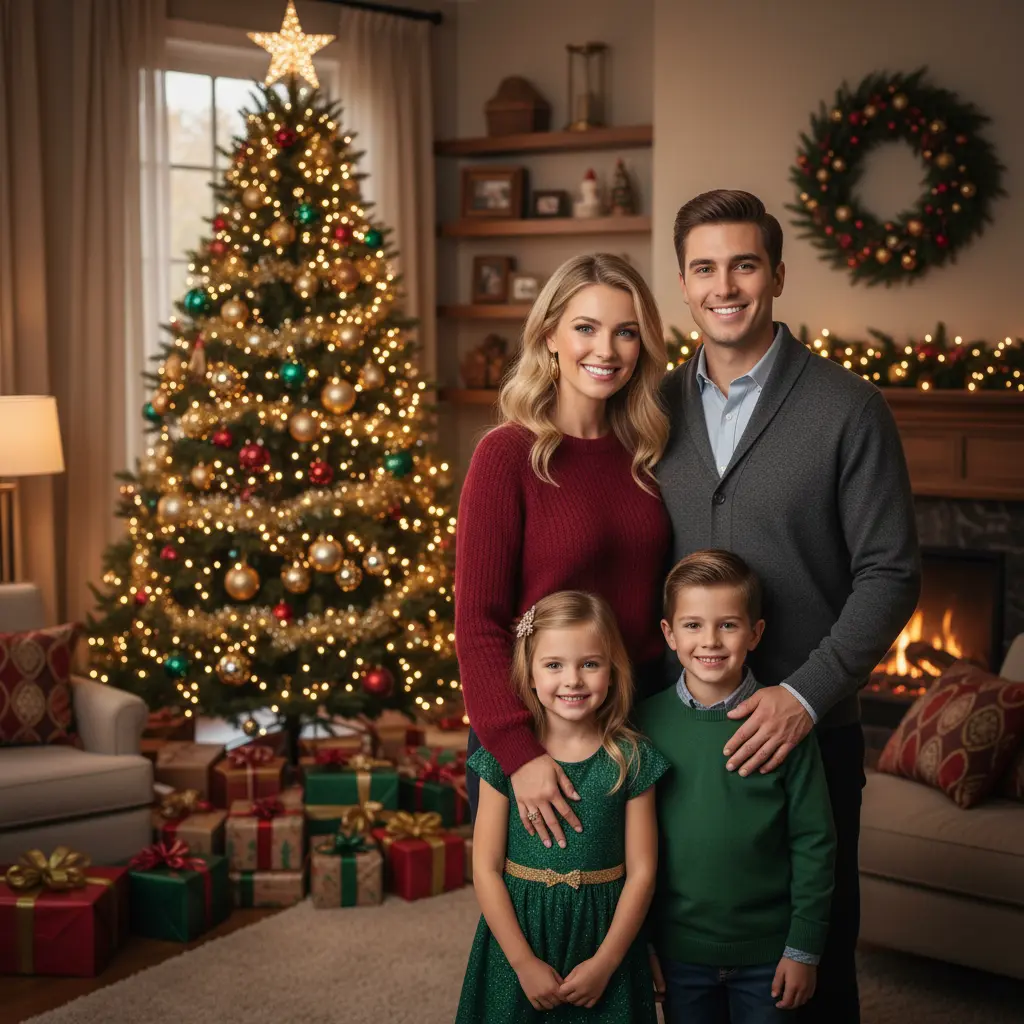
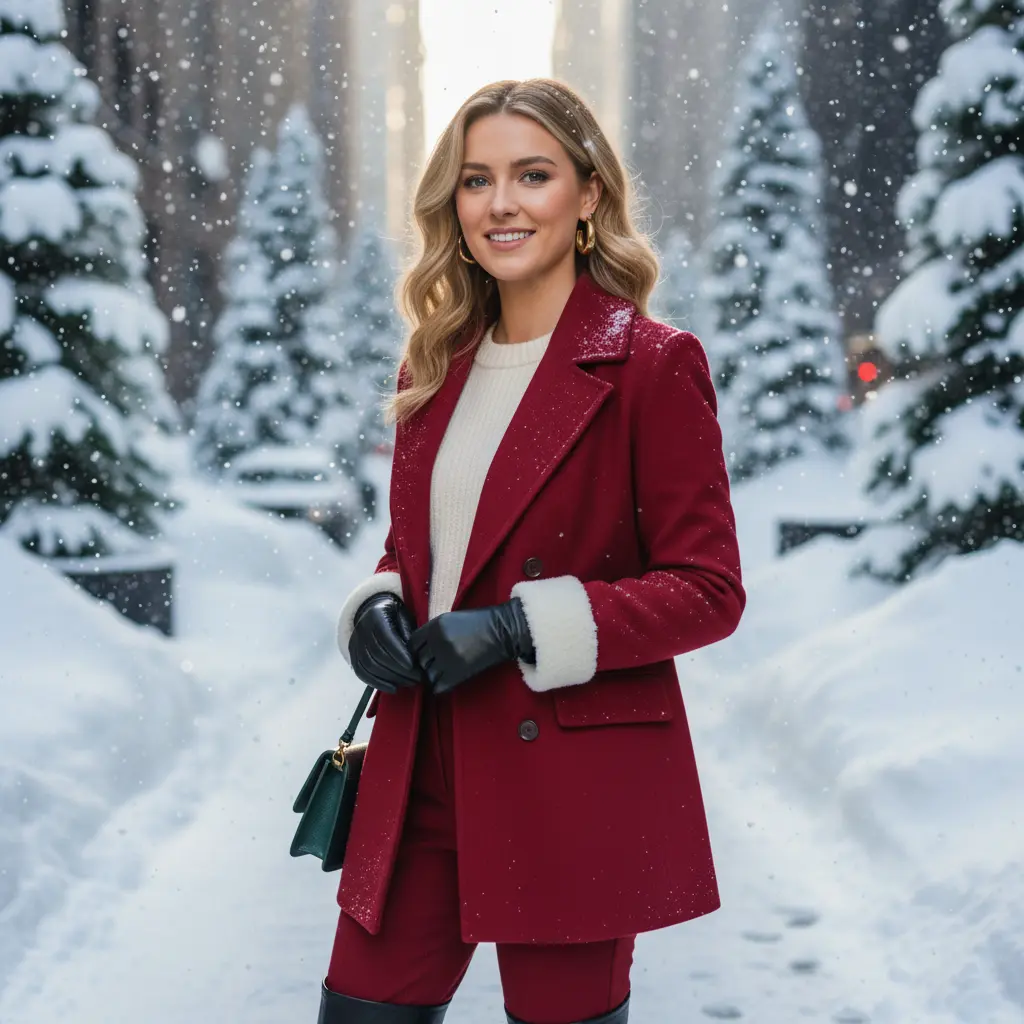
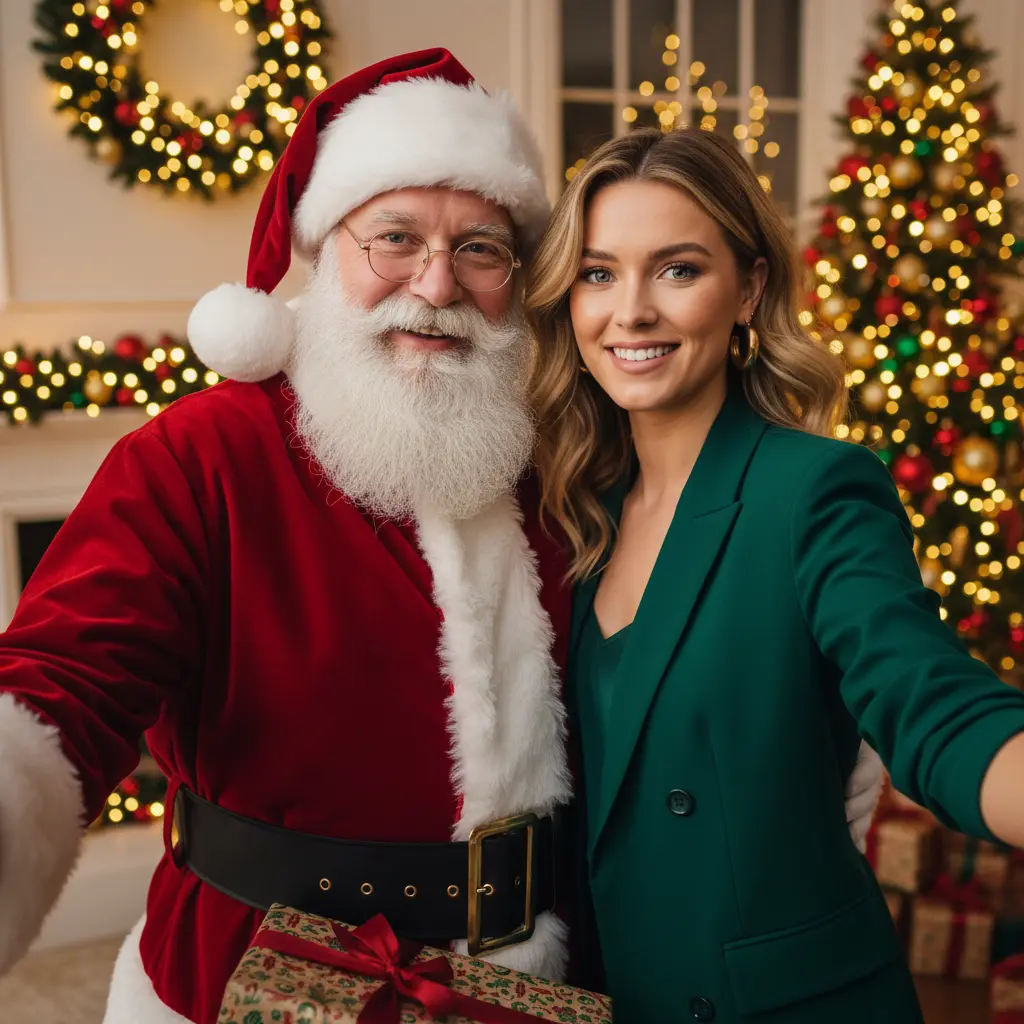
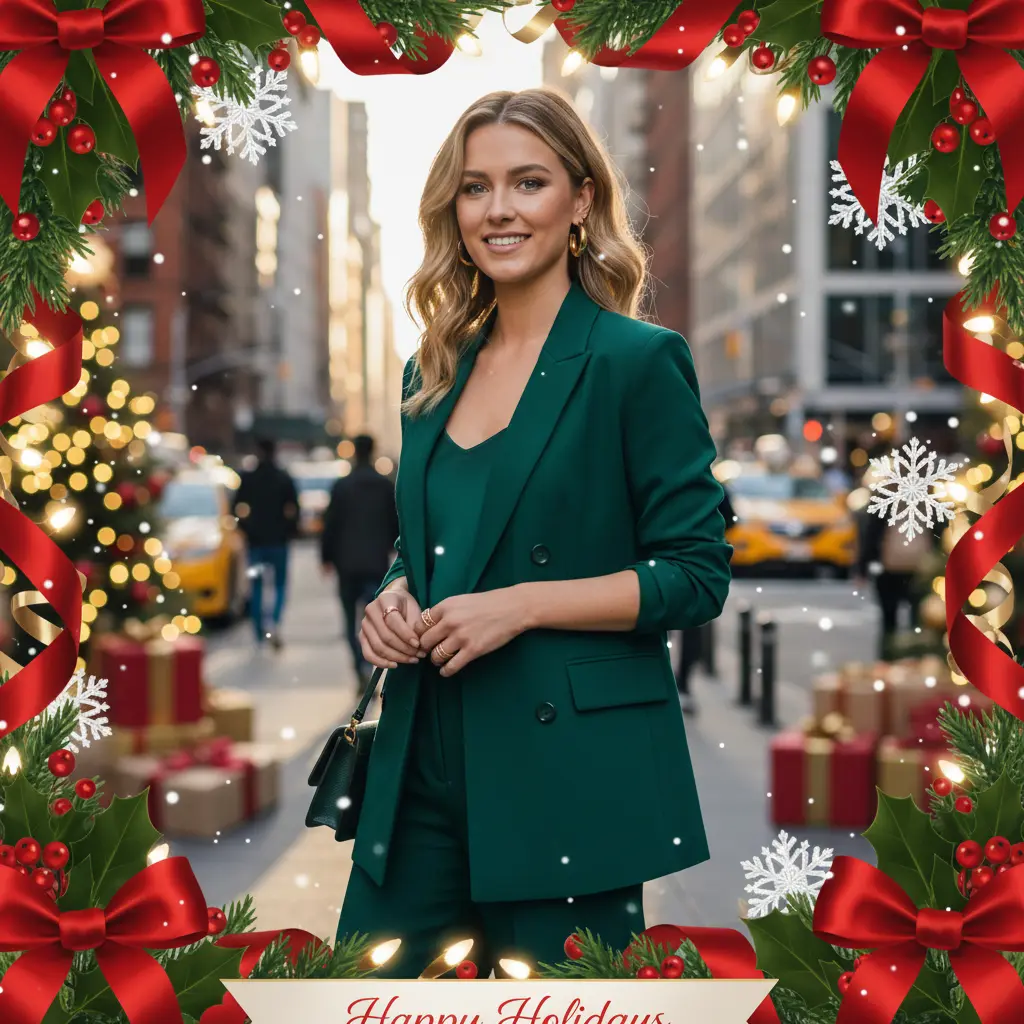

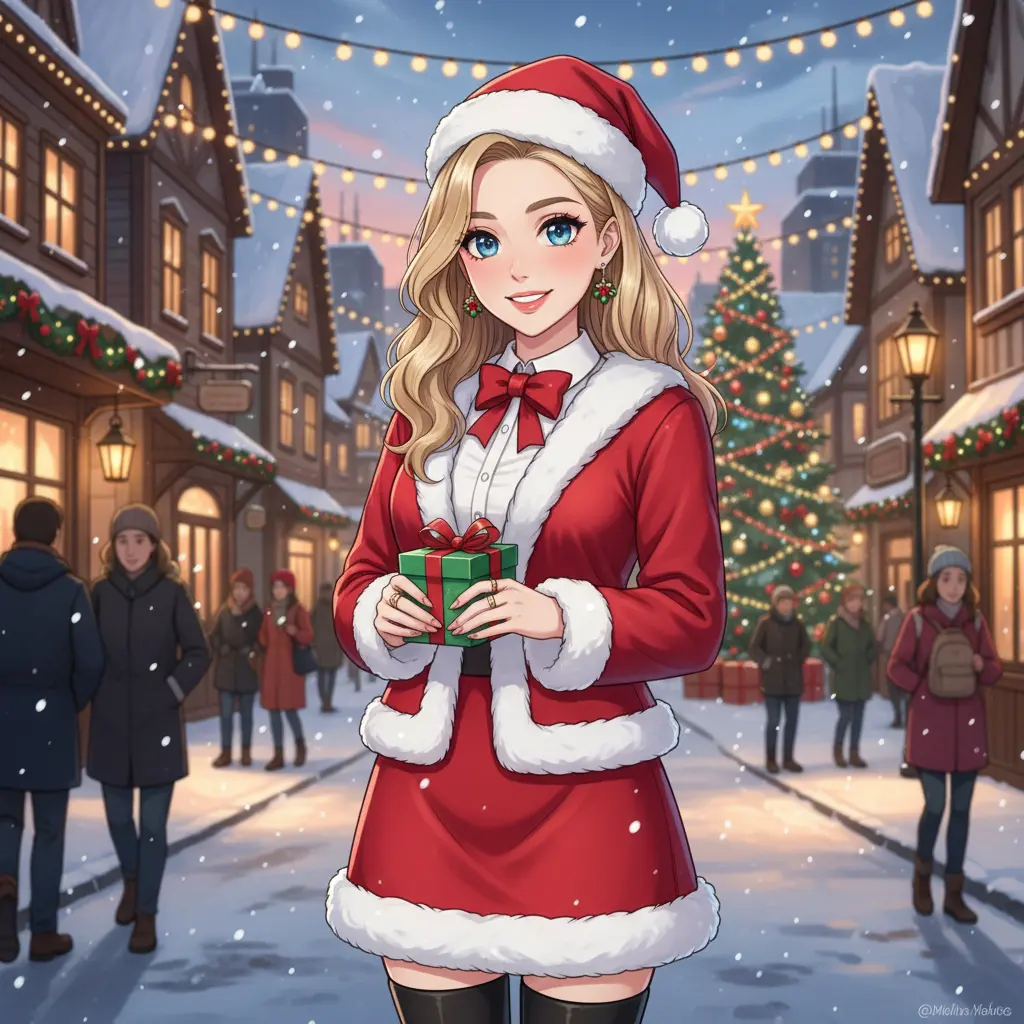
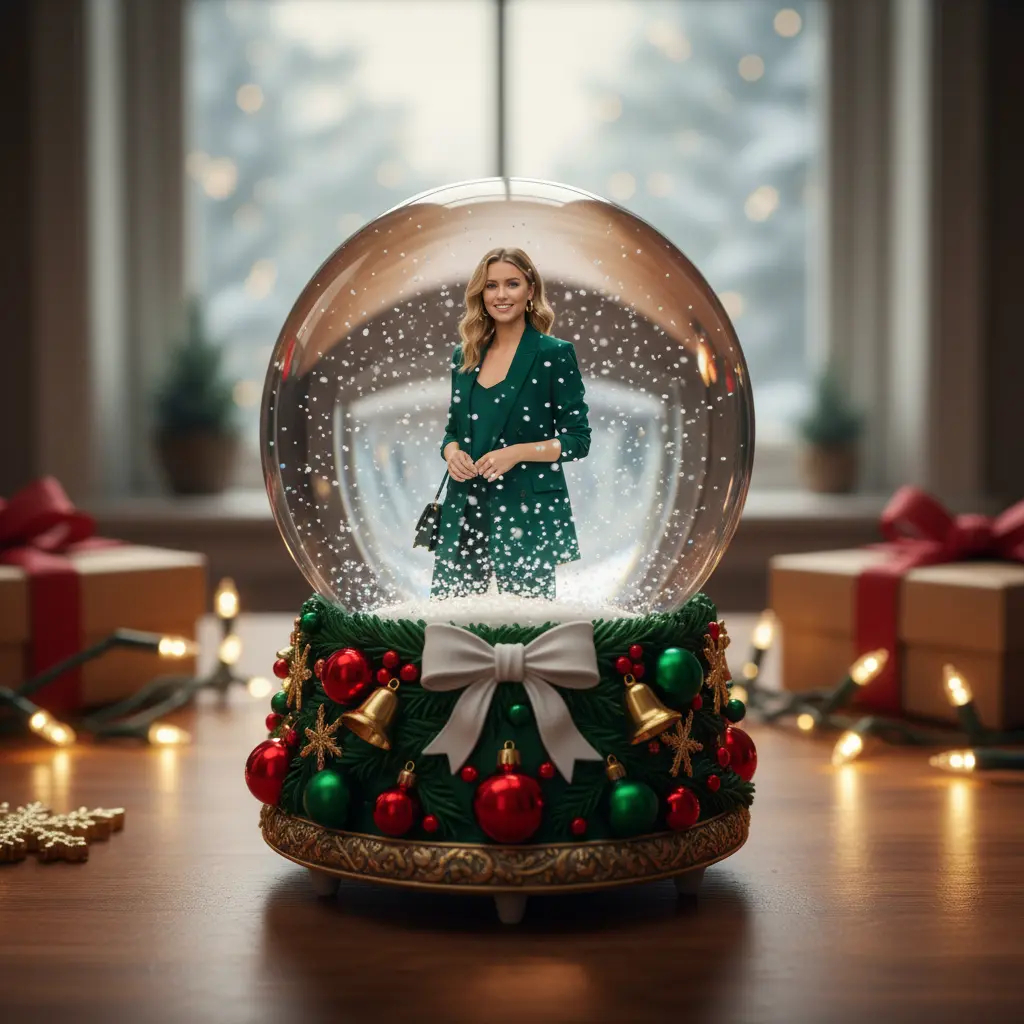
How to Put a Christmas Filter on a Photo in EaseMate AI?

Click or directly drop your image in the input area. To get the optimal results, start with a high-quality image that shows a clear subject.

Select one of the preset Christmas effects or write a custom text prompt to create your own filter.

Click "Generate" to apply the Christmas filter in seconds. The generated output has no watermark so you can use or share it directly.
Why Choose Christmas Filter in EaseMate AI
Transform your favorite moments into Christmas charms. With our Chirstmas filter, you can rely on the power of artificial intelligence to add a Chirstmas background, a festive makeup, or dazzling frames to your photos. Both the preset effects and full customizable options make it ideal for Merry Christmas wishes, Christmas cards, Ralph Lauren Christmas portraits, and social media posts.
Add a Christmas Filter to Any Photo Instantly for Free
Create unforgettable memories with our Christmas filter. No Christmas trees? No problem! Without the hassle of buying and decorating a Yule tree, you can give any photos of selfies, pets, or landscapes a festive makeover in one click. Simply upload any photo and watch AI transform it into a cozy winter wonderland, a cute festive makeup, or a traditional Christmas costume in a flash. Celebrate the season with dazzling images that radiate festive charm.
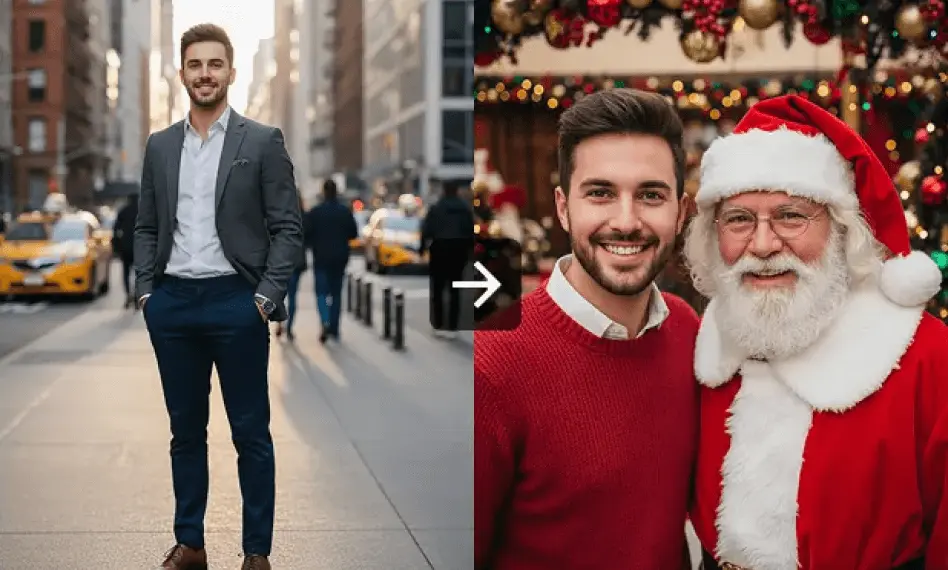
Make Your Own Christmas Card or Posters with One Click
Design a delicate Christmas card easily with this Christmas filter. After receiving your photos, the advanced AI models like Nano Banana, Seemdream 4.0, and GPT-4o will complete with glowing lights, snowflakes, Santa Claude, and reindeer in no time. Whether you’re making a personalized card, poster, or social media post, our Christmas card maker helps you craft engaging visuals that express your Christmas spirit perfectly.
Decorate your Images with Christmas Trees, Frames, and Accessories
Spread Christmas cheer with this Christmas photo editor. Choose from a range of ready-made templates featuring Christmas trees, backgrounds, and frames for quick decorating. Also, you can customize every detail yourself. Design a custom Christmas tree, add dazzling frames or decorate with festive accessories like candy canes, red ribbons, and silver bells. It's perfect to turn any oridinary photos into heartwarming memories.
Enhance Your Photos with Festive Christmas Backgrounds
Want a perfect Christmas winter backdrop for your photos? No problem! Type your dream background, like snowy towns, a twinkling Christmas tree, Ralph Lauren Christmas, and then click "Prompt Enhance" to expand your idea instantly. From classic red-and-green to cozy winter white, this highly customizable Christmas background generator makes it easy to create a vintage Christmas filter. Add warmth, sparkle, and nostalgia to every image.
FAQs of Christmas Filter by EaseMate AI
How does this Christmas filter work?
This Christmas filter utilizes advanced AI algorithms to add festive backgrounds, makeups, frames, and other effects based on the uploaded photos. Free of charge and watermark, you can instantly turn everyday photos into heartwarming Christmas moments. Meanwhile, you don't have to master professional editing skills. Just upload your picture and let AI do the rest for you.
Can I use this Christmas photo editor for free?
How to add a Christmas background to a photo?
Can I customize my own Christmas filter?
How do I turn a picture into a Christmas elf?
EaseMate AI ToolKit
Find any tool you want here to make efficiency at your fingertips




