


How to Use EaseMate AI Ask DeepSeek

Type your question in the chatbox. EaseMate AI Ask DeepSeek allows you to start an idle chat or ask any questions you wonder.
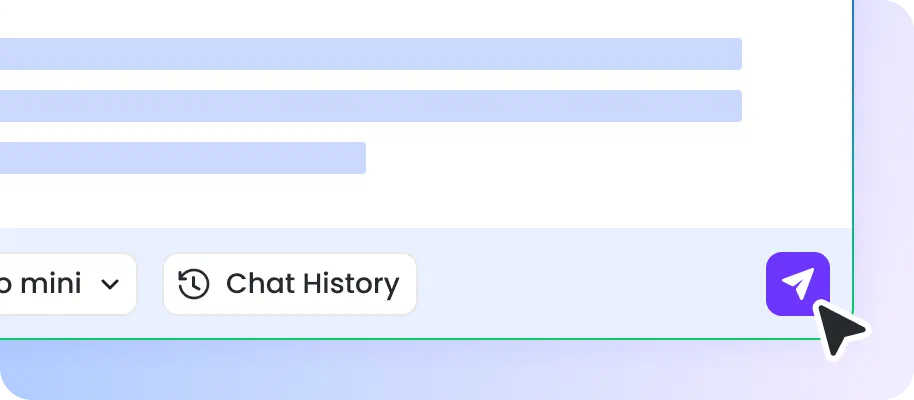
Select the model you like and hit Enter to get an answer. Here, both DeepSeek R1 and DeepSeek V3 are available for you.

Once you get the answer, you can inspect whether it satisfies your needs. If not, input more information to regenerate answers or explore more details.
Why Choose EaseMate AI Ask DeepSeek?
As a free humanlike chatbot, EaseMate AI Ask DeepSeek can be a friend that you can talk to or a problem solver you can rely on. You can communicate everything with it and get insightful ideas in no time.
Seamlessly Chat with DeepSeek R1 & V3
EaseMate AI Ask DeepSeek makes it easy for users to interact with DeepSeek R1 & V3. It is capable of offering engaging communication and dealing with challenging logical issues.

Clean and User-Friendly Interface
EaseMate AI Ask DeepSeek is easy to follow and use. Once access the website, you can directly type your problems and wait for the answer generation.
Save Time and Effort
Whether you input a simple problem or an essay to the chatbox in the web browser, it helps you solve your puzzles or grasp key points without reading everything from the ground up, which will save much time and effort.
No Account or Registration Needed
Unlike DeepSeek, EaseMate AI Ask DeepSeek does not require an account or registration. It is always ready to offer you answers without an account or sign-up. Just access EaseMate’s official website and type your queries to get online assistance now!
FAQs of EaseMate AI Ask DeepSeek
Is EaseMate AI Ask DeepSeek free to use?
Yes, there’s no charge or limit when chatting with EaseMate AI Ask DeepSeek. Whenever you have a question about any field, you can ask it to get an instant and accurate response.
How does EaseMate AI Ask DeepSeek compare with other AI models?
Does EaseMate AI Ask DeepSeek have query limits?
Is EaseMate AI Ask DeepSeek safe?
What are the differences between DeepSeek R1 and DeepSeek V3?
EaseMate AI ToolKit
Find any tool you want here to make efficiency at your fingertips




