Colorize Photo Online Free, No Sign-up
Instantly add color to your black and white photos. Simply upload, click, and then our free colorizer can breathe new life into your old images online.

How to Colorize Photo with EaseMate AI?
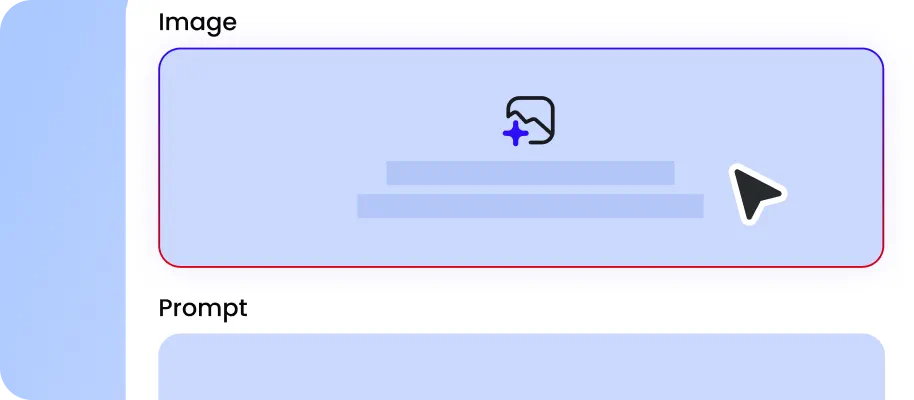
Drag and drop the old photo you want to colorize from your device. Photos in JPG, JPEG, PNG, or WEBP are supported.
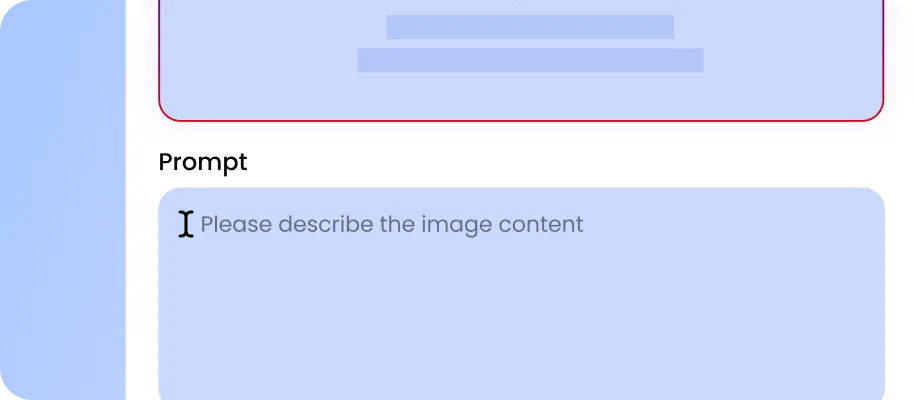
Select the aspect ration and ouput quality you want. Click “Generate” to let AI add color to your photo automatically.

Now, you can preview and download the watermark-free colored image at full resolution. Therefore, please feel free to share it on social media or print with confidence.
Why Choose Photo Colorizer in EaseMate AI
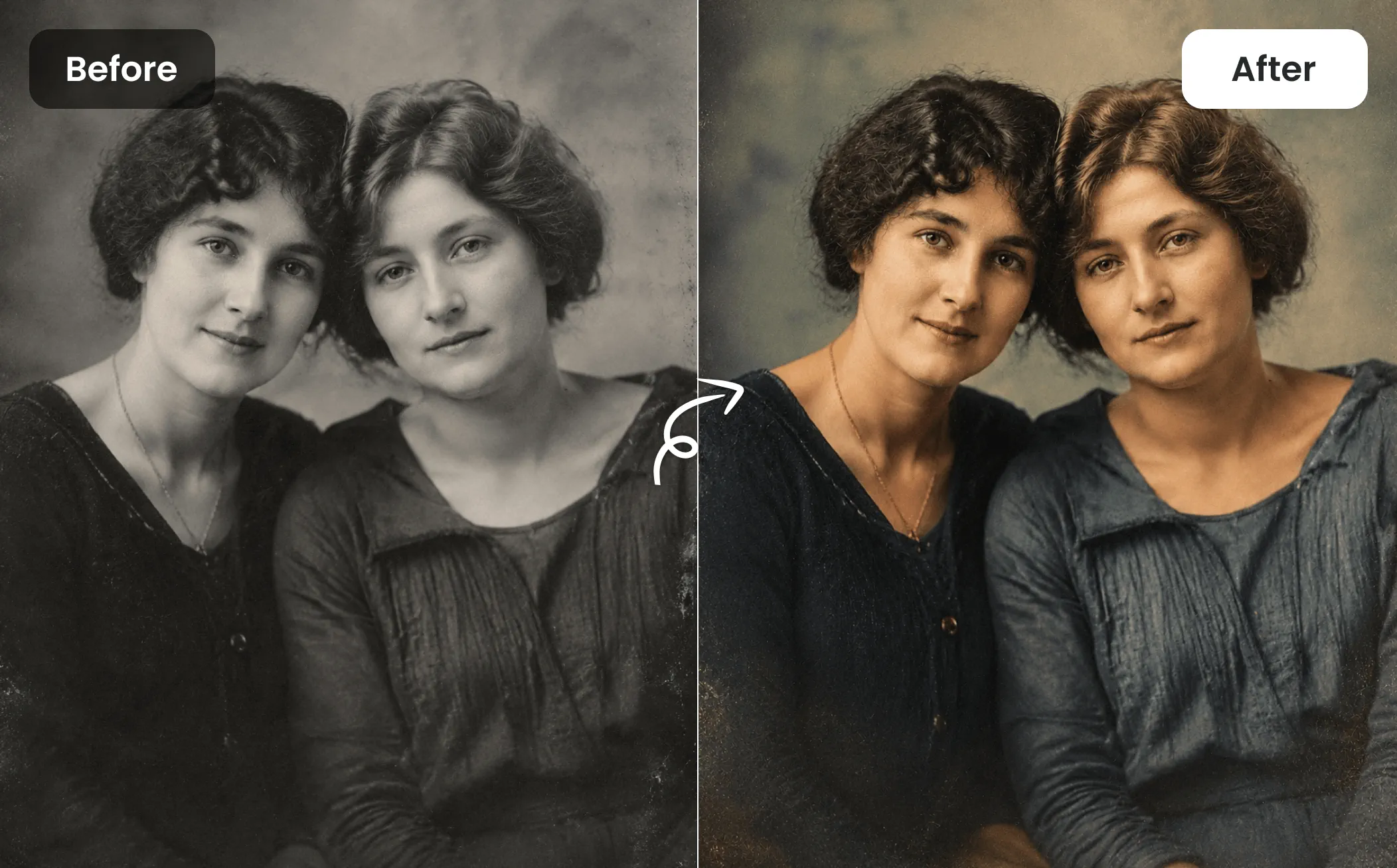
Colorize or restore old photos with AI for free. Our AI photo colorizer can transform any faded, grayscale, or black-and-white photo into a vibrant color image. It's perfect for reviving old family shots, historical archives, vintage fashion, etc.
Colorize Photos for Free, No Sign-up Needed
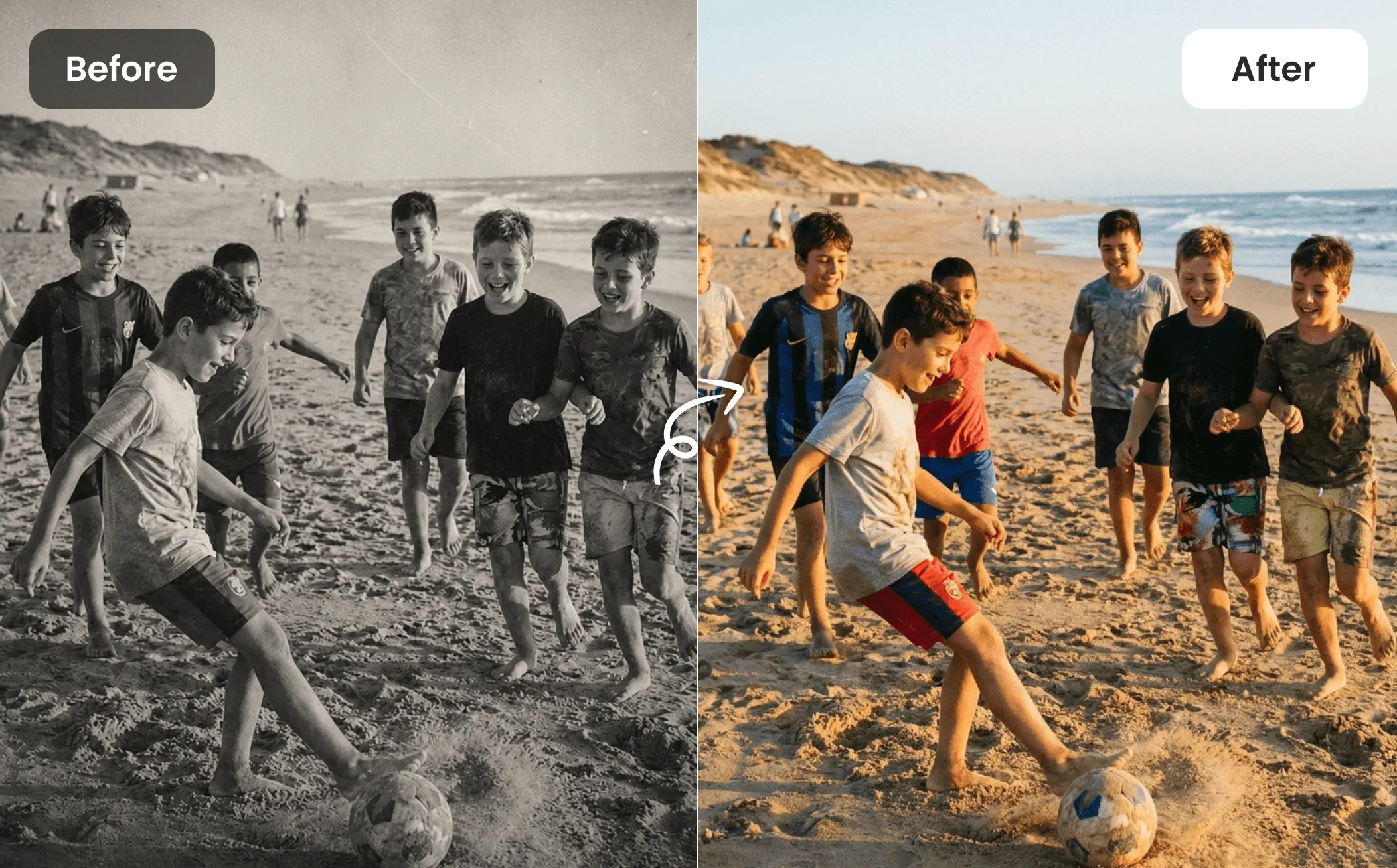
Give old memories a fresh look in seconds. Every new user can colorize one image for free without creating an account. Simply drop your visuals online, and our AI photo colorizer will reconstruct faded details, enhance soft-focus images, colorize portraits, buidlings, and landscapes with natural-looking results. From vintage wedding portraits to childhood family snapshots, every restored image looks brighter, sharper, and more emotionally engaging.
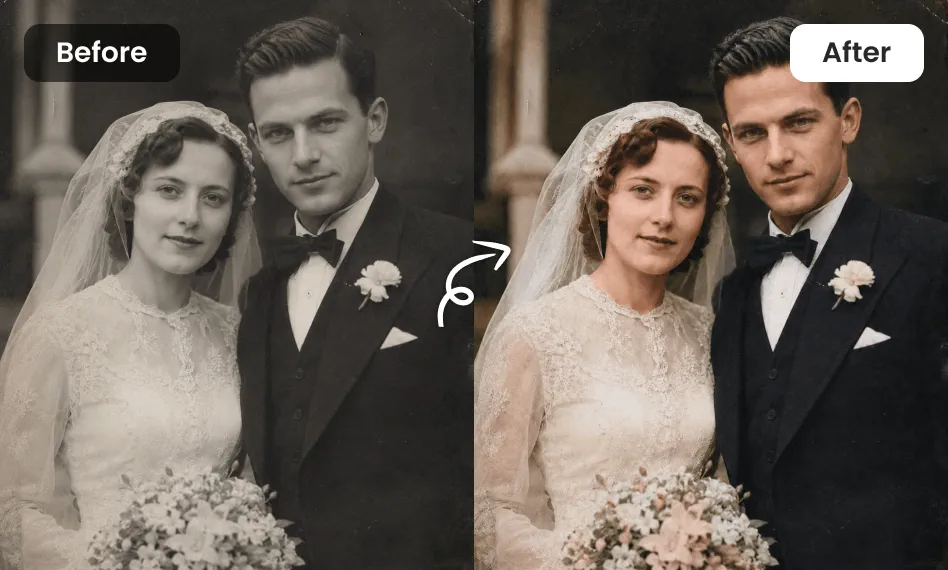
Colorize Black and White Photos in One Tap
Convert black and white photos into realistic color images in seconds. Our free AI image colorizer can accurately restore natural skin tones, vibrant clothing colors, rich landscapes, and fine background details while preserving the photo's original mood. Combined with intelligent HD enhancement, every restored black and while photos becomes sharper, brighter, and more realistic, making it perfect for digital albums, prints, and family archives.
Restore Old Photos While Preserving Their Original Charm
With our image colorizer, you can restore old portraits without losing their charm. It can automatically analyze grayscale tones, predict realistic colors, and restore damaged areas caused by time while enhancing facial expressions and skin details naturally. From vintage family albums to historical photographs, every restored image retains authentic character with richer color and improved clarity.
Accurate Image Colorization with Natural Details
Instead of basic color overlays, our online AI image colorizer recreates realistic colors through intelligent scene understanding. After receiving your old images or raw sketches, it will automatically recognize familiar objects like skin, grass, skies, vehicles, and clothing, then predict natural color palettes using deep-learning models trained on millions of examples. Every restored photo appears natural, balanced, and ready to preserve for future generations.
FAQs of Photo Colorizer by EaseMate AI
How does this photo colorizer work?
Fueled by Nano Banana, GPT Image 2, and more, our AI image colorizer can transform black-and-white or faded photos into vibrant, realistic images. After uploading your image, it will analyze every object, facial feature, and background detail to add natural-looking colors that fit the original scene. The entire process takes only a few seconds and requires no editing skills. You can also customize the final atmosphere, from soft spring tones to warm sunset colors, using simple language.
What type of photos can I colorize?
How can I colorize photo online free?
What is the best image colorizer?
Can I colorize a blurry black and white photo?
EaseMate AI ToolKit
Find any tool you want here to make efficiency at your fingertips