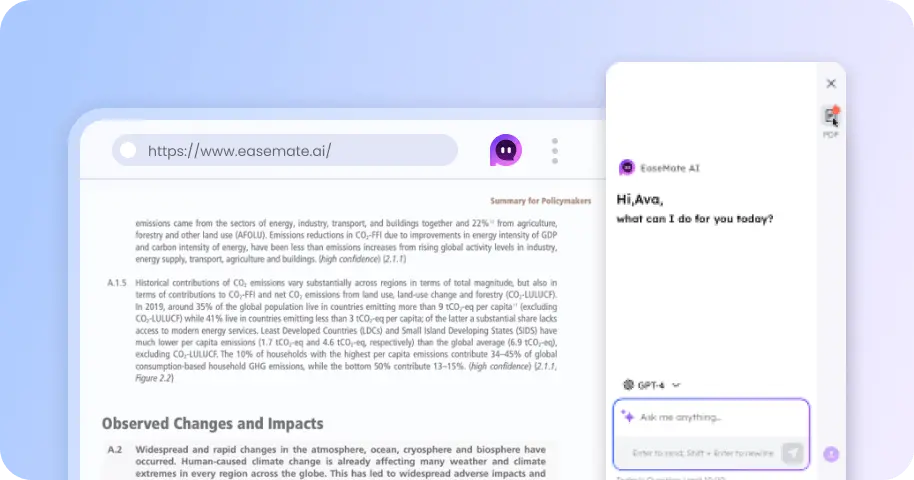
Create STORM II Al Dance Videos with Various Styles in Minutes
Upload your own lead and backup dancers to recreate this viral dance trend. Whether you have your cat dance, customize character roles, or incorporate your own products, you can generate unique and creative content. Simply upload photos to set up your characters and generate the final video—then share it quickly to stand out on social media.


How to Create STORM II Dance Video on EaseMate AI?
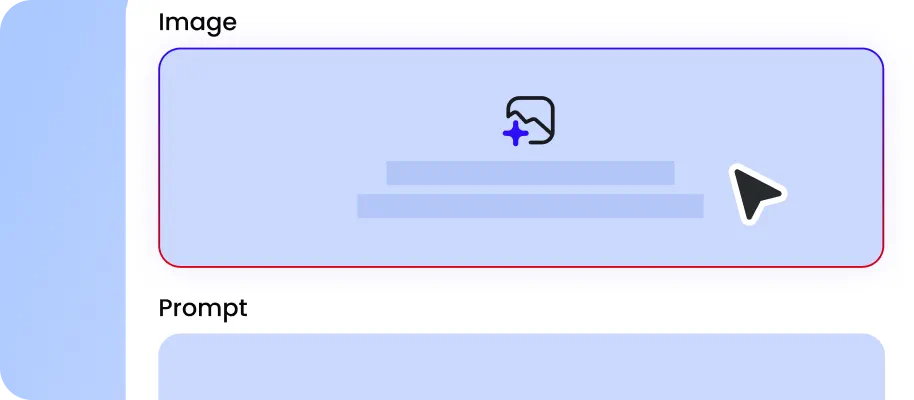
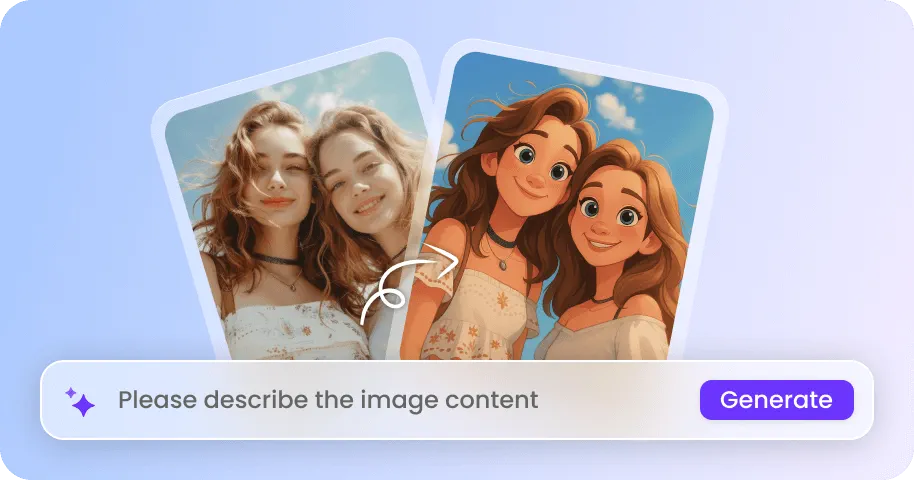
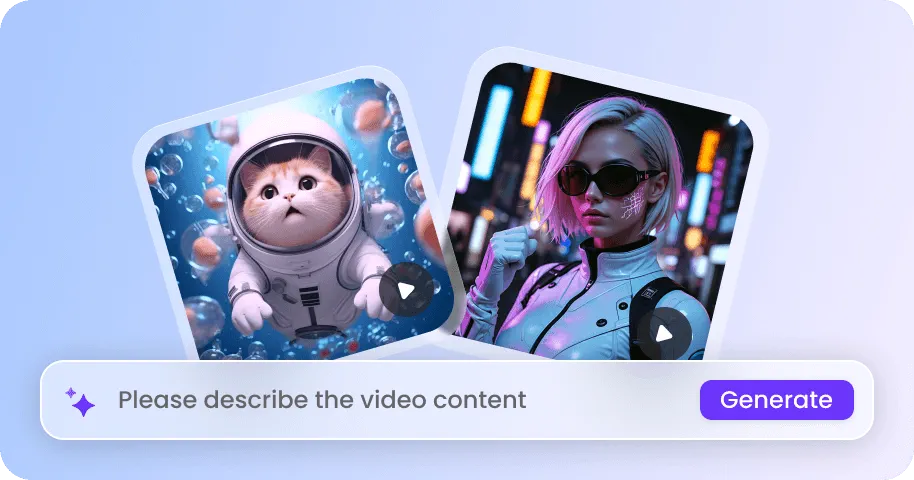
Upload [image 1] for the lead performer and [image 2] for the background dancers. You can choose any subject for the video—a selfie, a pet, or any other interesting photo. Use a clear, well-lit photo for the lead performer. The second image will serve as the source for the supporting dancers' appearance or costumes. Ideally, select a full-body shot with a simple background.
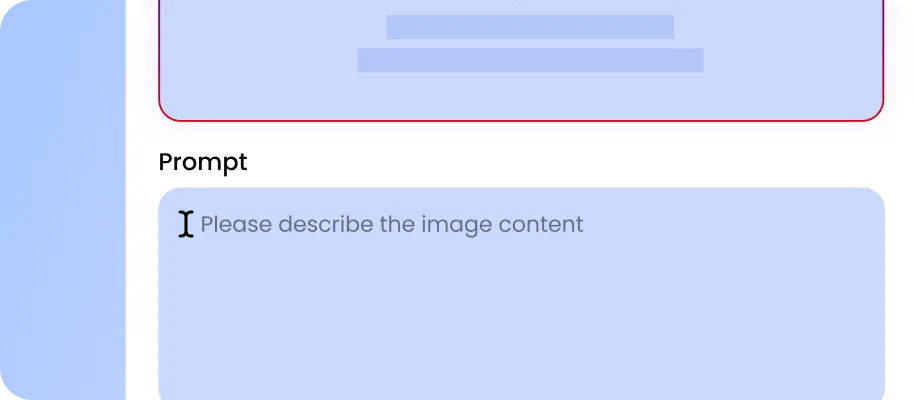
Assign Image 1 to the lead performer and Image 2 to the supporting dancers within the prompt settings, and describe any additional ideas so EaseMate can fully meet your needs. You can control elements such as movements, pacing, scene transitions, camera paths, framing, focus shifts, and character positioning.
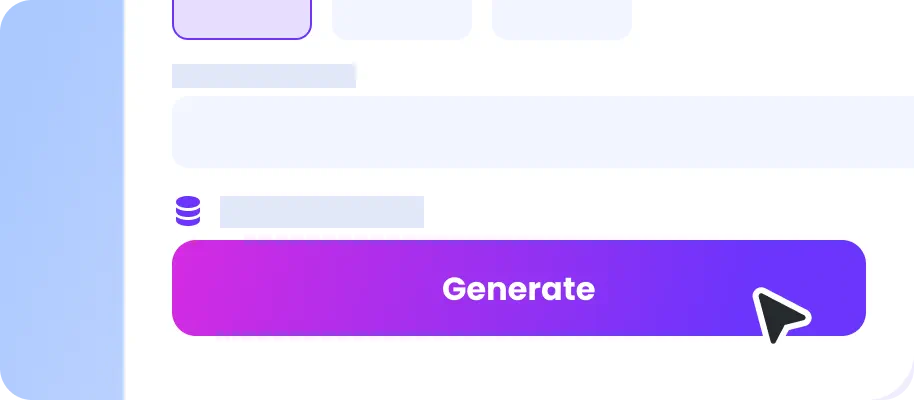
Carefully review the performers' movements, expressions, physical details, gait, motion fluidity, and character consistency. You can quickly edit and adjust the video content to ensure the final result meets your requirements. If music copyright is a concern, we recommend generating a silent video and adding your desired music later.
Why Choose Storm II AI Dance Video Generator in EaseMate AI?
Jump into the STORM II trend with one click. Replace the lead performer with your face, celebrities, pets, or custom characters while preserving synchronized crowd dance. It's perfect for TikTok trends, Reels, Shorts, memes, fan edits, creator experiments, and social advertising.
Create Storm II AI Video from A Photo with One Click
No dancing. No filming. No choreography to memorize. Just upload and create. With our STORM II AI video generator, you can turn your character images into a cinematic crowd dance with a single click. Choose who takes the lead, add your supporting dancers, and let AI handle the movement, timing, and synchronized routine. Put a wizard in the middle of a street crowd, send your favorite character into the storm, or create a hilarious cast of pets. Your STORM II-inspired video starts with just a few uploads.
Instantly Join the Viral STORM II Trend on Social Media
With one click, turn your photo into the center of the synchronized crowd dance and create a video that looks straight out of a cinematic music video. Make yoruself look like a superstar, turn you dog into a backup-dance legend, or create a completely ridiculous character cameo. Once generated, send the video staraight to TikTok, Reels, or Shorts. Post your masterpiece to TikTok, Reels, or Shorts, tag your friends, and challenge them to create an even crazier version.
Recreate Yung Lean AI Video with Smooth Motion Transfer
Capture the viral STORM II crowd-dance aesthetic with powerful motion transfer. Our AI Storm II AI dance genenerator will analyze your reference video and maps its choreography and timing onto your chosen subject, helping preserve synchronized movements across multiple dancers. Replace the main character without rebuilding the entire scene or creating a 3D model first. Reference-led camera transfer follows the original cuts, framing, lens perspective, and camera trajectory, while smooth motion transfer maintains natural gestures and interactions. Visual-audio sync completes the effect by keeping movement tightly matched to the beat.
Turn Anyone into the Star of Storm II Crowd Dance
Take control of every detail in your STORM II crowd dance video. Choose who stands in the center, customize the surrounding dancers, and experiment with characters, outfits, appearances, and visual styles. Put your face in the spotlight, turn a fictional character into the lead performer, or let a pet take center stage. For brands, the main dancer can hold your product during the synchronized choreography, ideal for social ads, launches, and promotional campaigns.
FAQs About the STORM II AI Dance Video Generator
What is the STORM II AI dance trend?
The “STORM II” AI group dance trend is a character-swapping editing style inspired by the synchronized choreography sequences in 'GENERATION' and the visual aesthetic of Yung Lean. Creators use reference videos to preserve the original choreography and camera movements, then replace these elements with their own character designs.
How can identity recognition errors be reduced during the generation of crowd dance clip?
Can I create STORM II videos on my mobile?
Is it expensive to generate this video?
Is it legal to post the video result with the original STORM II music?
EaseMate AI ToolKit
Find any tool you want here to make efficiency at your fingertips