Free Frame to Video AI Generator Online
Generate videos from a single frame, the start and end frames, and multiple keyframes for free on EaseMate AI. Just upload any still shot, type your transition online, and then our frame to video generator will generate animated video sequences with one click.
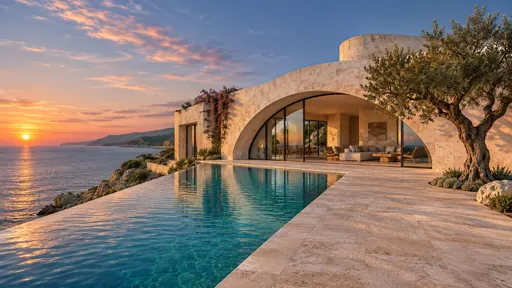
Start
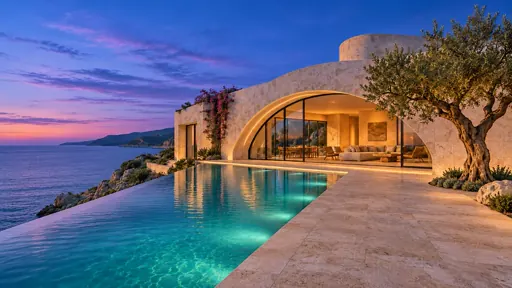
End
Support JPG, JPEG, or PNG, WEBP up to 20MB
How to Generate Video from Frames on EaseMate AI?
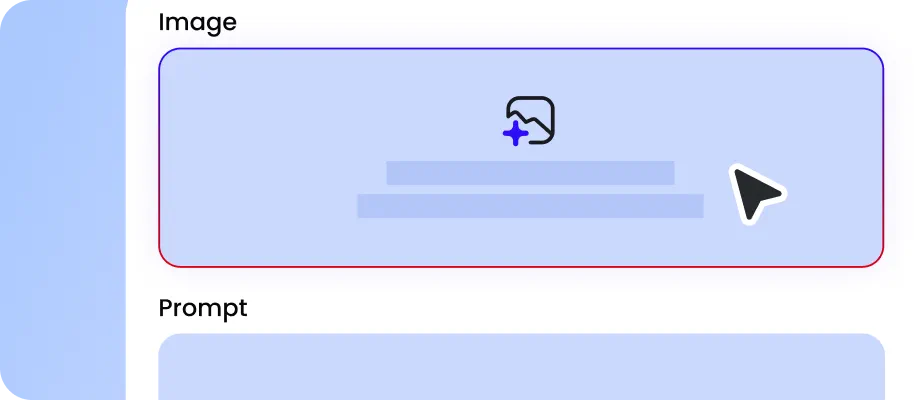
Drag and drop one image as the start frame, upload 2 images as the first frame and last frame, or add up to 10 images as your sequence frames. Also, you can upload a storyboard that contains dozens of images laid out in a grid for a full film or animation.
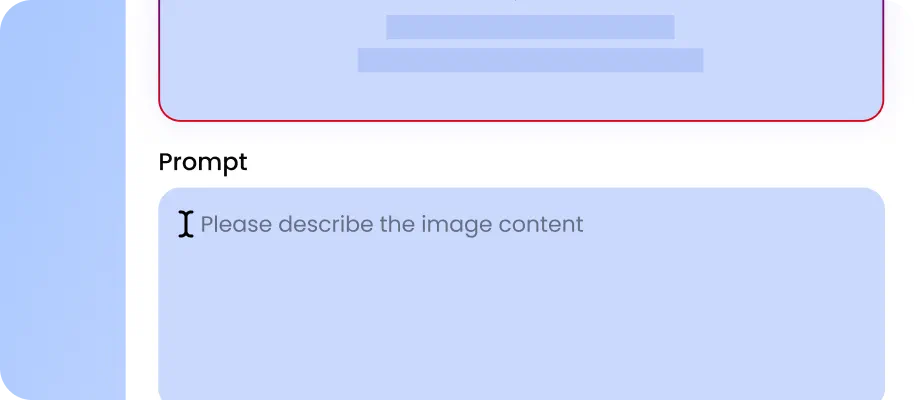
Type some simple words to bridge different shots smoothly. You can explain how the scene, camera, or character should change, such as AI morphing, cinematic camera push, object transformation, speed ramped motion blends, etc.
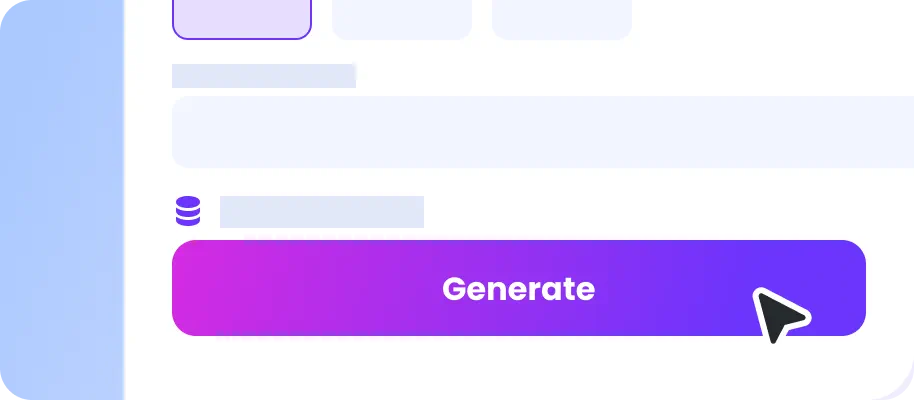
Choose the output aspect ratio, quality, or resolution for the generated video. Click “Generate” and then our frame to video generator will animate the uploaded frames based on all your input in moments.
Why Choose Frame to Video AI Generator in EaseMate AI?
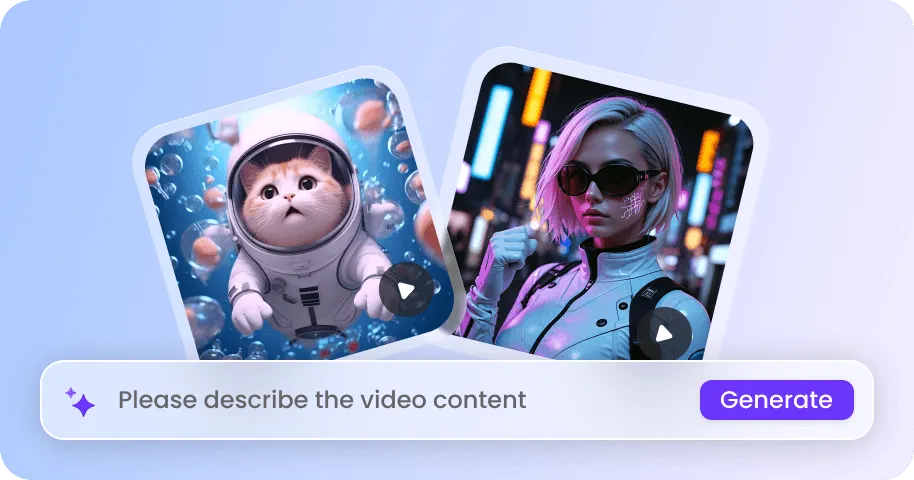
Instantly animate any frames for free. Our free frame to video generator utilized artificial intelligence to generate smooth transitions or motions between the uploaded frames. With subject consistency, multi-shot camera control, and native audio, it is perfect for music videos, short dramas, 2D to 3D video conversion, etc.
Turn Still Frames into Videos with AI for Free
Our free frame to video AI generator combines visual control with generated motion. Upload one frame, two endpoint frames, or multiple keyframes depending on your creative needs. Your reference images give AI clear visual anchors, helping maintain subject identity across the sequence. Just type some simple words, and then it can create effects such as sweeping camera pans, dramatic zooms, orbit movements, and smooth scene transitions in no time.
Anime Any Single Frame in One Tap
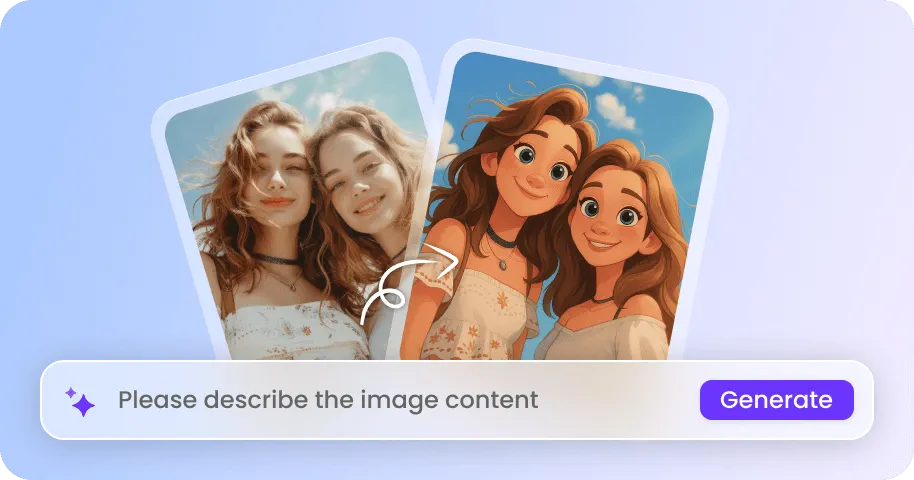
Start with just one image and then let our any image to video generators like Kling 4.0, Seedance 2.5, Seedance 2.0, Runway, Gemini Omni Flash, MiniMax H3, and more determine how the scene can naturally move. A selfie can become a short cinematic clip, a pet photo can gain playful movement, and a product photo can receive smooth camera rotation or zoom. After receiving your photo, it will use it as the visual foundation while generating natural motion around the existing composition.
Start and End Frame to Video
Define exactly where your video begins and where it ends with two selected keyframes. Upload a starting image to define the subject, composition, pose, and style, and then select the second image to determine exactly where the animation finishes. Then, describe the transitions in simple language to guide how the clip should begin and end. For example, show an empty room as the start frame and a furnished room as the end frame, and then create a natural renovation transition that connects both scenes smoothly.
Multi-Frame to Video for Higher Visual Consistency
With multiple-frame control, you can decide what important moments should look like and add motion descriptions between them. Place Image 1 at 0 seconds, Image 2 at 3 seconds, and Image 3 at 6 seconds, and then describe the transitions. For example, upload keyframes showing a package on a table, the box opening, the product being removed, the product in use, and the final hero shot. Google Omni Flash supports up to 7 frames, Seedance 2.5 up to 30 frames, while Happy Horse, Seedance 2.0, and MiniMax H3 up to 9 frames.
FAQs of Frame to Video AI Generator by EaseMate AI
1. What is frame to video AI?
Frame to video AI is an image to video generation technology that can transform one or more frames into dynamic video clips. Powered by advanced multimodal AI video models such as Seedance 2.0, Seedance 2.5, Wan 3.0, Grok Imagine 1.5, HappyHorse, and Gemini Omni Flash to generate motion between visual references. You can animate a single image, define start and end frames, or provide multiple frames, and a text prompt to guide transitions, camera movement, actions, and storytelling.
2. Is there a free frame to video generator available?
3. How can I turn frames into videos?
4. How can I generate an AI video with start and end frames?
5. How many types of frames are supported in this frame to video generator?
EaseMate AI ToolKit
Find any tool you want here to make efficiency at your fingertips