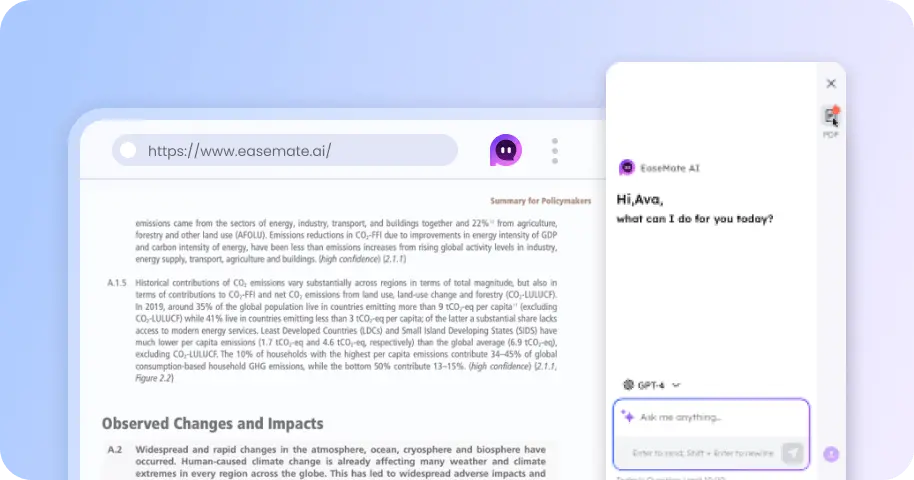
GPT Images 2.6 AI Image Generator Free Online (Coming Soon)
Compared to version 2.5, GPT Images 2.6 offers a 50% increase in image generation speed, supports more precise editing capabilities, and includes features for creating innovative GIFs. You can access GPT Images 2.6 on the EaseMate AI platform to experience advanced image generation and explore a range of other cutting-edge AI models for images and video.

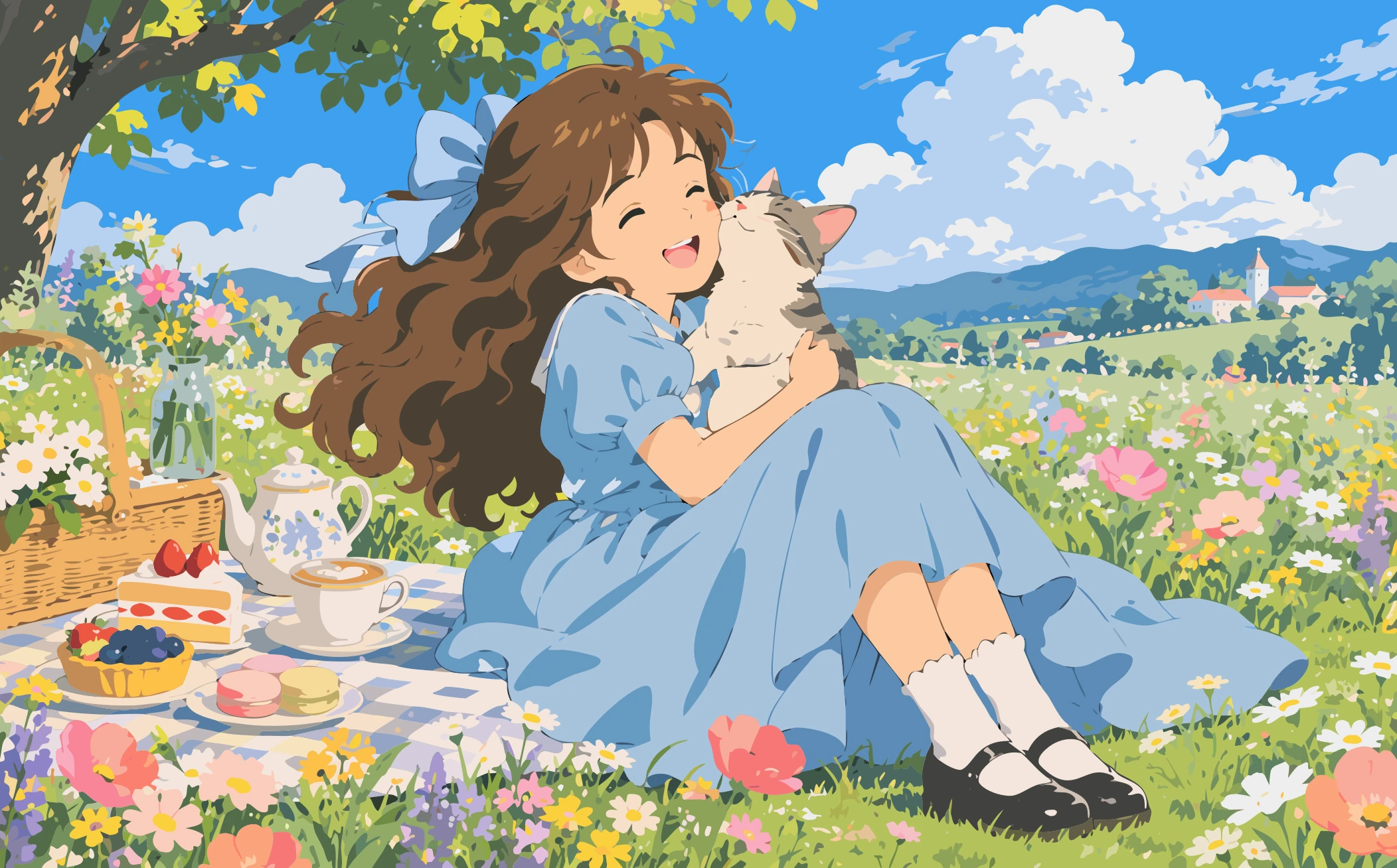
Prompt Ideas for Creative Image Generation
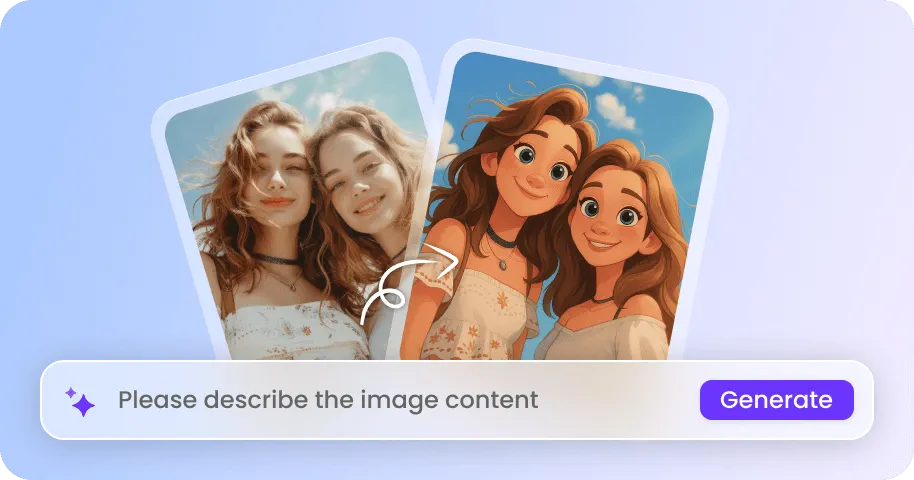
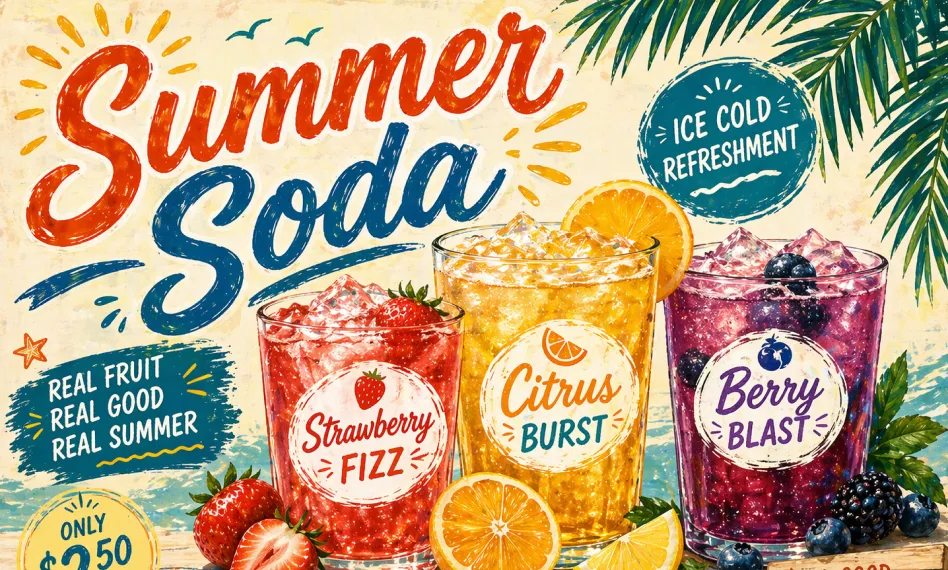
These prompt ideas run on GPT Image 2.5 today and are ready for GPT Image 2.6 the moment it goes live. They cover character references, scene swaps, retro magazine layouts, doodle styles, mini-me portraits, and more.
How to Generate & Edit Images Using GPT Images 2.6 on EaseMate AI?
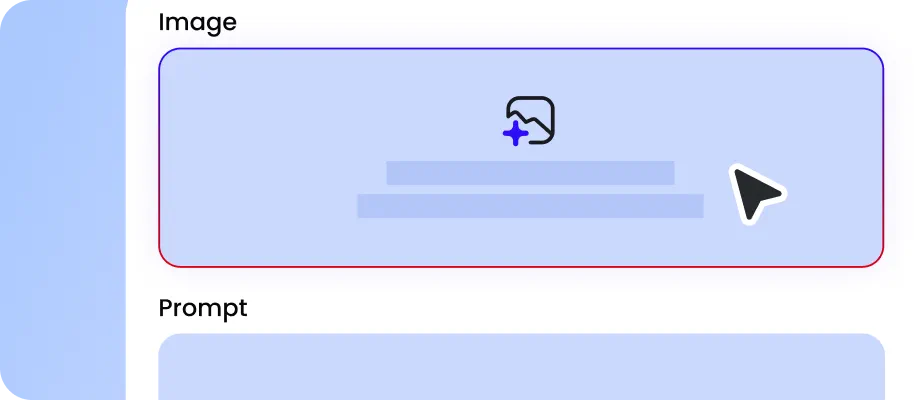
There are two GPT Image 2.6 variants on EaseMate AI: Flare and Sunburst. For fast images generation, choose the Flare. If you need more precise control over detailed edits and production-ready visuals, Sunburst is a better choice.
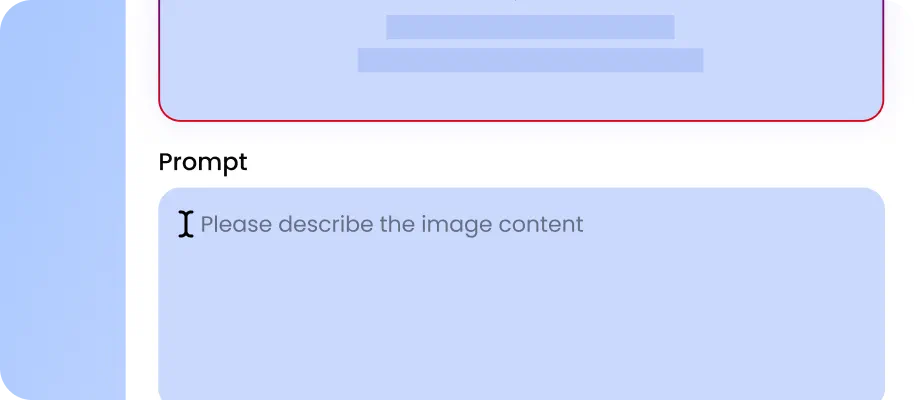
Upload reference images or provide a clear description of the subject, lighting, composition, and style for genreation and editing. Specify parameters such as aspect ratio, image quality, and format; then, simply click "Generate" to begin the image creation or editing process.

Moments later, you will be able to preview the generated, watermark-free image. If desired, you can add specific annotations to the image to make adjustments to its objects, colors, text, or lighting and shadow effects.
Why Choose GPT Images 2.6 on EaseMate AI?
Instantly generate and edit photos with GPT Images 2.6 for free. No sign-up needed, enjoy 50% faster generation, animated GIFs, image markup, SVG exports, and more now!
Generate AI Images 50% Faster with GPT Images 2.6 for Free
Enjoy faster image creation with two specialized GPT Images 2.6 models. Flare prioritizes speed, generating images in as little as 6 seconds at low quality and delivering up to 50% faster generation overall. Use it to brainstorm logo concepts, explore fashion styles, or test advertising layouts. For more demanding projects, Sunburst provides detailed compositions and stronger consistency across edits, while running approximately 1.15x faster than its previous-generation counterpart.
Online GPT AI Image Editor with Markup
Move beyond text-only instructions with GPT Images 2.6's Transparent Overlay paradigm. By combining your original image with a transparent PNG markup layer, you can show the AI exactly where to add, remove, recolor, or reposition visual elements. From circling unwanted objects to sketching replacement shapes, every annotation provides additional editing context. The result is a more intuitive workflow for precise image transformations and creative experimentation.
Create Animated GIFs from Text and Photos
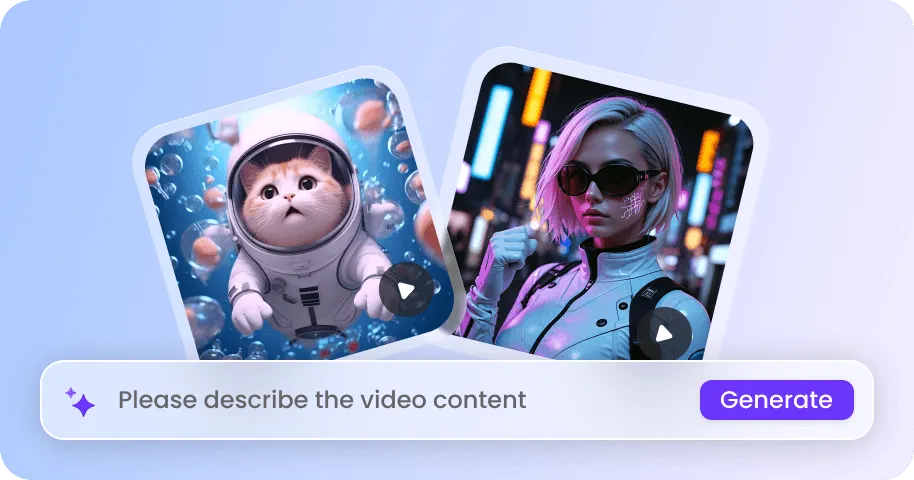
In addition to instant image generation and editing, GPT Images 2.6 also supports GIF-making. Upload a picture of your dog and prompt it to wag its tail, tilt its head, or jump excitedly. Have a selfie transformed into a funny reaction GIF with a wink or an exaggerated facial expression. You can also create animations from text alone, such as a cartoon cat dancing. Adjust playback speed, edit individual frames, and share your GIFs with friends.
Design Scalable SVG Graphics for Web, App, and Print
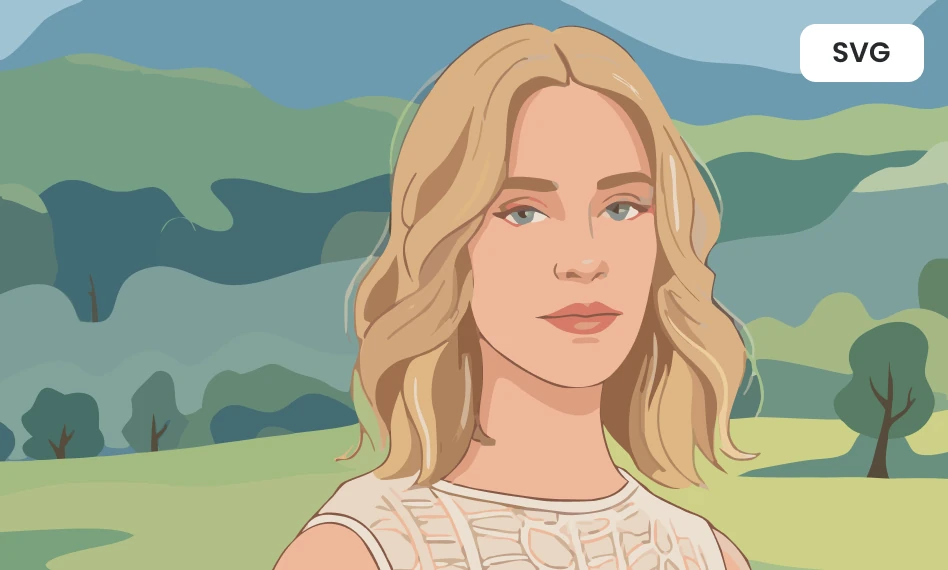
With GPT Images 2.6, you can also create scalable vector graphics for logos, web assets, and print. For example, you can generate a small navigation icon for a mobile app, then resue the same artwork on desktop website or printed banner without pixelation. Unlike fixed resolution PNG and JPG files, the SVG graphics uses vector paths to maintain clean edges when resized.
Explore More Leading AI Image Models on EaseMate AI
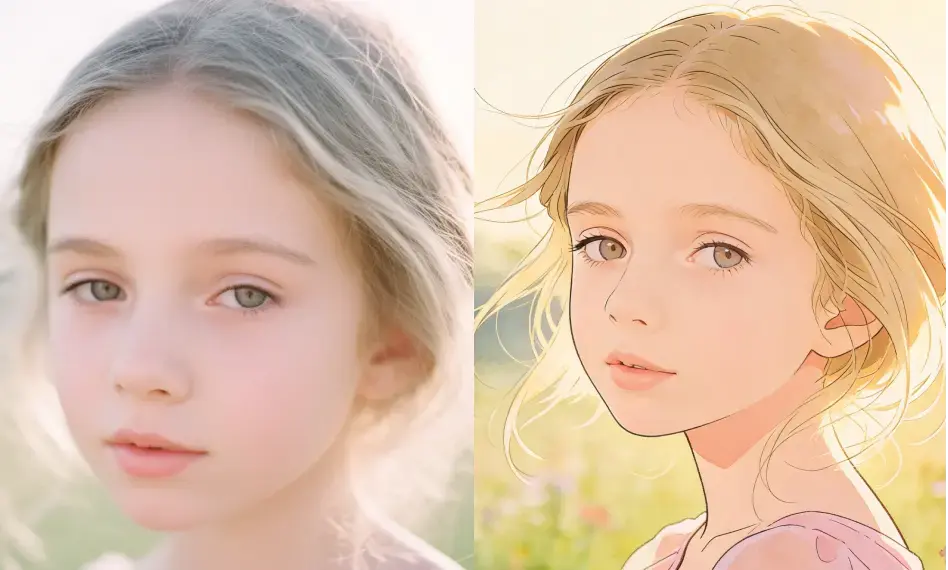
FAQs about GPT Images 2.6 Generator on EaseMate AI
What is GPT Images 2.6?
GPT Images 2.6 is OpenAI's advanced AI image generation and editing model. It supports faster image creation, precise edits through visual markup, transparent background generation, and animated GIF creation. It also introduces Flare and Sunburst modes, allowing users to choose between faster generation and higher-quality visual output.
What is the difference between GPT Images 2.6 Flare and Sunburst?
How can I change details on the image using GPT Image 2.6?
What is the difference between GPT Images 2.6 and GPT Images 2.5?
Is GPT Images 2.6 faster and better than GPT Images 2.5?
EaseMate AI ToolKit
Find any tool you want here to make efficiency at your fingertips