


Free FLUX.2 AI Image Generator Online
Generate, edit, and combine images instantly with FLUX.2. With our free FLUX.2 AI image generator, it just takes a click to create photorealistic images with 4MP outputs and multi-reference control.

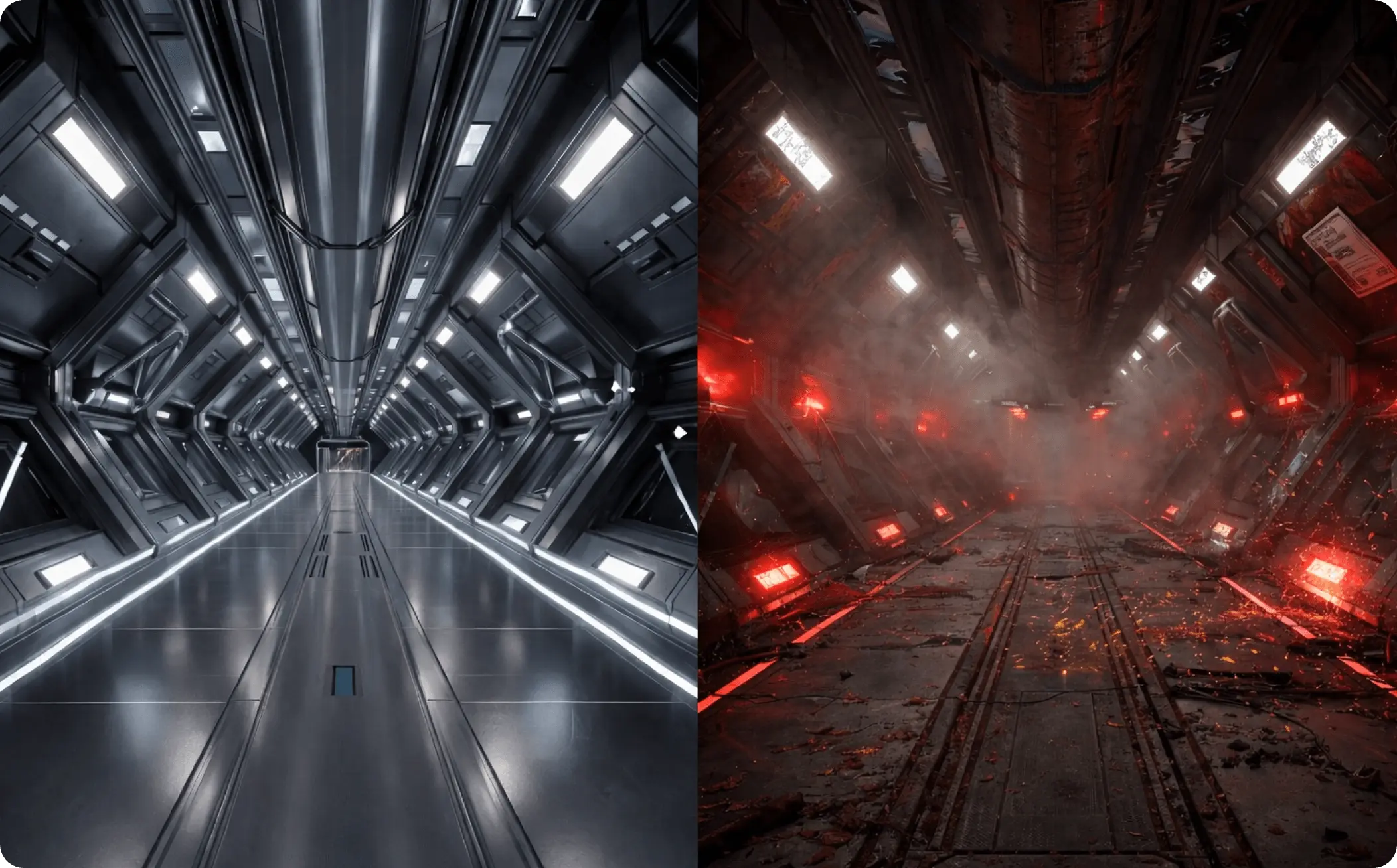
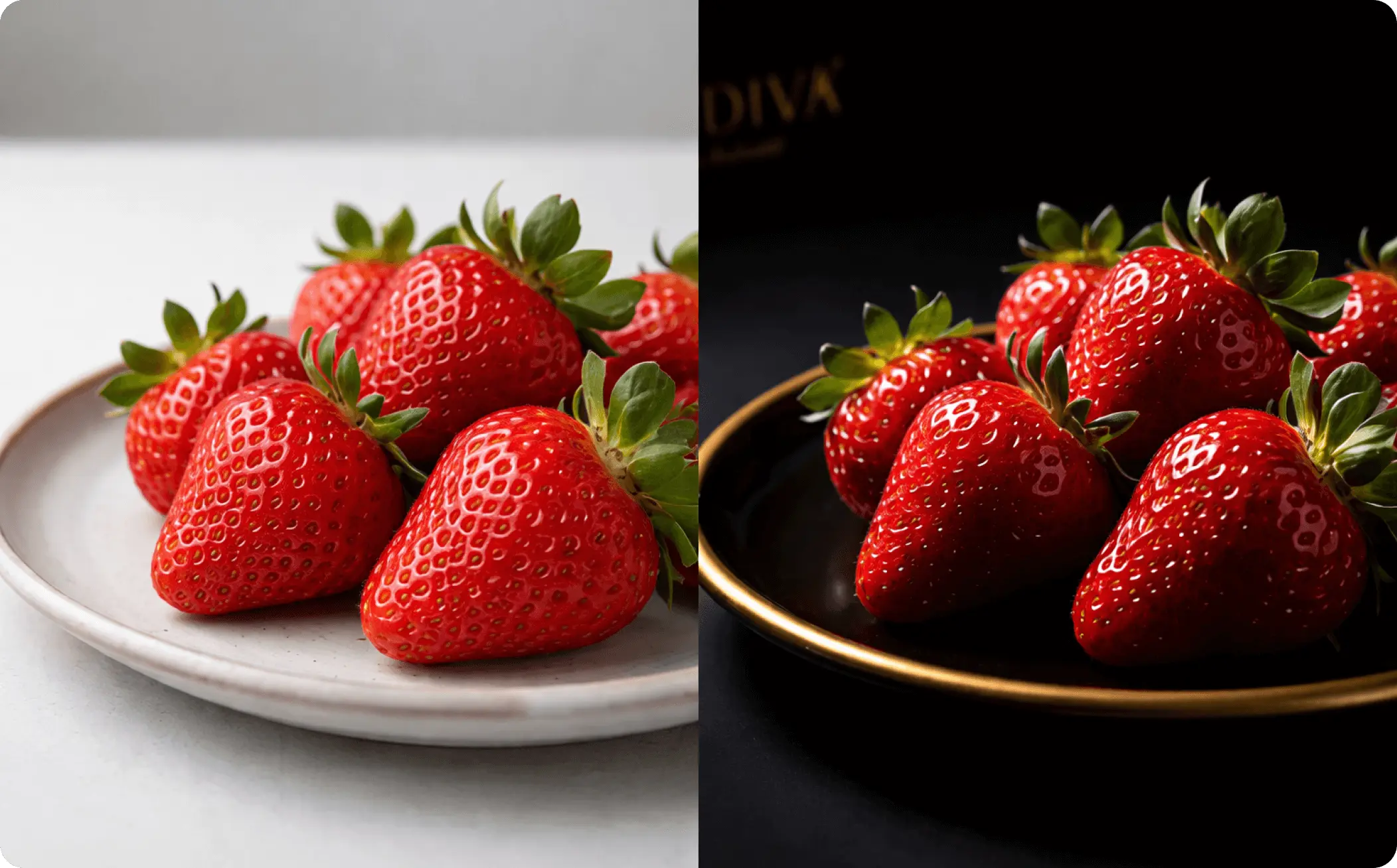
How to Generate and Edit Images with FLUX.2 in EaseMate AI?

You can choose either to generate an image from text prompt or multiple existing images.

Then you need to specify the parameters for the output, such as models, steps, aspect ratios, and formats.

After receiving your input, our free FLUX.2 AI image editor will deliver 4MP photorealistic images without any watermark for you.
Why Choose FLUX.2 AI Image Generator in EaseMate AI
Generate 4MP images from image and text with FLUX.2 for free. With improved image photorealism, text rendering, prompt following, and higher resolution, this online FLUX.2 AI image generator enables everyone to create professional-grade images perfect for real-world creative workflows.
Generate and Edit Images with FLUX.2 for Free
Create high-resolution images for free with FLUX.2. Our online FLUX.2 AI image generator and editor includes 2 models: FLUX.2 [pro] and FLUX.2 [flex]. The former is designed for speed and photorealism, while the latter excels at handling complex context and completing creative control. Everyone can get one free image generation before registering. After signing up, you can get 30 credits for additional generations.
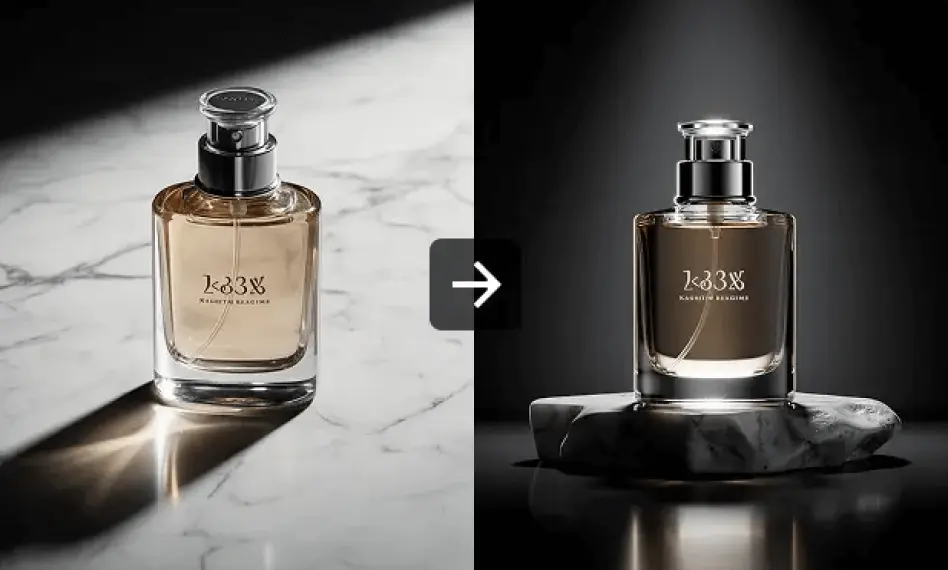
Higher Resolution with Outputs up to 4MP
Build on the foundation of FLUX.1, our free FLUX.2 image generator pushes photorealism even further. Supporting outputs up to 4MP (about 2048x2048), it captures subtle details, like skin textures, fabric patterns, and precise hand shapes. With improved understanding of depth and physical realism, the generated scenes are super natural and cohesive. Whether you want soft ambient light or dramatic contrast, FLUX.2 can process it smoothly and instantly.
Better Consistency Across Multiple Images
FLUX.2 goes beyond traditional AI image generation models that rely solely on text prompts. It supports multiple reference image inputs for stronger consistency. You can upload up to 10 reference photos, specify your edits, and then FLUX.2 will merge the objects and backgrounds seamlessly while keeping colors, shapes, design details, and brand consistency intact. This makes it perfect for brand assets, product variations, and storyboard creation.
Improved Prompt Understanding and Processing
With smarter prompt interpretation, FLUX.2 transforms long, detailed descriptions into visually accurate images easily. It can precisely render typography and infographic elements. Also, it understands real-world logic, so our FLUX.2 AI image editor can create visuals where lighting, shadows, and object placement feel authentic. This makes it a powerful choice for creating UI prototypes, marketing graphics, etc.
FAQs of FLUX.2 AI Image Generator by EaseMate AI
What is FLUX.2 AI image generator?
Based on FLUX.1, FLUX.2 AI image generator is designed to transform text and images into high-fidelity photorealistic 4MP images. Designed for professional use, it offers superior control over creative elements and generates legible text and infographics accurately.
How is FLUX.2 different from FLUX.1?
Is FLUX.2 the same as Flux 2?
How can I use FLUX.2 for free?
How long does it take to generate an image with FLUX.2?
EaseMate AI ToolKit
Find any tool you want here to make efficiency at your fingertips




