Kling 4 AI Video Generator: Create Up to 4K, 30-Second Videos with Multimodal References - Coming Soon
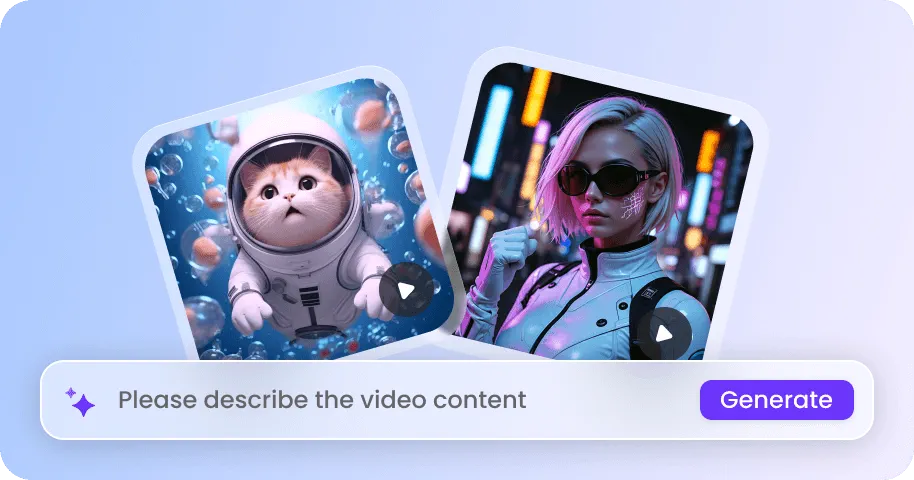
Create cinematic AI videos with Kling 4 on EaseMate AI. Generate videos up to 30 seconds in a single pass, using up to 15 multimodal reference assets and 10 keyframes to guide characters, products, scenes, and story progression. Share videos with up to 4K resolution, 10-bit HDR, immersive stereo audio, and synchronized dialogue.


How to Generate Videos Using Kling 4 Video Generator on EaseMate AI
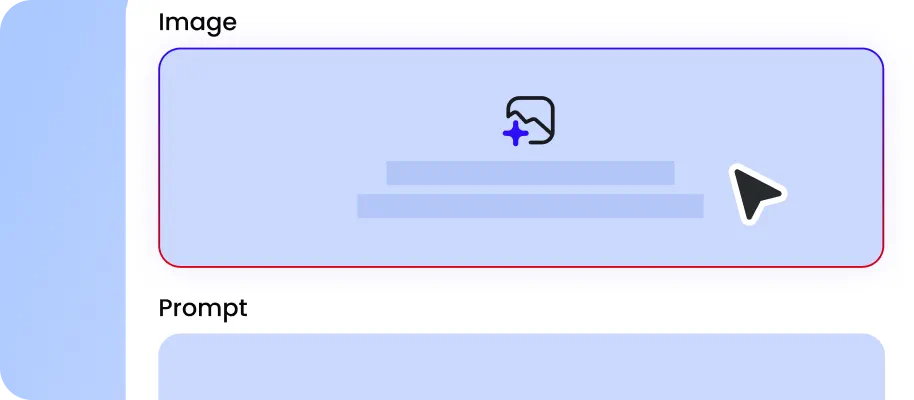
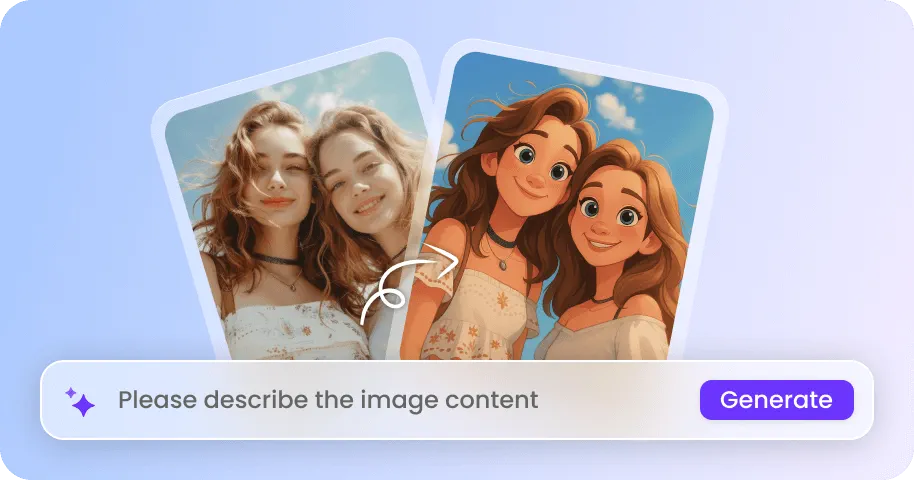
Enter a text prompt, upload an image, or provide reference assets when you need greater control over appearance, motion, or style. For a product video, you can upload product images and describe the scene, camera movement, and intended use.
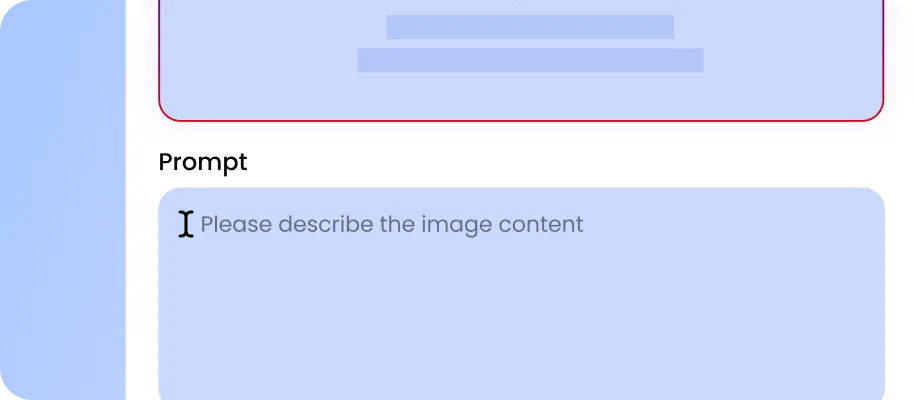
Choose your preferred aspect ratio and resolution based on where you plan to share your video. Select a landscape, portrait, or square format to suit platforms like YouTube, TikTok, and Instagram.
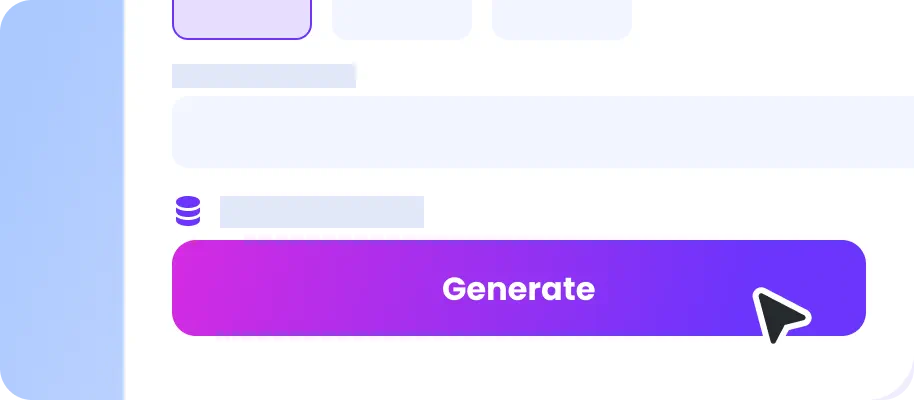
Click Generate to create your AI video based on your prompt and settings. Preview the result, and download your video when you're satisfied with the output.
Why Choose Kling 4.0 AI Video Generator on EaseMate AI?
Create stunning videos online for free with our Kling 4.0 AI video generator. Simply upload up to 15 reference assets to generate 3–30-second clips, enjoy up to 4K output, explore upcoming 10-bit HDR, and direct every scene with up to 10 keyframes in one run.
Create Videos with up to 15 Reference Assets in One Pass for Free
With Kling 4.0, you can combine up to 15 reference assets to guide a single AI video generation. Add up to 10 images, 5 videos totaling 30 seconds, and 7 reusable elements to control characters, products, composition, motion, and style. A reference video can inspire camera movements or performance, while images preserve important visual details. This multimodal workflow reduces the need for lengthy prompts and helps you create more consistent videos for storytelling, product demos, and social content.
Generate Cinematic Clips up to 30 Seconds Without Stitching Clips
With native 30-second generation, our free Kling 4.0 AI video generator gives creators more room for complete story beats. Generate 3-to-30-second videos in one pass without stitching multiple short clips together. A cinematic scene can start with a character entering a café, continue with a conversation and emotional reaction, then end with the character leaving. For example, a travel video can establish a scenic location, follow a traveler walking toward the viewpoint, capture the surrounding landscape, and finish with a wide cinematic shot.
Experience 4K AI Video Quality with Upcoming 10-Bit HDR
Kling 4.0 offers 720p, 1080p, and 4K output for different production needs. The upcoming 10-bit HDR capability for 1080p and 4K is designed to preserve more color information and create smoother transitions between highlights and shadows. This can be especially valuable in cinematic scenes. A car driving through a neon-lit city, for instance, can combine bright headlights, colorful reflections, and deep shadows while maintaining detailed surfaces and a more visually balanced appearance.
Control Scenes with 10 Keyframes for Smoother Transitions
Bring more structure to AI-generated storytelling with Kling 4.0. Up to 10 keyframes let you define important visual states throughout a video, helping guide scene changes, character movements, and narrative turning points. For example, create a mini sci-fi story in which a creator discovers a glowing portal, steps into a futuristic city, encounters a robot, and escapes through a closing gateway. By mapping these moments in advance, you can guide the progression of longer clips and create more connected visual sequences for social storytelling and cinematic experiments.
FAQs About Kling 4 AI Video Generator
What is Kling 4.0?
Kling 4.0 is Kuaishou's next-generation Kling video model, announced on September 27, 2026. It can generate clips ranging from 3 to 30 seconds in length, with output up to 4K resolution. It supports up to 10 keyframes and up to 15 reference assets, including up to 10 images and 5 video references, as well as audio uploads. The official version is expected to launch in October. Kling 4.0 will be available on EaseMate AI after its release, alongside the faster Kling 4.0 Flash.
How many reference assets and keyframes does Kling 4.0 support?
Kling 4.0 vs Kling 3.0: What are the differences?
Kling 4.0 vs Kling 4.0 Flash: What are the differences?
Can Kling 4.0 generate speech with reginal accents?
EaseMate AI ToolKit
Find any tool you want here to make efficiency at your fingertips