


Free Midjourney AI Image Generator: Create Images from Text
Instantly create images with Midjourney for free. Our online Midjourney AI image generator allows you to generate stunning images from text with no sign-up or skills. Just type in your ideas and watch them come into life in seconds!

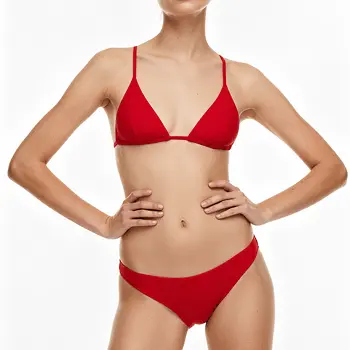
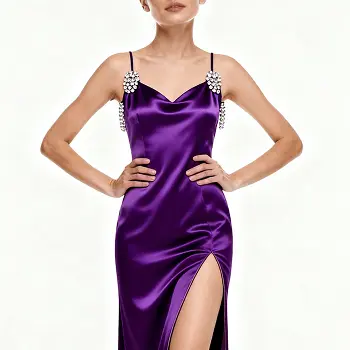
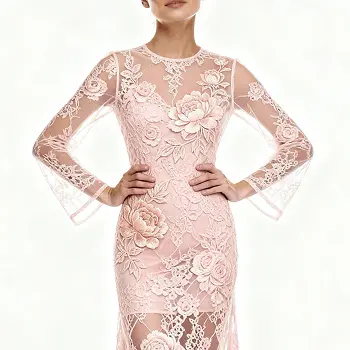
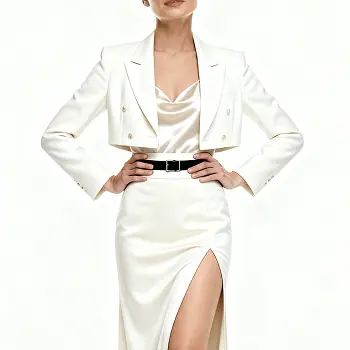
How to Use Midjourney AI Image Generator in EaseMate AI?

Simply type your ideas in words or go to the "Image to Image" section to upload a reference image. The more detailed your prompt is, the more accurate the result you might get.

There are 3 types of Midjourney models for you: Midjourney Fast, Midjourney Relax, and Midjourney Turbo. Select the one as per your preference and click "Generate" to start the Midjourney AI image generation.

After a few moments, you can preview and download the generated image for free. Also, you can edit your descriptions to start a new generation with our online Midjourney AI image generator.
Why Choose Midjourney AI Image Generator in EaseMate AI
Free, online, and no sign-up, Midjourney AI image generator turns text into images instantly. Just type text and watch high-quality visuals appear. Perfect for marketers, content creators, and hobbyists, it inspires creativity, saves time, and helps transform ordinary concepts into striking visuals.
Create Images with Midjourney for Free
Our free Midjourney AI image generator makes creating AI images from text easily and quickly. It offers 3 types of Midjourney models for you: Fast for instant results, Relaxed for steady generation, and Turbo for high-speed rendering. No cost, no sign-up, no barriers, just unlimited creativity with diverse styles tailored to your needs.
One-Click Text to Image Generation Online
Instantly turn your ideas into impressive visuals with this Midjourney photo generator. Just type the topic or details of the image you want to create, and then see it unique images come alive. It is combines advanced AI technology with a user-friendly design, ensuring everyone can create visual masterpieces online quickly and easily without editing skills or software.
Customize Diverse Artistic Styles at Your Fingertips
Explore endless creativity with our online Midjourney picture generator. Transform words into images with multiple styles, including Ghibli Studio, Disney, Pixar, clay, cyberpunk, and more. No matter what the styles you want, just type in your detailed descriptions, and then Midjourney will create images that reflect your imagination with precision.
From Hobbyists to Professionals: Midjourney Powers Every Creator
From hobbyists seeking fun to professionals needing precision, Midjourney AI image generator benefits everyone. Graphic designers can refine ideas, writers can visualize story settings, and influencers can generate standout posts. Entrepreneurs save costs by producing branding materials themselves. It elevates ideas, sparks inspiration, and brings bold, innovative concepts to life effortlessly.
FAQs of Midjourney AI Image Generator by EaseMate AI
What is Midjourney AI image generator?
A Midjourney AI image generator utilizes advanced artificial intelligence to create images from text prompts. With no skills required, this text to image generator can turn any ideas into captivating images easily.
How is Midjourney AI image generator different from other products?
How does this free Midjourney image generator work?
Can I create AI images with Midjourney image maker for free?
Do I need any artistic skills to use this online Midjourney AI image creator?
EaseMate AI ToolKit
Find any tool you want here to make efficiency at your fingertips




