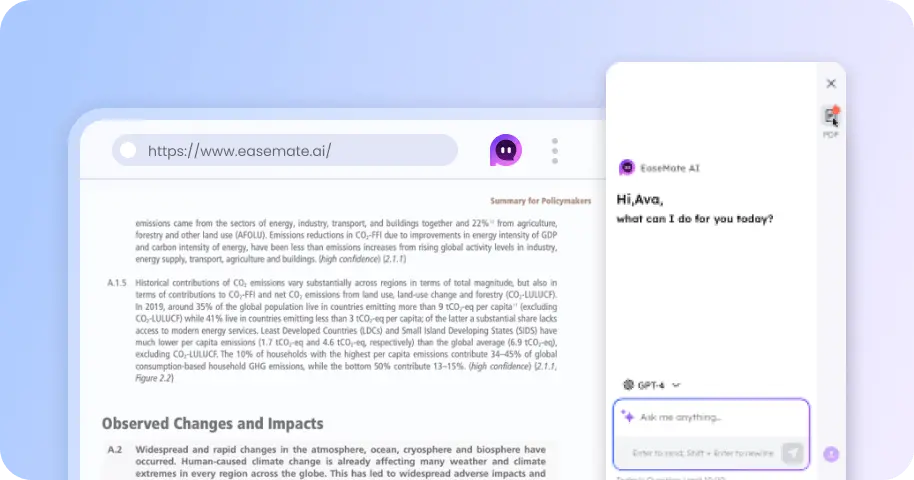
Free AI Promo Video Maker: Boost Your Product and Brand Impact
Create a video promo from a simple idea, product image, or reference material with EaseMate's AI promo video generator. Choose from advanced models such as Seedance 2.5, Wan 3.0, and MiniMax H3, then generate promotional videos with consistent scenes, voiceovers, and subtitles.


How to Make a Promo Video Using EaseMate AI?
Start by choosing a model from our available video generation models, including Seedance 2.5, Wan 3.0, and MiniMax H3, and other supported models.
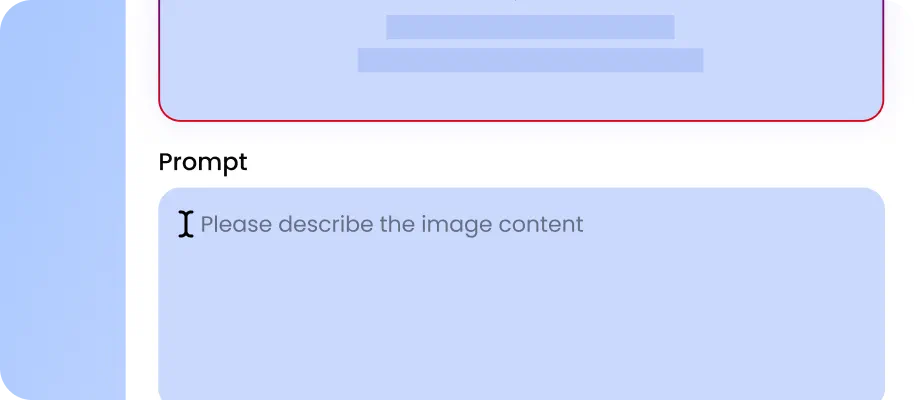
Describe the video promo you want to create with a detailed text prompt, or upload reference materials such as product images, starting frames, and ending frames.
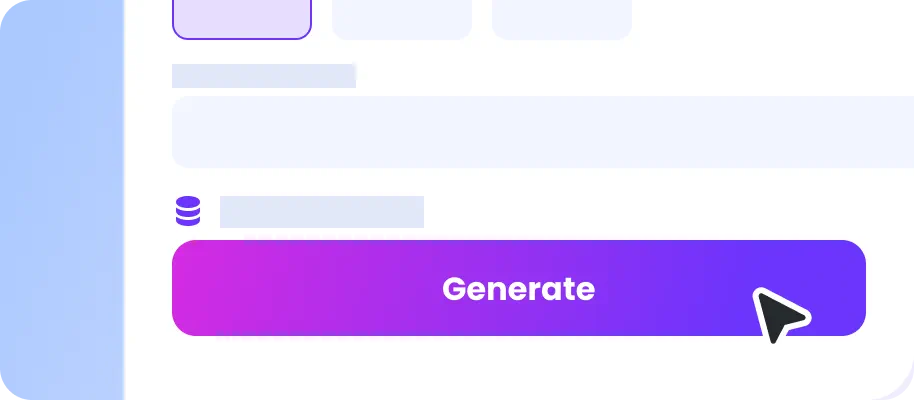
Set the video parameters and click the "Generate." Review the result and refine your instructions or references when needed, then download the finished promotional video.
Why Choose EaseMate AI as Your Promo Video Maker?
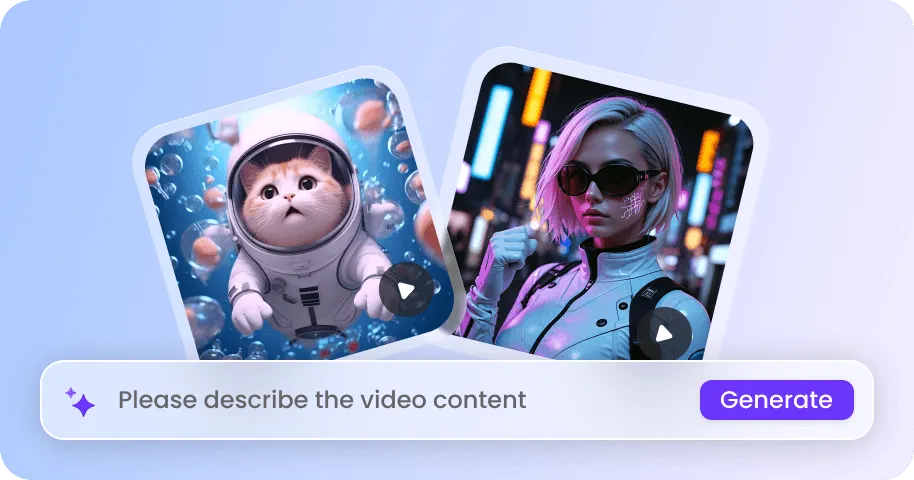
Turn your ideas into ready-to-use promotional videos in minutes. Our AI promo video maker helps you create product demo videos, generate scroll-stopping social media ads for TikTok, or build branded storytelling content for marketing campaigns.
Generate and Edit Promo Videos in Minutes - No Watermark or Sign-Up
EaseMate AI promo video maker can interpret your prompt, automatically write the script, create scenes, and add various video elements for a complete promotional video. It simplifies the video creation process, helping your brand respond quickly to product and market demands while creating video promos more efficiently.
Maintain Scene and Character Consistency Across Videos
Build a video promo with scenes that maintain a coherent visual style and subject. Our video promo maker uses reference images, starting and ending frames, and detailed prompts to guide characters, products, environments, and camera movements. This makes it easier to create multi-scene promotional videos where the same product or visual concept remains recognizable from one shot to the next.
Explain and Demonstrate Products with AI Influencers
Use AI influencers and virtual presenters to introduce, demonstrate, or recommend products in a video promo. Describe the influencer's appearance, clothing, setting, actions, and presentation style, then combine the character with your product references to create content for social media ads or product demonstrations.
Keep Clear Details, Real Models, and Natural Motions
Create promotional videos that preserve important product and visual details while generating realistic people and natural movement. EaseMate AI can help maintain product colors, textures, shapes, and design elements, while AI-generated models can perform realistic actions such as holding, wearing, using, or demonstrating a product.
FAQs About EaseMate's AI Promo Video Maker
What is a promo video maker used for?
A promo video maker is used to generate short promotional videos for products, services, or brand campaigns without traditional filming or editing. EaseMate AI applies this to business use cases like product ads, social promos, and presenter-led videos.
Why are promo videos important?
What should a promotional video include?
Can EaseMate AI be used as a music promo video maker?
Can I create a promo video online for free with EaseMate AI?
EaseMate AI ToolKit
Find any tool you want here to make efficiency at your fingertips