


Free Seedream 4.5 AI Image Generator Online
Try Seedream 4.5 for free to experience stronger scene consistency, faster generation, and next-generation aesthetics. Without sign-up, just upload any image or text to generate or edit cinematic images in 2K/4K quality now!

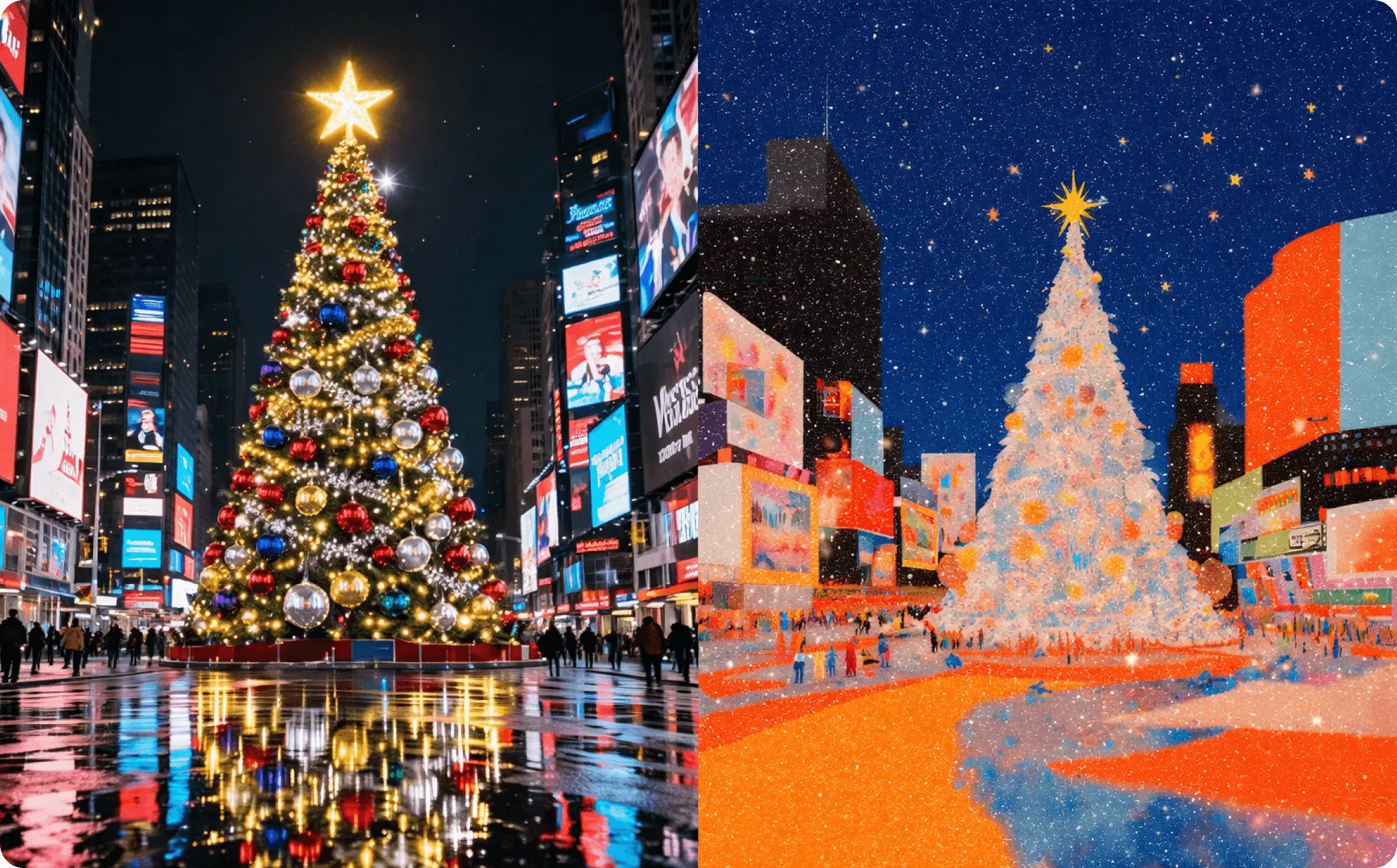
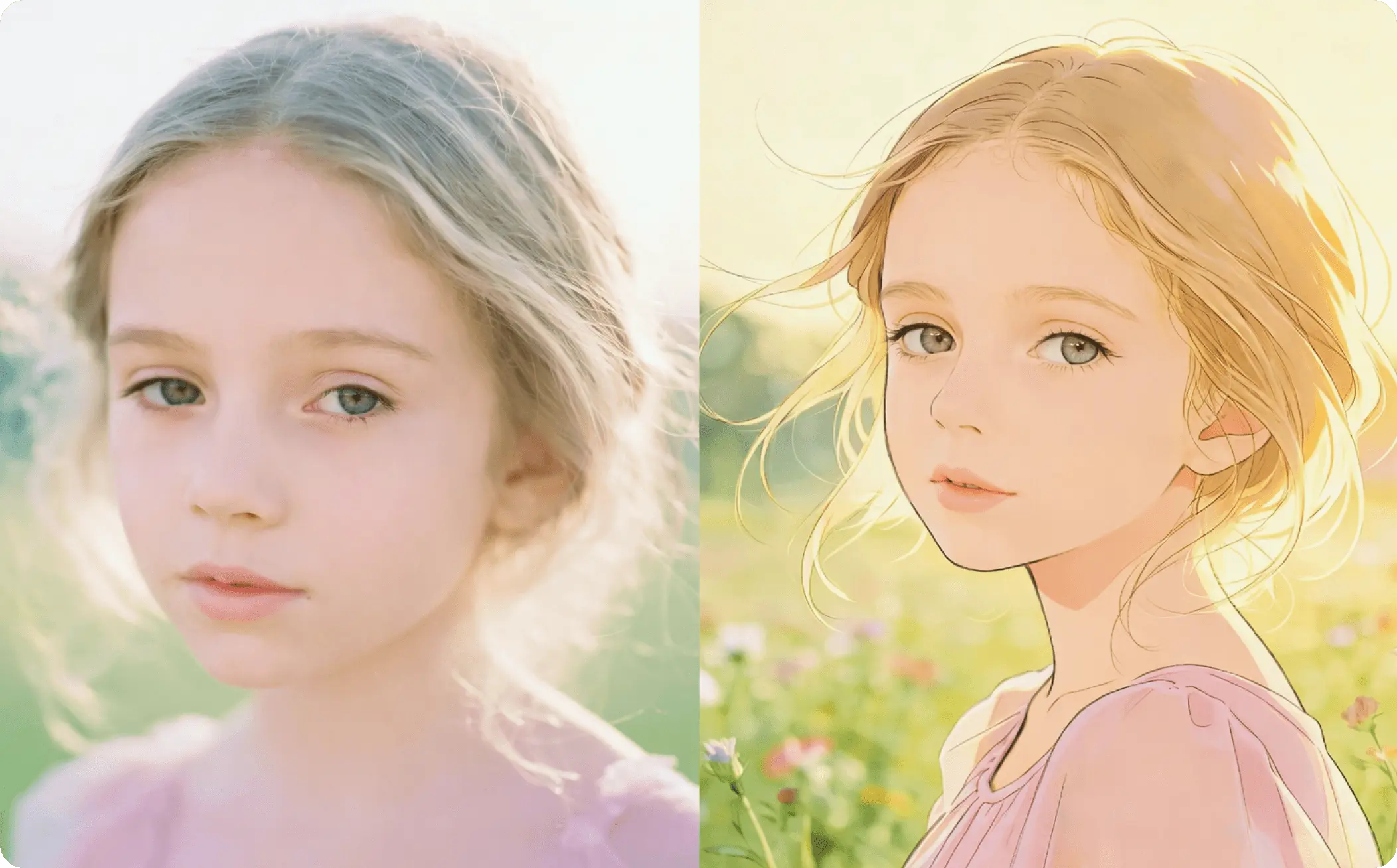
How to Generate and Edit Images with Seedream 4.5 on EaseMate AI?

Choose an existing image from your device or provide a detailed prompt to generate an image from scratch. You can upload up to 5 reference images.

Select the aspect ratio, image resolution, and the number of output images you want. Click on "Generate" and then Seedream 4.5 will process your input in seconds.

Now, you can preview and download high-quality 4K images without any watermark. Also, you can enter more text to refine your outputs.
Why Choose Seedream 4.5 AI Image Generator in EaseMate AI
As ByteDance's next-generation image model, Seedream 4.5 can create higher-quality 4K images than its predecessor. With our free Seedream 4.5 AI image generator, you can easily create images from text prompts or existing images. Upload any image or text online to experience powerful image generation and editing, text rendering, typography, and realism now!
Generate Images with Seedream 4.5 for Free, No Sign-up
Create 4K images with our Seedream 4.0 AI image generator. As an upgrade of Seedream 4.0, this ByteDance's next-gen visual generation model now makes many improvements in scene consistency, generation speed, prompt adherence, and text rendering. You don't need to sign up, have editing skills, or deal with watermarks. Just drop your idea or multiple reference images online to streamline your creative workflows for batch image generation and editing.
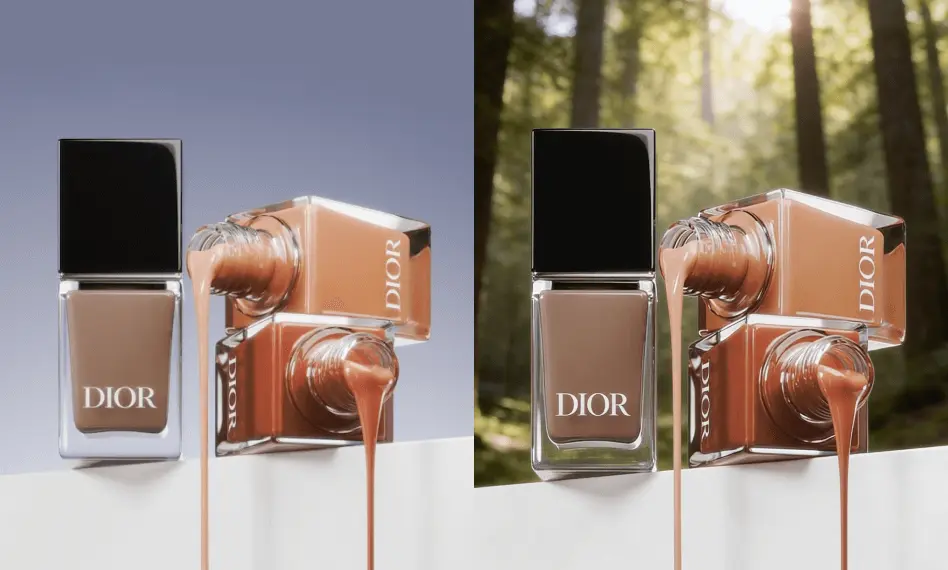
Accurate Text to Image Generation and Prompt Adherence
Seedream 4.5 sets a new standard for accurate text-to-image generation. It can understand layered prompts, spatial relationships, and visual logic, creating stable and coherent compositions. Text elements like logos, labels, and signage appear sharp and readable. Compared with Seedream 4.0, the prompt adherence and detail accuracy of our Seedream 4.5 image generator are dramatically improved, so there's no further editing needed.
Keep Character Consistent Across Complex Scenes
Our free Seedream 4.5 AI image generator makes it easy to generate consistent characters across complex scenes. Even when switching camera shots, outfits, or backgrounds, the facial features, hairstyles, and proportions of your characters still stay consistent. This makes it perfect for character series, illustrations, and branded storytelling. As a result, you can focus more on creativity rather than spending hours fixing mismatched faces or designs.
Multi-Image Reference Input and 4K Visual Output
By combining multi-image reference input with native 2K/4K resolutions, Seedream 4.5 can generate and edit highly realistic and consistent visuals. It preserves product shape, materials, and colors across different angles and scenes. Improved color balance and lighting realism make images look more natural and camera-accurate. From clean infographics to detailed product shots, this Seedream 4.5 image generator can produce polished, photorealistic results.
FAQs of Seedream 4.5 AI Image Generator by EaseMate AI
What is Seedream 4.5?
Seedream 4.5 is ByteDance's newest image generation model designed for cinematic aesthetics, higher consistency, smarter instruction following, stronger spatial understanding, sharp text rendering, as well as advanced editing capabilities. It also provides precise 2K to 4K image generation and editing, so it's ideal for professional use in e-commerce, gaming, advertising, and design.
How is Seedream 4.5 better than Seedream 4.0?
Can I try Seedream 4.5 for free?
Is Seedream 4.5 better than Nano Banana Pro?
What image resolution does this Seedream 4.5 AI image generator support?
EaseMate AI ToolKit
Find any tool you want here to make efficiency at your fingertips




