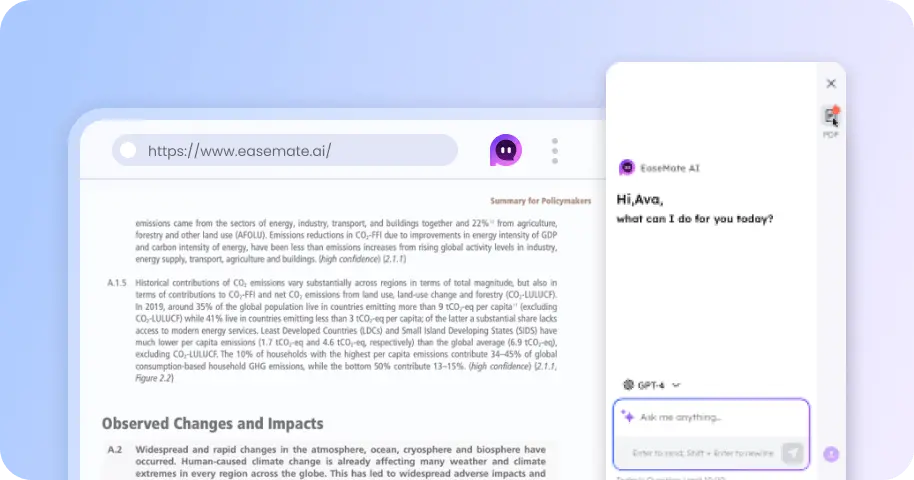
Higgsfield Genjutsu AI Alternative Viral Remaker
Recreate viral Higgsfield AI Genjutsu videos with EaseMate AI Remaker. Choose from trending social media video templates and generate personalized videos with the original movements, actions, camera transitions, and scene sequences.
How to Remake Higgsfield AI Genjutsu Style Videos on EaseMate AI
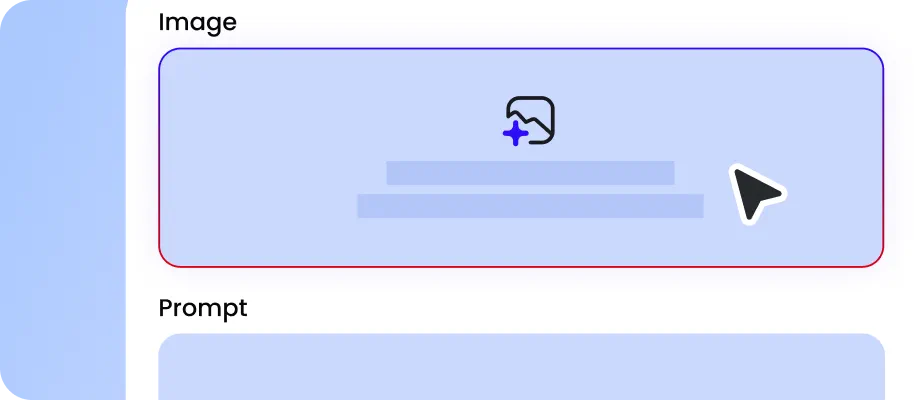
Browse the available viral video templates in EaseMate AI Remaker and select one Higgsfield Genjutsu video you want to recreate. Each template comes with a predefined reference video and generation setup, so you don't need to manually configure the entire video production process.
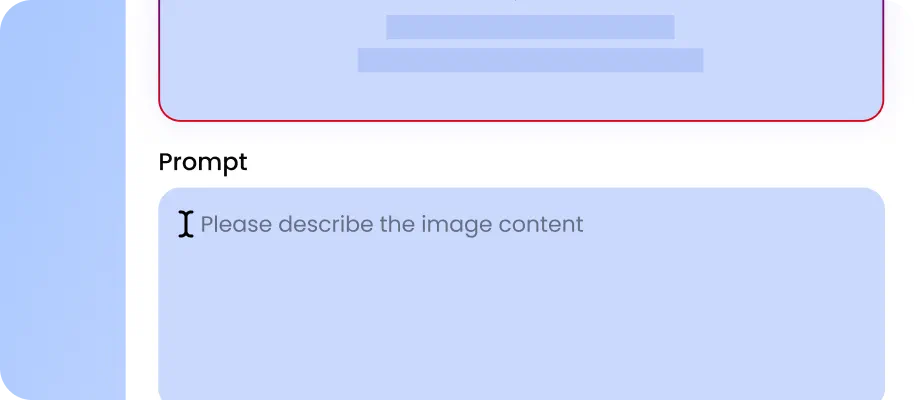
Upload clear photos you have authorities to use. Depending on the template, you can provide one or multiple reference photos to define the main character and supporting characters. Assign your uploaded photos to the corresponding characters in the reference video.

EaseMate AI recreates the reference video with your selected characters and customizations. Preview the finished video to check character consistency, movements, and scene transitions. Once you're satisfied, save your creation and share it on your favorite social media platforms.
Why Remake Higgsfield Genjutsu Style Videos Using EaseMate AI?
Leveraging reference-based video generation technology, EaseMate AI makes it faster and easier to recreate the series of AI videos produced by Higgsfield Genjutsu.
Recreate Viral Higgsfield Genjutsu Style Videos with Ready-to-Use Templates
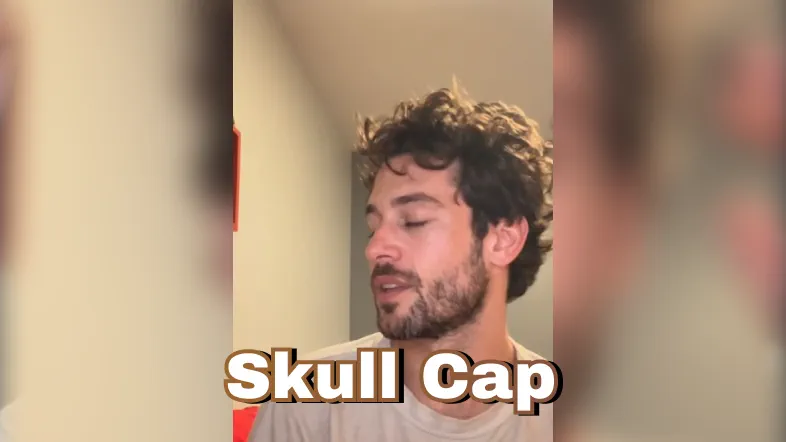
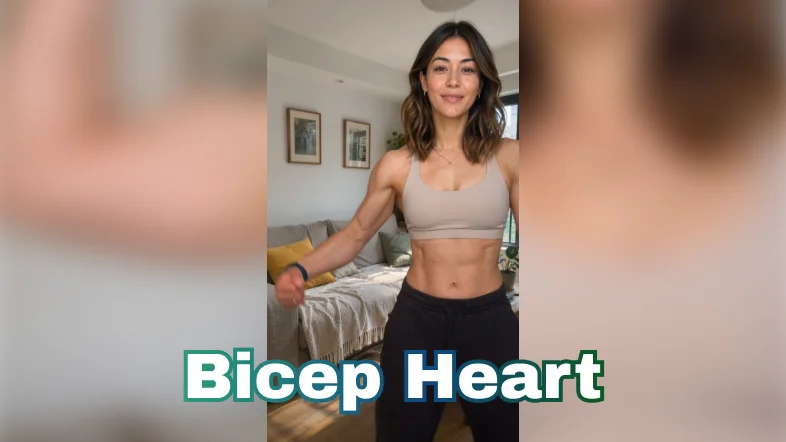
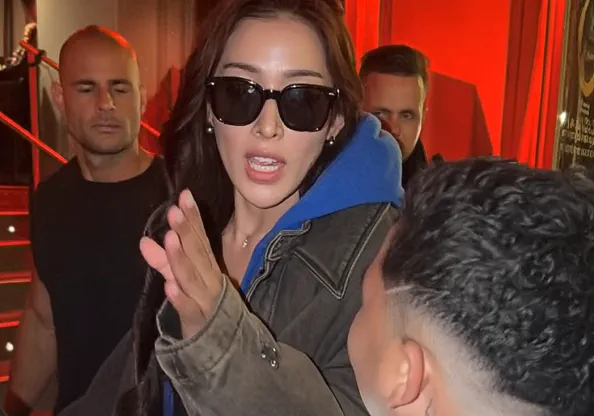
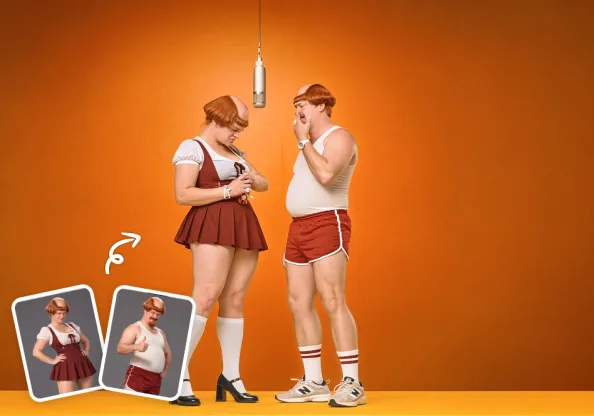
Want to join a trending Genjutsu video challenge without building a video from scratch? EaseMate AI Remaker provides a collection of preconfigured viral video templates inspired by popular Higgsfield AI Genjutsu effects and social media trends. Simply select a template, upload your authorized character photos, and configure the characters or adjust the prompt to match your creative idea.
Preserve Original Video Actions, Audio, and Scene Sequences
EaseMate AI uses the reference video to guide character movements, body gestures, facial expressions, action timing, camera angles, and scene transitions. Where supported by the selected generation model and workflow, the original audio and dialogue can also guide the recreated video. After replacing the original characters with your uploaded photos, the generated result aims to follow the same storyline and performance structure without changing the core actions.
Customize Outfits, Hairstyles, and Facial Expressions
Recreating a Higgsfield AI Genjutsu video doesn't mean you have to keep every original visual detail. With EaseMate AI, you can use prompts to modify specific elements, such as clothing styles, hairstyles, accessories, and facial expressions, while retaining the main character and reference-video structure. For more detailed control, use EaseMate AI Workflow to review the generated results at individual stages and make targeted adjustments before moving forward.
Maintain Character Consistency Across Smooth Scene Transitions
EaseMate AI can use your uploaded character photos as visual references throughout the generation workflow, helping maintain consistent facial features, hairstyles, and overall appearance across different scenes. Scene changes are guided by the original reference video, including its shot composition, camera movements, and action timing. This helps create a more coherent Higgsfield AI Genjutsu remake, even when the video contains multiple camera angles or rapid transitions.
FAQs about Higgsfield Genjutsu Style Videos Remaker on EaseMate AI
What is Higgsfield AI Genjutsu?
Higgsfield AI Genjutsu is an AI-powered video generation and transformation technique associated with motion transfer and visual replacement. It allows creators to use an existing video as a reference while changing characters, outfits, objects, or environments. The original video's movements, camera behavior, and timing can guide the transformed result.
Can I use EaseMate AI to remake Higgsfield Genjutsu Style videos with my own photos?
Will the generated video conclude the original audio?
Why does the face or object in the video will drift during motion?
What is the main difference between motion transfer and object swap?
EaseMate AI ToolKit
Find any tool you want here to make efficiency at your fingertips