


How to Use EaseMate AI Ask Claude
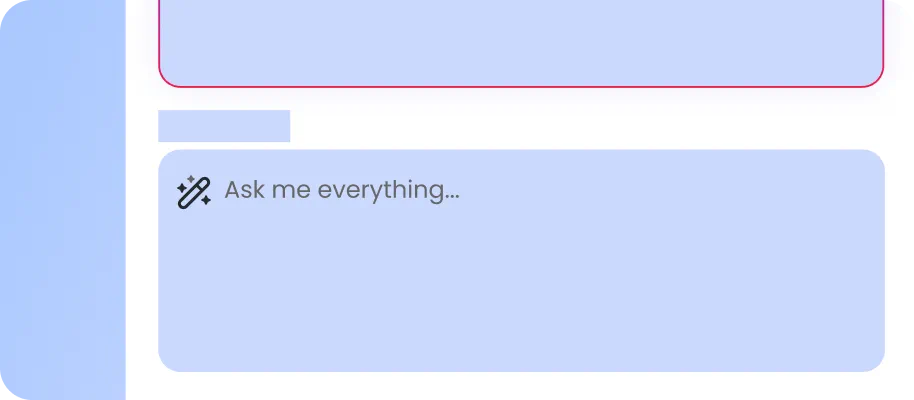
In the chat box, type the question you want to ask. Add as many details as possible.
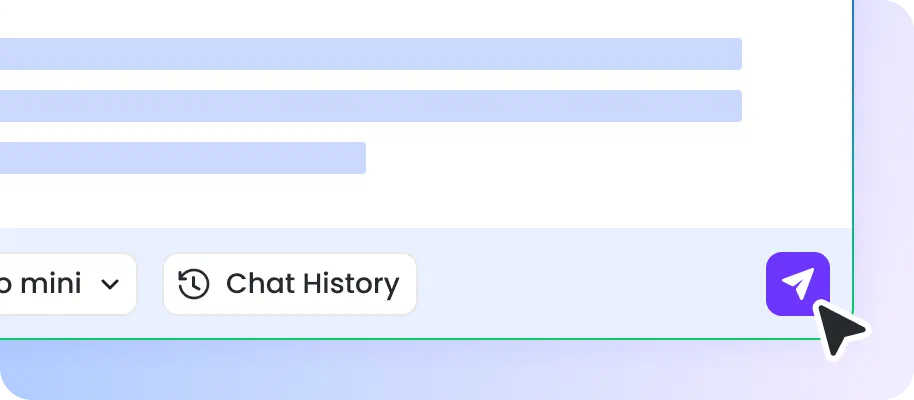
Hit Enter and then wait for EaseMate AI Ask Claude to generate answers for you.
If you want more information, type and submit another question to continue.
Why Choose EaseMate AI Ask Claude?
This free AI assistant mimics human communications to build seamless AI experiences and streamline your workflow without sign-up or login.
Easy, Safe, and Available for Everyone to Use
EaseMate AI Ask Claude operates without web search, which reduces the risk of harmful and misleading information. Also, it doesn’t require any writing or coding skills, you can have a casual chat with it on any web-based device.
Answer Your Queries with Unmatched Response Speed
Since EaseMate AI Ask Claude supports Claude 3 Haiku which is the fastest model in Anthropic, it can answer your simple problems with instant responsiveness.
Engage in Human-Like Communication
With the aim of providing customized and efficient online assistance, EaseMate AI Ask Claude engages in human-like conversations with users. Instead of rigid and robotic responses, this contextual chatbot can communicate with real emotional intelligence and natural language.
No Account or API Key Required
Unlike other online AI chatbots, EaseMate AI Ask Claude doesn’t require an account or API to access all its services. In other words, you can ask questions and get quick responses without sign-up, login, or verification.
FAQs of EaseMate AI Ask Claude
What can I do with EaseMate AI Ask Claude?
You can use EaseMate AI Ask Claude in various aspects of your life and work. Whether you would like to learn something new, summarize text, translate languages, or write creative works, EaseMate AI Ask Claude can cater to all your preferences and needs.
Are EaseMate AI Ask Claude chats private?
Can I ask Claude without an Anthropic API key?
How is Claude different from ChatGPT?
How many queries can I ask Claude per day?
EaseMate AI ToolKit
Find any tool you want here to make efficiency at your fingertips




