


Free AI Image Extender Online, No Sign-up
Extend images with a custom aspect ratio for free. Drop any photo to let our AI image extender uncrop or expand them online without compromising quality and sharpness.

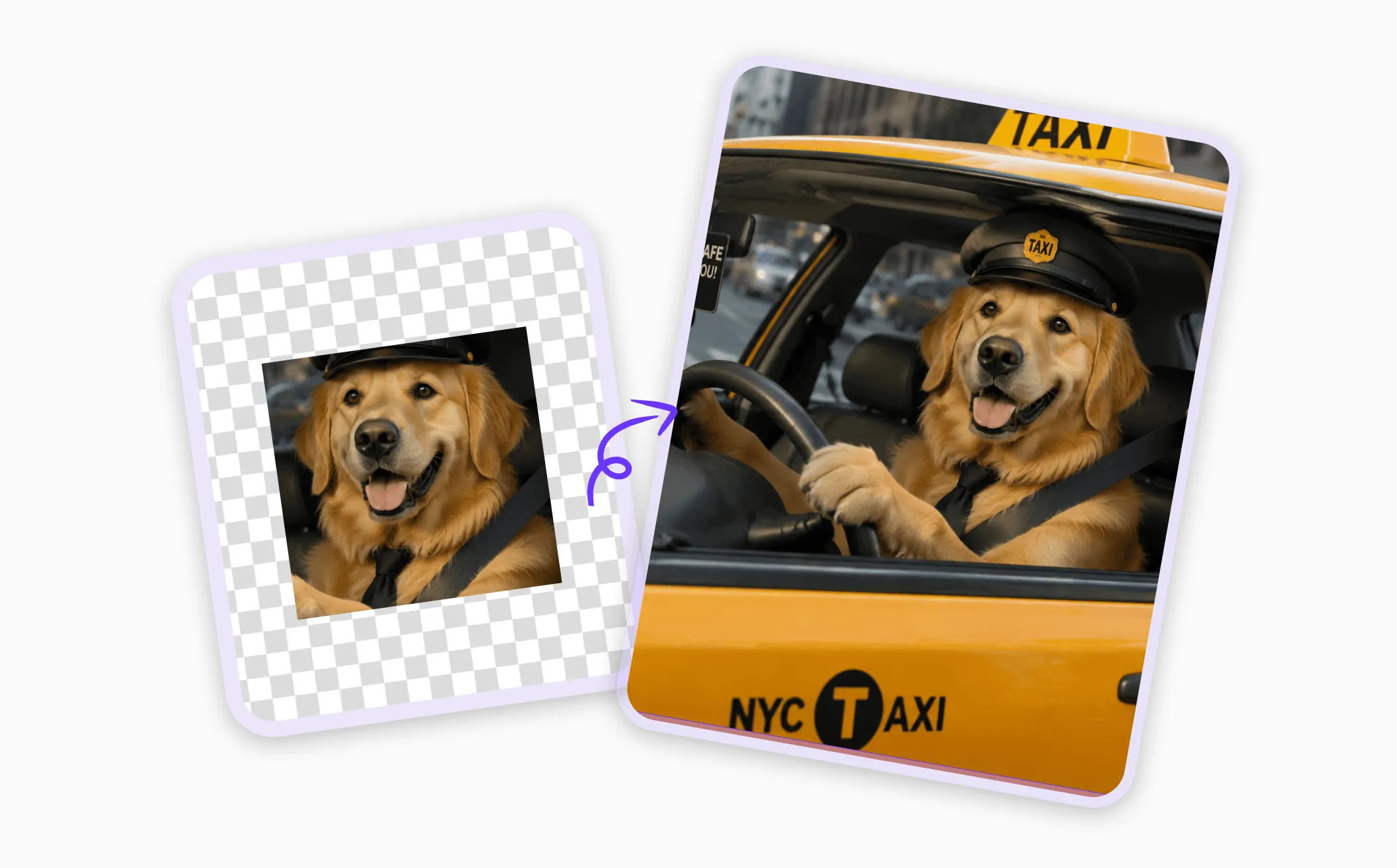
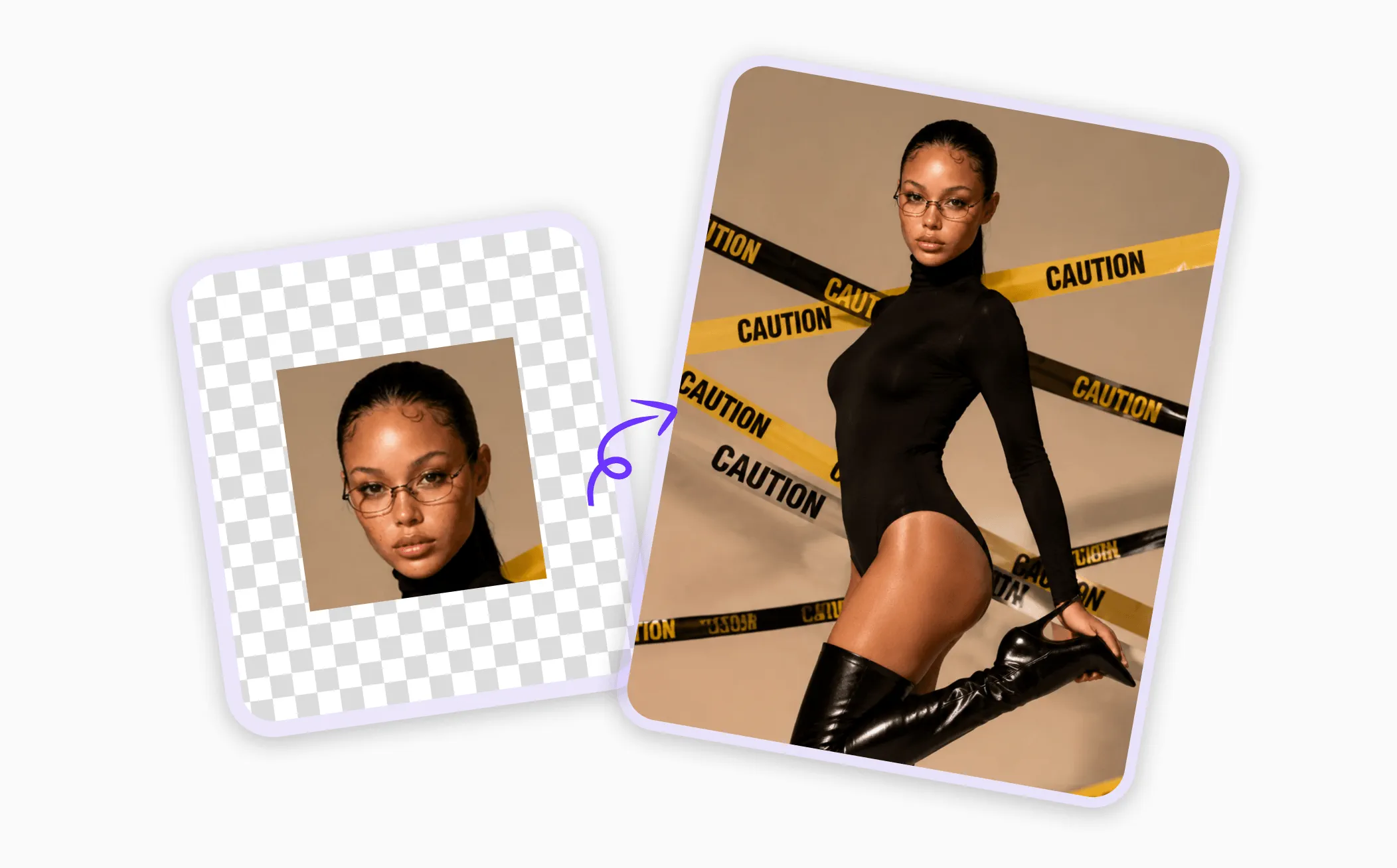
How to Extend Image with AI on EaseMate AI?

Drag and drop the image you want to extend. EaseMate AI supports all types of major image formats, dimensions, and sizes.

Select a preset aspect ratio from the list or customize the expanded area through simple text, and click “Generate” to let our AI image extender automatically fill in missing details in seconds.

Now, you can preview and download your new image without any watermark. The high-quality image is ideal for social media formatting, website design, marketplace templates, etc.
Why Choose AI Image Extender in EaseMate AI
Uncrop, enlarge, or expand images online with our AI image extender for free. Simply upload, click, and then you can get a new image with a specified aspect ratio for Instagram, prints, designs, or other creative projects.
Extend Images with AI for Free, No Sign-up
Make your photos fit any platform with our free AI image extender. With a single click, you can expand backgrounds, recover cropped areas, or create new compositions. Powered by advanced generative AI, it can expand your pictures in any direction while matching the original lighting, perspective, and texture. Download high-quality, watermark-free results instantly. Best of all, you can unlock more free generation through daily check-ins, referrals, or Discord rewards.
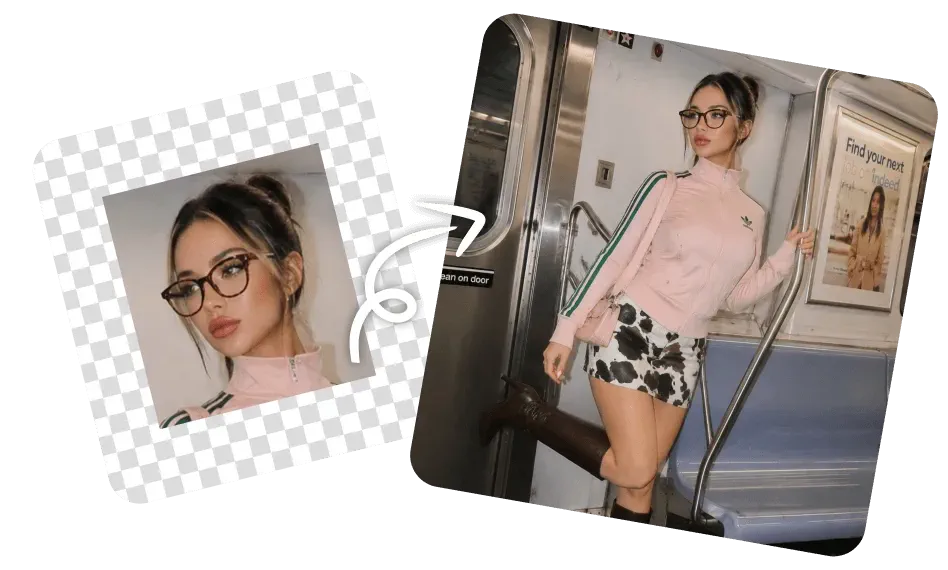
Online AI Image Expansion Without Quality Loss
Instantly resize or reframe your images while keeping them crisp and high-quality. Instead of stretching existing pixels, our AI image background extender can generate new details that perfectly match the original style, lighting, and perspectives. Whether you need a wider website banner, a larger product image, or a new social media format, it will analyze your images pixel by pixel and generate zoomed-in photos without needing to recreate or reshoot your content from scratch.
Resize Your Photos to Any Aspect Ratio with AI-Precision
Integrated with AI-powered inpainting and outpainting, this free AI photo extender will turn incomplete or tightly cropped photos into fully expanded visuals. The advanced AI models like GPT Image 2, Nano Banana Pro, and Seedream 4.5 will analyze every detail in the uploaded image, like texture, shadows, colors, compostions, and perspective, to predict what should appear outside the frame in a flash. From adding background space, completing objects, or rebuilding missing details, you can unlock more creativity without the limitation of cropping.
AI Photo Extender with Custom Control
Transform your photos for any digital platform with our online AI image expander. With over 14 aspect ratios available and custom prompt control, you can feel free to type or select from square, vertical, widescreen formats, and more. Whether you need 9:16 TikTok covers, 4:5 Instagram posts, 16:9 YouTube visuals, or 1:1 LinkedIn profiles, it helps every image fit perfectly without distortion. With just a few clicks, you can resize the backgrounds, add creative objects, or prepare platform-specific designs.
FAQs of AI Image Extender by EaseMate AI
How does this AI photo extender work?
With the power of advanced AI models like Nano Banana and GPT Image 2, our AI image extender can intelligently generate new content that extends beyond the original frame. By adjusting aspect ratio without cropping the main subject, the expanded image is perfect for specific platform resizing, poor frame fixing, and background recreation.
What's the best AI image extender?
Does this online AI image expansion affect image quality?
How many aspect ratios does this AI image extender support?
Can I expand photos from a text prompt?
EaseMate AI ToolKit
Find any tool you want here to make efficiency at your fingertips




