


Free Kling O1 Image Model Online
Instantly transform text or multiple images into stunning images with our Kling O1 AI image generator and editor. Free, fast, and easy, it enables you to edit images or transfer styles precisely.

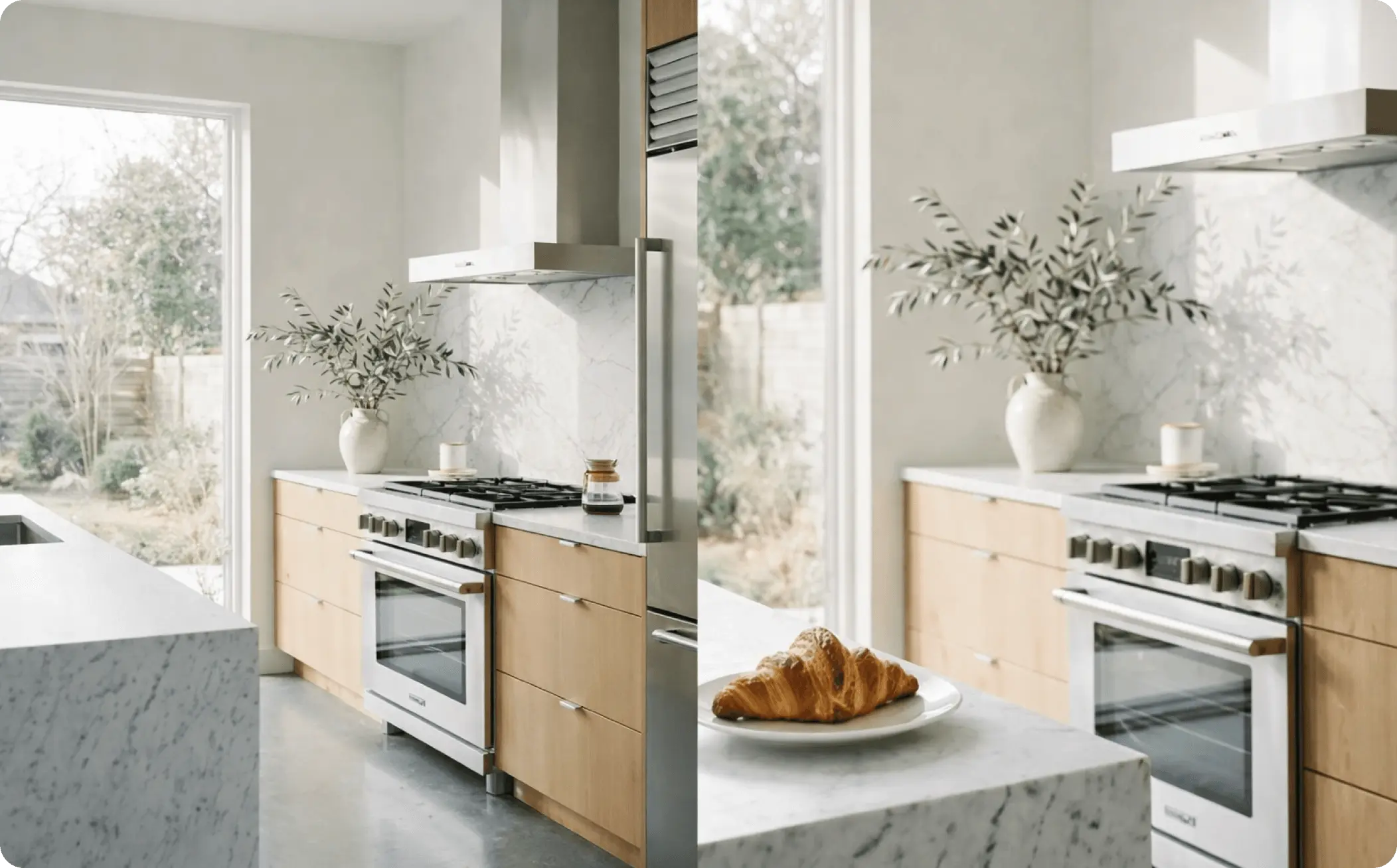
How to Generate or Edit Images with Kling Image O1 in EaseMate AI?

Upload your reference images (up to 10) in the "Image to Image" section or go to "Text to Image" to describe the image you want to create in natural language.

Decide the aspect ratio and output format of the generated image. Then, click "Generate" and our Kling O1 Image generator will edit or generate images based on your inputs.

Click the thumbnail and you can preview the high-quality image. Export it without any watermark for free or share it directly with your friends on social media.
Why Choose Kling O1 AI Video Generator in EaseMate AI
Try Kling's latest AI image model for free. Our Kling O1 image generator and editor supports multi-reference image input, accurate editing, and style transfer. Simply type your description or upload several images to create detail-rich and high-quality images now.
Generate or Edit Images with Kling O1 Image for Free
Step into next-gen image generation with Kling Image Omni 1. It not only can understand your text input, but also interprets up to 10 images input as the visual input. Even after multiple edits, the character, IP, or product can look the same across different scenes. The greater style control and consistency make it ideal for branding, comics, character design, and other series. Just sign up, and then you can generate or edit the first image for free.
Smarter Image Generation with Multiple Reference Images
Unlike other models, Kling O1 can identify and interpret up to 10 reference images. This means it can not only rely on text prompts, but also understand specific shapes, colors, layouts, and compositions from the visuals you provide directly. By doing so, it reduces the need for endless prompt tweaking and manual post-editing. This speeds up iterative tasks like branding, character design, and IPs.
Precise Image Editing with Kling O1 AI Image Generator
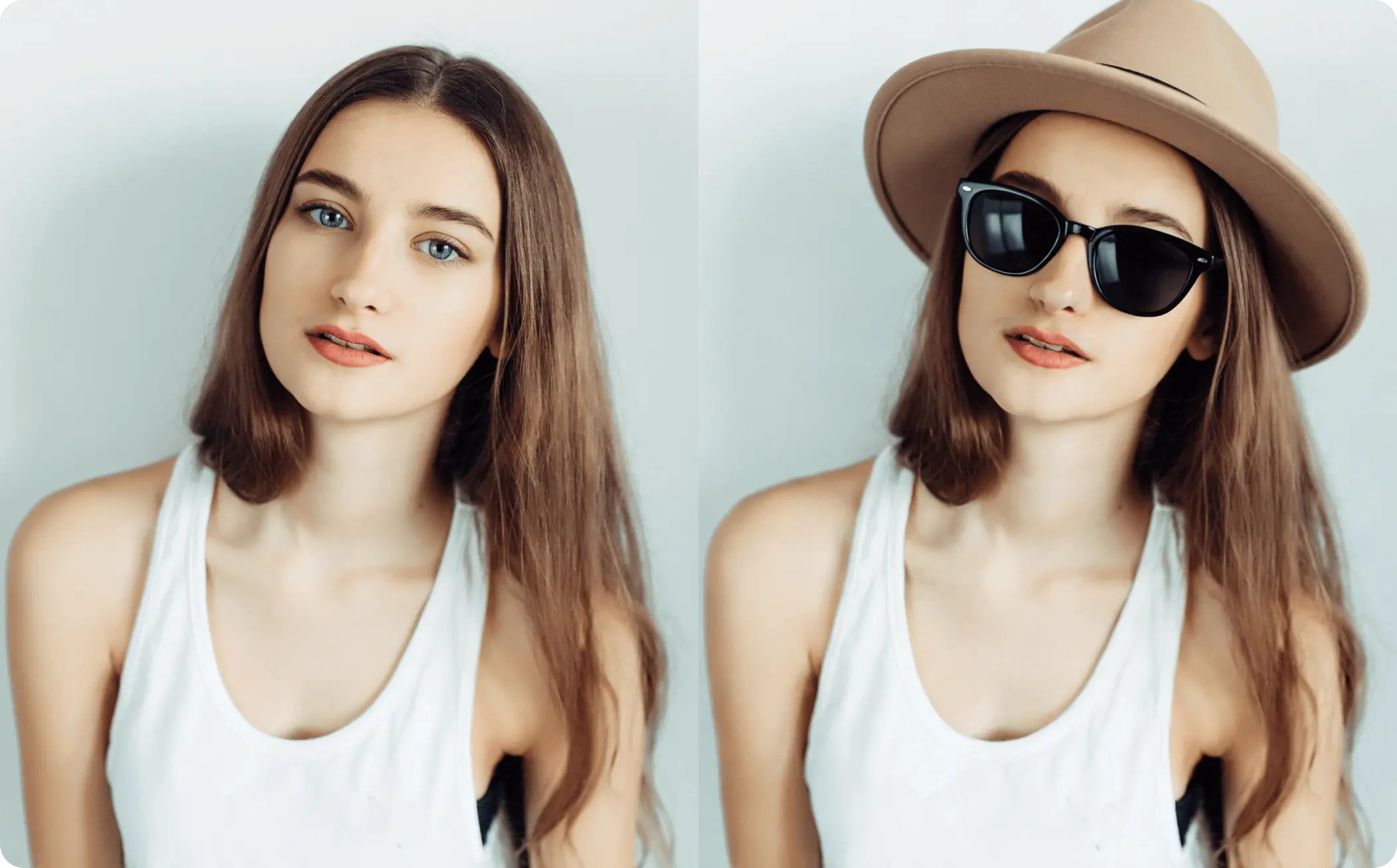
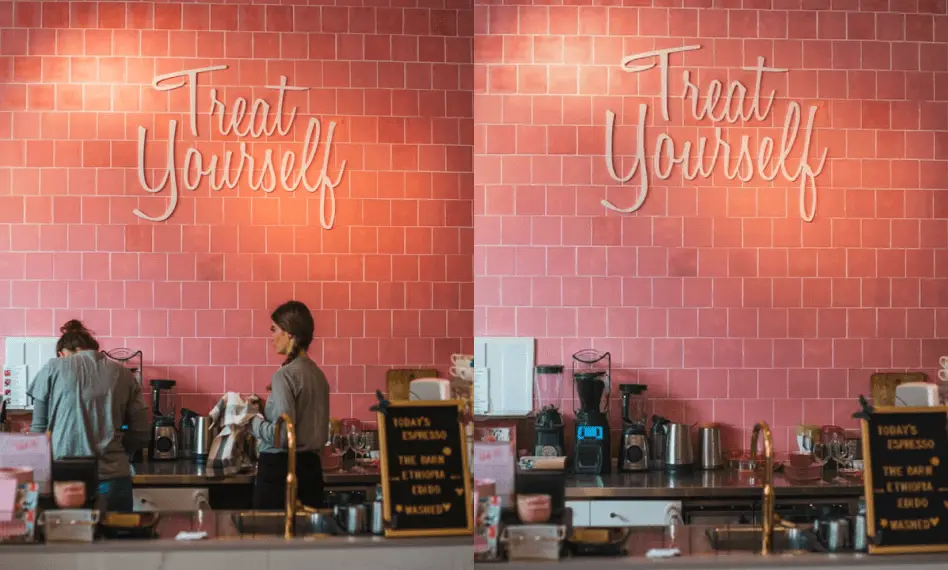
With Kling Image O1, precise image editing becomes easy and intuitive. Simply type what you want, and then our online Kling O1 AI image generator can instantly add, remove, or modify people, objects, clothing, or props. Whether swapping backgrounds for a product shot or refining expressions in a portrait, Kling image O1 can deliver coherent and natural outputs without masking, layers, or steep retouching learning curves.
Seamless Style Transfer for Every Sector
Apply any aesthetic across images and scenes with our free Kling O1 AI image generator. The advanced artificial intelligence will analyze your image or text input and then recreate the textures, color temperature, and compositional tendencies across new scenes. With a few simple words or several reference images, everyone can turn lifestyle shots into illustrated posters, felt collages, comic pages, and more easily.
FAQs of Kling O1 AI Image Generator by EaseMate AI
What is Kling image O1?
Developed by KuaiShou Technology, Kling image O1 is a multimodal image model for AI image generation and editing. As a part of Kling Omni One, it can generate or edit images from text prompts or multiple reference images. Kling O1 AI image model is known for its precise local edits, style-accurate, and detail-rich outputs.
How can I use Kling image O1 for free?
How is this Kling O1 AI image generator different from other AI image models?
How many reference images can I upload to this Kling O1 AI image editor?
What type of images can I create with Kling Image O1 model?
EaseMate AI ToolKit
Find any tool you want here to make efficiency at your fingertips




