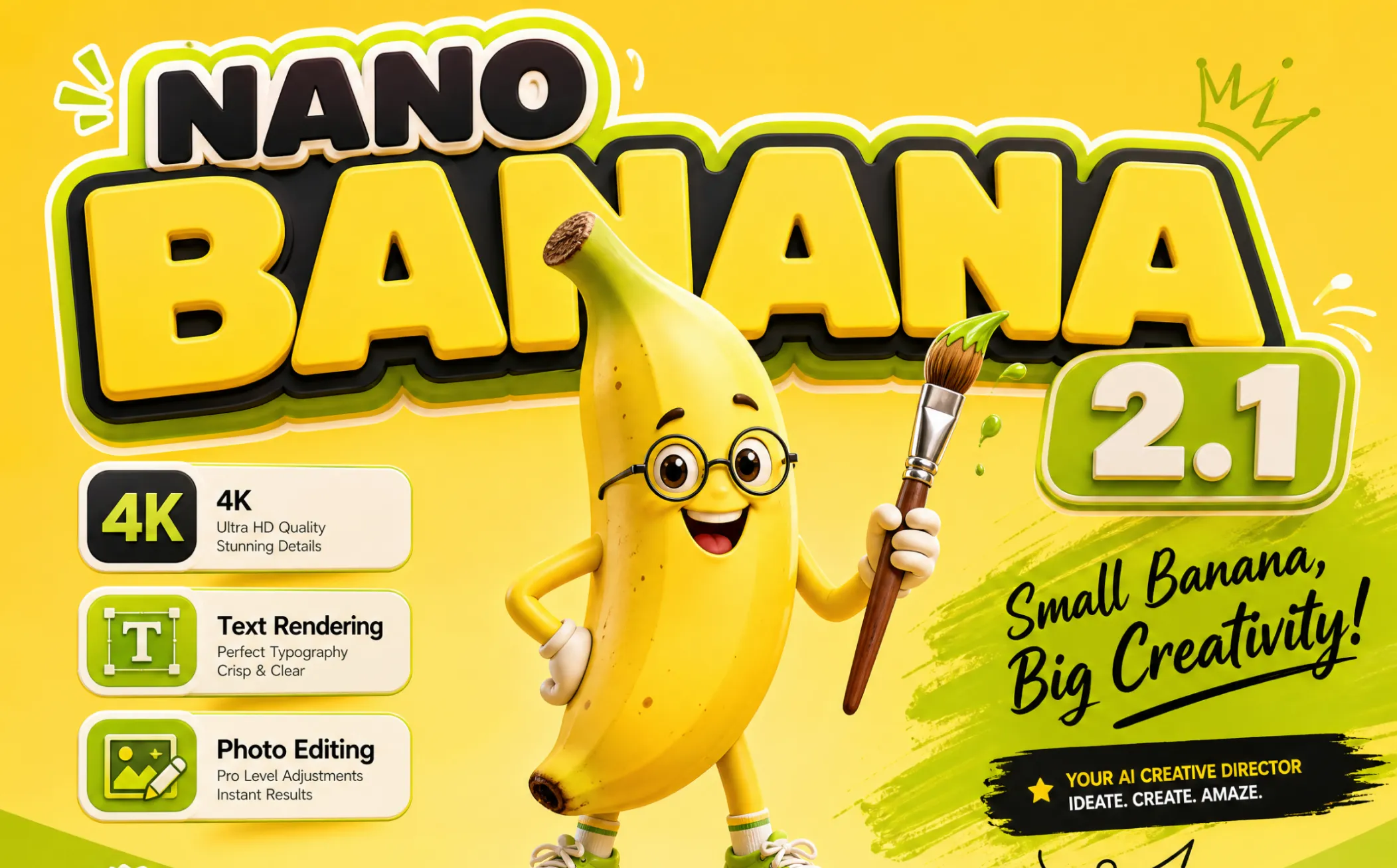
Nano Banana 2.1: Free AI Image Generator and Photo Editor by Google
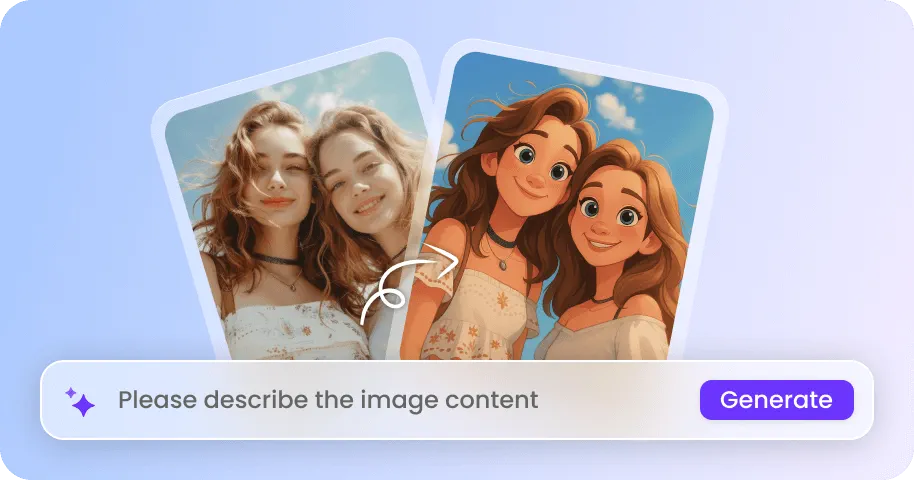
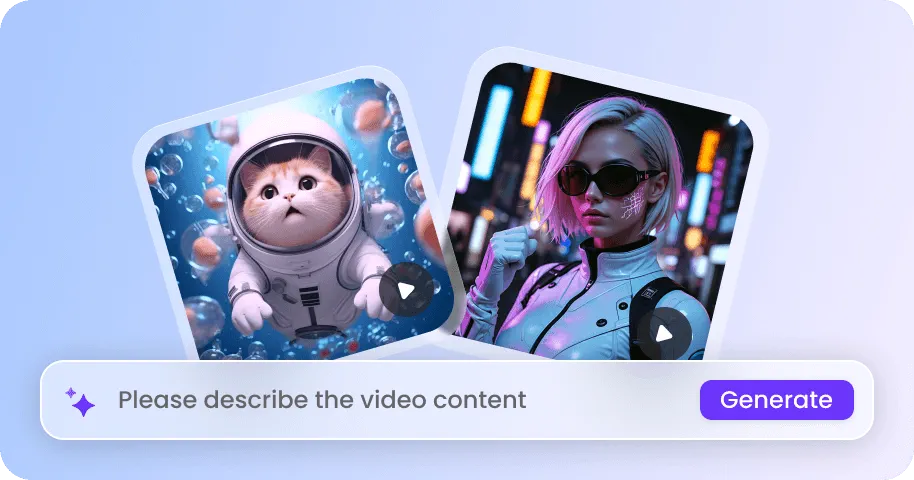
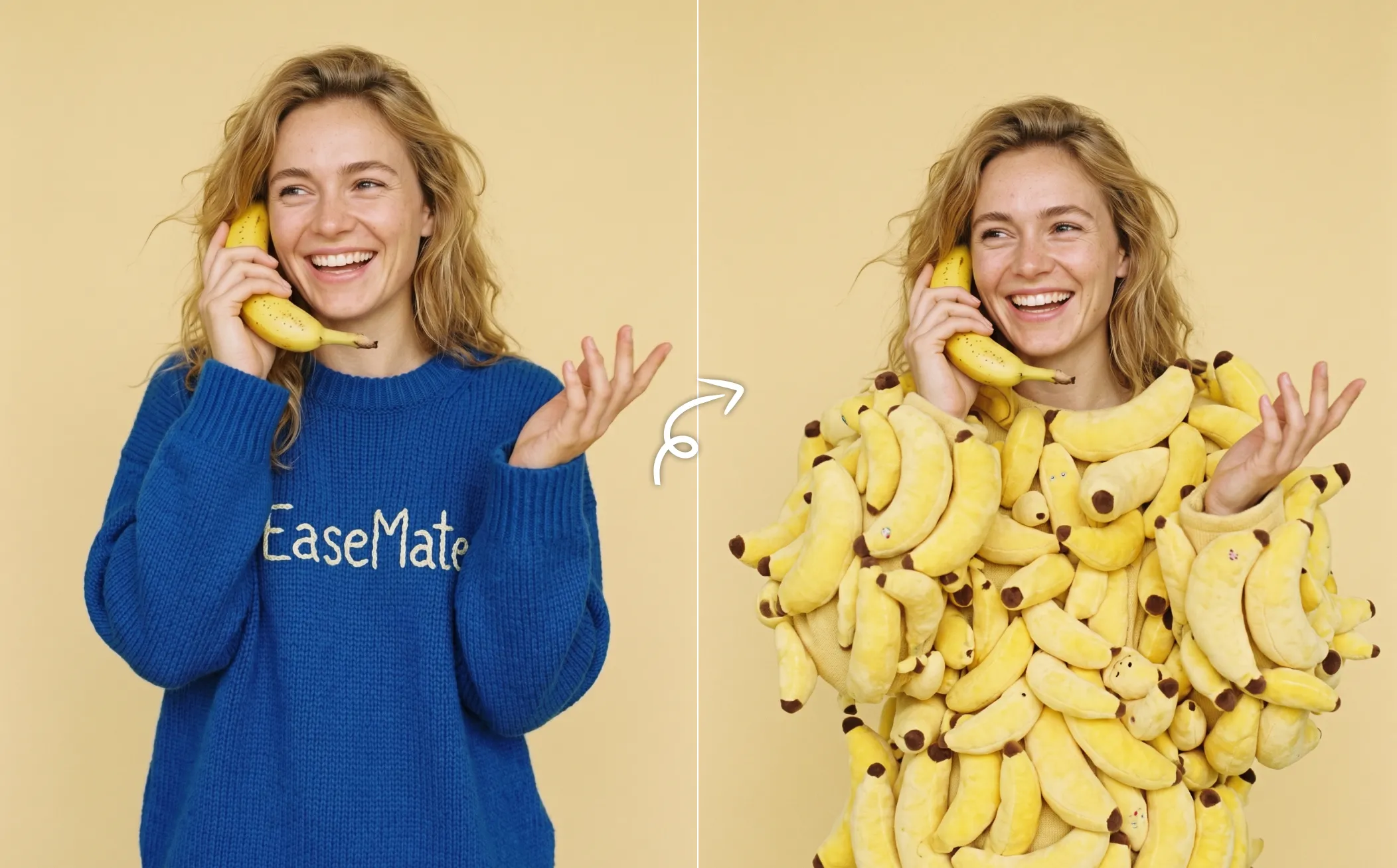
Generate and edit images with Nano Banana 2.1 for free for fast, creative results. As Google’s latest image generation and editing model, it can turn text prompts into realistic visuals, preserve consistent faces, create readable text, and enhance photos with conversational editing online.

How to Generate and Edit Images with Nano Banana 2.1 on EaseMate AI?
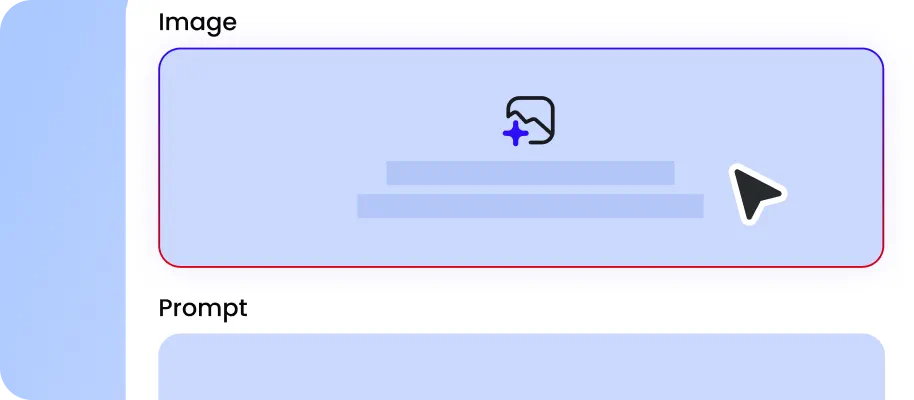
Provide a detailed description of your image or upload several existing images along with the changes you want to make.
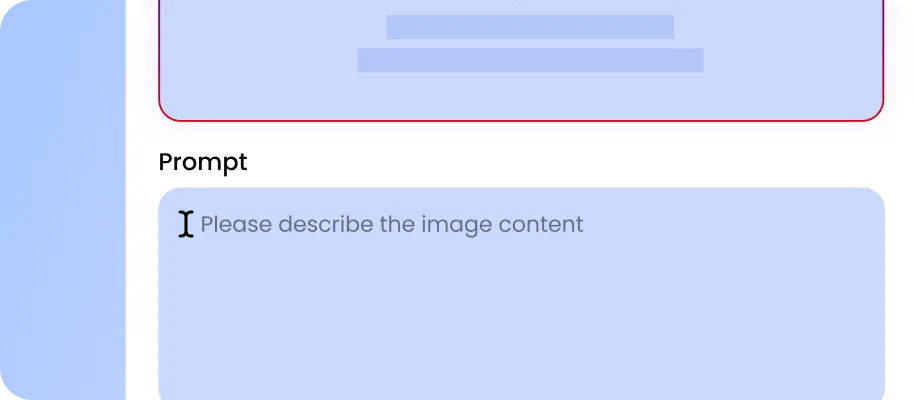
Choose a preferred aspect ration, resolution, and output format. Click "Generate" to let Nano Banana 2.1 generate or edit your images immediately.
After a few seconds, you can preview the generated image in full resolution download the watermark-free results for commercial projects and social media.
Why Use Nano Banana 2.1 Image Generator on EaseMate AI?
Get up to 4× lower cost than Nano Banana Pro with Nano Banana 2.1 on EaseMate AI, making high-quality AI image generation more accessible for everyday creative work and large-scale content creation. Generate highly detailed images in up to 4K and make precise edits with simple natural-language prompts. From ecommerce product photography and advertising creatives to posters, social media content, and large-format designs, Nano Banana 2.1 helps you create professional visuals with greater speed and flexibility.
Up to 4K for High-Detail Marketing Visuals and Better Text Rendering
Create high-resolution images for product marketing, print materials, presentations, social media, and large-screen displays. Nano Banana 2.1 supports 1K, 2K, and up to 4K output, giving you more pixels to preserve fine details such as product textures, fabric patterns, skin details, small objects, and background elements, helping deliver sharper details and more realistic textures at higher resolutions. Its improved text rendering also helps create clear headlines, labels, and other text-heavy visuals.
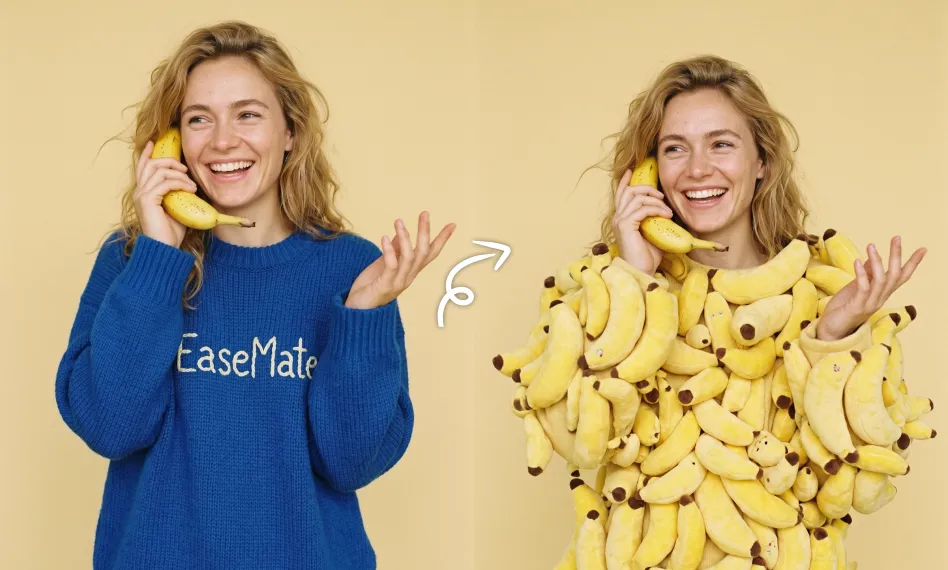
Create Ultra-Wide Banners and Panoramic Images
Generate visuals that go far beyond traditional square and landscape compositions. Nano Banana 2.1 supports wide and panoramic formats, including extreme aspect ratios such as 4:1, 8:1, 1:4, and 1:8, giving you more flexibility for website hero banners, advertising creatives, panoramic backgrounds, digital signage, and vertical promotional graphics. Instead of generating a standard image and stretching or cropping it afterward, you can choose the format and describe your intended composition directly and generate it in the format you need.
Maintain Consistent Products Across Multiple Images
Turn one product reference into a complete collection of campaign-ready visuals while keeping the product recognizable across different images. Nano Banana 2.1 can use reference images to preserve important visual characteristics such as product shape, color, materials, proportions, and distinctive details while changing the surrounding scene. Create lifestyle shots, different backgrounds, lighting setups, seasonal campaigns, ecommerce images, and social media creatives without having to photograph the product repeatedly.
Precise Image Editing with Natural Prompts
Edit specific parts of an image without rebuilding the entire scene from scratch. Simply select the area you want to modify and describe your idea, such as replacing the selected cup with a beer glass. Nano Banana 2.1 follows natural-language instructions more precisely while preserving the surrounding scene, helping maintain the original subject, composition, lighting, and other unchanged elements. This makes iterative refinement much faster when you need to make multiple small adjustments.
FAQs About Nano Banana 2.1
What is Nano Banana 2.1?
Nano Banana 2.1 is Google’s latest high-efficiency AI image generation and editing model, built on Gemini 3.6 Flash. It delivers fast, realistic image creation with improved prompt understanding, sharper details, natural lighting, and accurate text rendering. The model supports conversational image editing, multi-reference inputs, and consistent characters across multiple scenes. With output resolutions up to 4K, Nano Banana 2.1 balances visual quality, speed, consistency, and cost for modern AI image workflows.
Can I use Nano Banana 2.1 for free?
Nano Banana 2.1 vs 2, what’s the upgrade?
Nano Banana 2.1 vs GPT Image 2.5. which one should I choose?
How many reference images can Nano Banana 2.1 use?
EaseMate AI ToolKit
Find any tool you want here to make efficiency at your fingertips