


Translator - Free & Online AI Translation Tool
Humanize your copied or typed content, offering interactive and accurate translation across 200+ languages. Leverages multiple AI Models like GPT-4o-mini, Deepseek R1, Claude 3 Haiku, Deepseek R3, etc., to enhance your translation more accurate and meaningful.
How to Use EaseMate AI Translator
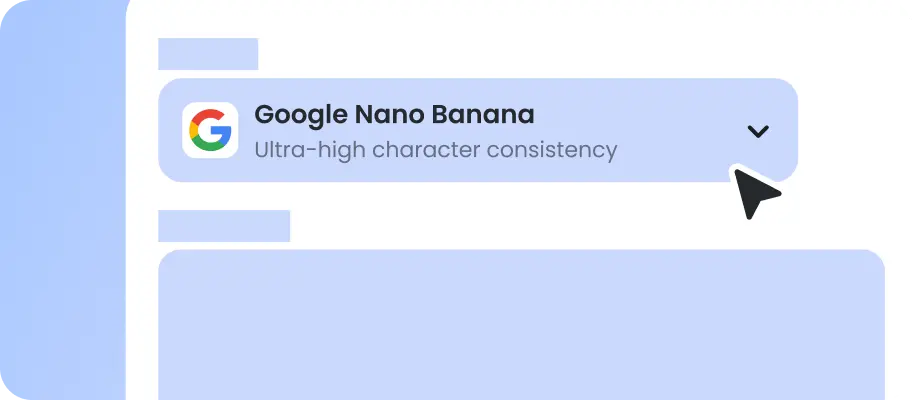
Copy or type the content you want to translate into the text box.
Select the source and target language options. Specify which AI model you want to use and click "Translate" to process.
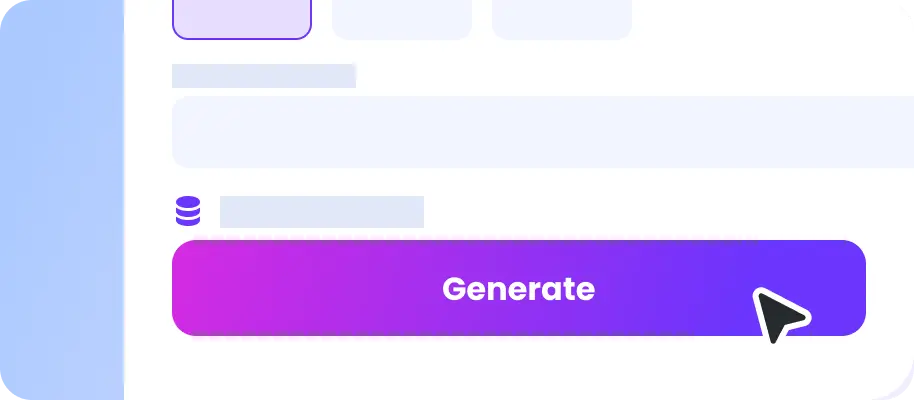
You can review and make enhancements to the answer. Then, export the Translation.
Why Choose EaseMate AI Translator
With EaseMate AI translator, you can easily and efficiently translate text, essays, and reports into another language.
Free Multilingual Support
EaseMate AI Translator supports seamless translation across multiple languages (e.g., English, Chinese, Spanish) while preserving contextual meaning. It integrates high-quality translation engines like DeepL, ensuring accurate terminology handling critical for technical, legal, or academic documents.
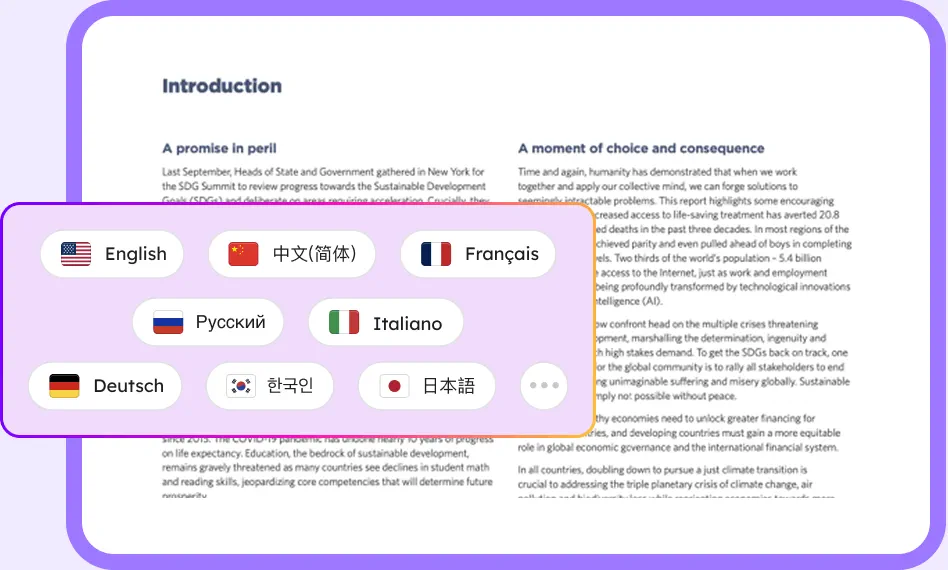
High-Quality, Contextual Translation
It utilizes deep learning algorithms to interpret nuanced language contexts (e.g., idioms, technical terms) for natural-sounding translations. What's more. It maintains the original tone (formal, casual, academic) in translations, which is ideal for business documents, educational content, or casual conversations.
Real-Time Online Processing
EaseMate AI Translator can instantly translate text as you type, perfect for live communication (e.g., chats, meetings). It also supports bulk translation of documents (PDF, DOCX, TXT) while retaining formatting—ideal for legal contracts, research papers, or eBooks.
Lightning-fast Translation Speed
This tool balances rapid processing with human-level fluency. It offers tailored translation modes for technical, medical, legal, or creative fields, ensuring accurate translation in a short time.
FAQs of EaseMate Free Online AI Translator
Is EaseMate AI Translator free?
Yes, EaseMate AI Translator offers its features, including AI translation, for free. However, there are usage limits for unlogged and logged-in users.
What is EaseMate's free online AI translators?
Which is better: Traditional human translation vs AI translation?
What is the best AI translator for students?
What are the benefits of AI translator?
EaseMate AI ToolKit
Find any tool you want here to make efficiency at your fingertips




