


Free AI Logo Generator: Generate AI Logos Online
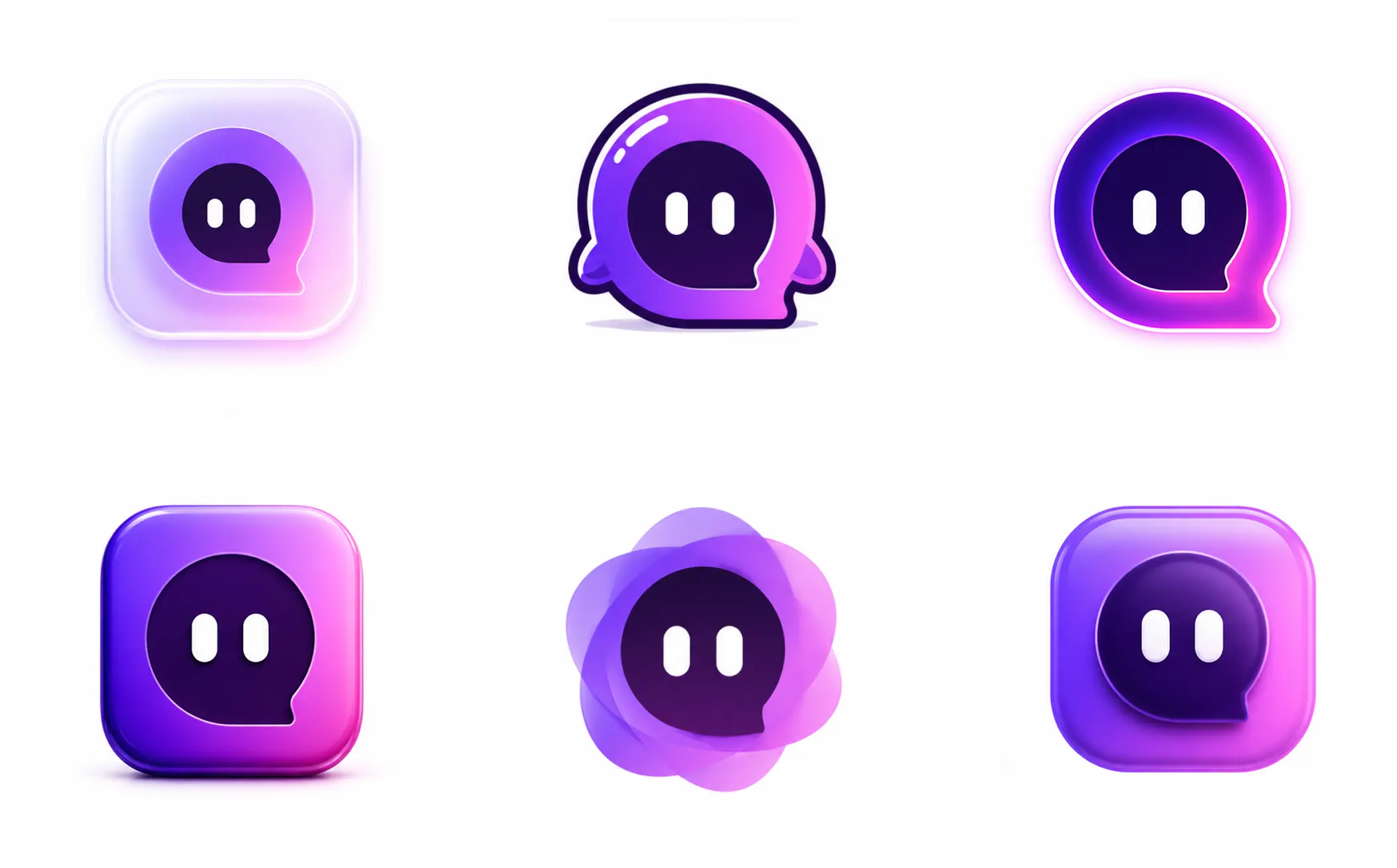
EaseMate AI aims to help users quickly create AI logos for free. With the help of this handy AI logo generator, you can generate professional-looking logos with prompts easily - no design skills needed.

How to Use AI Logo Generator on EaseMate AI?

Choose "Text to Image" to enter your detailed prompts or select "Image to Image" to upload your reference image.

Enter the detailed specifications of the AI logo you want to generate, such as color, font, and size.

Click the "Generate" button and download and it. Then, and export it the JPG, PNG, or another file format. You can use it for your business use.
Why Choose AI Logo Generator in EaseMate AI
Released by EaseMate AI, our professional AI logo generator helps you create dozens of AI logos in seconds. Type text prompts to generate unlimited creative and distinct logos. You can adjust your text prompts for better AI logo generation results, especially for the commercial use.
Generate AI Logos Instantly from Text Prompts
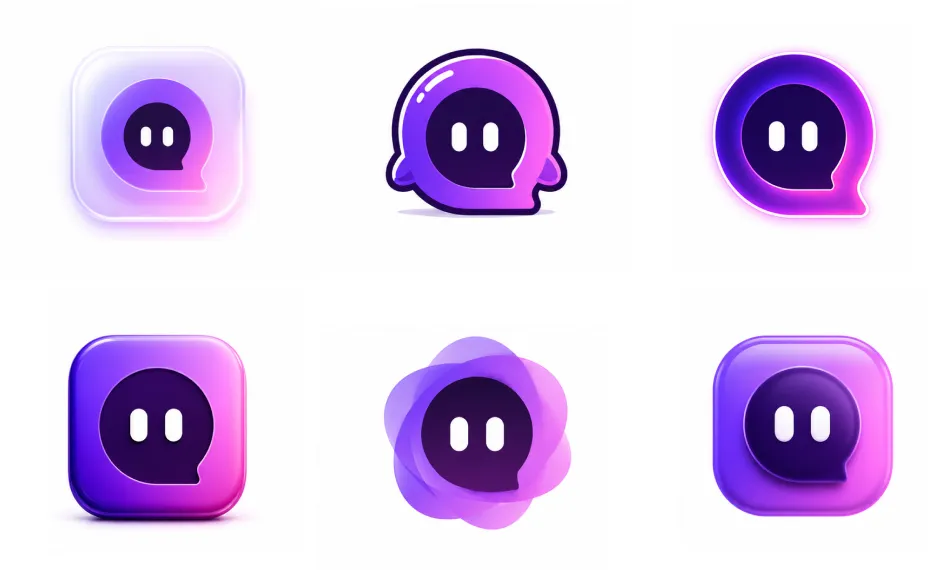
Generate professional AI logos instantly from simple text prompts by describing your brand name, style, or idea. This AI logo generator automatically transforms your input into multiple logo concepts with different layouts, fonts, and design styles, helping you quickly get a logo that fits your business identity without any design skills.
Create AI Logos with the Uploaded Reference Image
Upload your reference image, decide whether the uploaded image is a compositional guide (such as a specific flower or animal shape) or a style reference (such as a color palette or texture). Then, enter a detailed text prompt describing your business, industry, brand identity, etc.
Easily Customize Unqiue AI Logos Designs
Supported by powerful AI models such as GPT Image 2, our AI logo generator makes it easy to create and customize unique logo designs that match your brand identity. To get better AI logo output, you can adjust and test the same prompts on different AI models.
Online AI Logo Maker for All Businesses Owners
Create professional logos for any industry, including technology, healthcare, finance, education, and more. Simply enter your brand details, and this AI logo generator will generate customized logo designs that match your business identity. No design skills needed.
FAQs of AI Logo Generator by EaseMate AI
What is the best AI Logo Maker to create AI logos?
The answer is our AI logo generator from EaseMate AI. It enables you to quickly create professional logos from simple text prompts and automates the design process while still allowing easy customization of styles, colors, and fonts. In short, it's fast, beginner-friendly solution for generating modern, brand-ready logos without design skills.
Can I generate AI logos without a watermark?
Do I need high design skills to produce AI logos online?
How do I customize logos created by an AI logo generator?
Are AI-generated logos free to download and use commercially?
EaseMate AI ToolKit
Find any tool you want here to make efficiency at your fingertips




