Free MiniMax H3: Create Native 2K Videos with Hailuo 3.0 Online
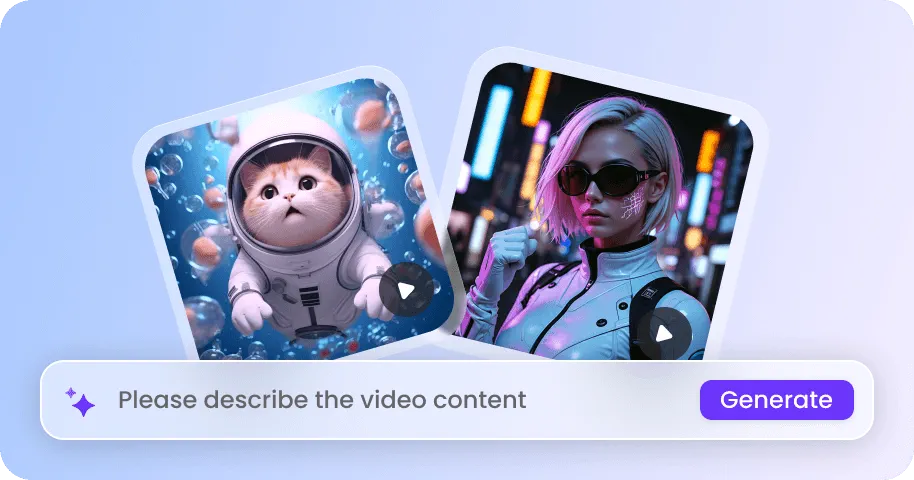
Generate and edit 2K videos up to 15 seconds for free. With MiniMax H3, you can generate videos from multimodal reference inputs, including text, images, videos, or audio in a single run.


How to Generate Videos with MiniMax H3 on EaseMate AI?
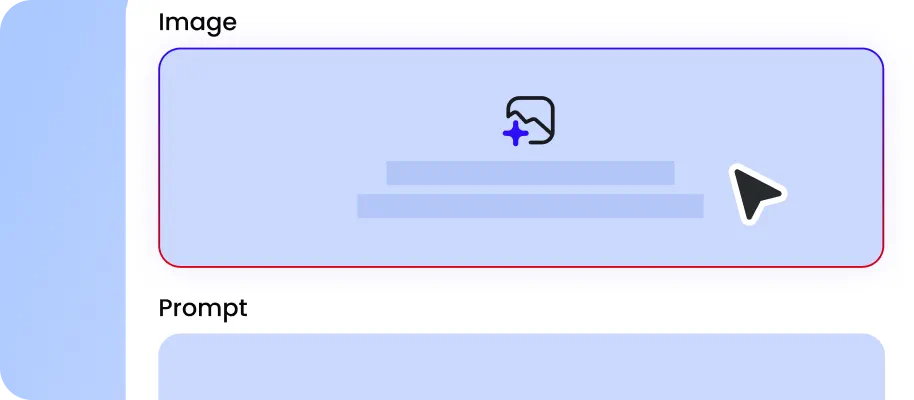
Describe the scene you want to create in simple language. Also, you can upload omni reference assets like images, videos, and audios. MiniMax H3 supports up to 12 reference elements in total ( up to 9 images, 3 videos, and 3 audio tracks in one request).
Set the aspect ratio, output quality, and duration for your video. Click “Generate” to let our MiniMax H3 AI video generator create a 2K video with native audio based on all your input.

Now, you can preview the cinematic 2K video with sound. Either download the watermark-free version or type the changes you want to make, and then MiniMax H3 will edit the video while leaving the rest of the original shot untouched.
Why Choose MiniMax H3 AI Video Generator in EaseMate AI
As MiniMax's general-purpose open-weight multimodal video model, MiniMax H3 can combine text, images, videos, or audio in one generation to generate 2K video with native audio. The multimodal context understanding, high-quality video generation, and instruction-based video editing make it perfect for hand-drawn glowing animations, viral short-form drama, Hollywood-level action sequences, and commercial product ads.
Generate Videos With Native 2K Resolution For Free
With MiniMax H3, you can generate videos in native 2K resolution. By generating videos at 2560x1440 directly, it avoids quality loss from traditional upscaling workflows. This helps preserve important visual elements, including readable text, logos, character details, and realistic environments. Moreover, the native 2K output also gives you more freedom to crop, zoom, and edit videos while keeping details intact.
Online Hailuo 3.0 AI Video Generator with Inbuilt Audio Integration
Create fully immersive videos with native audio integration. In other words, our MiniMax H3 AI video generator can create synced dialogue, music, sound effects, and ambient noise that naturally match on-screen actions. An AI-generated street can include character dialogue, passing vehicles, footsteps, and city ambience with proper timing. Whether you are designing a product showcase, cinematic trailer, or social media clip, H3 can generate the complete audiovisual experience from a single prompt, eliminating the reliance on separate audio editing tools.
Transform Text, Images, Videos, and Audio to Videos in One Pass
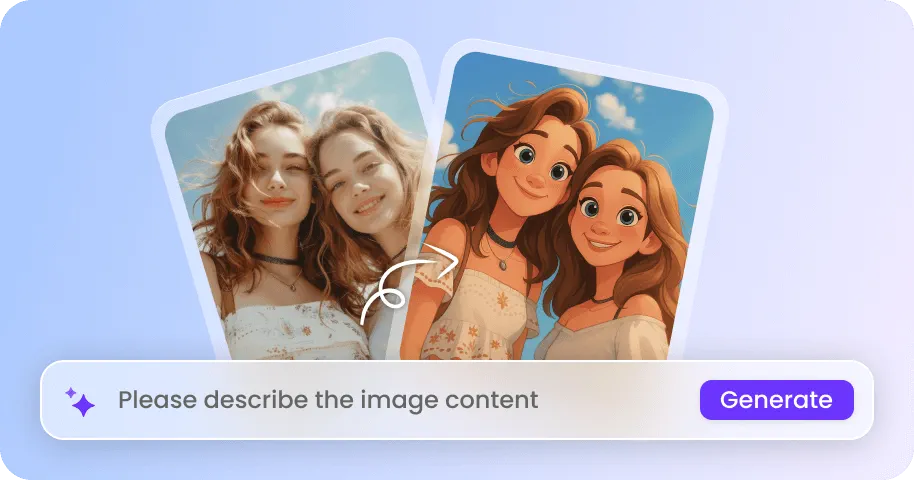
Unlike traditional AI video generators that merely focus on a single input type, our MiniMax AI video generator can understand and combine text, images, videos, and audio in one pass. This means you can describe a scene while providing visual and sound references at the same time. For instance, you can provide a character image, a cinematic shot reference, and a dialogue recording to generate scenes with consistent identity, matching art styles, precise camera control, and natural audio synchronization.
Prompt-Based Video Editing with MiniMax H3
Say goodbye to frame by frame manual plotting of keyframes and cutting in the timeline. MiniMax H3 allows you to create, refine, and perfect your videos with natural language. Instead of creating a completely new video, you can refine your current footage by simply explaining the changes you need. Whether you want to swap a character, remove an object, relight a scene, or adjust audio, our Hailuo 3.0 AI video generator will apply the targeted edits while preserving the rest of the elements intact.
FAQs of MiniMax H3 AI Video Generator by EaseMate AI
What is MiniMax H3?
MiniMax H3, also called Hailuo 3.0, is the latest AI video model from MiniMax. It can process text, images, videos, and audio together to better understand multimodal instructions and generate cinematic videos up to 15 seconds with native 2K resolution and synchronized stereo audio. With features like text to video, image to video, video editing, and multi-reference control, this newest video model from the Hailuo family can help you produce engaging short clips with improved realism and consistency. Meanwhile, this multimodal AI video generator excels at creating hybrid mixed-media pieces like hand-drawn luminous animations blended into live-action footage, short-form vertical drama coverage, high-kinetic action sequences, and commercial product shots with clean text rendering.
Is MiniMax H3 the same as Hailuo 3.0?
How many reference files does MiniMax H3 support in one generation?
MiniMax H3 vs Seedance 2.5, what's the difference?
Can I edit videos with MiniMax H3?
EaseMate AI ToolKit
Find any tool you want here to make efficiency at your fingertips