Free Magic Eraser : Clean up Pictures Online, No Sign-up
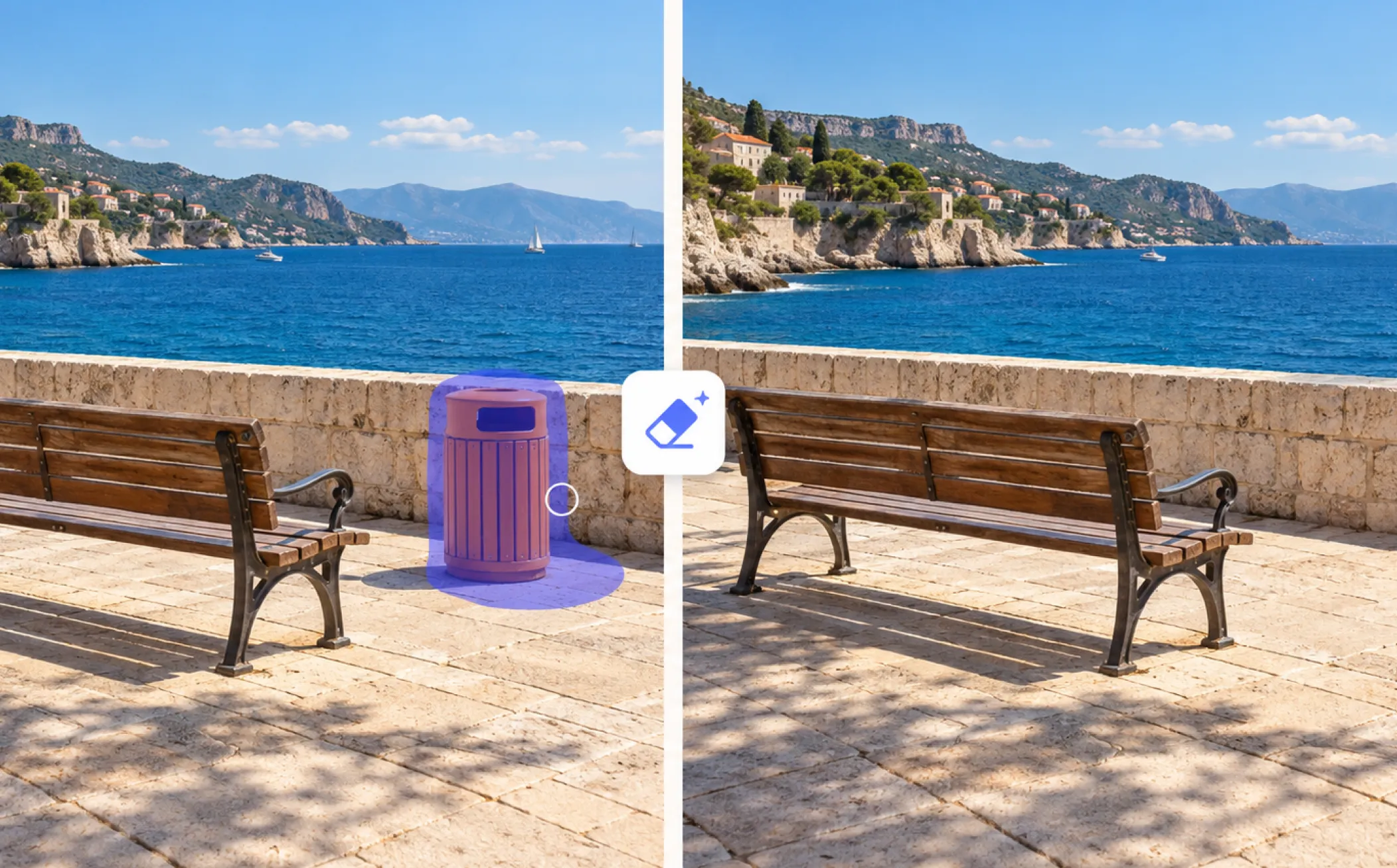
Remove unwanted objects, people, text, and logos with our free magic eraser. Simply upload any image and brush over the item you want to delete online to clean it up in a flash.

How to Use Magic Eraser with AI on EaseMate AI?
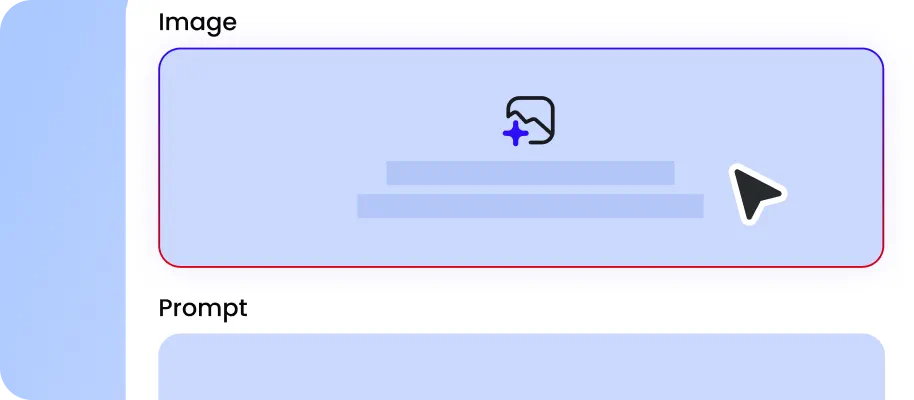
Drag or drop your image from your device. Our online smart photo eraser supports most common formats, including JPG, JPEG, WEBP, or PNG up to 20 MB.
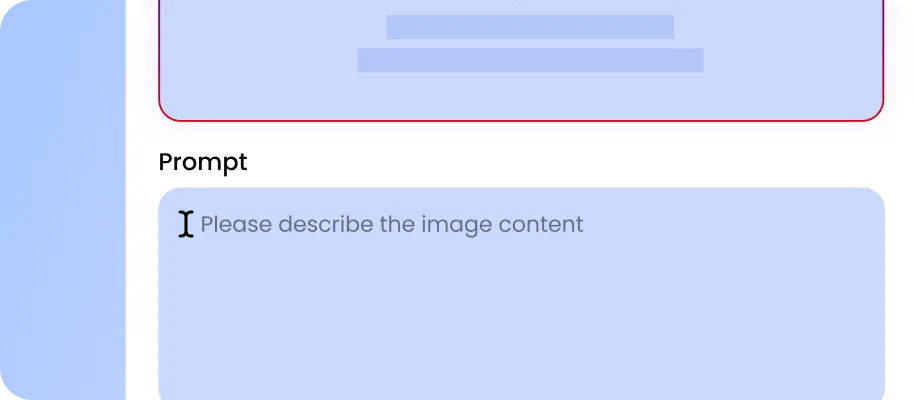
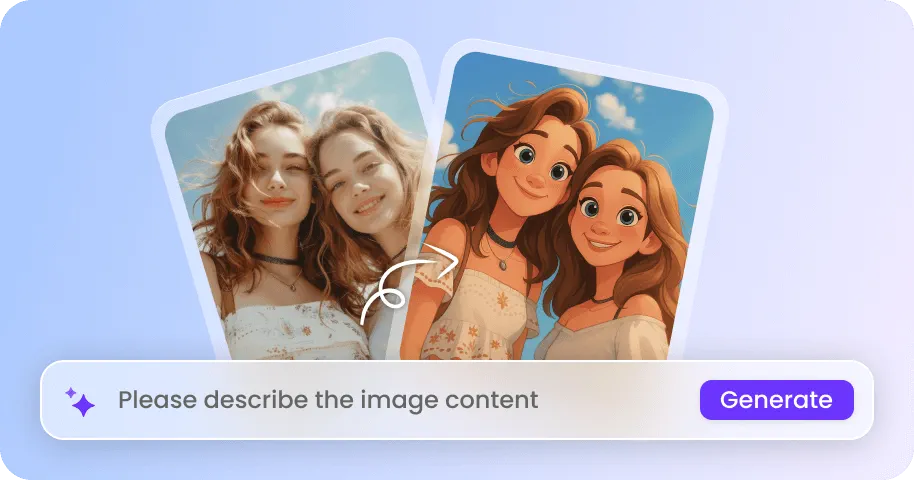
Use the brush to paint over the unwanted object or circle over it. Click "Generate" to start erasing the selected area at once.

Now, you can preview the cleaned picture without any unwanted clutter. Download the watermark-free version for direct use or further editing.
Why Choose Magic Eraser in EaseMate AI?
Our free AI photo magic eraser makes unwanted objects disappear in seconds. Remove people, clutter, text, watermarks, blemishes, glare, and more using one-click detection or photo cleanup.
Clean up Picture Online for Free
Remove distracted items for free and get results in seconds with our AI photo magic eraser. Whether your photo has unwanted people, messy backgrounds, random objects, text, or watermarks, you can remove them with a simple brush. For example, erase a trash can from a travel shot, remove a stranger standing behind your subject, or clear distracting cables from a cityscape. The advanced AI image editors like GPT Image 2, Nano Banana Pro, Grok Imagine 2, and more will automatically reconstruct the selected area, helping you achieve a seamless-looking result without expensive editing software.
Smart Magic Eraser with Brush, Circle, Rectangle & Auto Detect
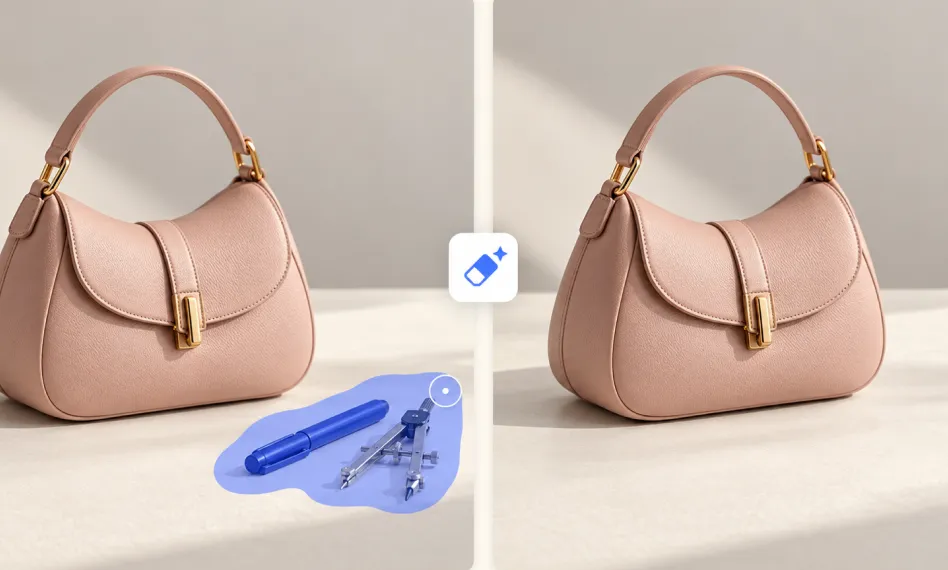
Take control of your photo edits with flexible Magic Eraser tools designed for every situation. Auto Detect can identify unwanted objects automatically for quick one-click removal. For more control, use Brush around small details, Circle around people or irregular objects, or Rectangle over larger distractions. For example, brush away a scratch from a product photo or circle a photobomber in a selfie. Simply mark the area and let this online AI magic eraser complete the cleanup.
Context-Aware AI Image Eraser for Seamless Photo Cleanup
Trained on millions of images to understand depth, shadows, and perspective, our magic eraser can remove any unwanted clutter while preserving the natural look of your image. The sophisticated context-aware approach helps prevent blurry patches, repeated textures, and unnatural edges. Whether you are removing imperfections or larger distractions, intelligent painting helps maintain a seamless background and minimize blurry artifacts.
Remove Any Unwanted Objects from Photos with One Click
From real estate photography to social media posts, our free photo cleaner can give your picture a fresh touch. Remove photobombers from travel photos, clutter from property listings, unwanted text from graphics, or distractions from product shots. Even for minor blemishes, wrinkles, glare, and other imperfections, you can clean them all without complicating editing skills. After removing distracting objects, it will use the surrounding visual information to rebuild the erased area while preserving the natural appearance of the scene.
FAQs of Magic Eraser by EaseMate AI
1. What is magic eraser?
Magic Eraser is an online photo editor that leverages artificial intelligence to remove unwanted objects, people, watermarks, logos, emojis, or flaws from your photos. Instead of copying pixels from another part of the photo manually, this smart photo cleaner allows you to circle the items you want to remove and then it generates matching pixels automatically. Its ease of use, lightning-fast speed, and context awareness make it perfect for removing photobombers, fixing imperfections, and cleaning up product shots.
2. What can this magic eraser editor move?
3. Is there a free magic eraser online?
4. Will magic eraser will affect the quality of my original photos?
5. What’s the best magic eraser for photos?
EaseMate AI ToolKit
Find any tool you want here to make efficiency at your fingertips