


Veo 4 (Gemini Omni) AI Video Generator Online: Create Videos with Audio - Coming Soon
Google Veo 4 will be live on EaseMate AI soon. Instantly transform text and images into 4K high quality and HD Hollywood-level videos with better character consistency, lighting accuracy, and realistic motion now!


How to Generate Videos with Veo 4 on EaseMate AI?
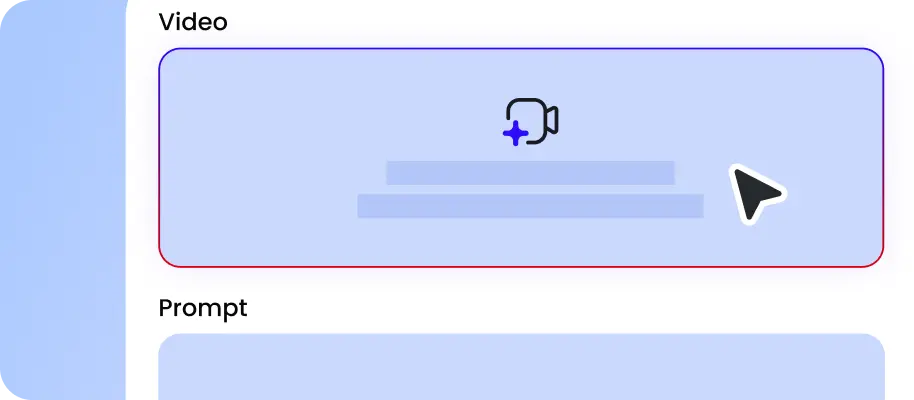
Choose an image as the first frame of your video. Then, describe the subject, action, setting, camera movement, style, duration, and more in natural language.

Select the aspect ratio, output quality, and duration you want. Click “Generate” and then Veo 4 will generate videos from image and text automatically.

Preview the first draft and adjust your prompt to refine the generated video. Once satisfied, download the watermark-free video in HD format, ready for e-commerce, marketing, or social media.
Why Choose Veo 4 AI Video Generator in EaseMate AI
Try Google’s latest multimodal AI video model, Veo 4 online. Instantly generate HD videos with multi-layered audio from text and images. Drop any ideas online to enjoy better quality, longer duration, and cinematic control now!
Generate 4K/HD Videos with Veo 4 Online
Recently, leaked demos generated by Veo 4 like the chalkbroad handwriting test and seaside spagehtti scene, has taken over the social media. According to them, this Google's new multimodal video model introduces 4K and HD-ready output, dynamic camera switching, multi-angle scene generation, native surround-style audio, improved lip sync, and longer continuous clips with remarkably stable visuals. Simply by daily check-ins and friend referrals, you can unlock credits for video creation.
Up to 30-Second Video Creation with Better Consistency
Compared with Veo 3.1, Gemini Omini dramatically extended AI video durations to 30 seconds of seamless footage without needing multiple stitched clips manually. Unlike older 8-second limits, our Veo 4 AI video generator enables more fluid storytelling, complete dialogue exchanges, and extended cinematic shots. Longer duration can help to reduce visible transitions between scenes, helping maintaining consistent character looks, backdrops, lighting, and other details throughout the video.
Dynamic Camera Switching for Seamless Storytelling
With dynamic camera switching, Veo 4 is capable of simulating real-camera filmmaking. Compared with earlier models, it understands 3D spatial relationships more accurately, and every transition feels smooth and natural. No editing skills needed, just type some simple words, and then you can shift from wide environmental shots to intimate close-ups or move action angles while preserving continuity across the entire scene.
Cinematic Gemini Omini AI Video Generator with Advanced Multi-Layered Audio
Beyond simple background audio generation, Veo 4 introduces immersive audio generation designed to match the realism of its cinematic visuals. Instead of flat audio tracks, Veo 4 creates layered cinematic soundscales featuring realistic ambience, synchronized dialogue, and mood-matched music. Moreover, combined with support for surround sound configurations, Veo 4 delivers AI-generated videos that feel closer to professionally mixed film production.
FAQs of Veo 4 AI Video Generator by EaseMate AI
What is Veo 4?
Veo 4 is Gemini’s next-generation AI video model designed for high-quality HD video creation. It can generate up to 30-second HD videos with realistic motion, consistent characters, multi-layered native audio, and advanced camera controls. From product ads to social clips and cinematic storytelling, it can instantly generate them from text and images.
What’s new in Google Veo 4?
Veo 4 vs Seedance 2.0, which is better?
Can I edit videos with Veo 4?
Are Veo 4 and Gemini Omni AI video model the same?
EaseMate AI ToolKit
Find any tool you want here to make efficiency at your fingertips




