


Free AI Video Editor: Edit Videos with Prompt Online
Edit videos with AI online. With this free AI video editor on EaseMate AI, you can refine video clips through simple text prompts. No prior editing skills or a manual frame-by-frame process are needed.


Explore the Best AI Video Editing Models on EaseMate AI
Choose from the world's leading AI video editing models to modify, enhance, and transform videos with realistic edits, precise control, and professional-quality visual results.


Why Choose AI Video Editor in EaseMate AI
Instantly edit videos from text and images for free. No editing skills needed, just type some simple text prompts along with reference images or videos to our AI video editor, and then you can enhance videos, change backgrounds, remove objects, and delete watermarks online.
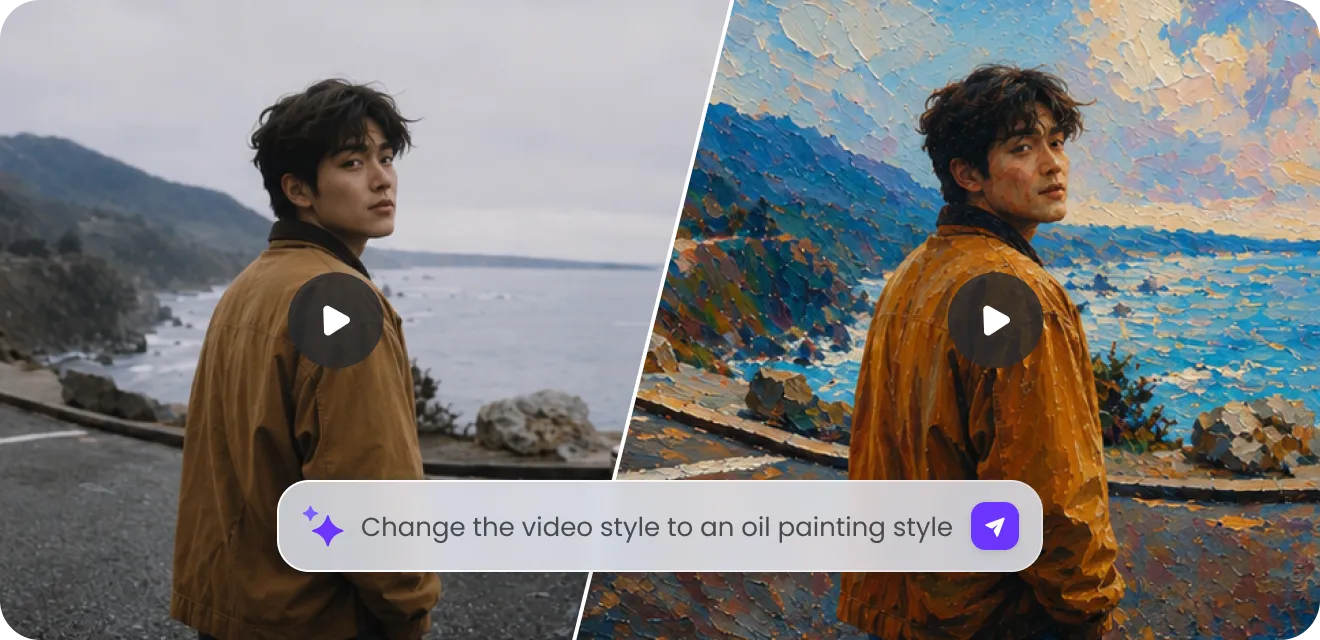
Edit Videos with AI for Free, No Skills Needed
Say goodbye to hours of manual editing with our AI video editor. Just tell what you want to change in plain language and let AI models like Seedance 2.0, Google Omni, Kling O1, Wan 2.2 and more handle the rest for you. Remove unwanted objects, change visual effects, replace backgrounds, and add brand elements without touching any complicated editing tools. Start from existing footage, and then you can refine every detail through simple conversation.
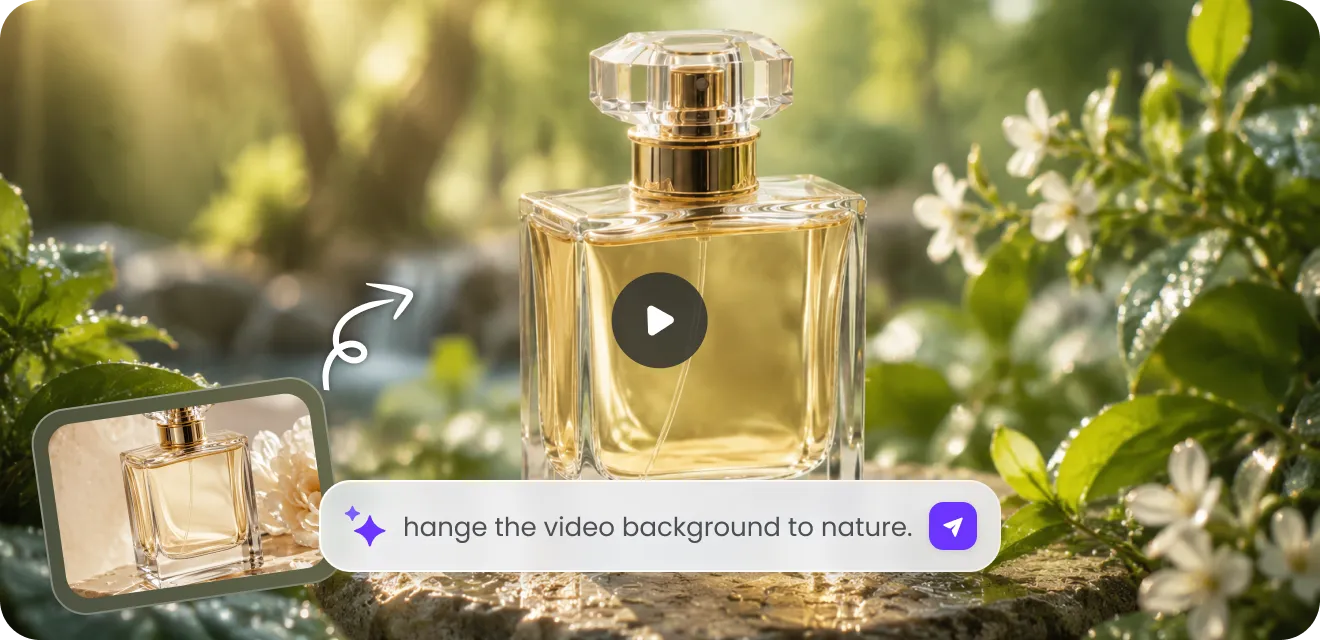
Edit Videos from Text with Full Customization
From draft to final export, you can customize every detail in the video. Whether you want cinematic storytelling, an education explainer, or viral social media reels, our free AI video editor from text can instantly adapt the style or edits based on your text instructions. Change aethetics, generate custom B-roll, change camera motions, replace the backgrounds, or add branded graphics in seconds. Drop your footage to apply brand assets, adjust layouts, and experiment with different styles now!
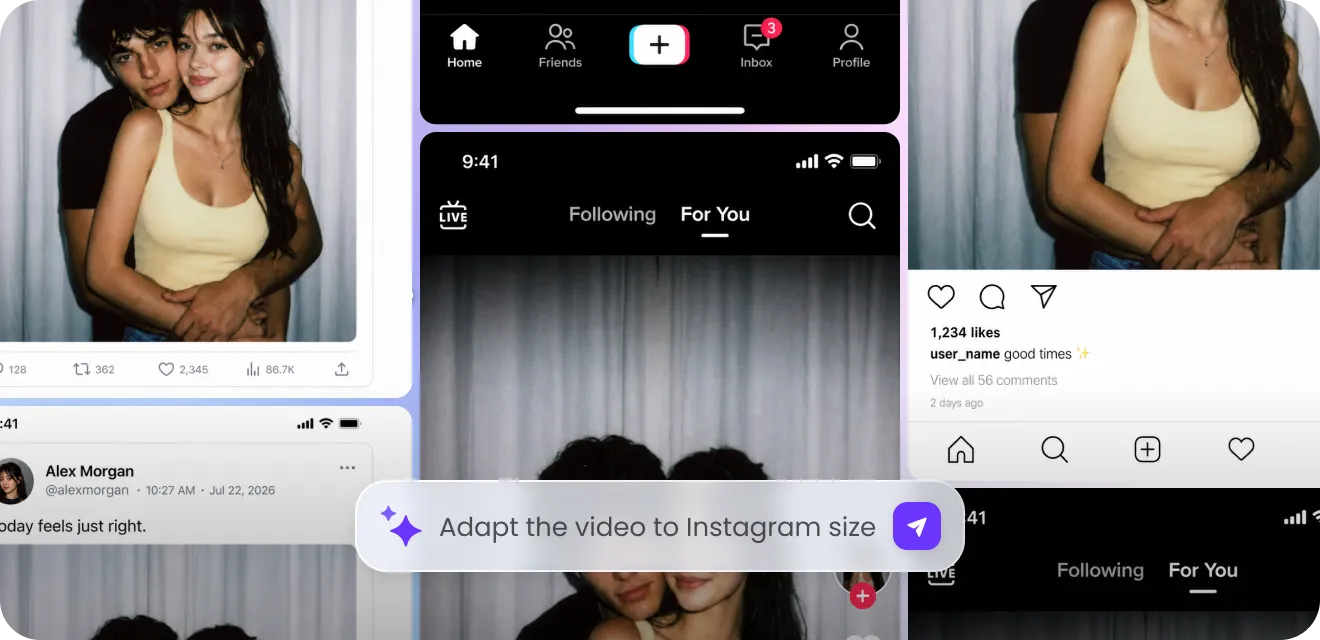
Best AI Video Editor for TikTok, YouTube, or Instagram
With our AI-powered video editor, you can turn one video into an entire content library. Simply upload a single horizontal video, and then it will automatically generate vertical, square, and landscape versions optimized for TikTok, YouTube, Twitter, Instagram, and more. Meanwhile, the smart subject tracking ensures key people, products, or objects remain in focus throughout each format. It’s perfect for building an advertising funnel, managing social media metrics, etc.
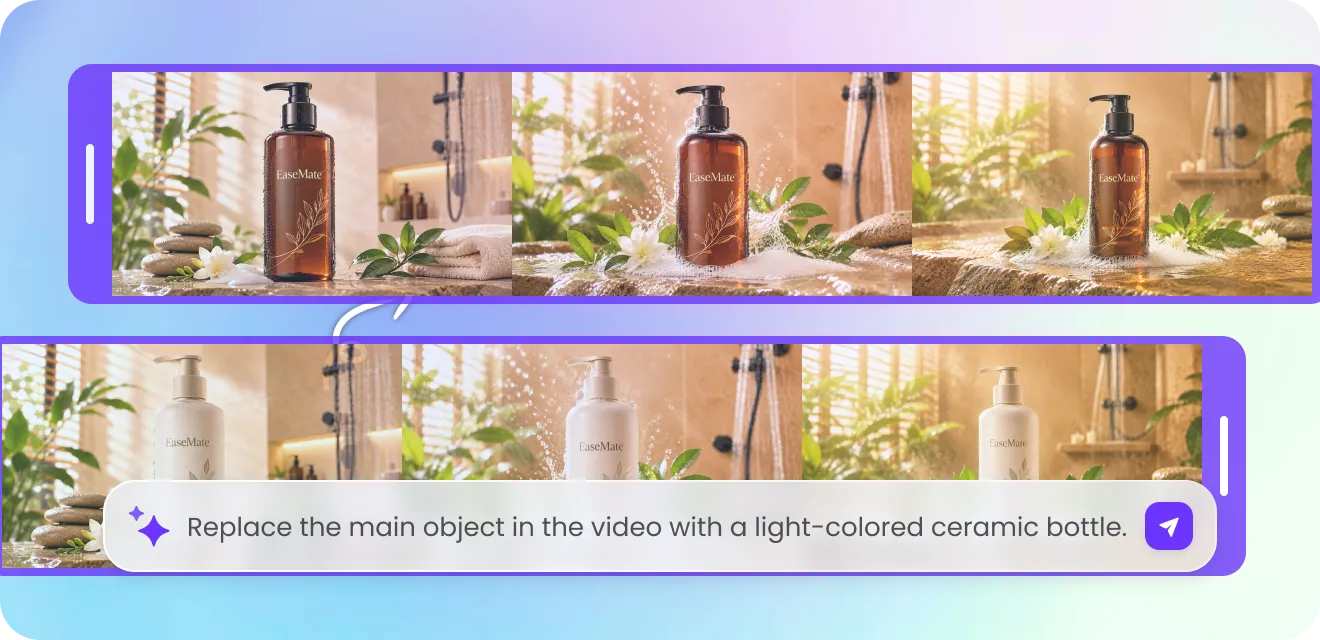
Maintain Brand Consistency With Prompt-Based Video Editing and Refining
Instead of navigating complex timelines, type some simple words to trim clips, replace visuals, or add effects, and then our AI-powered video editing tool will automatically maintain brand consistency by applying approved colors, typography, and logos to every project. Moreover, you can customize messaging, visual styles, and voiceovers for different audience groups or geographic markets. By automating repetitive editing tasks, you can focus more on storytelling, creativity, and campaign strategies.
Popular AI Video Editing Examples & Prompt Templates
Instantly learn how to edit videos from text for removing text, replacing objects, deleting people, changing environments, and applying stunning artistic styles.
AI Video Editor Built for Every Career and Team
From creators to business, everyone can edit, enhance or resize videos with minimal effort. The AI-powered editing is perfect for social media, filmmaking, education, and digital marketing.
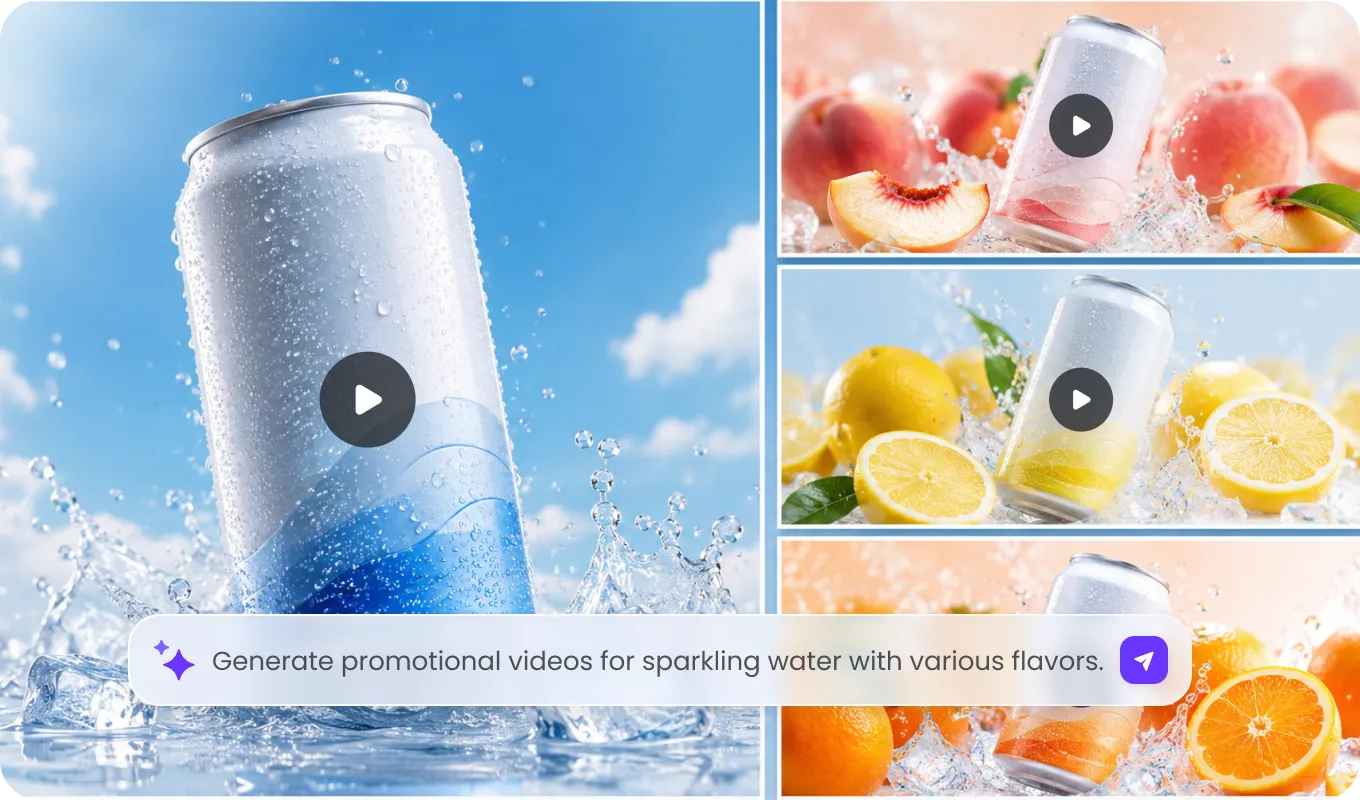
Social Media Creators
Grow your audience with polished edited ad videos. With a few clicks and simple words, you can enhance video resolution, optimize vertical formats, remove unwanted objects, or transfer styles for viral shorts on TikTok, Instagram, YouTube, Facebook, etc.
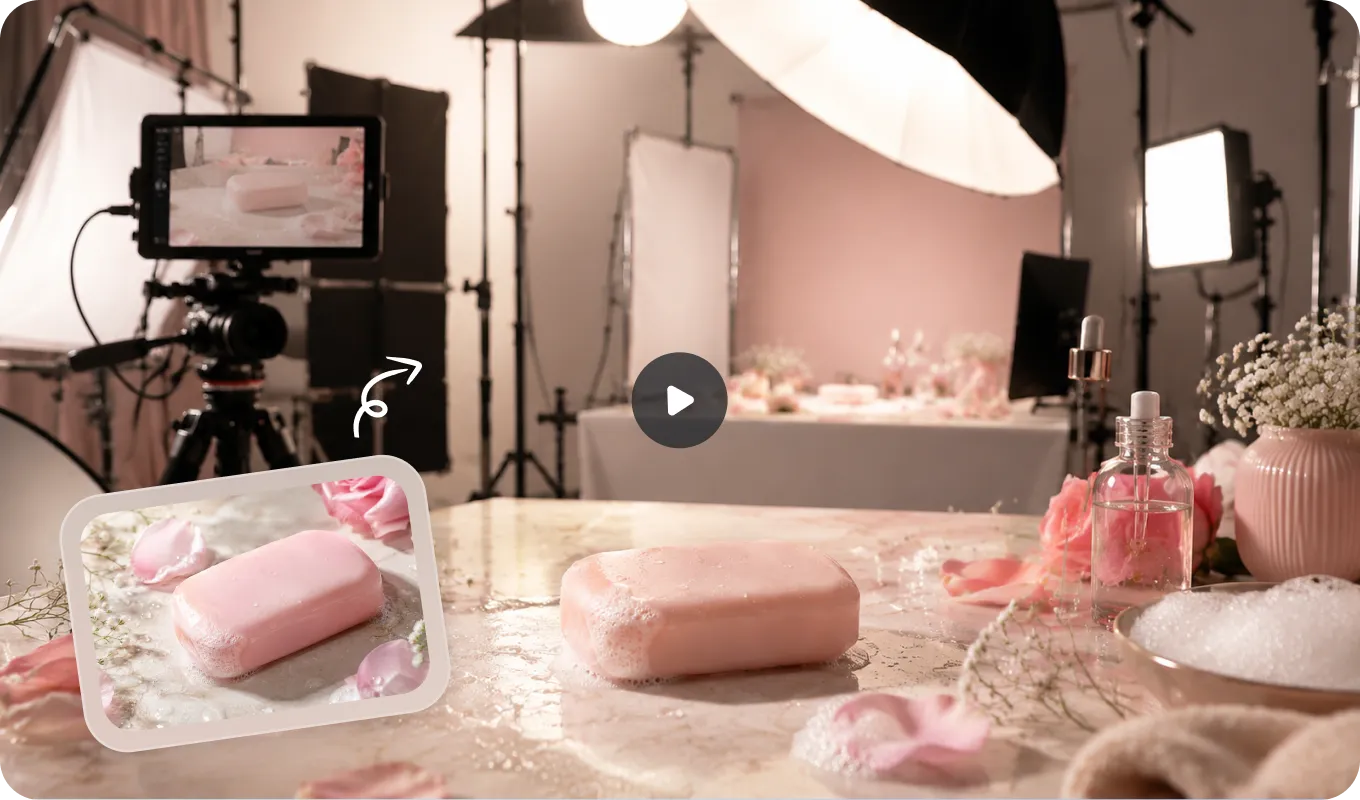
Traditional Editors & Filmmakers
Just upload existing footage alongside reference images or videos to guide edits with natural language, and then our free AI video editor will instantly match visual styles, replace elements, refine scenes, or adjust colors without reshooting or generating the whole video from scratch.
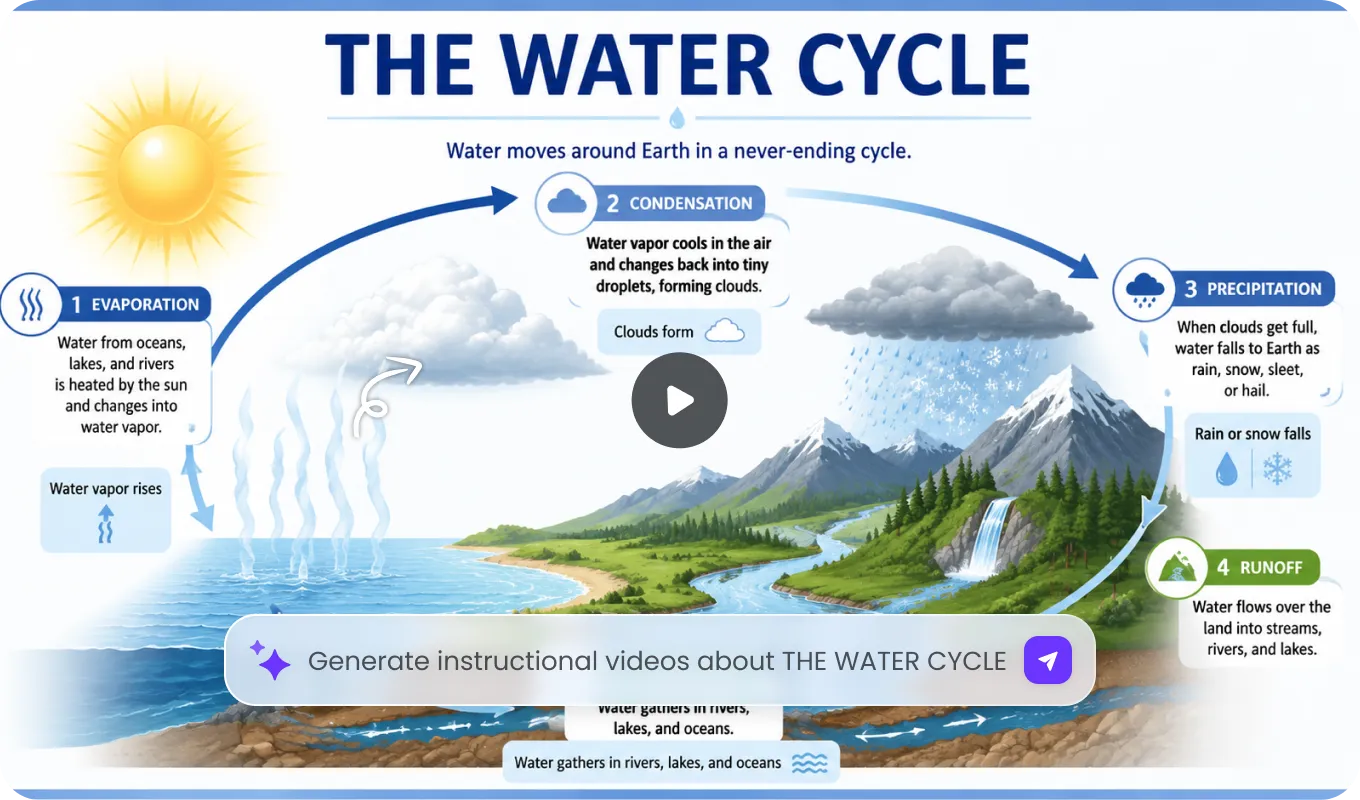
Educators & Trainers
Now, teachers, researchers, or trainers can edit educational videos as easily as editing a text document. After modifying a script or correcting information textually, they can add captions, educational graphics, change topics, transitions, and polished visuals that make complex topics easier to teach and understand.
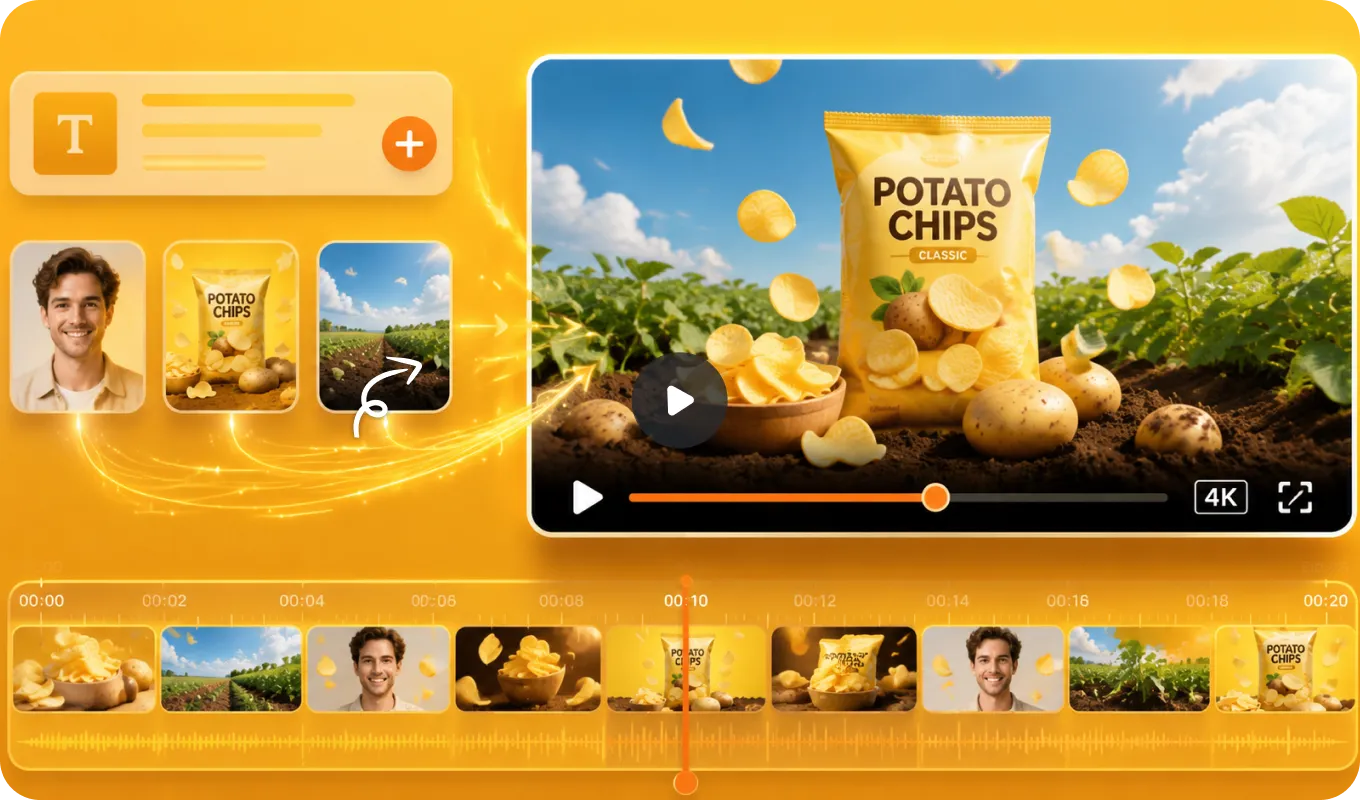
Digital Marketers & Small Businesses
With our free AI-powered video editing tool, digital marketers and small enterpreneurs can scale their product videos while dramatically reducing costs and saving time. Simply type some simple words, and then it will extend durations, clip long footage, enhance video quality, or resize to various formats in minutes.
How to Edit Videos with EaseMate AI?
Drop your existing video, type what you want to change, or upload visual references to edit any videos in no time now!
Step 1: Upload your clip.
Upload any video footage you want to edit or enhance. Our AI video editor supports videos up to 15 seconds.
Step 2: Edit your video with AI.
Upload several reference images or videos to give Seedance 2.0 a visual anchor and then write the video edit prompt to tell it how to use the existing assets.
Step 3: Export and share.
After a few moments, your edited video will be ready. Download it the watermark-free version and then feel free to share it on social media.
Real YouTube User Feedback About EaseMate AI
Dive into the latest YouTube videos highlighting our AI video generator and editor. Experience AI filmmaking demos, explore prompt examples, and view exceptional cinematic video outputs.
I Found the Best 20 FREE AI Tools No Login Needed!

Don't Upload FIFA 2026 Videos Until You Watch This! 👀
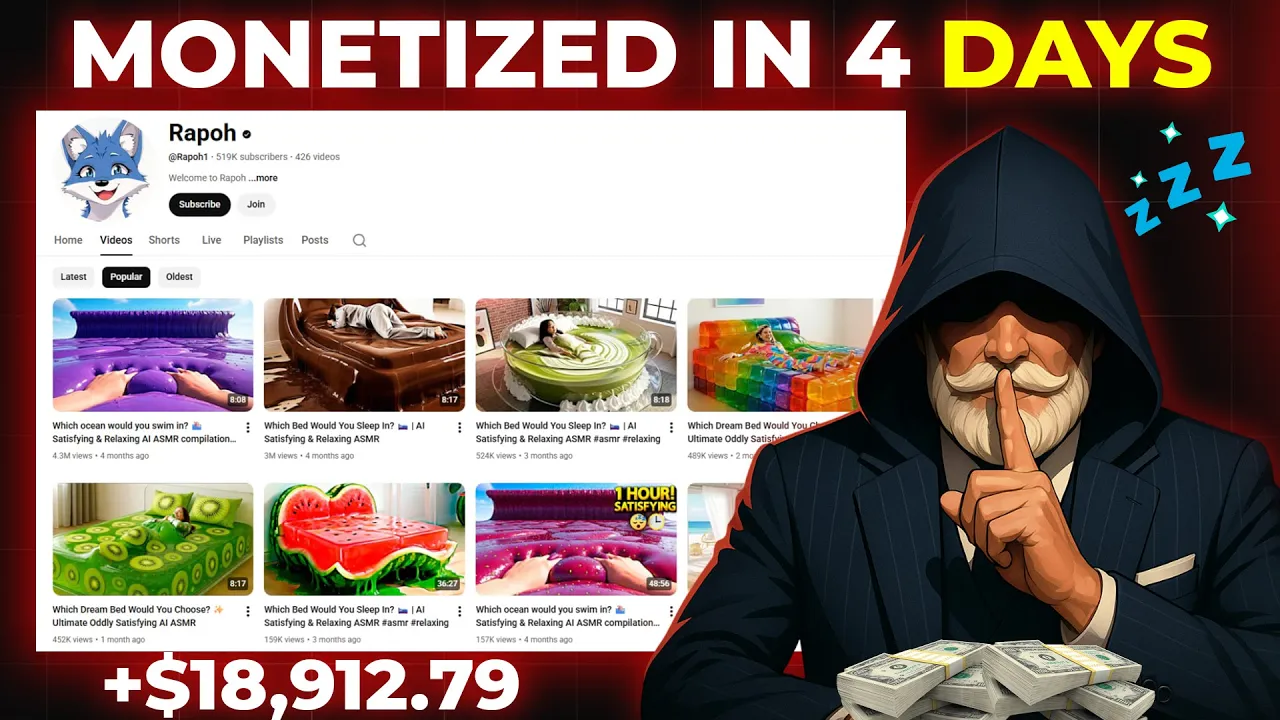
How to Make Viral ASMR Videos with AI
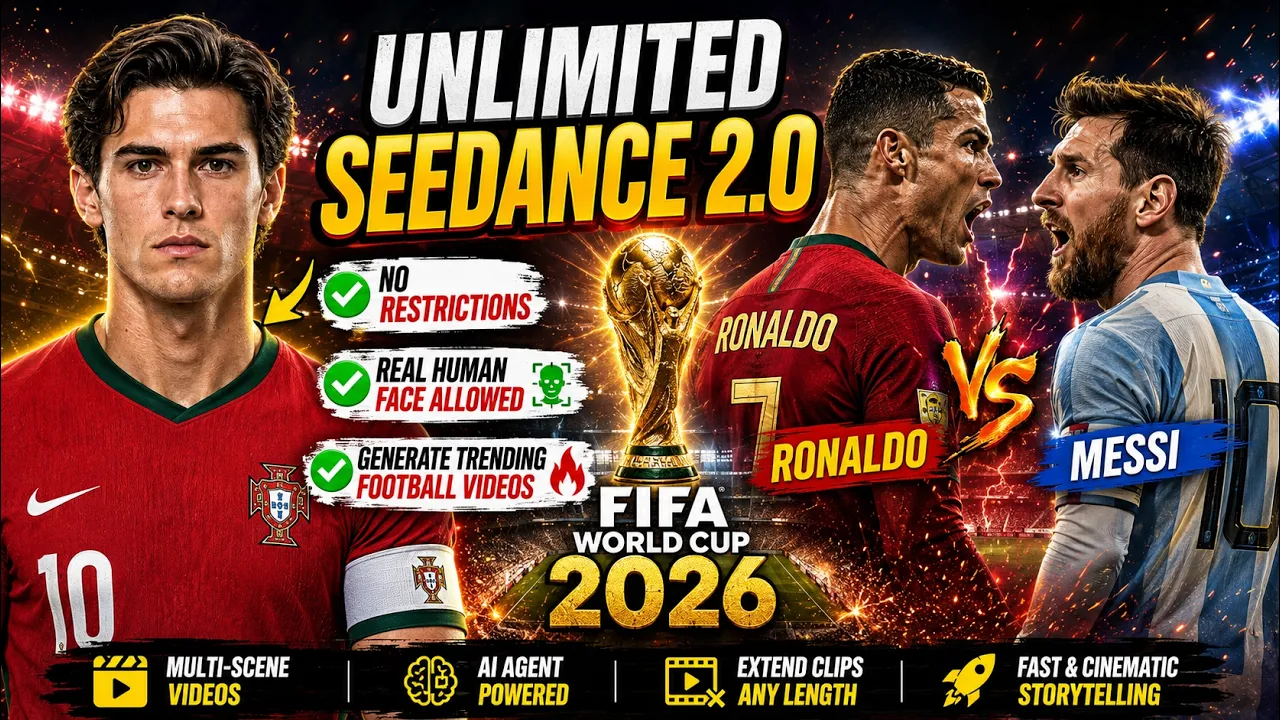
Free & Unlimited Seedance 2.0 Create FIFA World Cup 2026 AI
Hottest Twitter Posts for AI Video Editor and Generator on EaseMate AI
Discover the latest Twitter discussions about our online AI video editor, including creative AI video examples, powerful generation prompts, and community insights from creators.
Explore More Powerful AI Video Editing Tools Online

FAQs of AI Video Editor by EaseMate AI
What is an AI video editor?
As the name suggests, an AI video editor makes full use of artificial intelligence to edit, cut, or enhance videos. Instead of assembling footage or editing them frame by frame manually, you can edit and produce videos using some conversational prompts. Simply type some commands like removing the background, changing scenes, or swap styles, and then you can instantly generate perfectly fitting backgrounds, green screen replacements, or AI visuals.
What's the best AI video editor?
Is there a free AI video editor available?
Do I need any editing skills to use this online AI video editor?
Can ChatGPT edit videos?
Which video model is the best for video editing?
Edit, Extend, or Enhance Videos with AI for Free Now
Transform your footage with AI-powered editing for free. Remove objects, replace backgrounds, customize styles, and add branding assets to create polished videos now!