


Free GPT Image 1.5 Model Online
Generate images 4x faster than its predecessor with GPT Image 1.5 for free. No sign-up needed, just drop your image or text prompts online to experience better instruction adherence, precise editing, and rich details now.

How to Use GPT Image 1.5 in EaseMate AI?

Either go to "Image to Image" or "Text to Image". You can upload the image you need to edit or enter your ideas with natural language.

Choose the parameters of your image, such as aspect ratio and image quality. Then, click "Generate" to let GPT Image 1.5 generate or edit images in seconds.

Preview the high-resolution generated image and download it without any watermark. Also, you can share your artwork with your friends on social media.
Why Choose GPT 1.5 AI Image Generator in EaseMate AI
As openAI's newest flagship image model, GPT Image 1.5 can now generate images 4x faster than GPT Image 1 with more accurate text rendering, enhanced complex prompt adherence, and precise editing. The consistent outputs after consecutive edits making this free GPT 1.5 image generator and editor perfect for marketing, brand design, and ecommerce workflows.
Generate and Edit Images with GPT Image 1.5 for Free
With GPT Image 1.5, you can either generate images from text or edit an existing image accurately. As OpenAI's fast and cost-efficient text-to-image generator and image-to-image editor, it can create photorealistic shots, concept art, product renders, and infographics from a simple text prompt. Best of all, there's no sign-up or additional cost needed. Just input your idea or image and let our free GPT Image 1.5 image generator handle the rest for you.
Precise Image-to-Image Editing
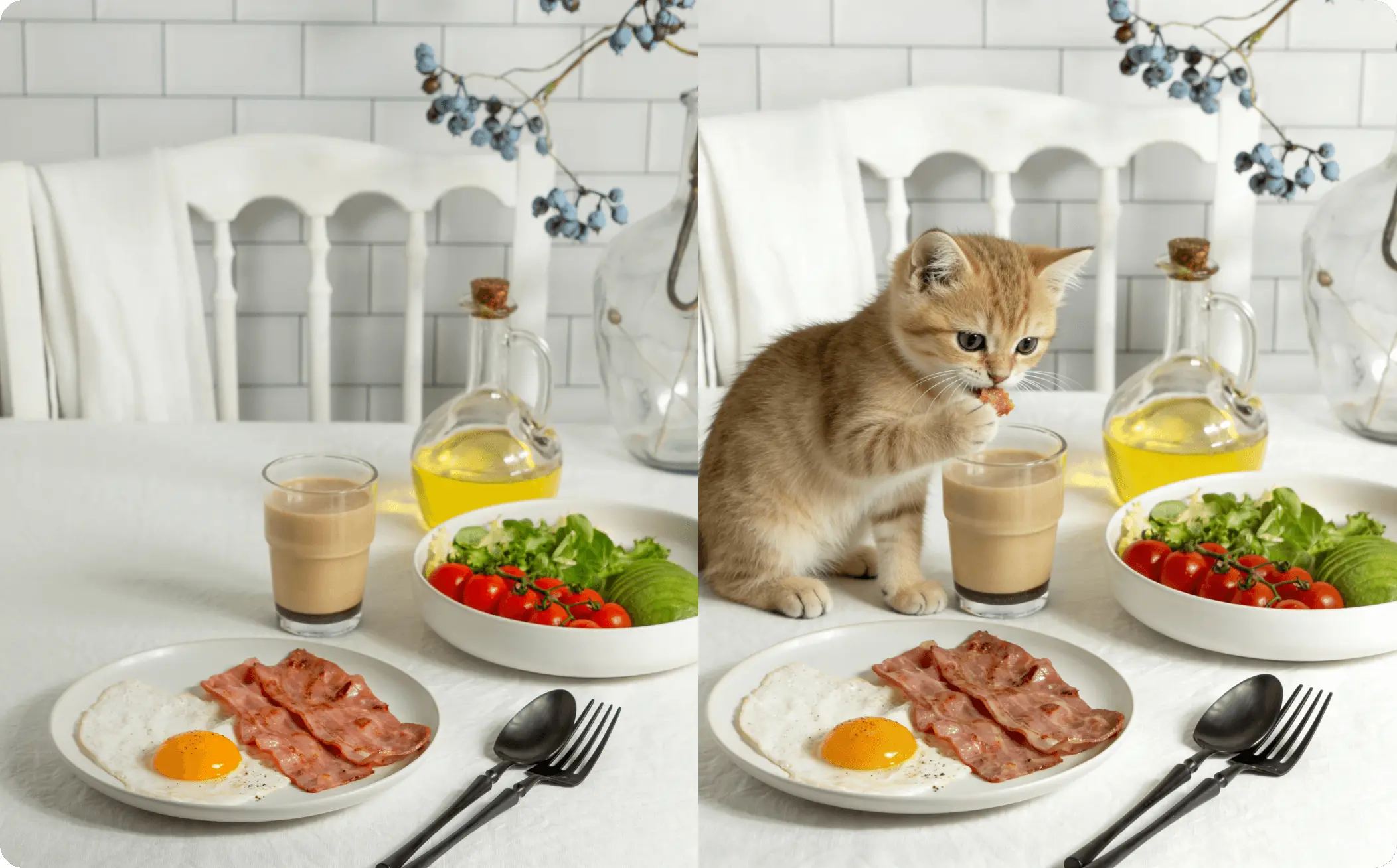
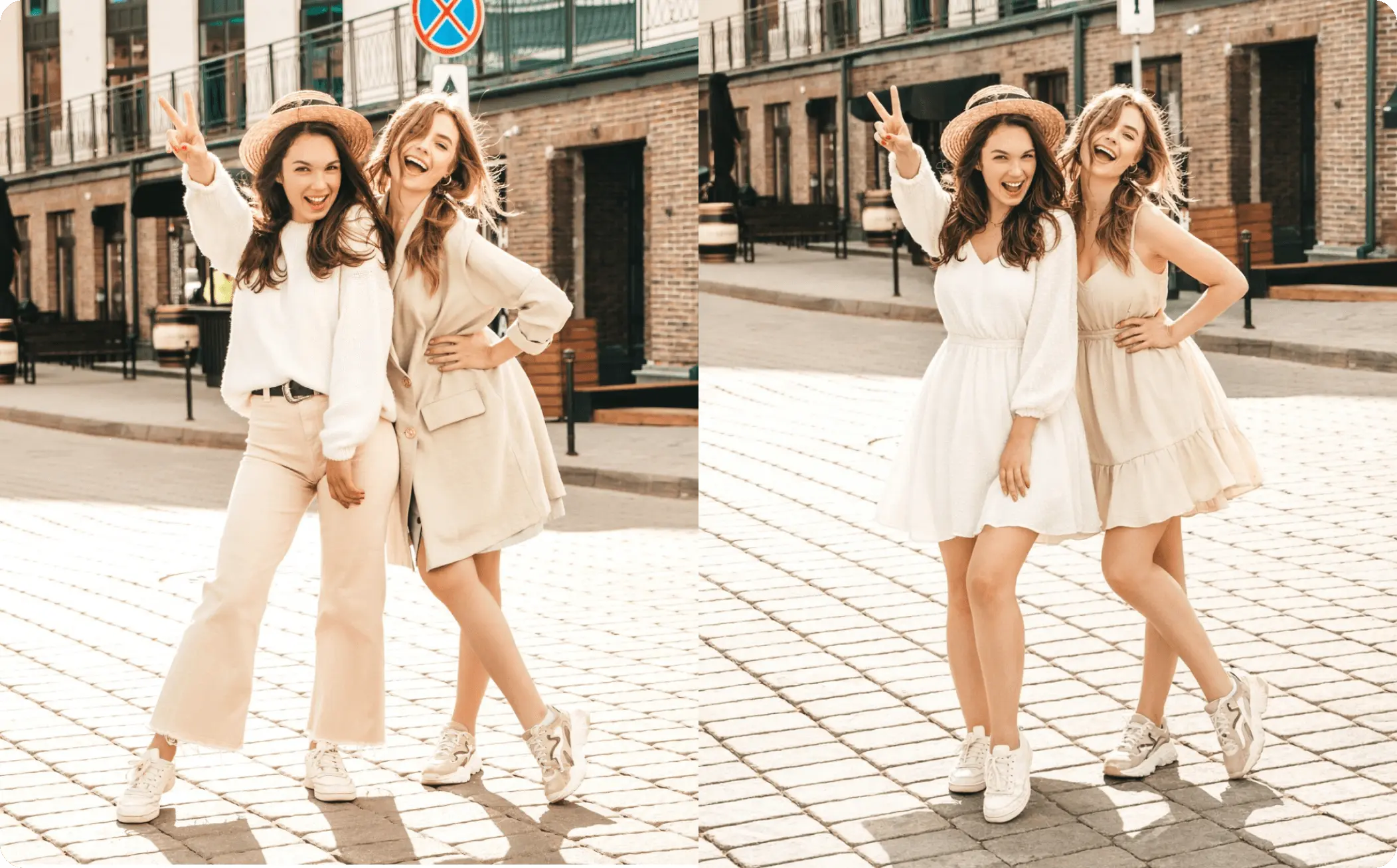
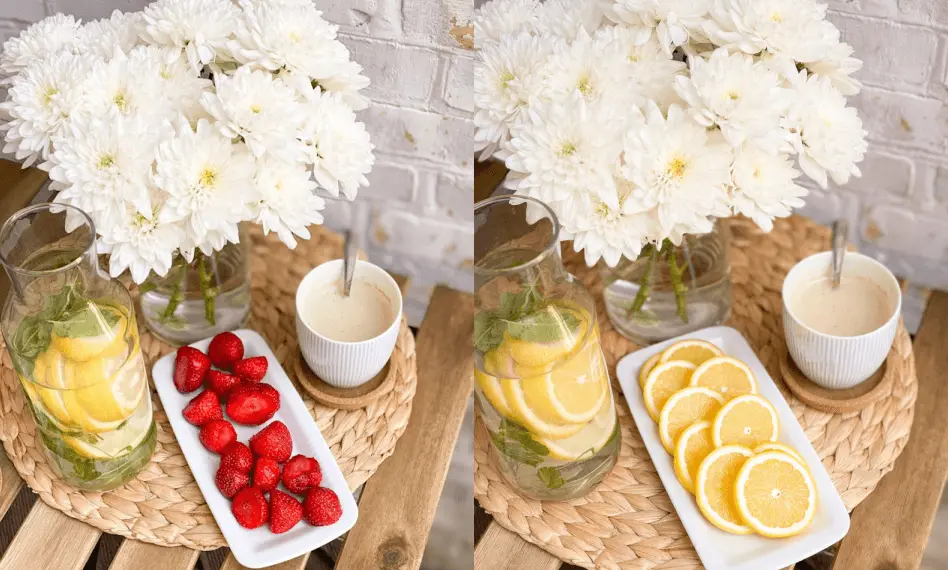
GPT Image 1.5 sets a new standard for precise image control with its powerful localized edit capabilities. Instead of generating the entire image from scratch, now you can modify specific elements, such as changing hair color, adding borders, or adjusting accessories while keeping the background and overall style perfectly intact. With a compliance rate reachimh 90%, our free GPT Image 1.5 AI image generator can now follow complex layout and styling instructions more accurately.
Text to Image: Stronger Prompt Understanding and Following
Stronger prompt understanding defines our GPT 1.5 AI image generator's text-to-image capabilities. It can follow instructions more reliably than GPT Image 1 and transform your prompts into detailed and coherent visuals. This minimizes the chances of receiving irrelevant or incorrect images. Therefore, you can get consistent results without adjusting prompts repeatedly.
Up to 4x Times Faster Generation with Previz to Render
With Previz to Render, GPT Image 1.5 mirrors professional cinematic pipelines. Just provide rough sketches, basic 3D blocking, or flat color compositions, and then it can intelligently interpret depth, positioning, and poses, transforming them into high-fidelity renders in seconds. Also, it can preserve your composition intent, which dramtically streamline the process from concept or sketch to production.
FAQs of GPT 1.5 AI Image Generator by EaseMate AI
What is GPT Image 1.5?
GPT image 1.5 is OpenAI's latest image generation model, which has made a significant upgrade in generation speed (4 times faster creation speeds) and more precise editing capabilities. The release of this model is considered a strategic response to the popularity of Google's Nano Banana Pro. GPT image 1.5 offers better instruction following, enhanced editing precision, and better text rendering.
What's the difference between GPT Image 1.5 and Nano Banana Pro?
Can I use GPT Image 1.5 for free?
How fast is GPT Image 1.5?
What type of images can I create with OpenAI's newest image model?
EaseMate AI ToolKit
Find any tool you want here to make efficiency at your fingertips




