


Free Ask AI Tool - Ask AI Anything Online & Get Instant Answers from AI Models
Want to ask questions and receive instant and more accurate answers from different AI models for free? Supported by GPT-4o, Claude 3 Haiku, Deepseek R1, Deepseek V3, Meta Llama 3.3 70B, and Gamma 3.0, our EaseMate Ask AI tool can satisfy your needs.

How to Use EaseMate Ask AI Tool

Enter the content you want to ask in the AI chatbox box of EaseMate Ask AI.
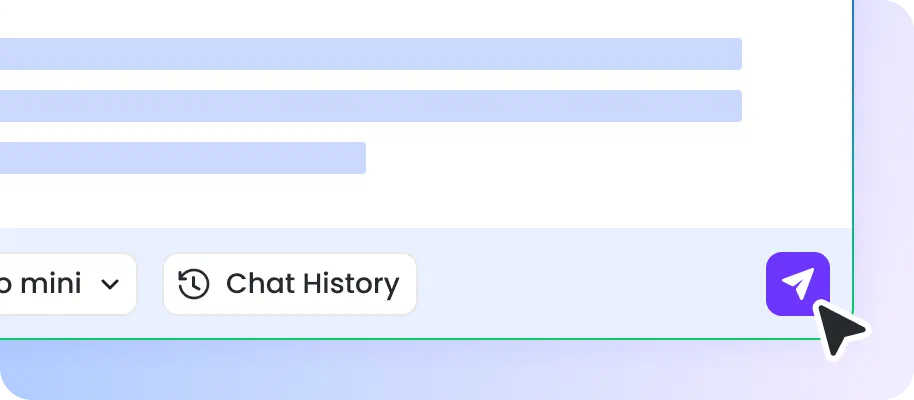
Choose three your desired AI models and press the "Enter" button on the keyboard to make this online tool search relevant data and generate accurate answers for you in seconds.

You'll receive several versions of answers provided by your chosen AI models. After comparing these answers, you can select an optimal one among them.
Why Choose EaseMate Ask AI Tool
Empowered by several advanced AI models, our EaseMate Ask AI tool enables everyone to ask AI questions at any time. You can quickly get answers from different AI models and choose the one you're most satisfied with.
Ask Questions and Get Different Versions of Answers from AI Models
Type the question you want to ask in the AI chatbot box. After seconds, this smart ask AI tool will automatically show you the answers from various AI models.

Compare Answers from Different AI Models and Select One
You will receive versions of the answers generated by several AI models simultaneously. You can carefully compare these answers and choose a more optimal one.
Support the Most Advanced AI Models & Without Saving Personal Data
Our EaseMate Ask AI tool has access to the most advanced AI models, including GPT-4o, Claude 3 Haiku, Deepseek R1, Deepseek V3, Meta Llama 3.3 70B, and Gamma 3. Moreover, it can safely secure your privacy by blocking unauthorized access or visits. So, EaseMate Ask AI will not save your data and will protect your queries and questions from training AI models.
Free & No Registration Required & Unlimited Use
There is no need to pay for it, no sign-up is needed, and it provides unlimited uses. Don't hesitate to ask questions and get results in seconds using this tool!
FAQs of EaseMate Ask AI
Is EaseMate Ask AI free?
Yes, EaseMate Ask AI is 100% free to use. Type the question in the AI chatbox box and press Enter. Then, you'll automatically receive several versions of answers by advanced AI models. You can select a suitable answer among them based on your needs.
Does EaseMate Ask AI support AI models?
What happens when you ask EaseMate Ask AI a question?
How reliable is EaseMate Ask AI?
Does EaseMate Ask AI work on mobile devices?
EaseMate AI ToolKit
Find any tool you want here to make efficiency at your fingertips




