


ChatPPT - Free Online AI PPT Chat Tool & Summarizer
Automatically summarize and get instant answers of your uploaded PowerPoint slide with powerful AI models.
Drag & Drop, or Choose PDF, Doc, PPT to upload
PDF, Doc, PPT Files Supported.
For a quick try, get started with our sample files here:
How to Use EaseMate AI ChatPPT
Click the "Browse File" icon to upload or add your targeted PowerPoint presentation to EaseMate AI ChatPPT.
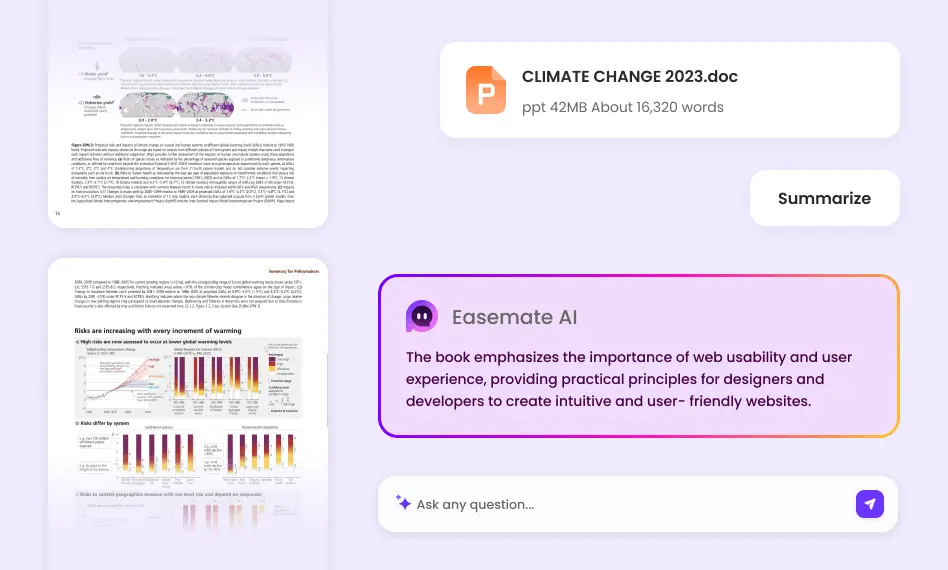
After uploading, EaseMate AI ChatPPT automatically analyzes your uploaded PowerPoint file and creates a summary.
Users can chat with or ask questions about your uploaded PPT document with the default AI chatbot, ChatGPT-4o-mini model. Or, you can specify a favored AI model to ask deeper questions in your PPT file.
Why Choose EaseMate AI ChatPPT
To quickly summarize key points or get specific answers from a lengthy PPT file, EaseMate AI ChatPPT deserves a try with its powerful AI models. It's free and easy to use for all levels of users.
Recognize and Summarize PowerPoints with AI Models
Our free EaseMate AI ChatPPT summarizer invokes advanced AI models such as GPT-4o mini, Claude 3 Haiku, Deepseek R1, Deepseek V3, Meta Llama 3.3 70B, and Gamma 3.0 to help Microsoft Office users accurately summarize the main idea of their uploaded PPT content, including texts, charts, or timelines at a super fast speed. If necessary, you can switch AI models to get more accurate summaries.
Ask PPT Questions and Get Instant Answers Online
With the help of popular AI chatbots, EaseMate AI ChatPPT empowers users to ask anything about PowerPoint content online and to give instant answers after quickly obtaining relevant PPT content. This feature can exempt you from manual sifting through endless slides and boost productivity.
Copy and Refine the AI-Generated Summary
EaseMate AI ChatPPT allows PowerPoint users to copy the AI-generated PPT summaries and make minor edits to suit personal style or higher needs.
Browse PowerPoint Slides Online
With EaseMate AI ChatPPT, you can browse or view a presentation without PowerPoint using this handy tool. Just upload the PowerPoint file to interact with it by the help of EaseMate AI ChatPPT. You don't even need to sign up!
FAQs of EaseMate AI ChatPPT
Is EaseMate AI ChatPPT free to use?
Yes, this online AI PPT Chat Tool & Summarizer is 100% free. You can upload your PPT files, wait for generated summaries, and chat with PPT. Want to enjoy the benefits of AI-powered models without any cost? Try EaseMate AI ChatPPT now!
Can ChatGPT summarize PowerPoint slides?
How does the EaseMate AI ChatPPT Summarizer ensure accuracy?
Can ChatGPT extract text from PPT?
Who can benefit from using the Free AI PPT Summarizer?
EaseMate AI ToolKit
Find any tool you want here to make efficiency at your fingertips




