


Free Qwen Image Editor: Edit Images with Qwen-Image-Edit 2509 Online
Enjoy free, consistent, and precise editing with Qwen-Image-Edit 2509. Our online Qwen image editor makes it easy to edit one or several images with unmatched consistency. Simply upload your pictures and experience sharper details, smarter adjustments, and smoother multi-image editing.

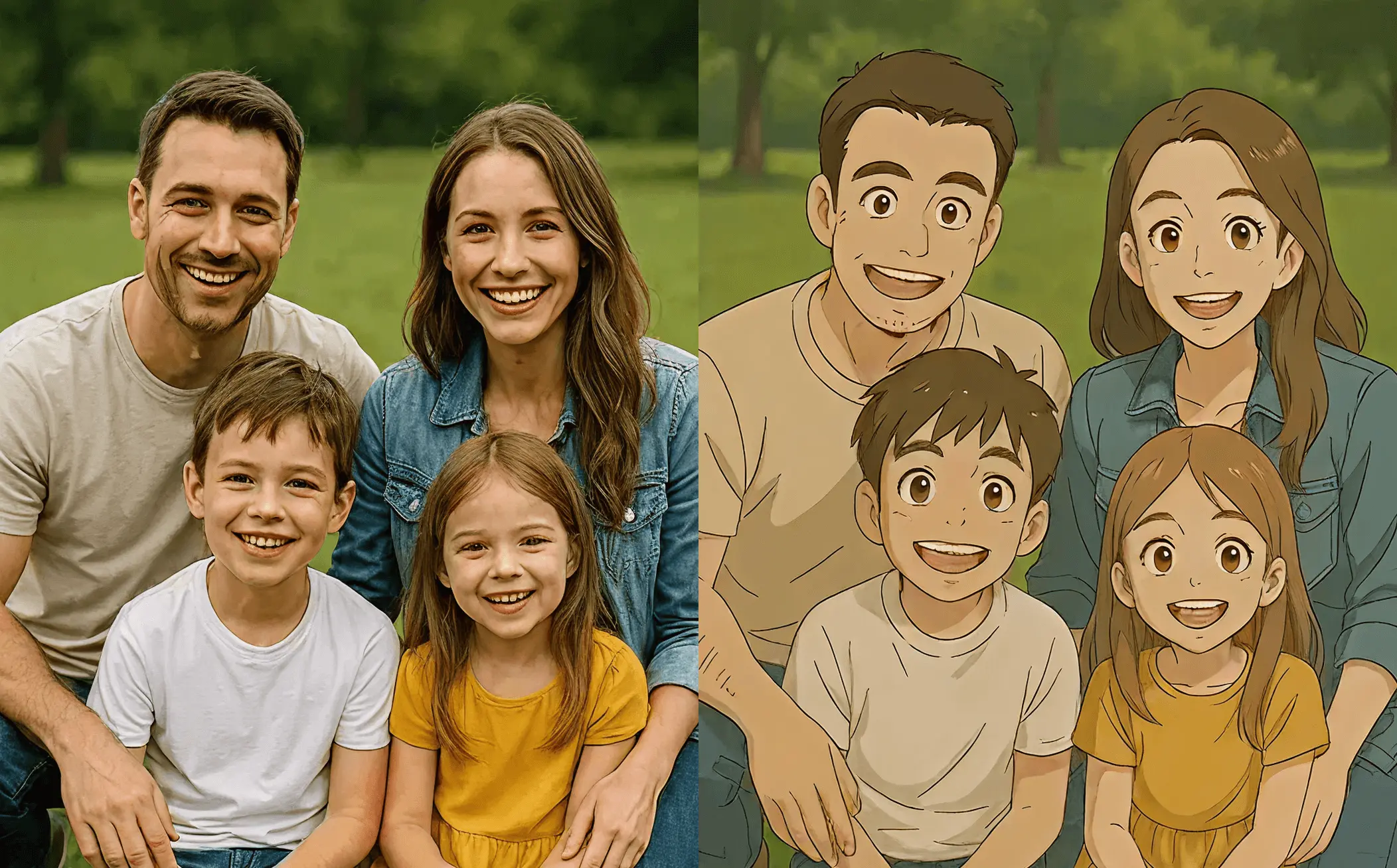
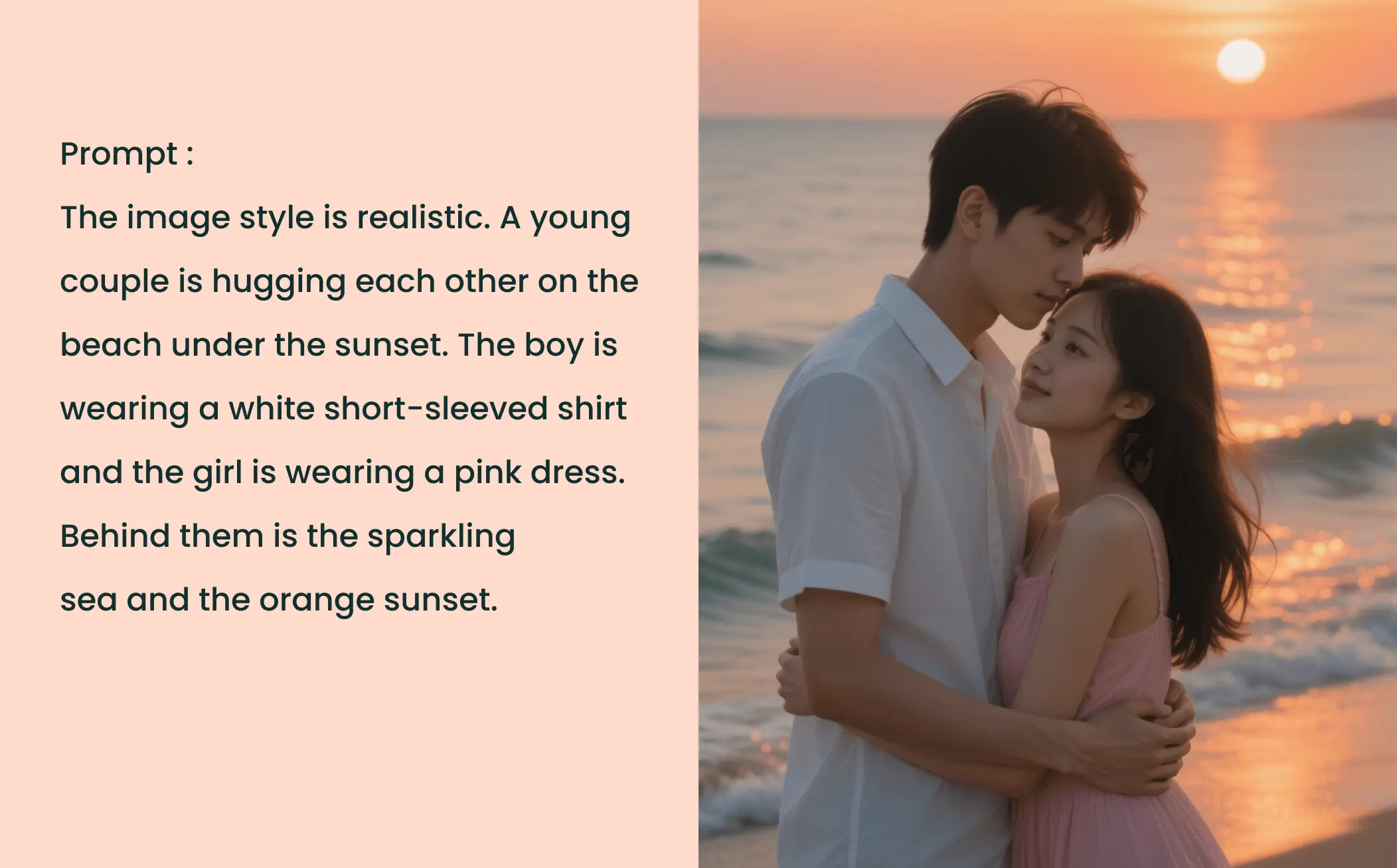
How to Edit Images with Qwen-Image-Edit-2509 in EaseMate AI?

Choose the images you need to edit from the gallery. It can be a human portrait, product images, posters, keypoint maps, and more. Its best performance comes with 1-3 input images.

Describe any changes you want to make in the uploaded images, such as background, outfit, pose, fonts, colors, styles, textures, scenes, etc.

Click "Generate" and then our free Qwen image editor will modify the image as per your requirements. After a while, you can get a high-quality and watermark-free version at no cost.
Why Choose Qwen Image Editor in EaseMate AI
Experience Qwen-Image-Edit-2509 to edit multiple photos in one go. Free of charge and subscription, our free Qwen AI image editor delivers impressive consistency for characters, products, and text. Built for creators, designers, and AI tinkerers, it can allow everyone to make precise edits with one click.
Free Qwen Image Editor with Multiple Image Editing Support
With the help of Qwen-Image-Edit-2509, our online Qwen image editor now allows you to upload 1 to 3 images simultaneously, so you can integrate characters with scenes easily. After receiving your image, the advanced artificial intelligence analyzes composition, colors, and key structures from each image, then generates a perfectly blended image combining all visual elements. This saves much time for users who need the batch processing of multiple images.
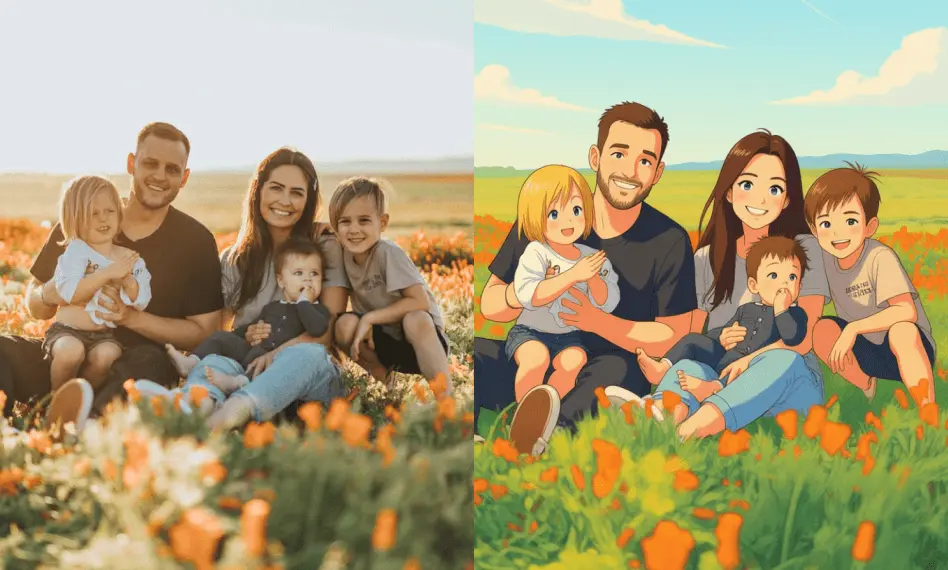
Maintain Consistency in Every Edit with Qwen-Image-Edit-2509
This online Qwen image editor has stronger consistency for faces, products, and text. Even under major edits, it can keep faces, products, and text crisp. After changing the character’s poses, expressions, or backgrounds, you can still get a realistic face without any distortion. Reimagine product shots by inserting them into lifestyle settings or seasonal themes while safeguarding shape and finish. Accurate text replacement simplifies tasks like refreshing packaging or revising posters.
Accurate In-Place Text Editing at Your Fingertips
Building on the August Qwen-Image-Edit model, our free Qwen image editor now delivers precise in-place text editing. You can replace the text accurately while fine-tuning fonts, colors, and textures without breaking the original layout. For example, convert a summer sale poster into a winter promotion by changing headline colors, or give a product label a handwritten font while retaining its composition. This is perfect for marketing materials, social media graphics, or quick rebranding.
Harness Native ControlNet Support for Detailed Image Editing
Meanwhile, this free Qwen AI image editor also integrates ControlNet natively. It supports depth, edge, and keypoint maps for detailed structure control. Upload a simple stick-figure sketch or structural blueprint to preserve poses and outlines. For instance, it can maintain a fashion model’s exact stance when changing clothes. This ensures accuracy for artists, photographers, and creators seeking detailed structural control.
FAQs of Qwen Image Editor by EaseMate AI
What is Qwen-Image-Edit-2509?
Qwen-Image-Edit-2509 is the monthly iteration of the Qwen-Image-Edit series that brings significant improvements in multi-image editing capabilities and consistency. It supports person editing, product editing, text editing, native ControlNet, and ComfyUI integration with high character consistency and more precise control over text.
How does this Qwen AI image editor work?
Can I use this Qwen image editor for free?
How many images can I upload to this online Qwen image editor?
Who can use this free Qwen image editor?
EaseMate AI ToolKit
Find any tool you want here to make efficiency at your fingertips




