


Free GPT Image 2 Model Online, No Sign-up
GPT Image 2 is a powerful AI image generator that can turn simple prompts into stunning images and make precise edits in seconds. You can also upload a reference image to EaseMate AI for a better image production result. Easy and Fast. No sign-up.

GPT 2 AI Image Generator - Create Stunning AI Images from Text or Photos
Try our GPT 2 AI Image Generator to generate high-quality AI images from text prompts or reference photos in seconds. With it, you can create realistic artwork, product images, marketing creatives, and more with fast, accurate AI image generation.



Why Choose GPT 2 AI Image Generator in EaseMate AI
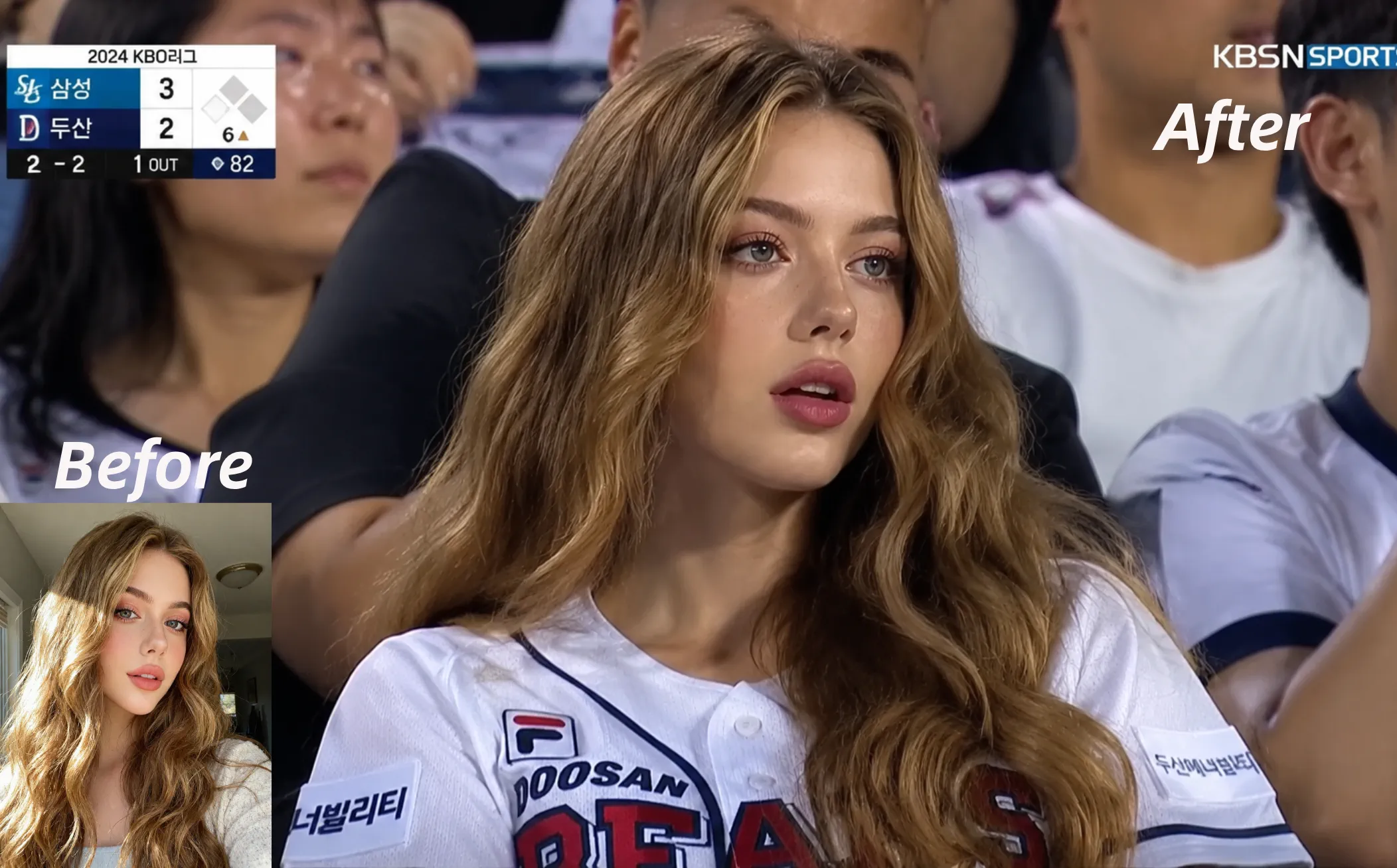
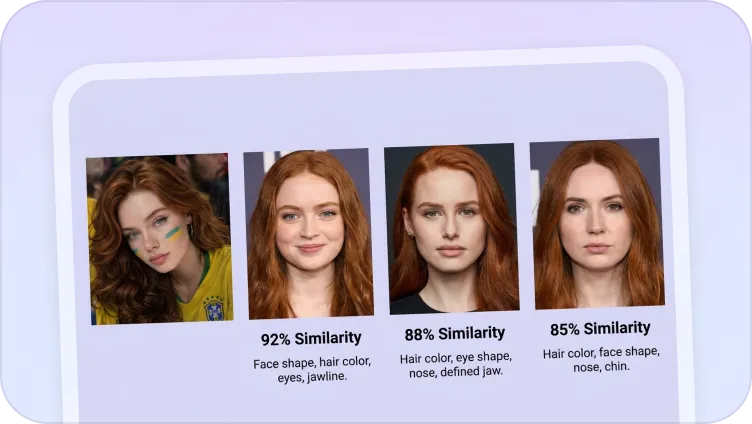
As a major upgrade of GPT-4o, GPT Image 2 excels in photorealism, text rendering, rich knowledge, and UI generation. Simply upload any image online to create accurate UI mockups, detailed infographics, and realistic portraits with our free GPT 2 AI image generator now!
Generate Images with GPT Image 2 for Free, No Login
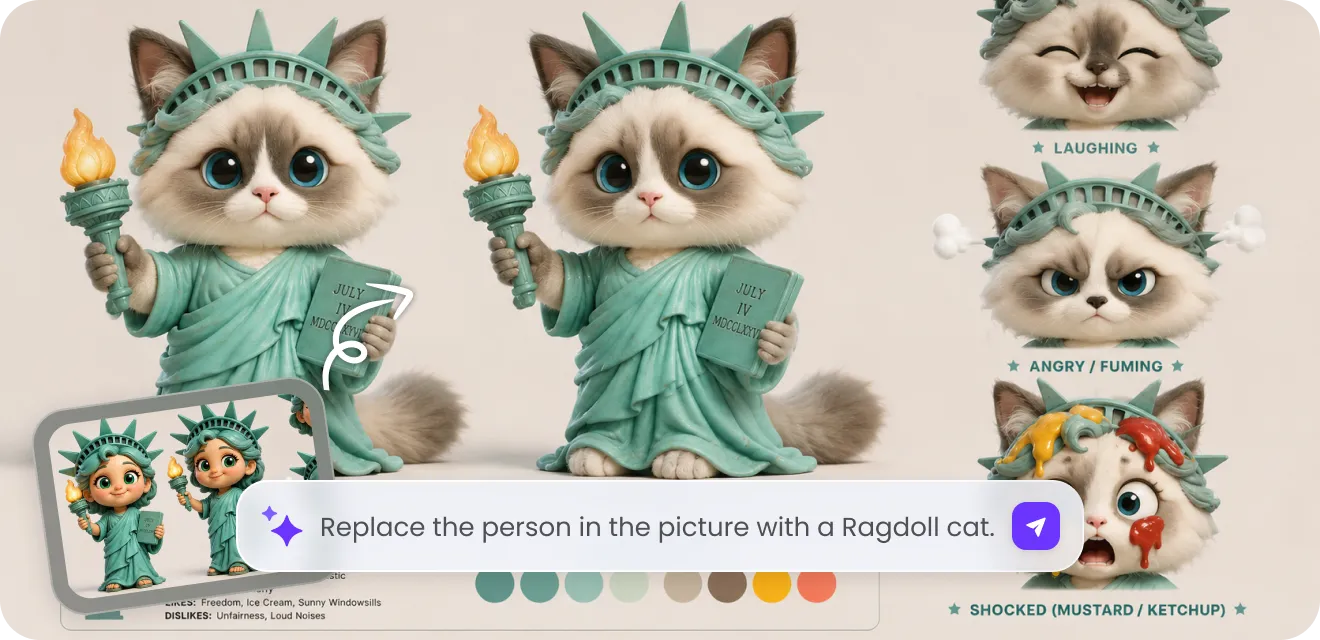
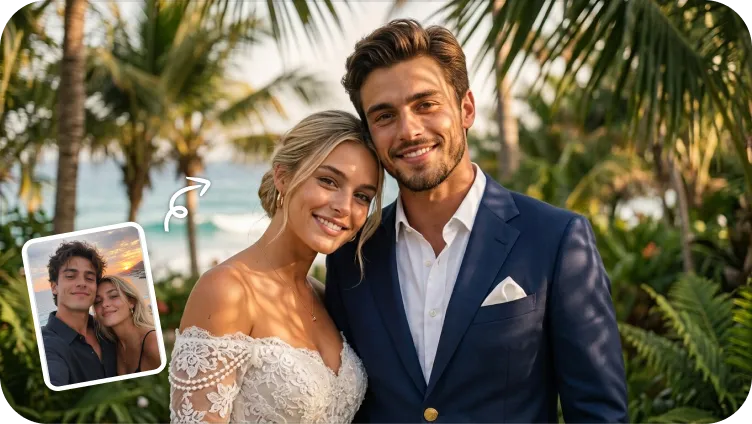
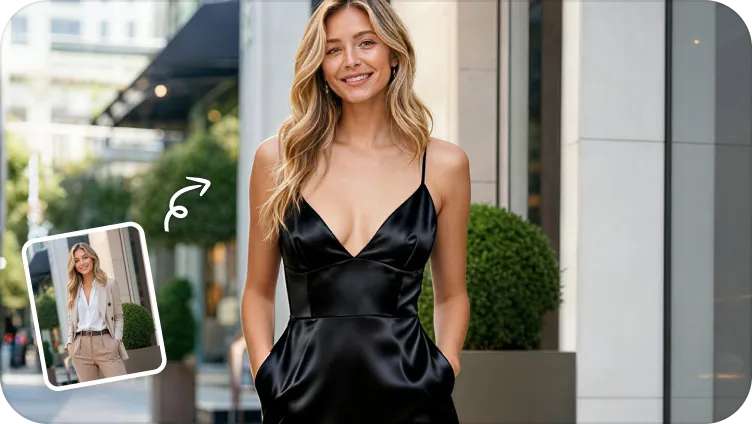
Unlock OpenAI's latest GPT Image 2 model online for free without creating an account. Generate or edit high-quality AI images from text, reference images, or both, making creative workflows faster and more accessible for everyone.
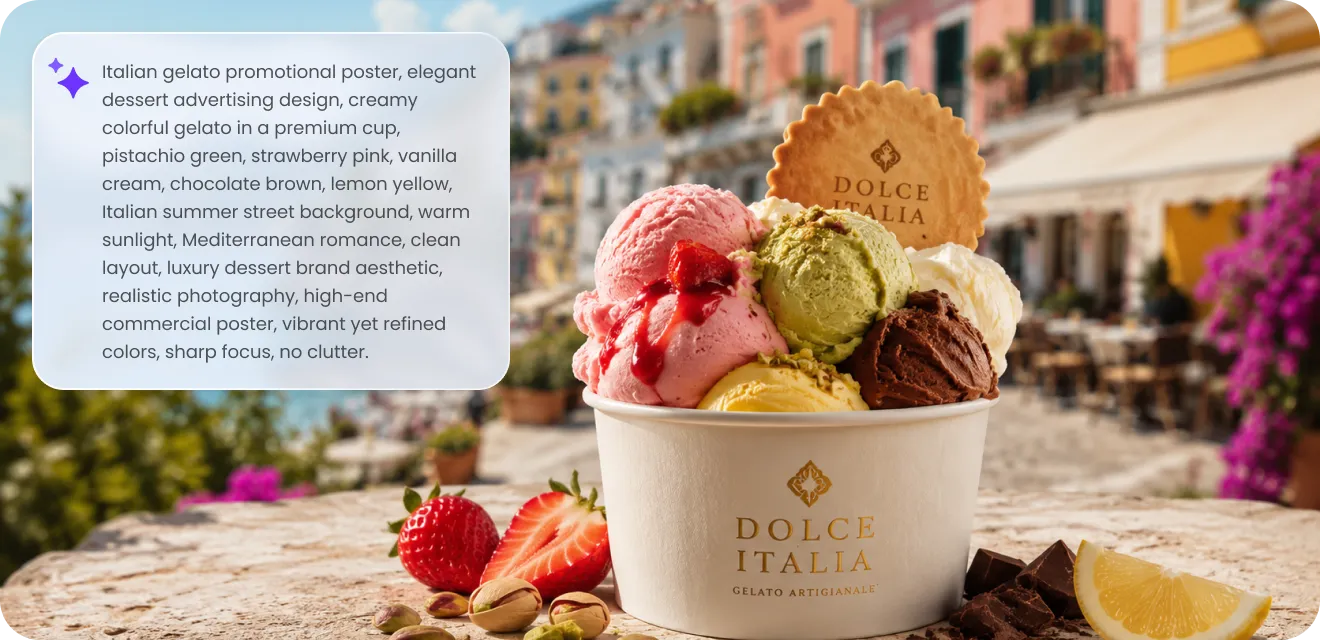
Exceptional Text to Image Generation with Accurate Text Rendering
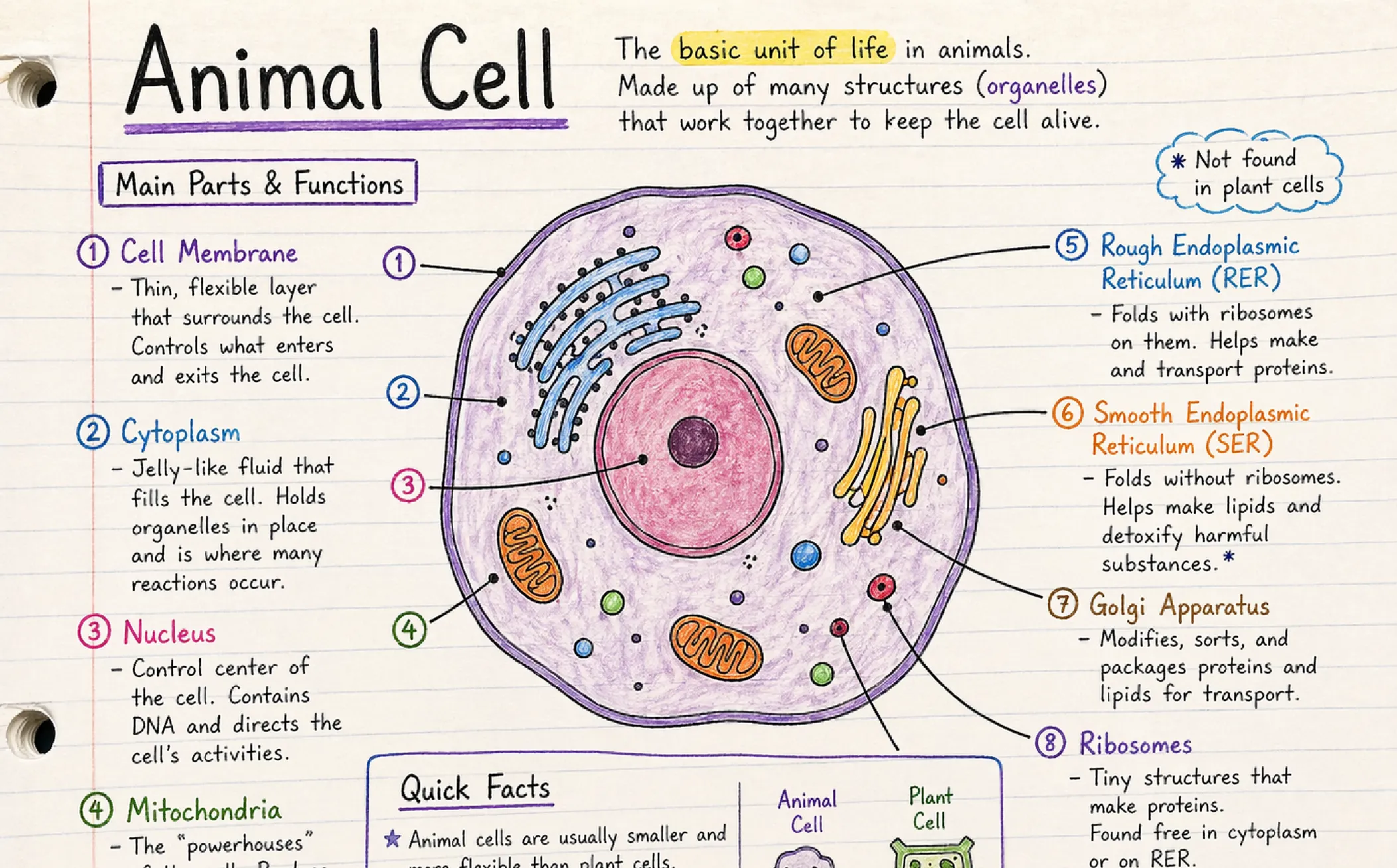
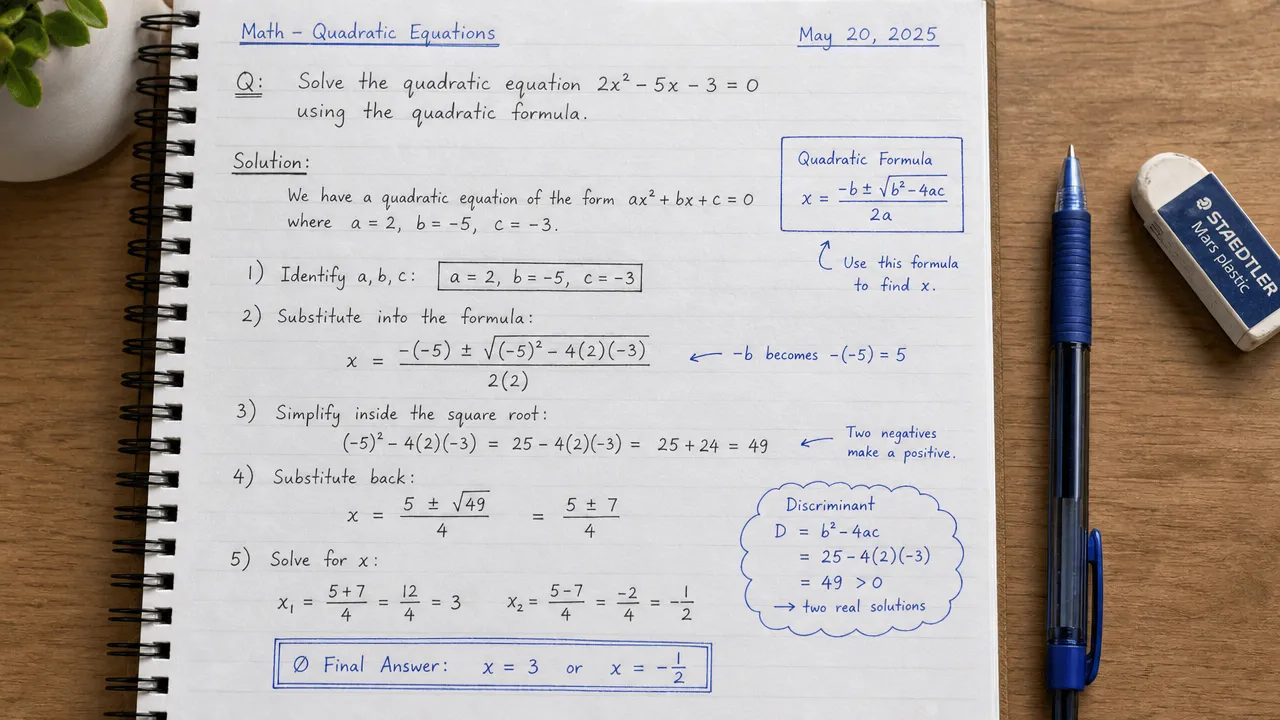
GPT Image 2 delivers exceptional text-to-image generation with advanced prompt understanding and industry-leading text rendering. It accurately creates readable typography, handwritten notes, product labels, posters, website mockups, and branded graphics from simple prompts.
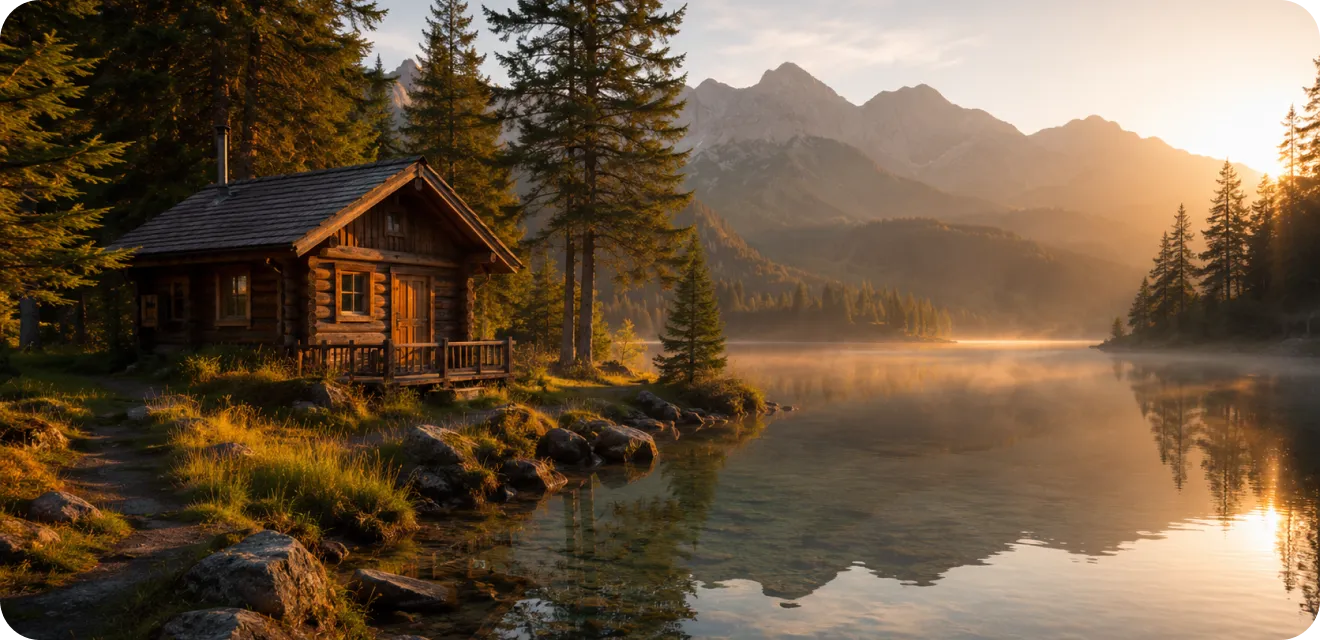
Richer World Knowledge than Nano Banana Pro
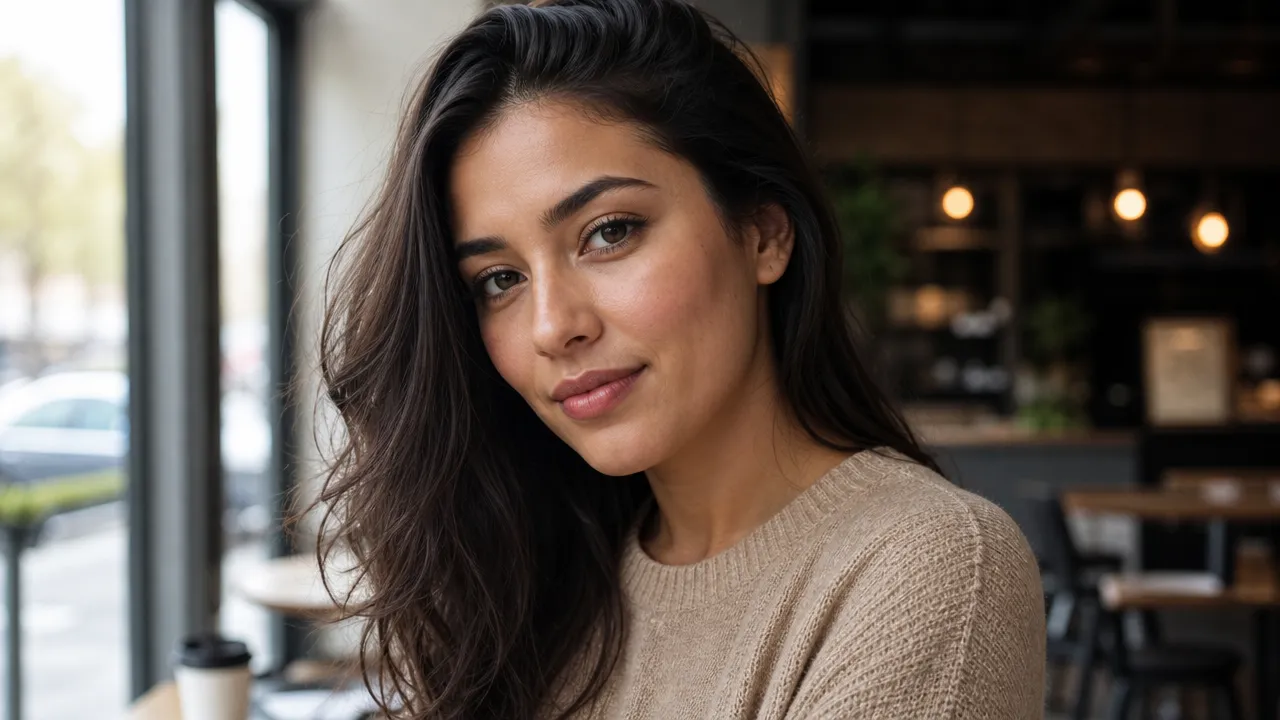
With a richer world knowledge than Nano Banana Pro, GPT Image 2 generates realistic visuals with accurate lighting, materials, and contextual understanding. It better recognizes people, objects, and environments for more natural image creation.
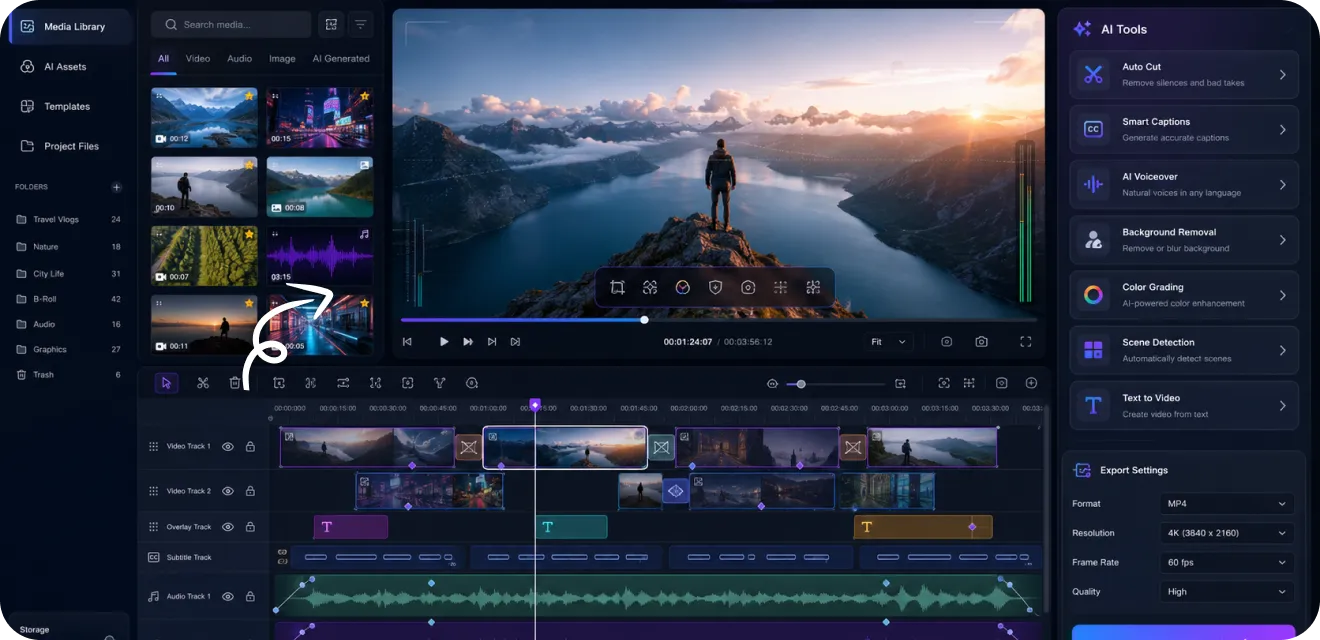
GPT 2 Image to Image Editing for Realistic UI and Screenshots Generation
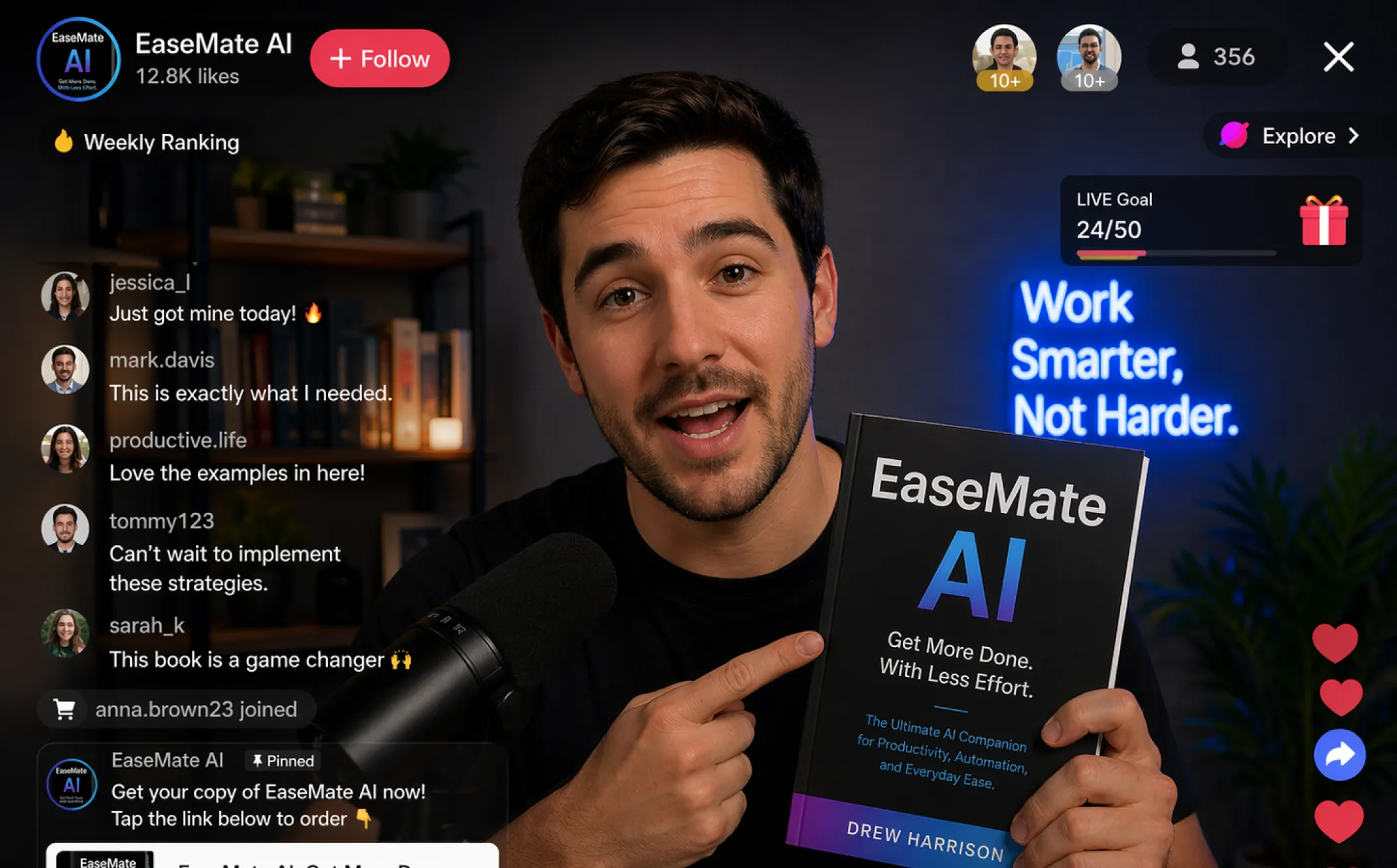
GPT Image 2 combines advanced image editing with realistic UI generation, allowing you to create or modify software interfaces, dashboards, browser pages, and mobile app mockups using simple text instructions.
Discover What You Can Create with GPT 2 AI Image Generator
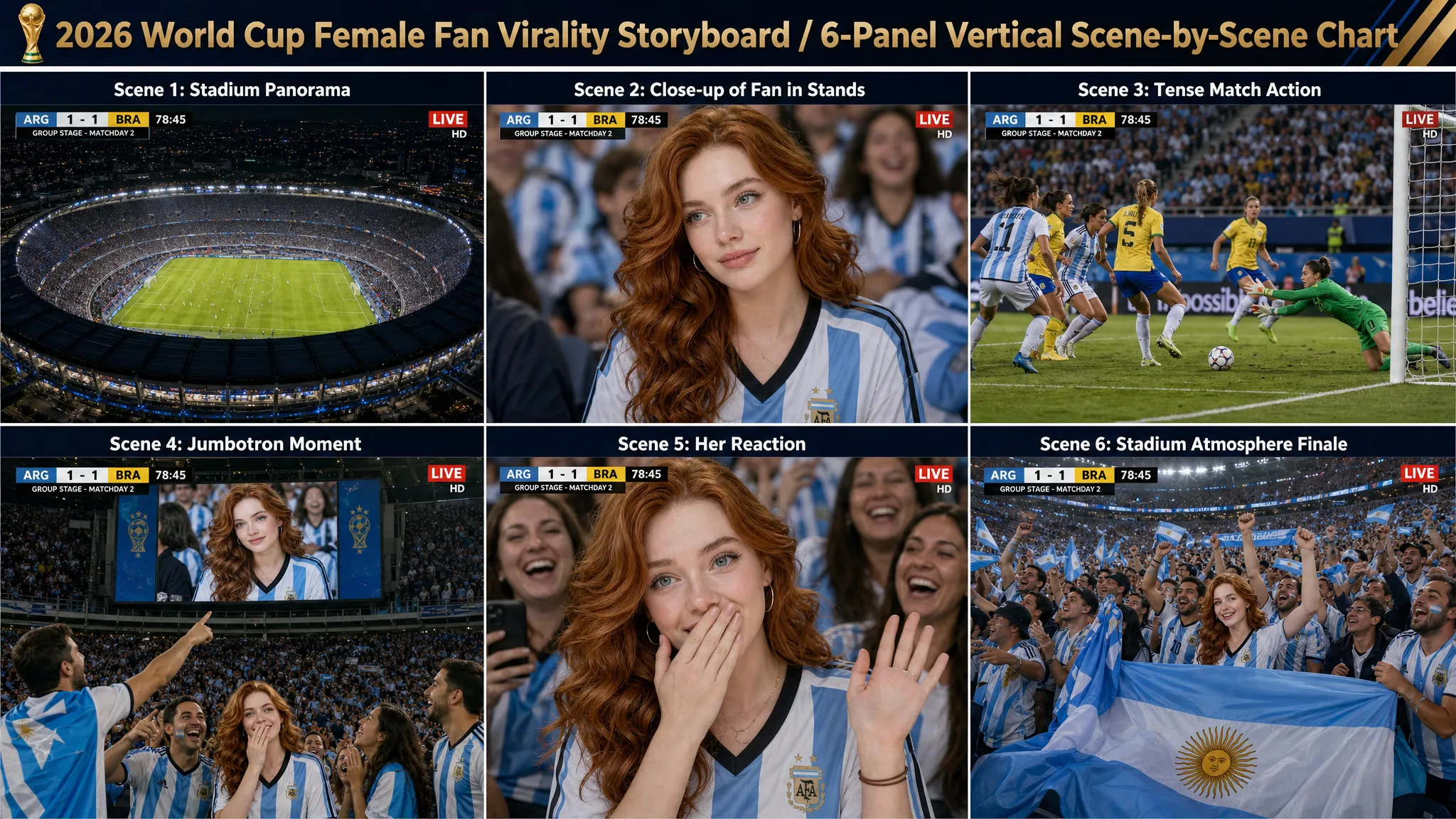
Discover what you can create with the GPT 2 AI Image Generator by turning simple text prompts or reference images into stunning visuals. Explore a wide range of styles including product photography, anime art, logos, posters, UI designs, and more to bring any creative idea to life.
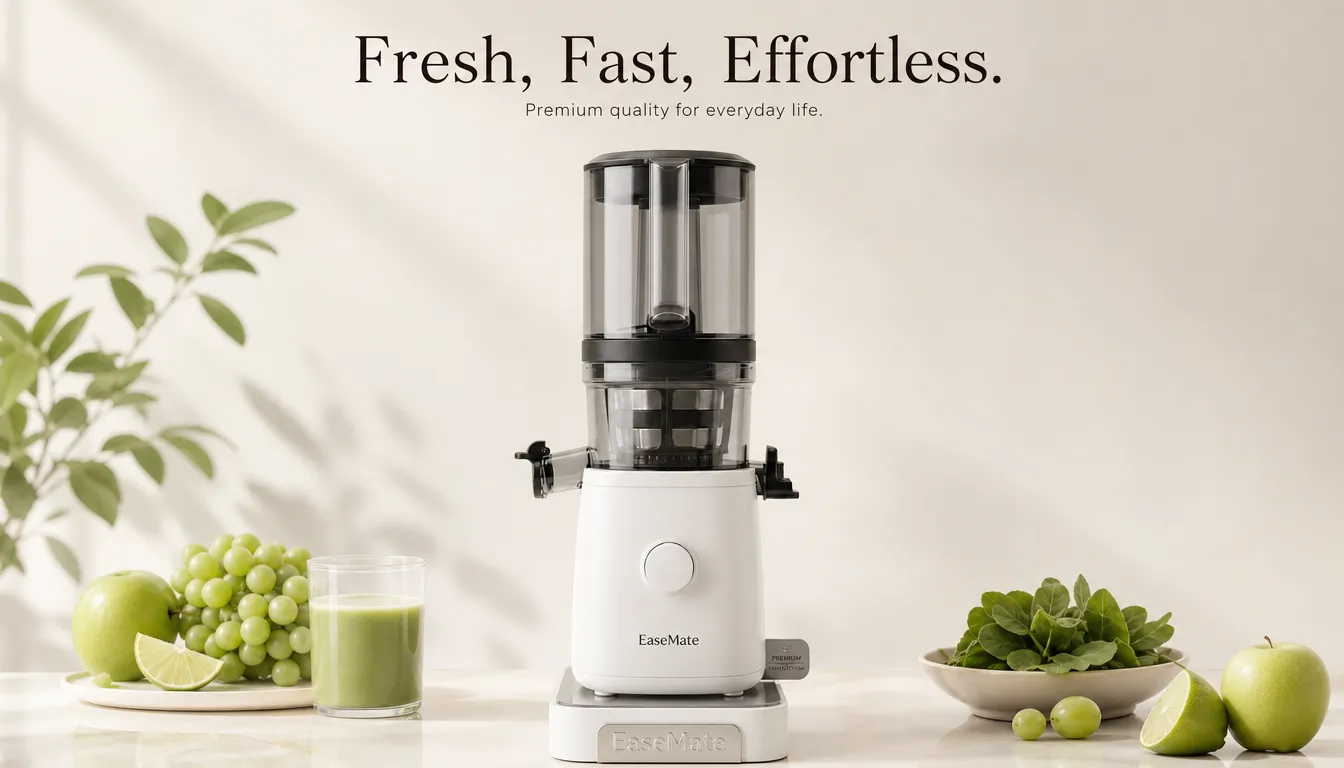
GPT 2 AI Image Generator - Suitable for All Individuals or Businesses
GPT 2 AI image generator can help both individuals and businesses create high-quality visuals from simple text in seconds. It streamlines the design process and makes professional-looking images easy to generate for any use case.
Content Creators & Social Media Influencers
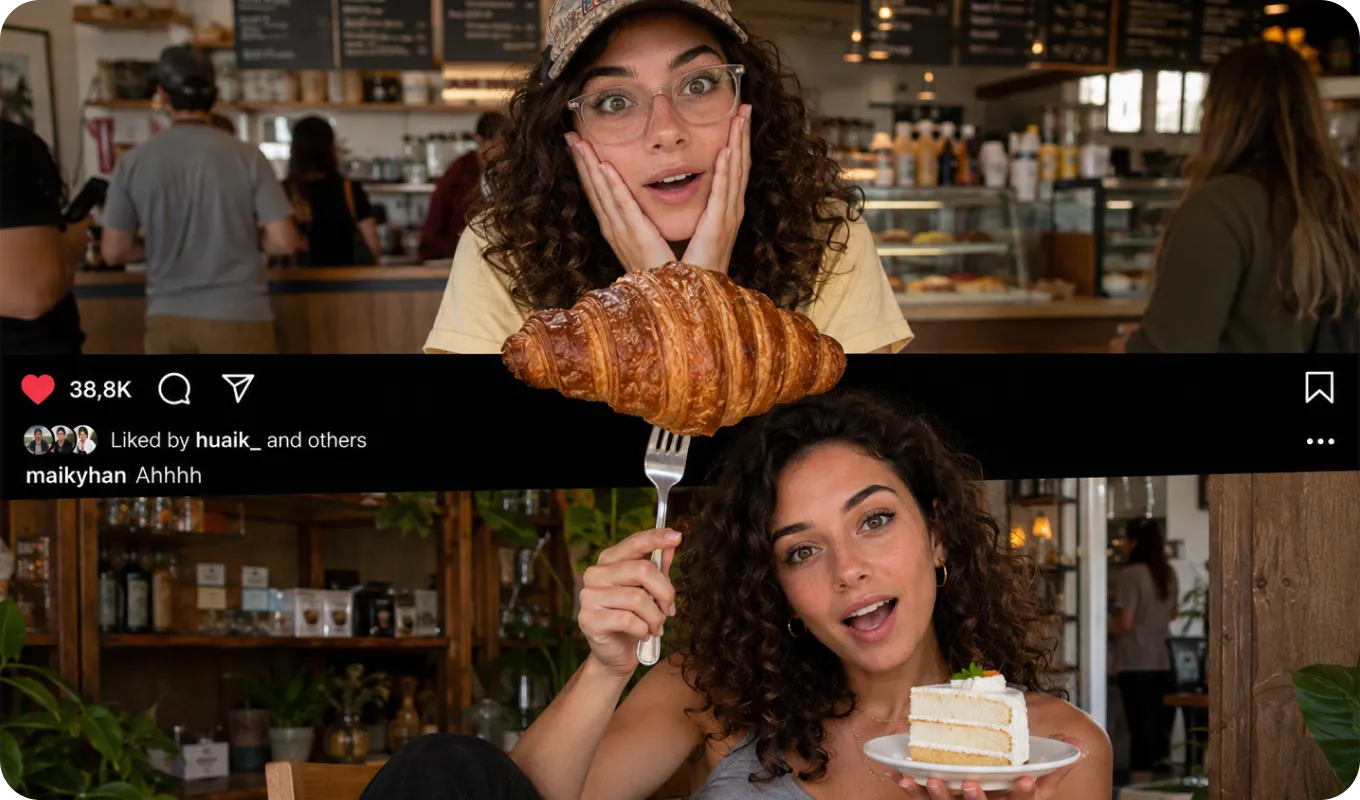
Generate high-quality AI images from text prompts or reference photos in seconds. GPT 2 AI Image Generator helps creators quickly turn ideas into engaging visuals for posts, thumbnails, and short videos. It speeds up content production and makes it easier to stay consistent with trending topics and platform demands. Try it to turn your next idea into a scroll-stopping visual in seconds.
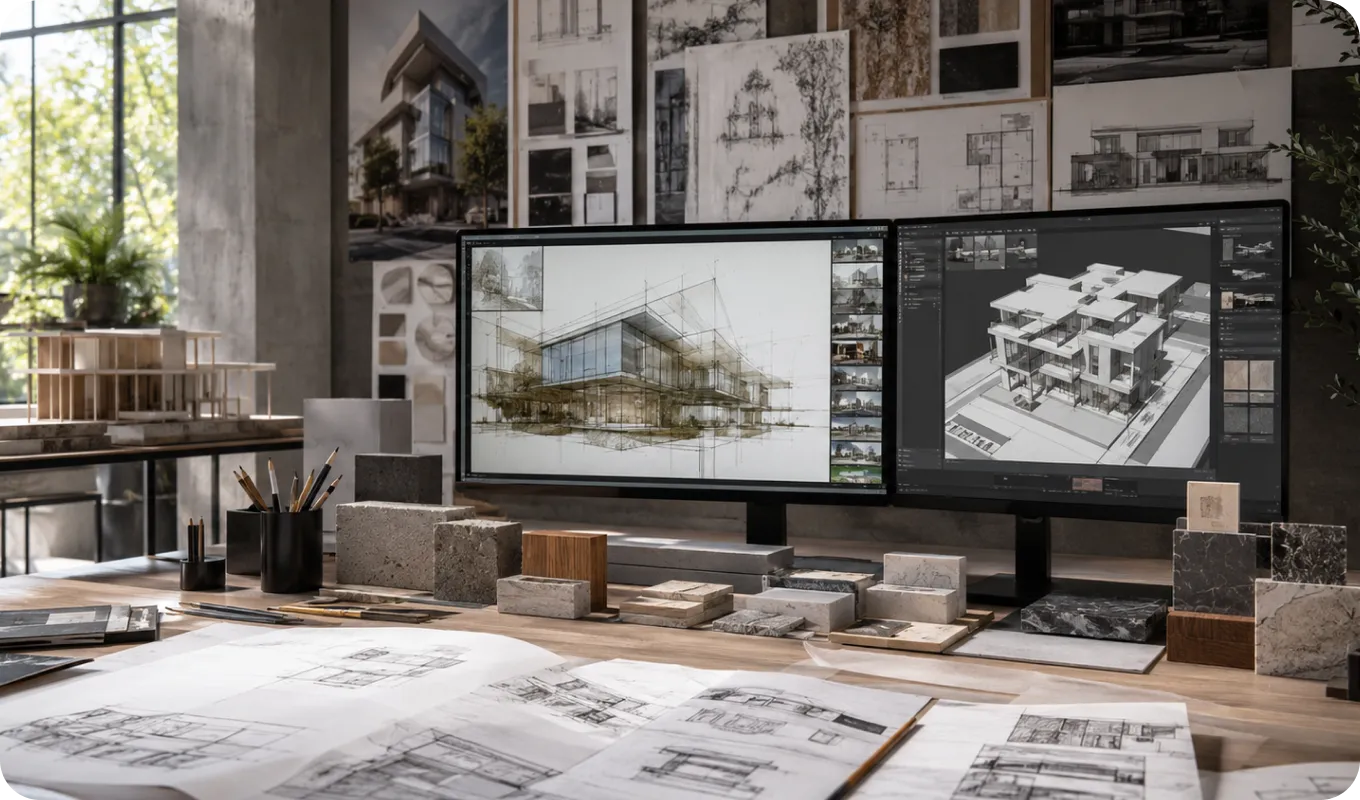
Designers & Digital Artists
It supports designers in generating concepts, exploring styles, and building visual drafts faster. This reduces early-stage workload and helps unlock more creative directions before final design work. Use it to accelerate your creative exploration and prototype ideas instantly.
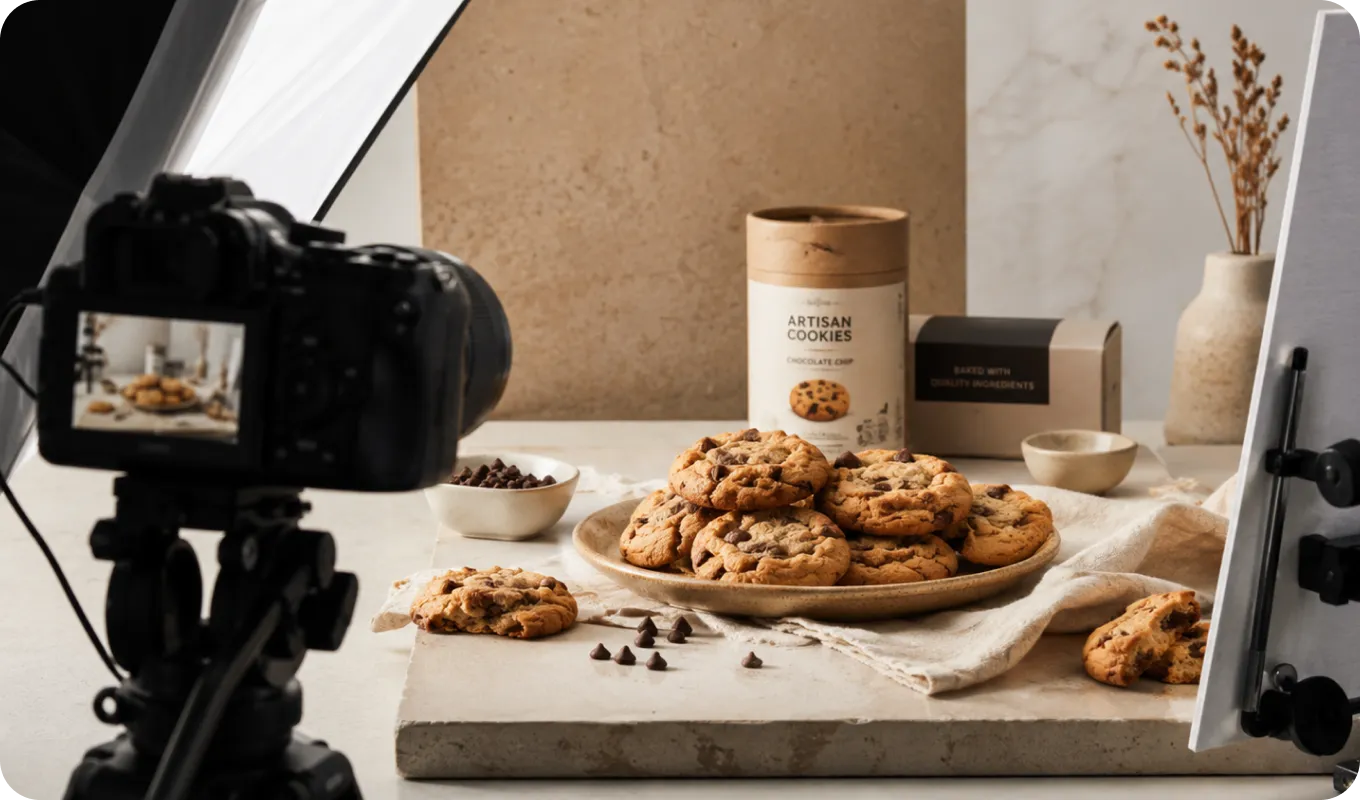
Marketing & E-commerce Teams
Marketing teams can create ad creatives, product visuals, and campaign assets without expensive photoshoots. It also enables faster testing of different visual styles to improve performance and conversions. Start generating campaign-ready visuals to boost your marketing efficiency.
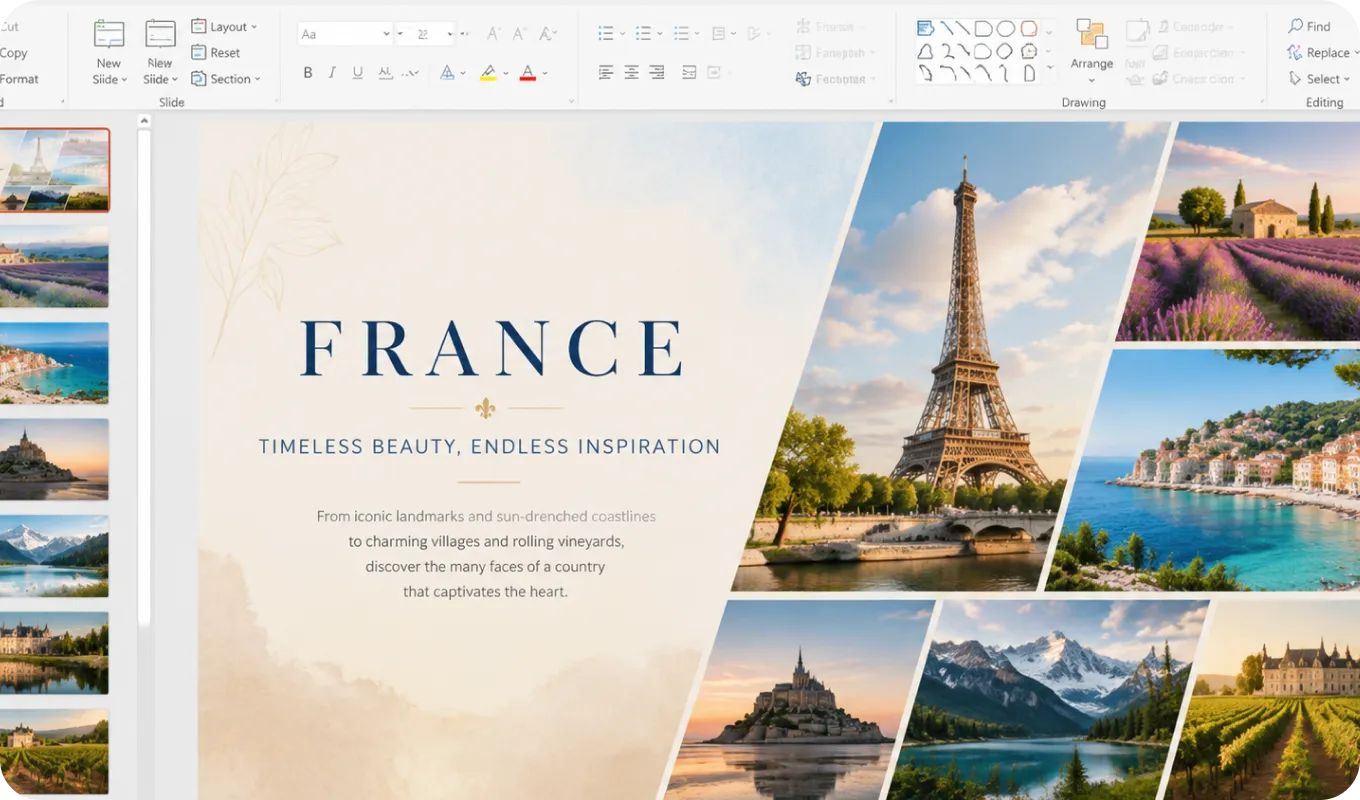
Developers, Entrepreneurs & Everyday Users
Anyone can use it to generate visuals for apps, pitch decks, landing pages, or personal projects. It removes the need for design skills and makes image creation accessible in seconds. Bring your ideas to life instantly, even without any design experience.
GPT Image 2 vs Nano Banana Pro vs Seedream 5.0


What Makes GPT Image 2 Stand Out
Compared with Nano Banana Pro and Seedream 5.0, GPT Image 2 delivers a more balanced mix of understanding, control, and up to 4K output quality. Explore its key strengths below to see where it stands out.
How to Generate Photos with GPT 2 Image on EaseMate AI?
The following steps depict how to create AI-generated images from text prompts or the reference image. Please check them out below!
Step 1: Type prompts or upload images
Select "Text to image" to describe in detail the style, subject, scenes, and other elements of the image you want to generate, or click "Image to Image" to upload a reference image, then elaborate on your requirements.
Step 2: Set settings and prepare for image generation
Select your desired output aspect ratios and the resolution ratio best suited to the social media platform where you intend to post.
Step 3: Start generation and download it
Click "Generate" to begin creating images. Then, preview and download your needed pictures without the watermark. If needed, you can also refine the text prompt to generate a new one.
See How Creators Use GPT Image 2 on YouTube
Watch these YouTube videos to explore real GPT 2 AI image generator examples and discover how creators turn simple prompts into stunning visuals. Get inspired to create your own images with ease.
I Found the Best 20 FREE AI Tools No Login Needed
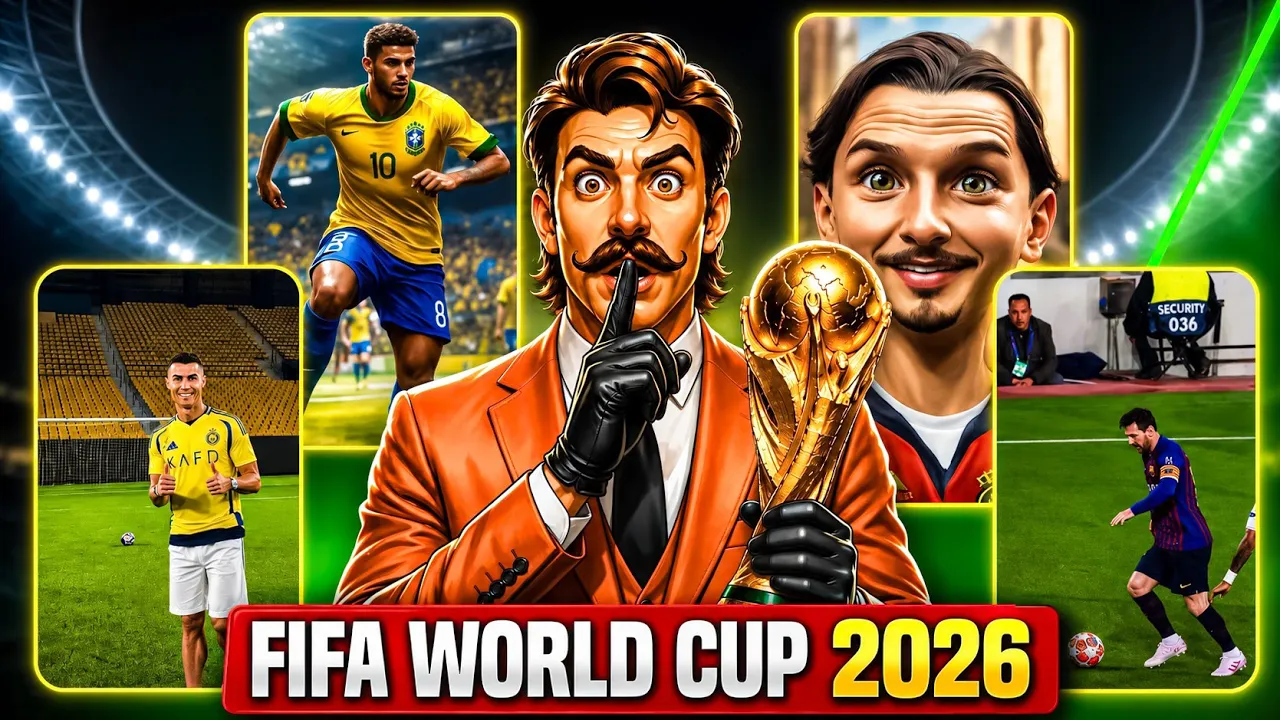
Don't Upload FIFA 2026 Videos Until You Watch This
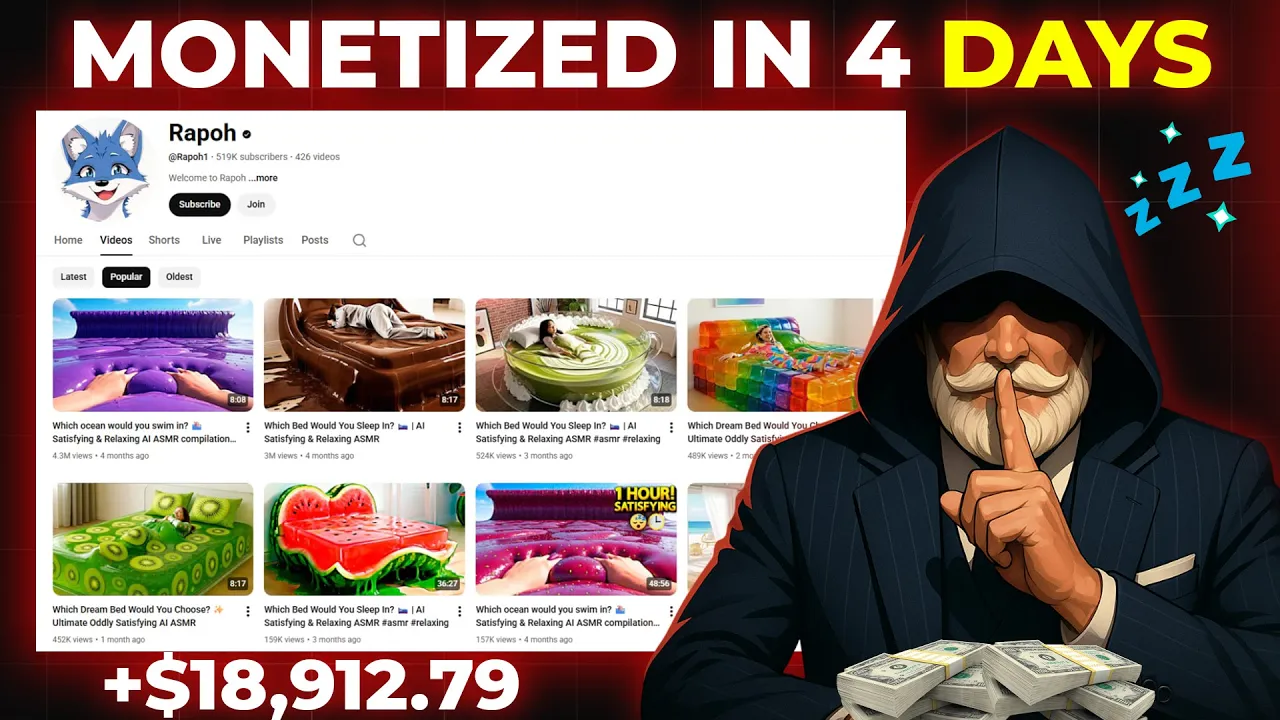
How to Make Viral ASMR Videos with AI
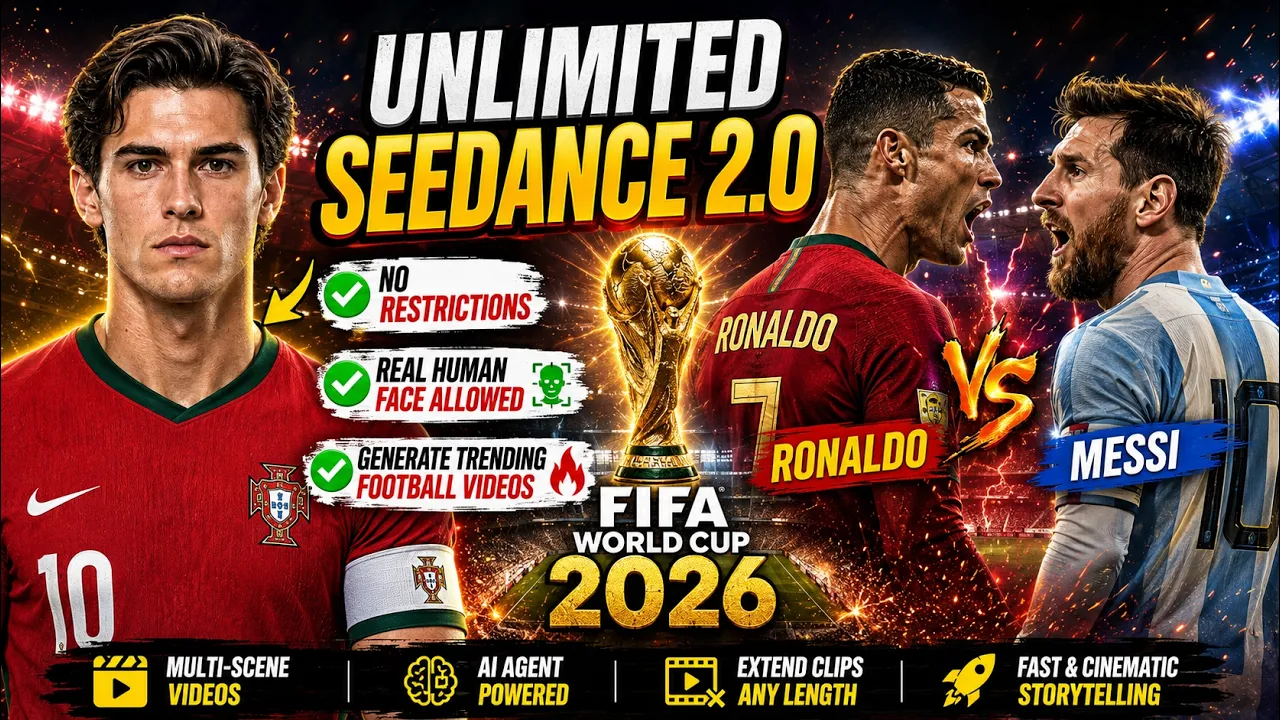
Create FIFA World Cup 2026 AI Videos
Get Inspired by GPT Image 2 Creations on X
Discover real examples shared by the community and learn how people are creating stunning visuals with GPT 2 AI Image Generator.
Explore More AI Image Creation Ideas Online
FAQs of GPT 2 AI Image Generator by EaseMate AI
How does this GPT 2 AI image generator wok?
Powered by GPT Image 2, this OpenAI's latest AI image model features improved photorealistic, text rendering and rich world knowledge. It eliminates the yellow filter, distorted limbs, and skin problems in previous models. Also, it can generate more realistic pictures that mimic natural imperfections such as specific camera lens flaws, over-sharpening, or lighting anomalies. No sign-up needed, just upload your image, click, and get a realistic, text-accurate, and watermark-free visuals online for free now!
Can I use GPT 2 Image for free?
How is GPT Image 2 different from GPT-Image-1?
Is GPT Image 2 better than Nano Banana 2?
How's the UI and screenshot generation in GPT-Image-2?
Is GPT Image 2 suitable for professional and business use?
Start Creating with GPT Image 2 Today
Turn simple prompts into stunning AI-generated images in seconds. Try our GPT 2 AI image generator from EaseMate AI and bring your ideas to life with ease.