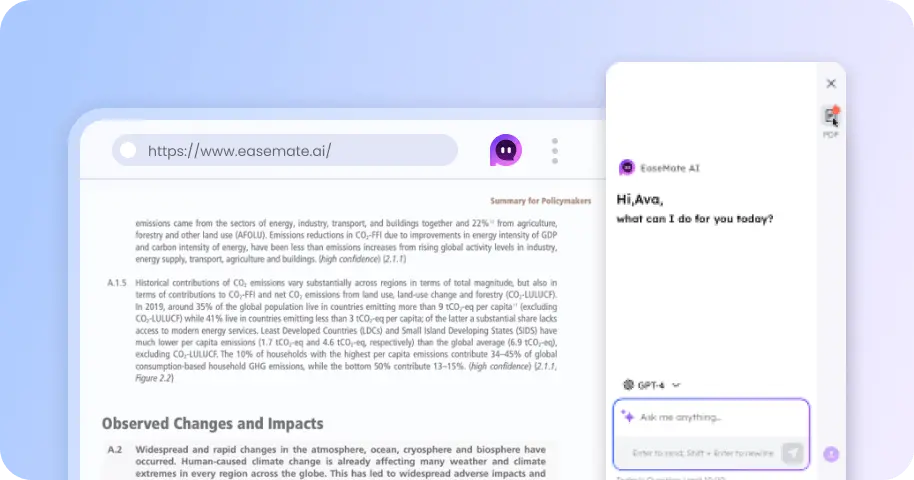
GPT Image 2.5 Free Online
Generate and edit visuals with GPT Image 2.5 for free. Drop any idea, sketch, or reference photos online to generate stunning images now!

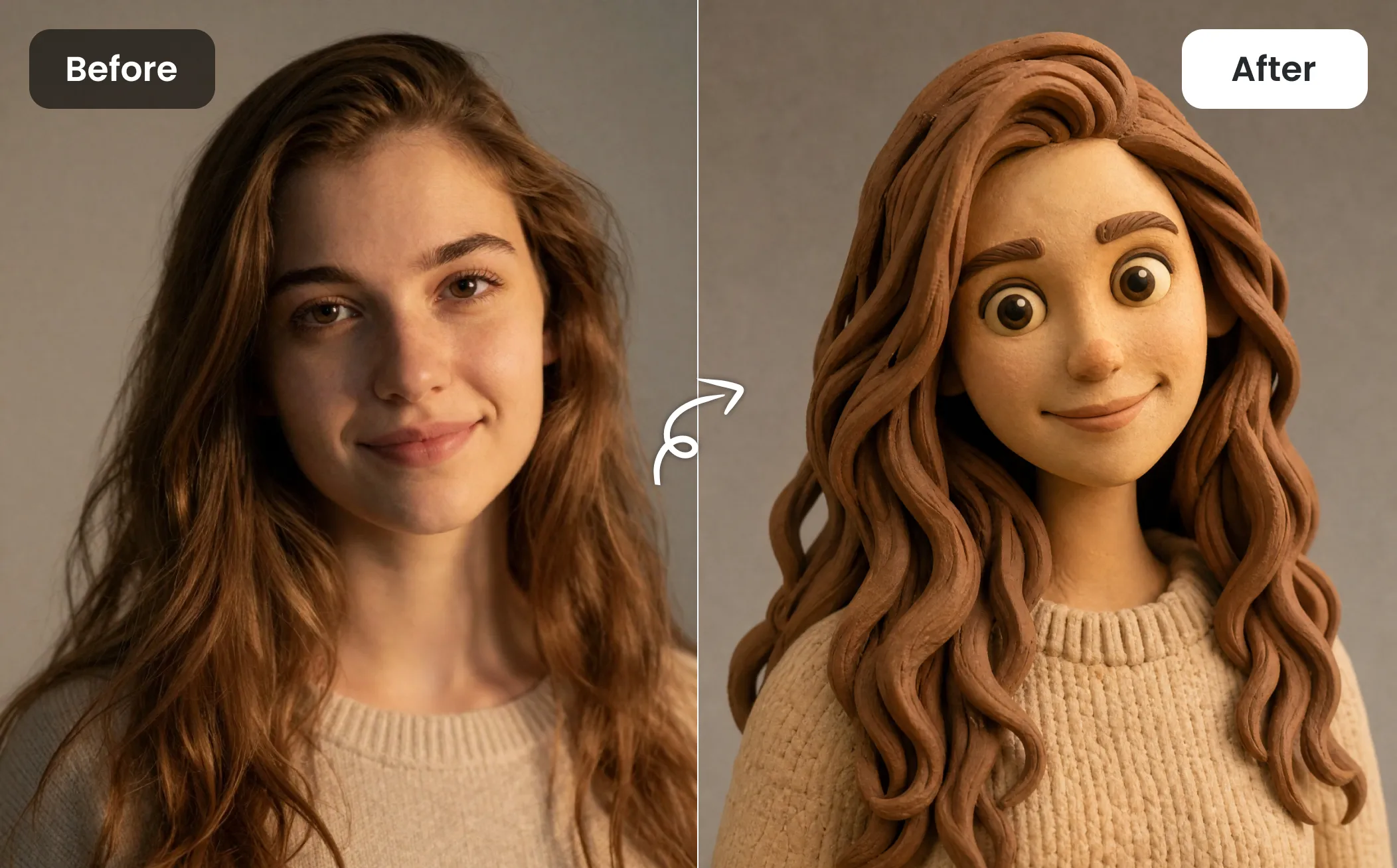
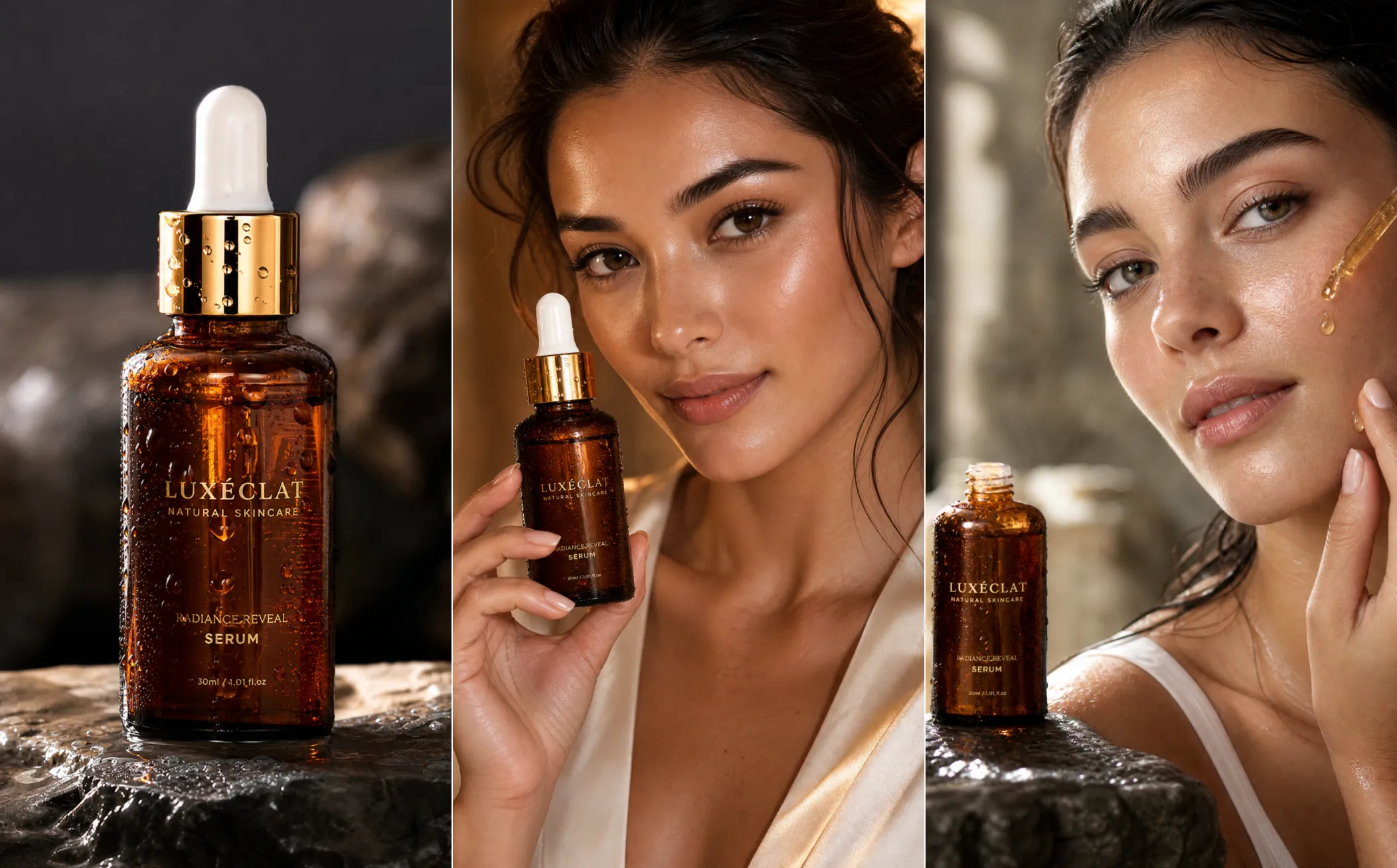
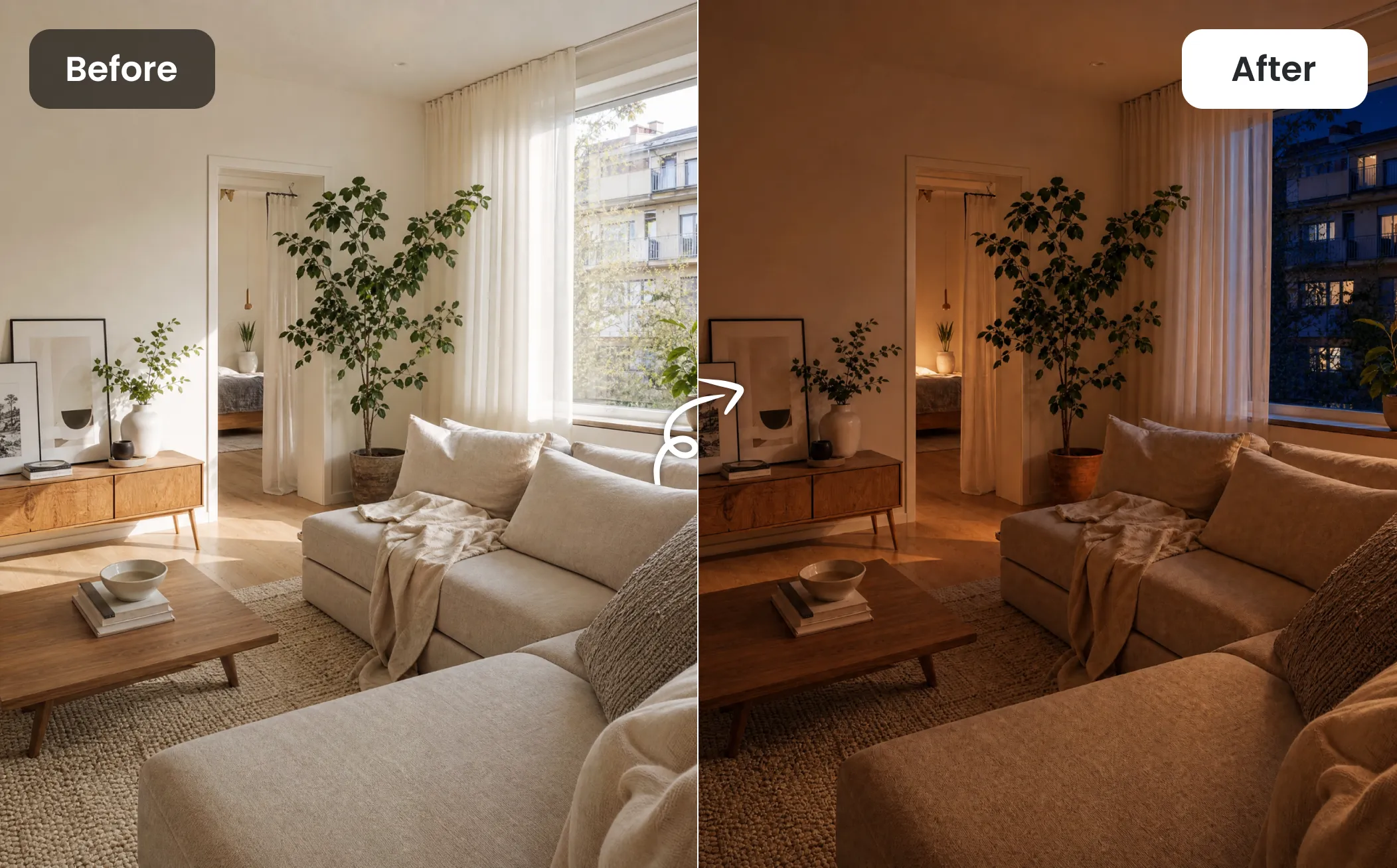
GPT Image 2.5 Prompt Ideas for Creative Image Generation
Explore a collection of GPT Image 2.5 prompts for imaginative photo transformations, including character references, scene swaps, retro magazine styles, doodle effects, mini-me concepts, and more.
How to Generate and Edit Image with GPT Image 2.5 on EaseMate AI?
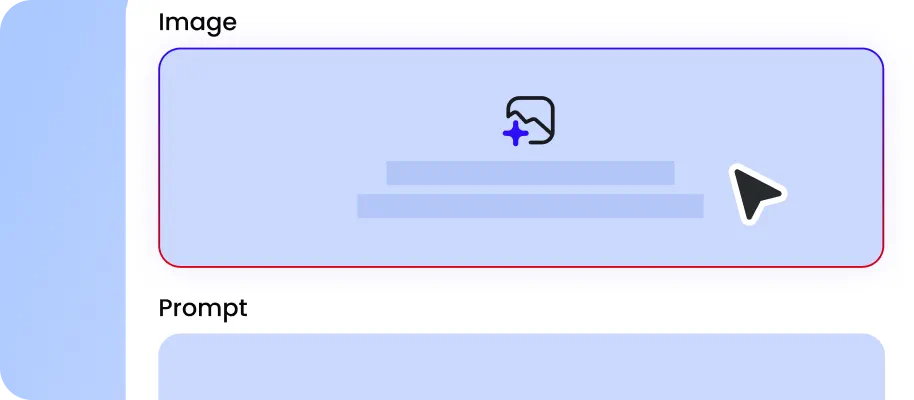
There are two GPT Image 2.5 variants on EaseMate AI: Flare and Sunburst. For everyday image creation and fast generation, choose the former. If you need more precise control over detailed edits and production-ready visuals, Sunburst is a better choice.
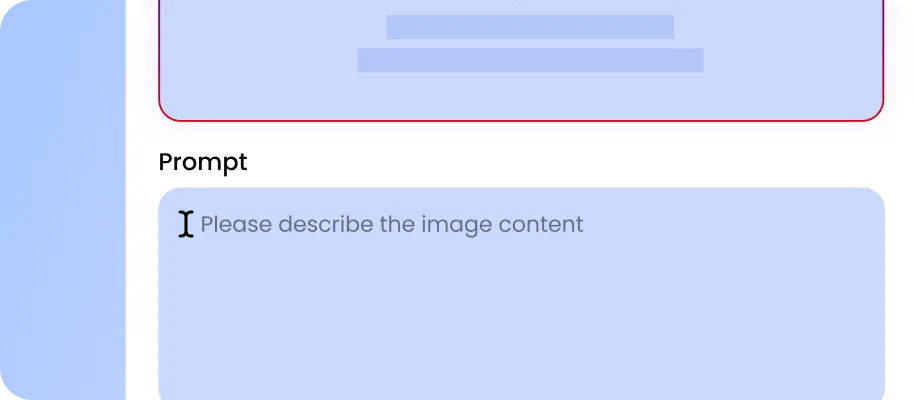
Select a reference image you need to edit or restyle. Also, you can describe your subject, lighting, composition, and style clearly to generate an image from text. Specify parameters like aspect ratio, quality, and format and click "Generate" to start the generation or editing.
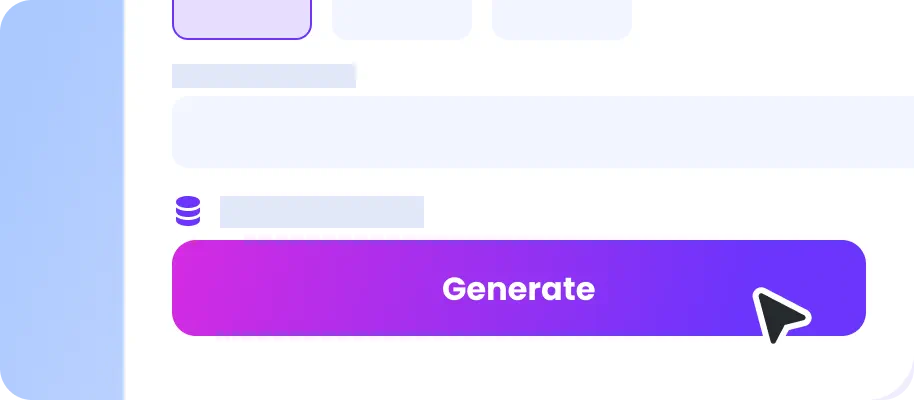
After a few moments, you can preview your artwork with no watermark. You can leave targeted notes on specific parts of your generated image to adjust objects, colors, text, copy, or lighting.
Why Use GPT Images 2.5 for Free on EaseMate AI?
GPT Images 2.5 combines faster image generation with improved visual understanding and editing control. Whether you are creating a product photo, restoring an old picture, designing a presentation visual, or refining an existing image, you can use text, reference images, or sketches to guide the result.
50% Faster to Generate Images with Natural Lighting and Richer Textures
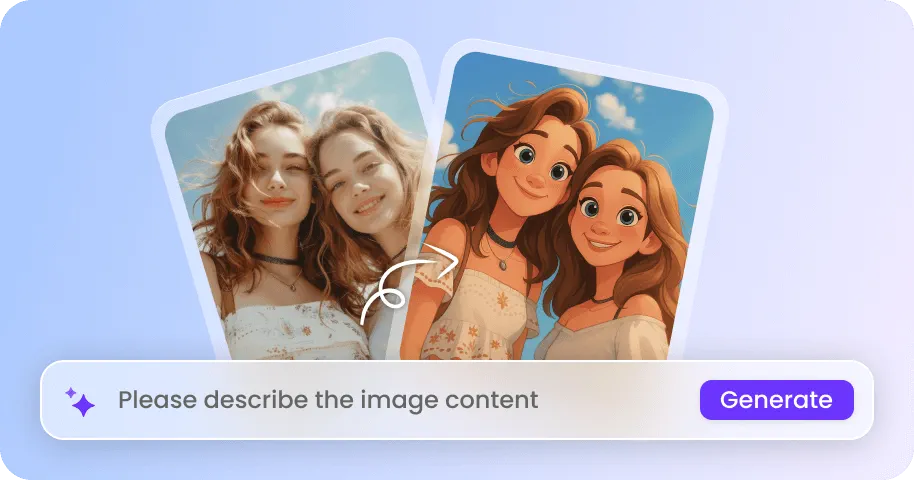

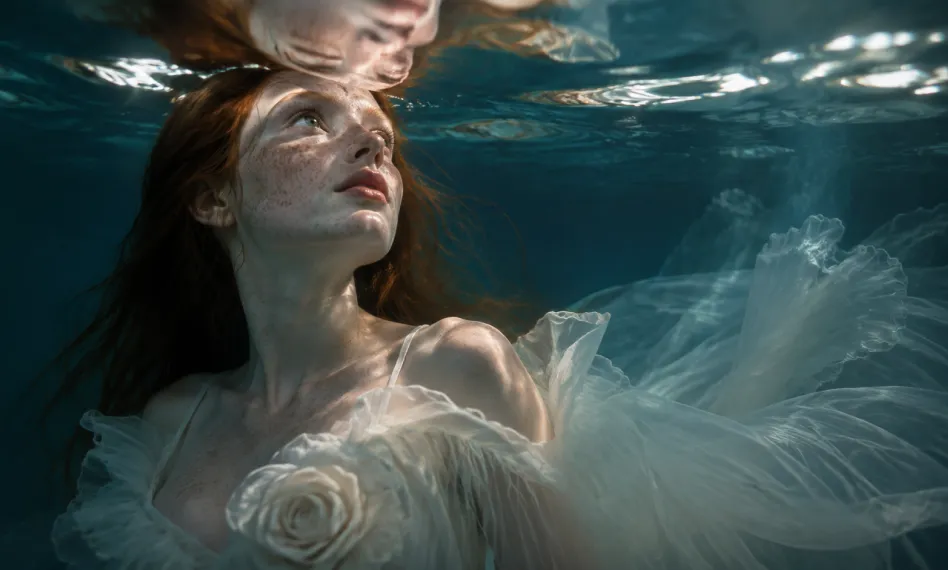
GPT Images 2.5 generates images with more natural lighting, richer textures, and a better understanding of real-world environments. It can reproduce details such as skin, hair, fabric, product surfaces, and surrounding objects more naturally, making it useful for realistic portraits, product photography, lifestyle scenes, and photo restoration. Generation latency is also reduced by up to 50% compared with GPT Images 2.0, helping you create and refine images more quickly.
Create Posters, PPTs, and More with Creative Designs
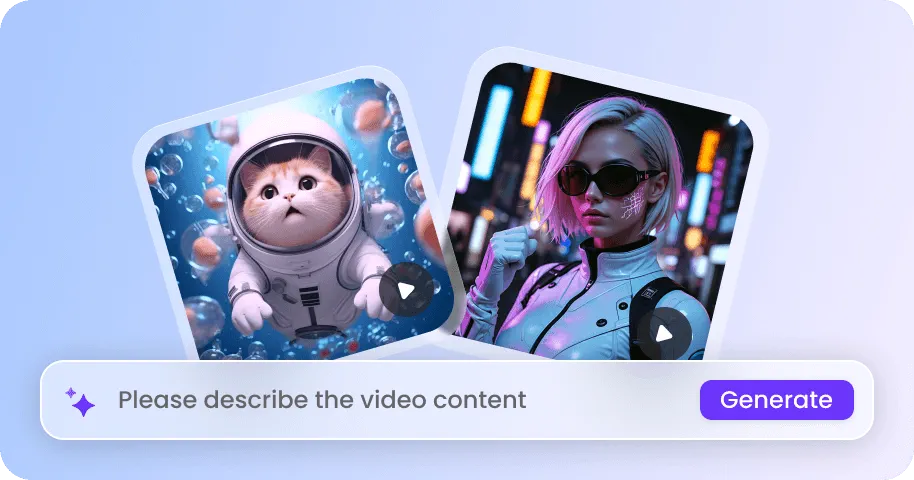
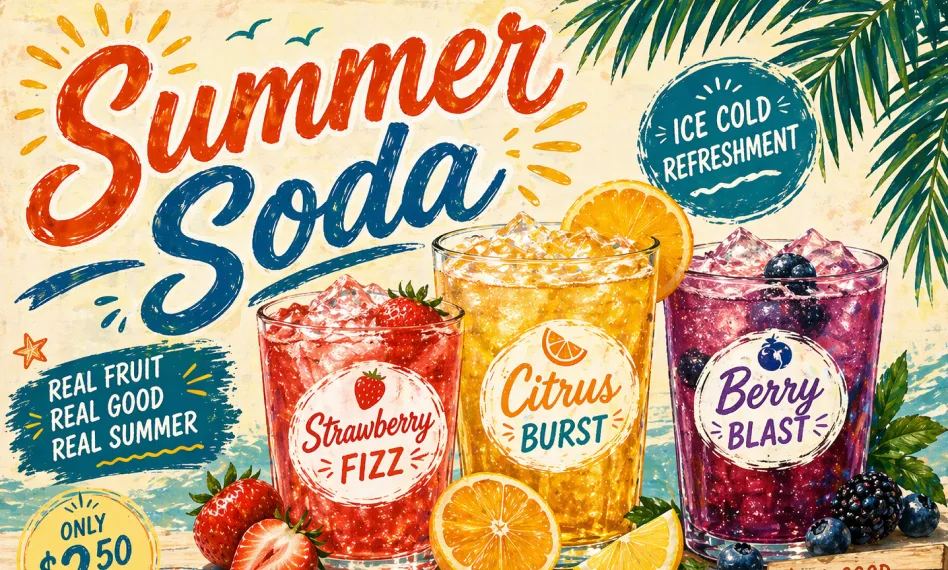
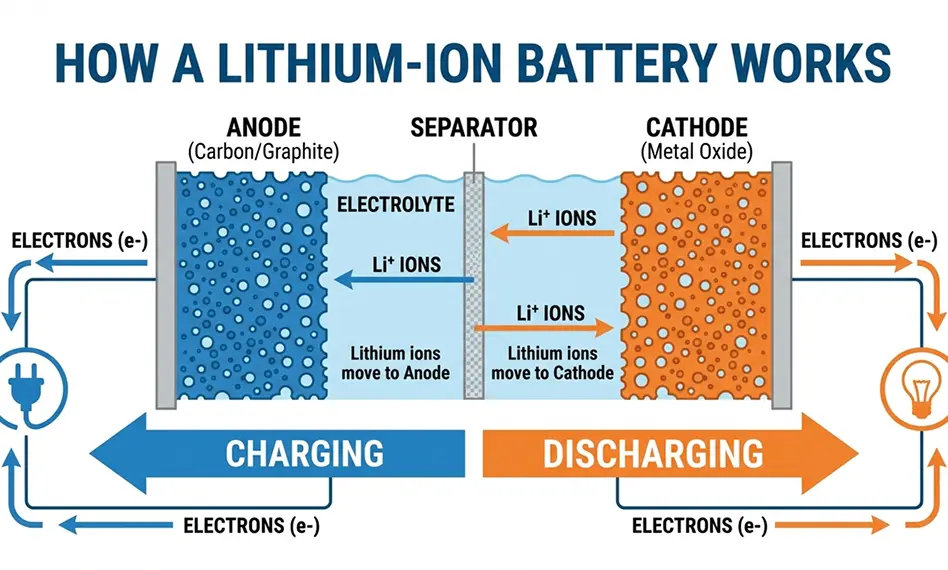
GPT Images 2.5 is better at interpreting detailed visual instructions and translating them into a finished image. It renders real-world information more accurately while also handling more complex compositions, including presentation slides, stamps, book covers, oil painting styles, transparent backgrounds, fantasy or virtual world scenes, and abstract art. This gives you more creative range when you need a specific format or a distinct artistic direction rather than a straightforward photograph.
Maintain Consistency Across Multiple Rounds of Image Editing
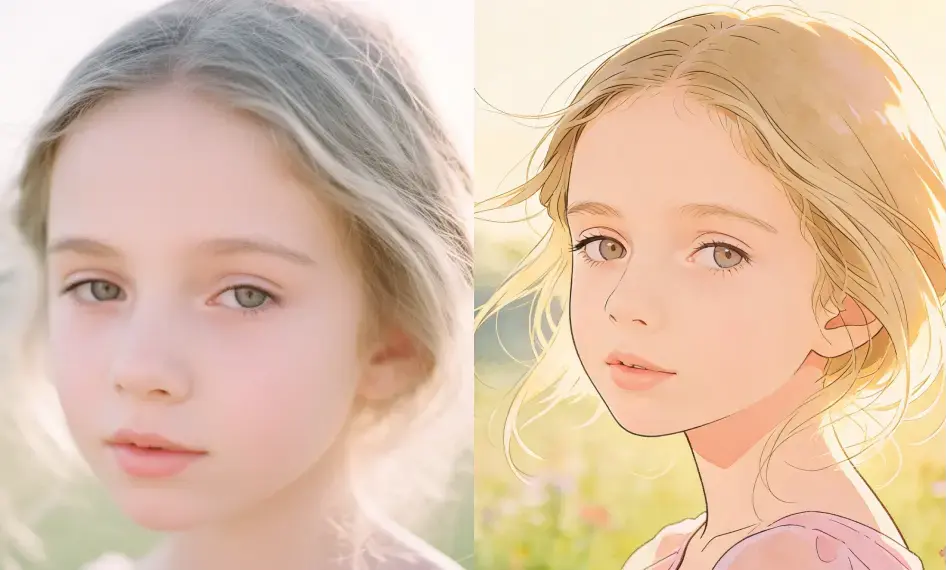
GPT Images 2.5 can follow specific editing instructions more reliably while keeping unrelated parts of the image unchanged. You can change a product color, replace a background, modify lighting, change text, or update a visual element without the image drifting away from the original. During multiple rounds of editing, earlier changes are more likely to remain consistent, allowing each new instruction to build on the previous version.
Analyze the Sketch You Drew and Generate a Finished Image
When a text prompt is hard to phrase or does not quite capture what you have in mind, GPT Images 2.5 lets you start from a rough sketch instead. Draw out your idea, even loosely, and the model can recognize the intent behind the sketch and turn it into a polished, editable image. This is a faster path for flyers, product mockups, or layout concepts where sketching the composition is easier than describing it in words.
Explore More Leading AI Image Models on EaseMate AI
FAQs About GPT Image 2.5 AI Generator on EaseMate AI
What is GPT Image 2.5?
GPT Image 2.5, also known as mona-lisa-01 in previous test in LM Arena, is ChatGPT’s new image generator and editor which delivers faster, sharper, more detailed, and more consistent image generation. Its improved editing capabilities allow users to make more precise changes while maintaining important details from the original image or reference. With stronger instruction-following and creative features such as sketch-based generation, GPT Image 2.5 offers a more flexible way to generate and refine high-quality AI images.
GPT Image 2.5 vs GPT Image 2, what’s the difference?
Is there way to try GPT Image 2.5 for free?
GPT Image 2.5 Sunburst and Flare, which one should I choose?
How well does GPT Image 2.5 render small text and dense layout?
EaseMate AI ToolKit
Find any tool you want here to make efficiency at your fingertips