
Convert Audio to Video Free Online
Instantly convert audio to videos with EaseMate AI. No skills or watermarks, just upload any audio to our online audio to video converter to get dynamic videos.


Discover Advanced AI Models for Audio to Video Generation
From Seedance and Veo to Kling and Seedance, explore advanced AI models for converting audio, generating visuals, animating images, and editing videos.


Why Choose Audio to Video Converter in EaseMate AI?
Transform audio to video in seconds. Powered by advanced AI models like Wan 2.2 Animate, InfiniteTalk, and more, our online audio to video converter can instantly detect your sound file and pair it with animated visual elements. Simply upload any audio or specify any character to create viral shorts perfect for marketing, branding, or education.
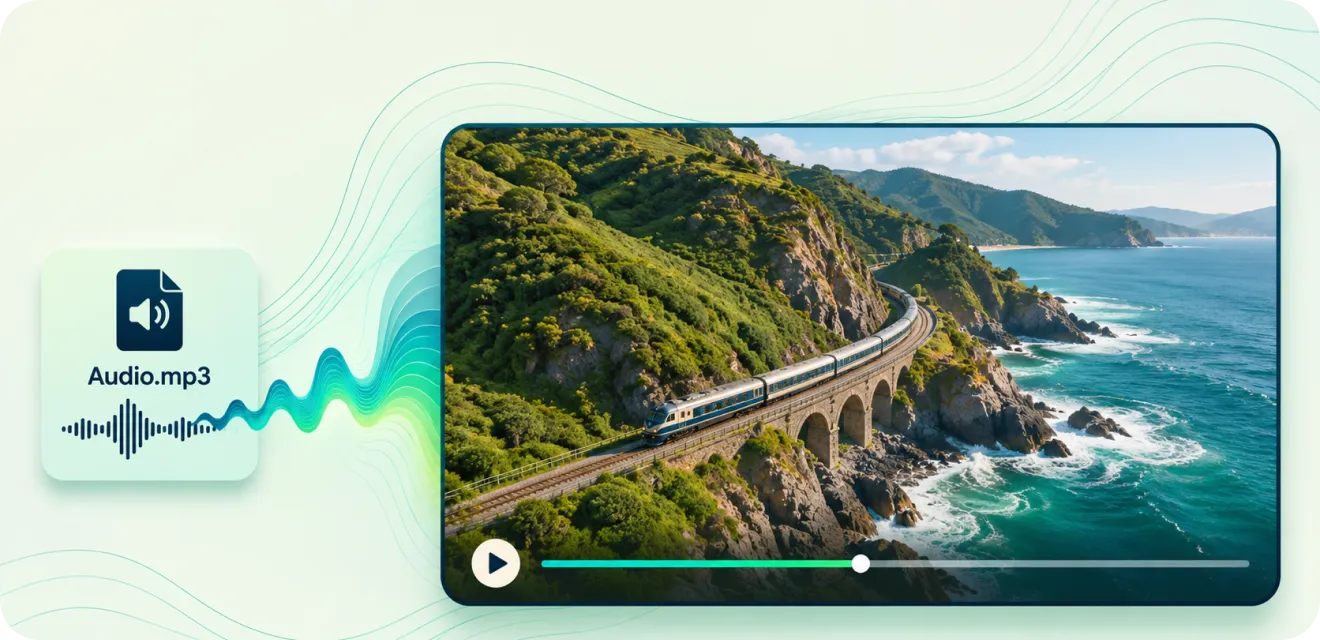
Convert Audio to Video Online with AI
Instantly turn audio into videos without complex editing software. Just drop your voiceover, podcast episode, or music track, and then our audio to video converter can generate polished videos with matching visuals. Instead of manually editing footage and searching for stock media, it dramatically reduces production time while improving content quality. It's perfect for podcasts, interviews, audiobooks, voice memos, music promotion, and educational content.
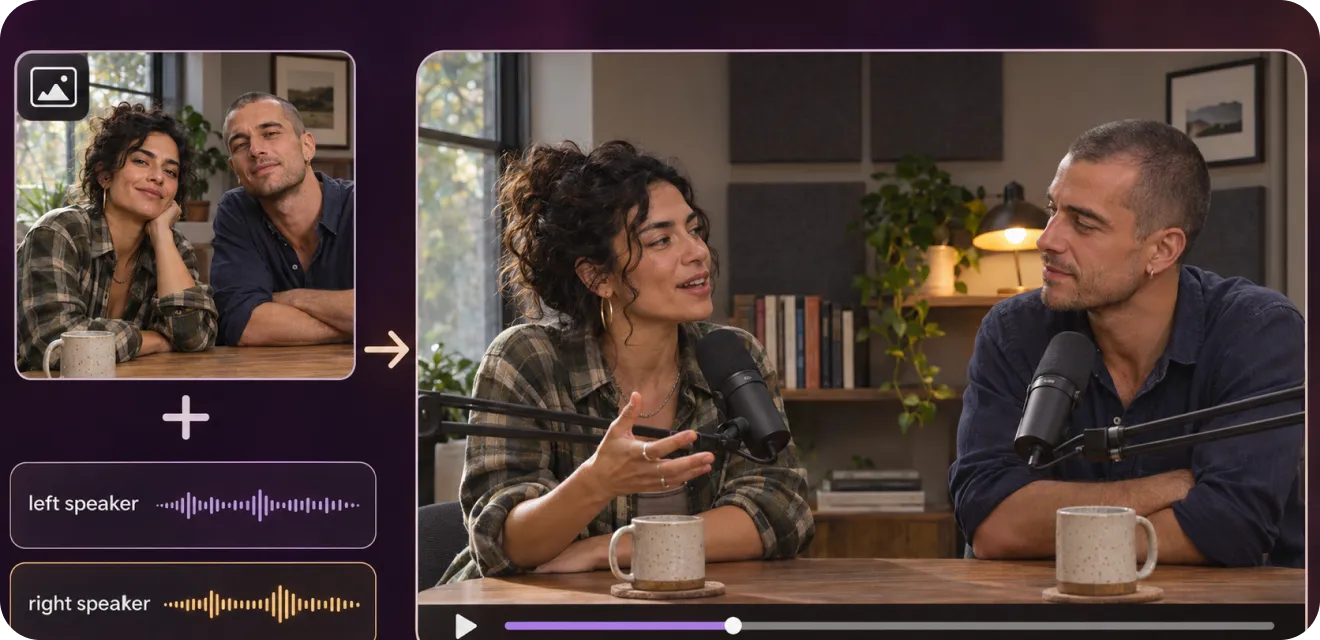
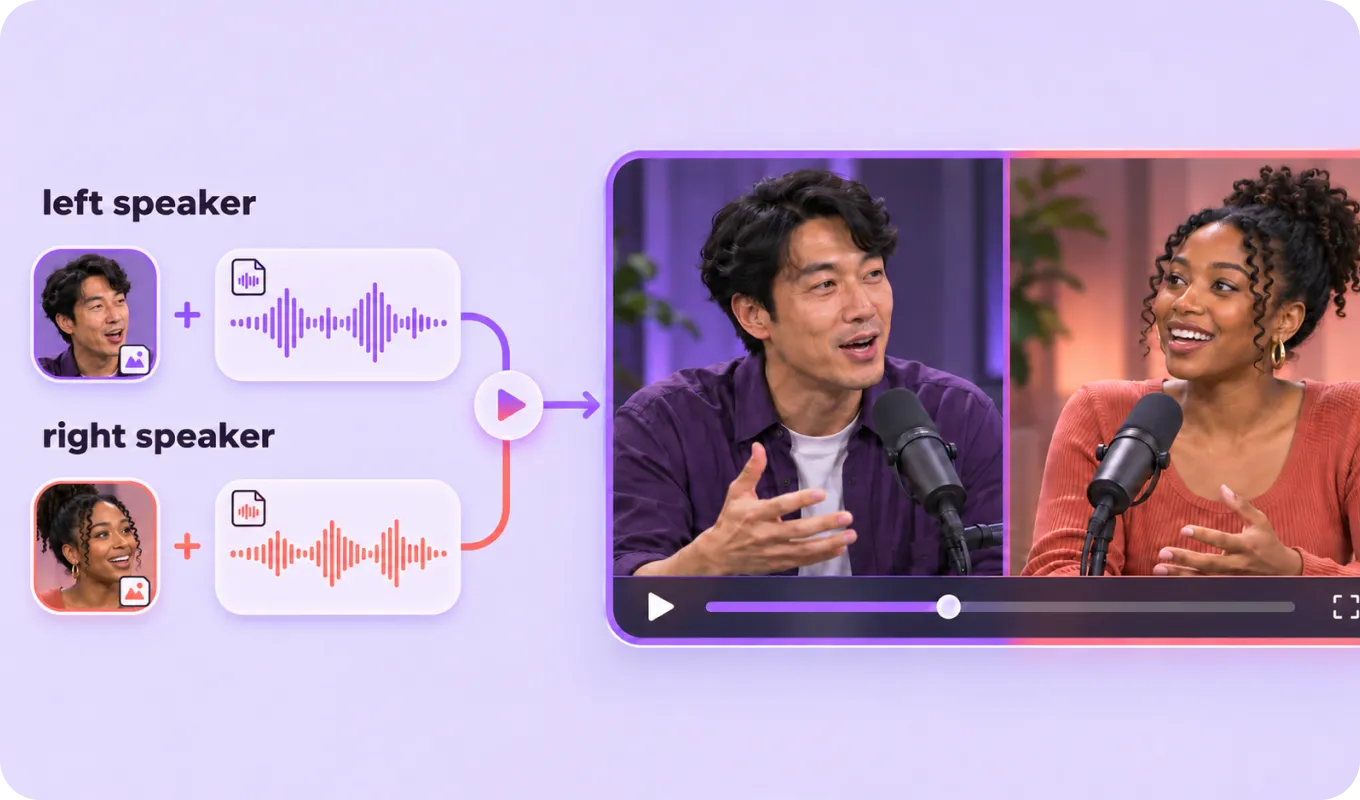
Create Dual-Person Dialogues or Duets from One Photo
In addition to single-person lip sync, our audio to video generator can also transform a duo dialogue and a photo of two person into a two-hander scene with assigned audio tracks. You can explore endless possiblities like music videos, vocal performance, broadcast, singing duets, drama, and more. From conversational storytelling to expressive stage-style performances, turn static photos into engaging videos with AI-accuracy lip sync.
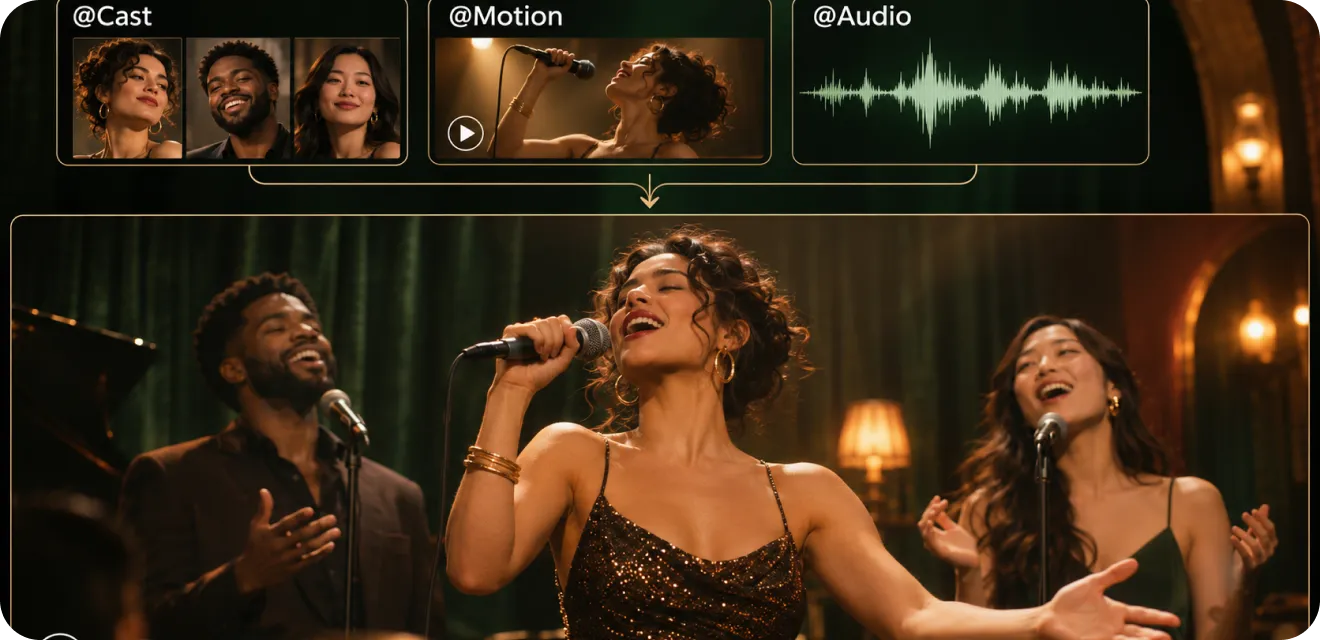
Instant Audio to Video Conversion for Realistic Multi-Person Scenarios
From solo lip sync to complex multi-person scenes, EaseMate AI gives you more ways to turn audio into video. Choose Talking Head for one speaker, Duo Dialogue for two people with separate audio tracks, or Universal Scene for multiple characters speaking and singing. Use @tag references to combine character photos, motion videos, and audio clips, guiding who appears and performs each line. Create podcast panels, group interviews, musical theatre scenes, singing ensembles, and cinematic stories with Seedance 2.0 and 2.5.
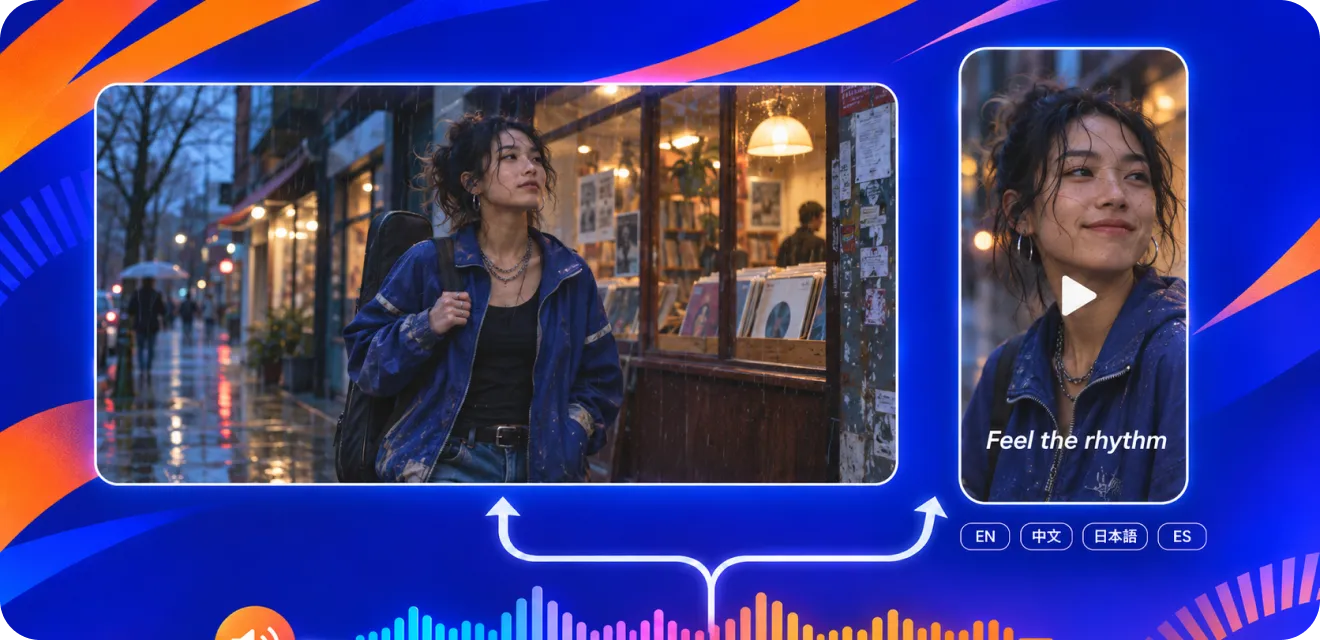
Generate Videos from Audio for Music, Podcasts, and YouTube Shorts
With multilingual language support, our audio to video generator can create engaging videos in English, Chinese, Japanese, Spanish, and other common languages. The smart rhythm analysis generates videos that respond dynamically to music tempo and emotional tone. From faceless YouTube channels, language learning clips, or music videos, you can transform plain audio into engaging videos without any watermark. This is perfect for marketers, teachers, podcasters, and more.
Inspiring Audio to Video Examples & Ready-to-Use Prompts on EaseMate AI
From podcast storytelling to music visualization, explore practical audio to video prompt examples. Follow proven creative ideas and turn your own audio into dynamic AI videos.
Who Can Use an AI Audio to Video Converter on EaseMate AI?
Whether you're a podcast host, independent musician, online educator, or small business owner, turn audio into polished videos with stunning videos, making content creation faster, easier, and more accessible.
Podcasters and Hosts
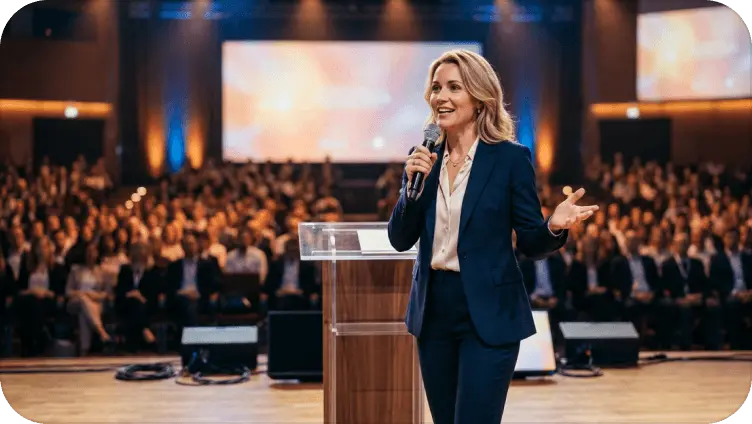
Get more mileage from every podcast recording by transforming audio into shareable video content. Convert a 30-minute interview into multiple visual clips featuring speaker animations, subtitles, and engaging backgrounds. Highlight memorable quotes, interesting discussions, or expert insights, then publish these bite-sized videos as YouTube Shorts, Instagram Reels, and TikTok posts to attract new listeners.
Musicians and Independent Artists
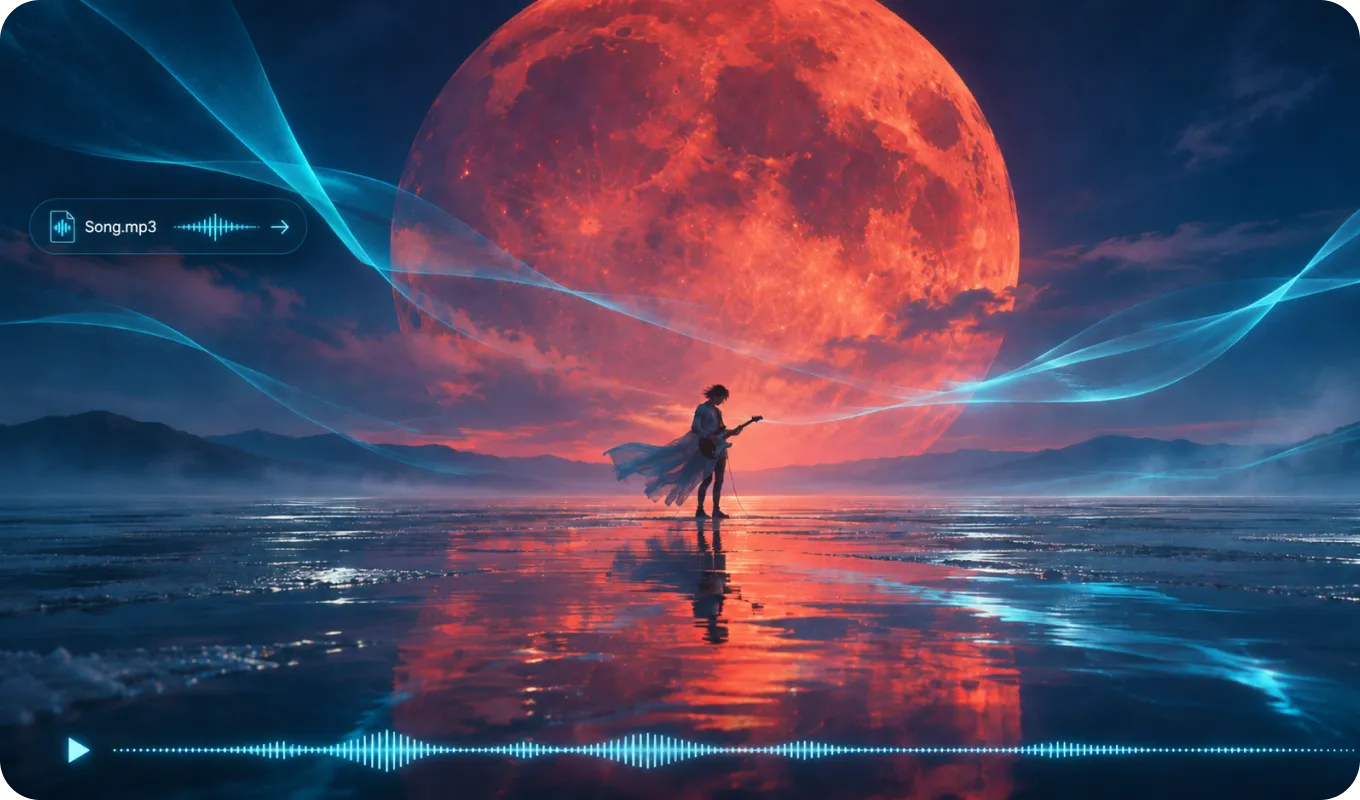
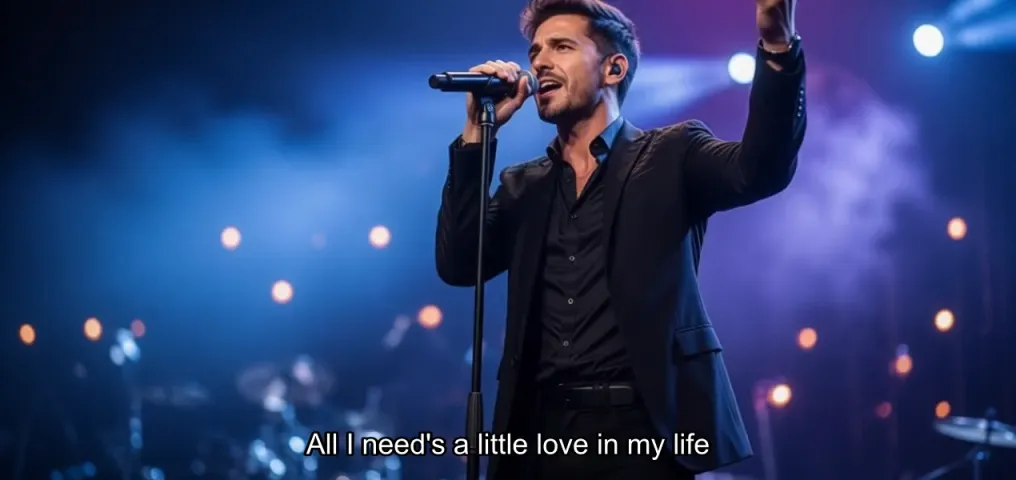
Keep your music promotion on schedule by creating videos without lengthy filming or editing sessions. Upload a finished track or demo, then use AI to generate matching visuals for your release. Independent artists can prepare video content alongside streaming launches, helping songs appear on YouTube and social platforms with engaging visuals from day one.
Educators, Lecturers, and Course Creators
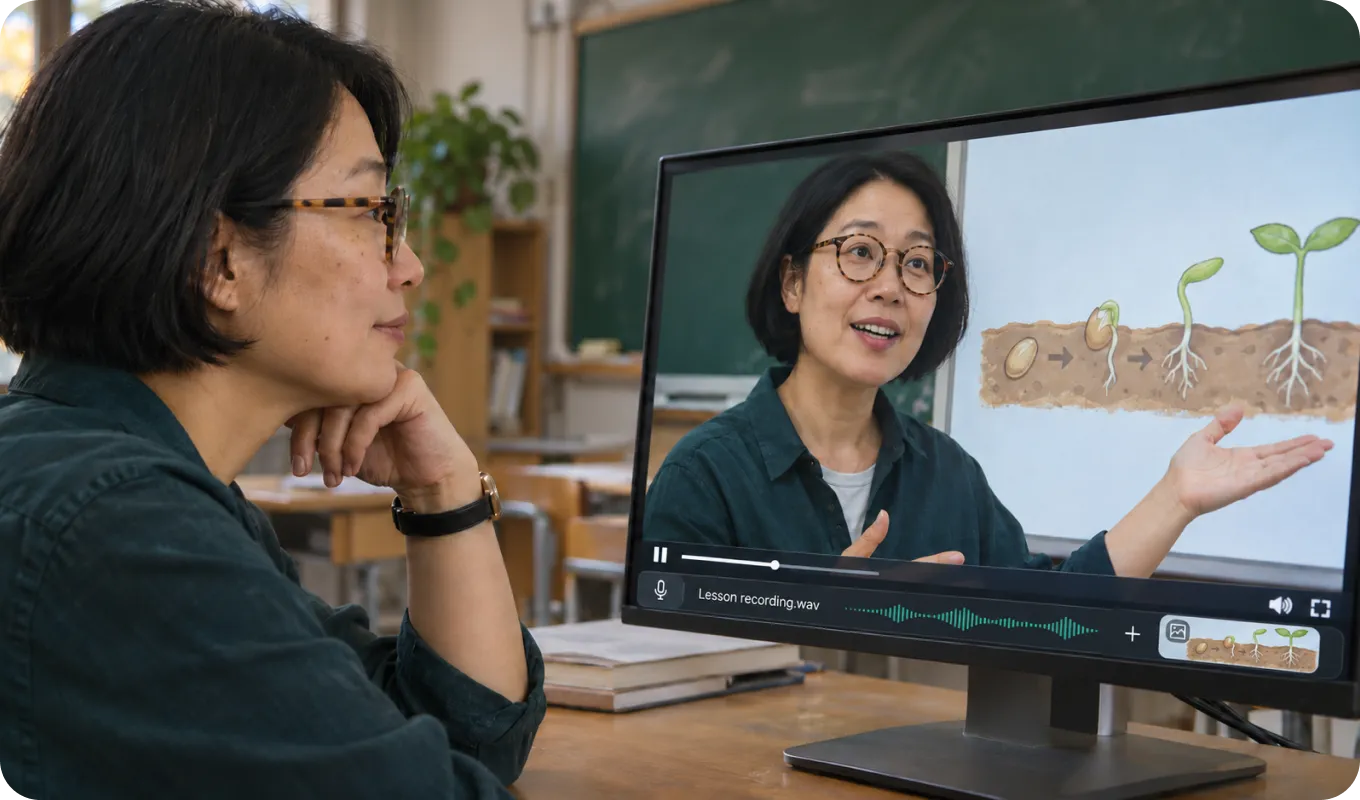
Build a library of polished educational videos without investing in expensive recording equipment or hiring video editors. An AI audio-to-video generator can transform your voice recordings and lesson scripts into videos featuring slide imagery, animated graphics, and visual explanations. Whether you're an independent instructor or online course creator, produce quality learning content from your desktop.
Digital Marketers and Small Business Owners
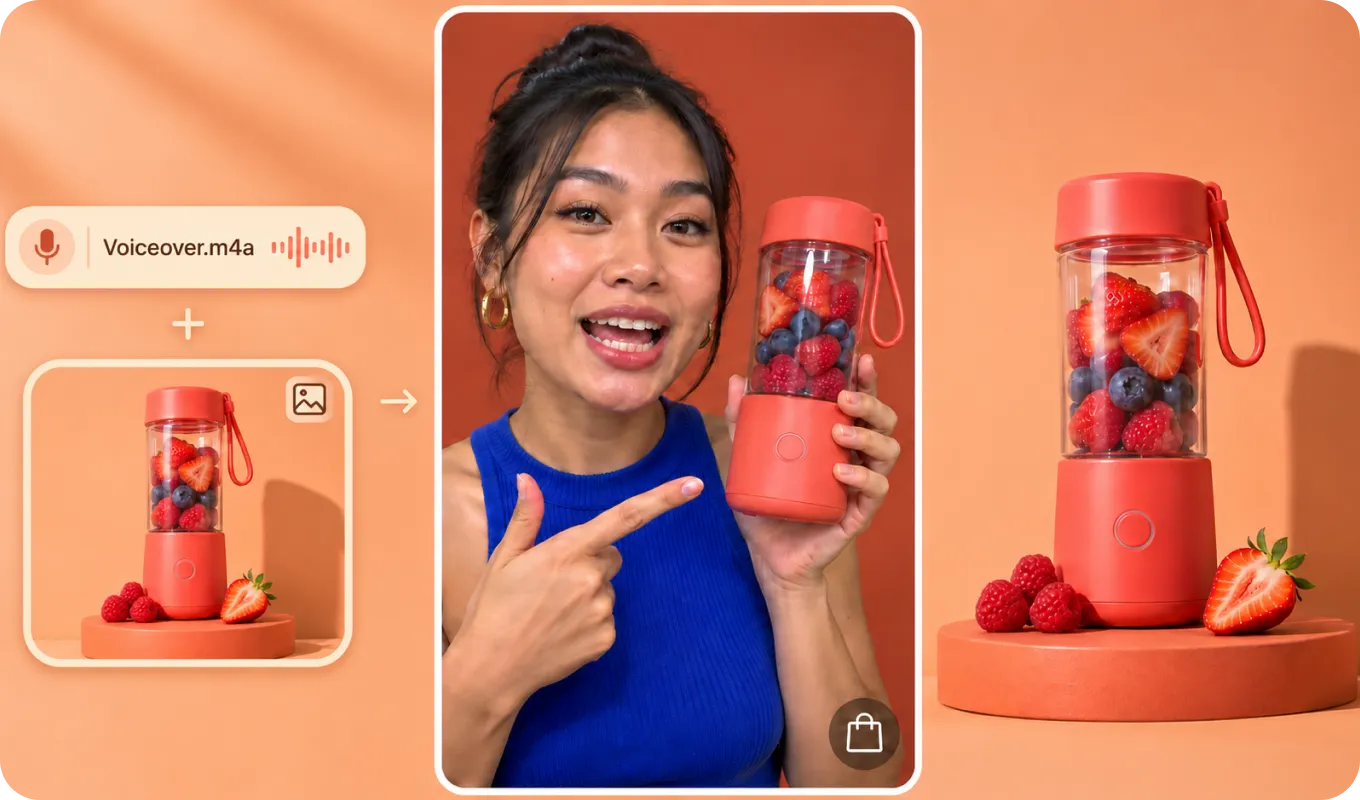
React to market trends and business opportunities without waiting weeks for video production. Simply upload a promotional voiceover or recorded announcement and let AI turn it into a ready-to-share video with matching visuals and text. From flash sales and seasonal campaigns to new product launches, create timely marketing assets faster and keep your audience informed.
How to Convert Audio to Video with EaseMate AI?
Convert audio files into videos online with EaseMate AI. All you need to get started are a few clear portrait photos and an audio file.
Step 1: Choose Your Talking Mode
Select from three audio-to-video modes: Single Talking Head for one person, Duo Dialogue for two people, or Universal Scene for multiple characters.
Step 2: Upload Your Photo and Audio
Upload a single-person portrait or a group photo, then add your audio file in MP3, WAV, or M4A format. For multiple speakers, assign audio to each person and set their speaking order.
Step 3: Generate and Download Your Video
Click "Generate" and let AI turn your photo into a talking video with synchronized lip movements. Once it's ready, download your video and share it anywhere.
Explore Audio to Video Demos, Tips & Tutorials on YouTube
Watch step-by-step tutorials on turning audio files, podcast recordings, and music tracks into videos. Discover AI-generated visuals, voiceover-to-video workflows, and practical editing tips with EaseMate AI.
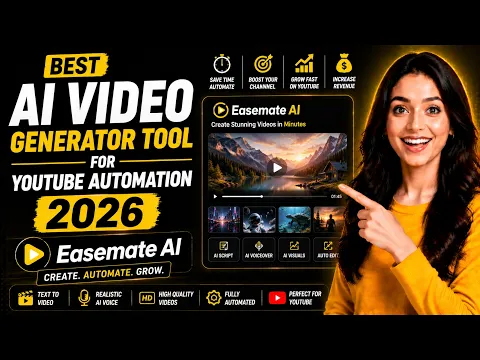
Best AI Video Generator Tool for YouTube Automation 2026 - EaseMate AI
I Tested EaseMate AI — ChatGPT, Veo 3, Kling & More in One Tool!
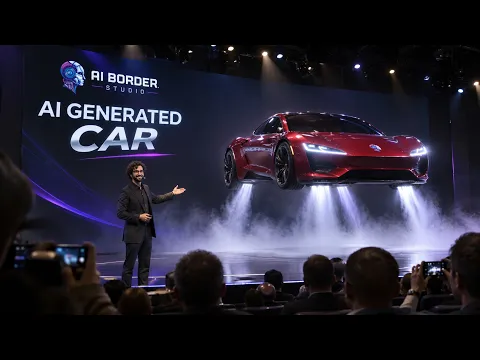
I Made Tesla's Flying Roadster Videos with AI! (EaseMate AI)

How to Generate Unlimited AI Videos For Free Using Easemate AI
What Creators Are Saying About Audio to Video on Twitter?
Stay up to date with what creators are saying about AI audio to video tools. Explore trending ideas, real-world use cases, and fresh inspiration for your next video.
Explore More Advanced Audio to Video AI Tools on EaseMate AI
FAQs of Audio to Video Converter by EaseMate AI
How does this audio to video converter work?
Our AI audio to video converter utilizes advanced artificial intelligence to merge a sound file with visual elements to generate a high-quality video for single or multi-person scenes. After receiving your audio files, it will convert spoken words into transcripts or detect the tempo, analyze the voice inflection, audio frequencies, and then create videos based on the audio analysis automatically.
How long can the generated videos be?
What type of videos can I convert my audio to?
Can I transform my own voice into lip-synced videos?
How does this audio to video generator differ from other AI video generators?
Can I make two people talk in one photo?
Generate Videos from Audio in Seconds
Upload music, narration, or sound recordings to generate personalized videos. Choose solo characters, duos, or group scenes and let AI handle visual creation.