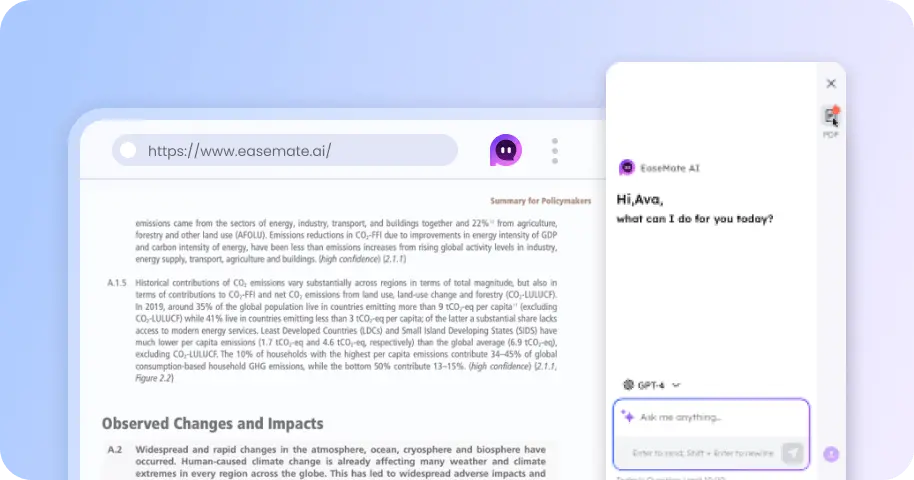
Seedream 5.5: Generate & Edit 4K Images Free Online
Create high-quality 4K visuals with Seedream 5.5 for free online. Enjoy seamless multi-turn editing, refine image details without starting over, and generate transparent PNG assets for flexible creative workflows.

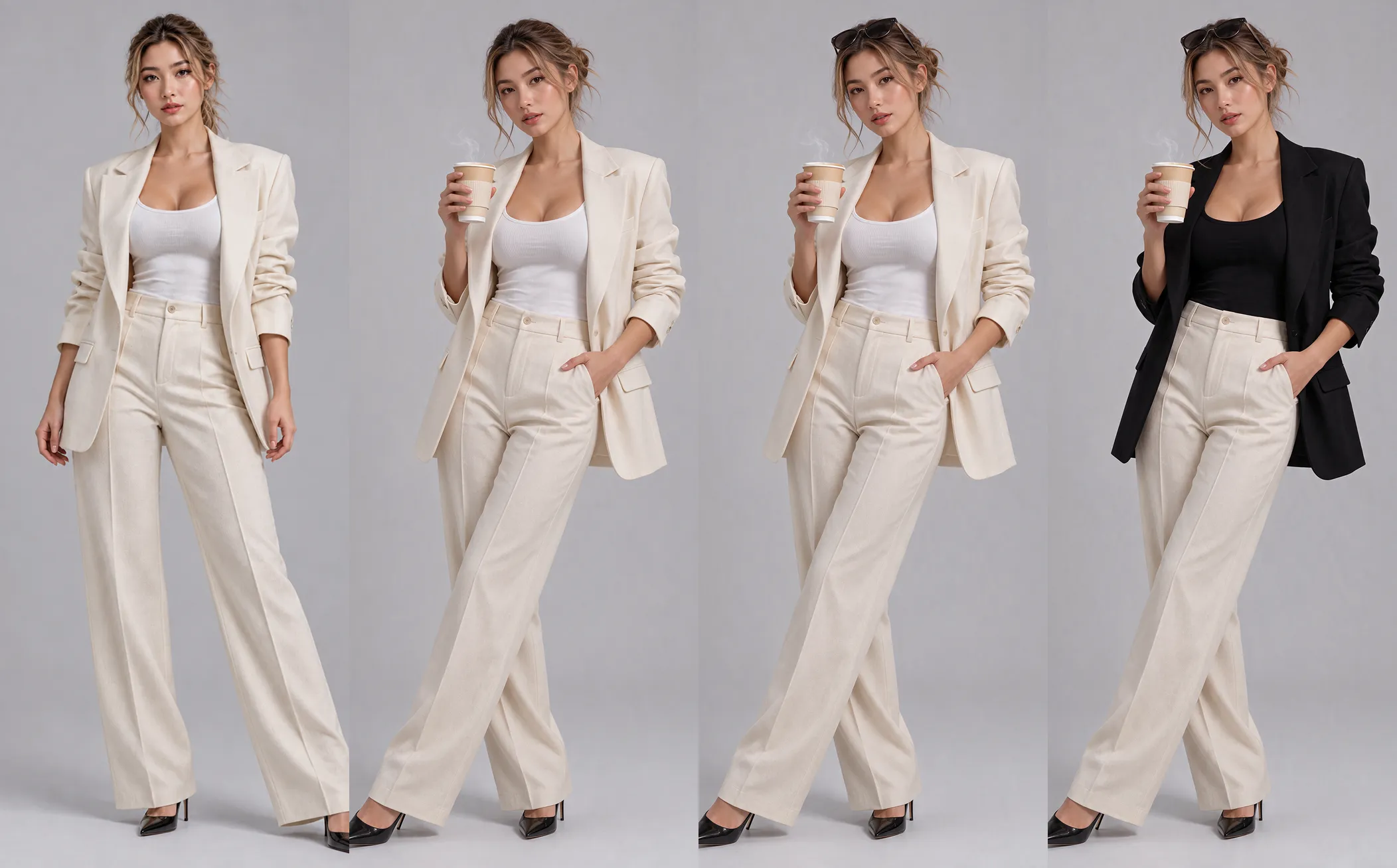
Prompt Ideas for Seedream 5.5
Start from a ready-made prompt and adjust it to your project. These examples cover product shots, posters, character art, and social creatives you can generate with Seedream 5.5.
How to Generate or Edit Images with Seedream 5.5 on EaseMate AI?
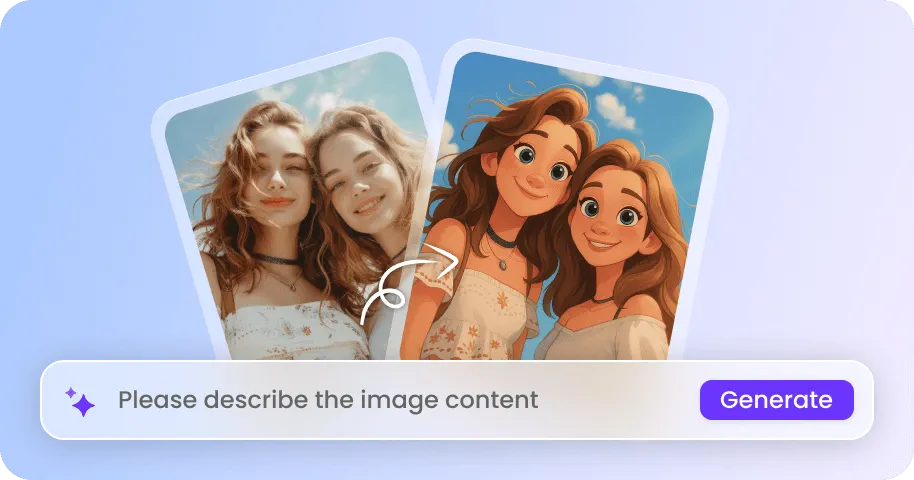
Provide a text prompt or upload a reference photo you have permission to use. Whether you want to create an image from scratch or transform an existing portrait, simply tell EaseMate AI what you envision in plain language.
Choose your preferred aspect ratio, image resolution, and other generation settings for your realistic AI portraits, social media graphics, or artistic image transformations.
Click "Generate" and let Seedream 5.5 bring your ideas to life. Preview the finished image, check the details, and download your favorite result without a watermark.
Why Generate Images Using Seedream 5.5 on EaseMate AI?
Seedream 5.5 combines advanced image generation with precise editing capabilities to support a wide range of creative and commercial projects. From reusable transparent assets to information-rich posters, explore its key features to create, refine, and adapt images for different design needs.
Generate Transparent PNG Images for Posters and Product Marketing
Seedream 5.5 supports native RGBA image generation, allowing for the rendering of fully transparent and semi-transparent areas. Simply upload an image and select a transparent background to generate standalone product shots, stickers, logos, decorative elements, or promotional graphics. This makes it easier to integrate the generated assets into posters, product mockups, and layered marketing designs.
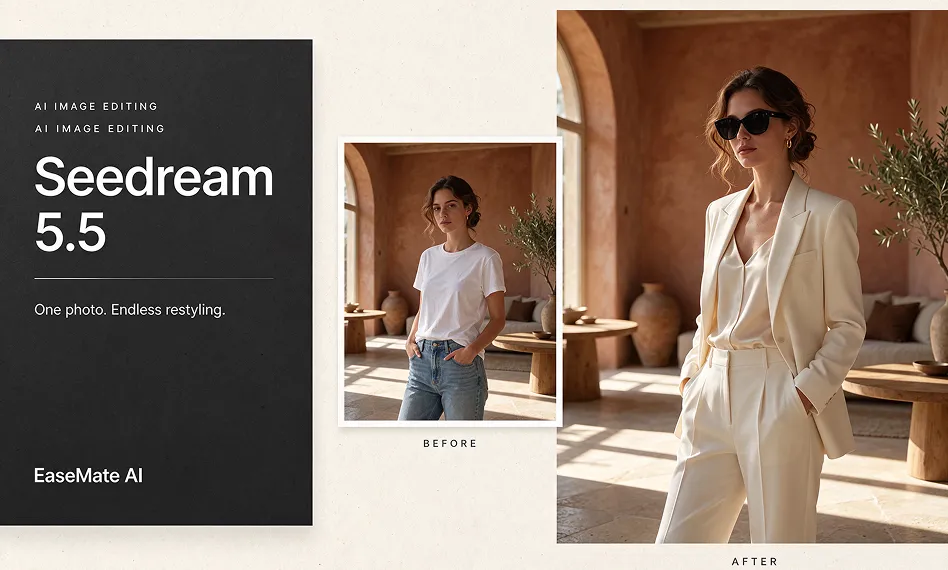
Edit Images 100+ Rounds While Preserving Visual Consistency
Even after as many as 100 rounds of image editing, the unchanged elements are effectively preserved. You can use the Seedream 5.5 image editing tool to modify the color, shape, material, position, or appearance of objects. For instance, you can experiment with different product colorways, swap out furniture in an interior scene, or change the clothing worn by a model—all while ensuring that the surrounding background and overall composition remain constant.
Create Detailed Infographics and Multi-Panel Designs
Turn complex information into structured visuals for educational materials, product presentations, news graphics, and marketing campaigns. Seedream 5.5 can organize multiple visual elements into cohesive posters, infographics, and multi-panel layouts, combining text, illustrations, icons, and supporting details. You can also describe the intended aspect ratio and composition to create visuals for different purposes, such as step-by-step tutorials, product comparison charts, educational diagrams, and social media graphics.
Render Accurate Small Text and Multilingual Content in Images
Create posters, product labels, flyers, and promotional graphics that contain dense text and detailed information. Seedream 5.5 improves the rendering of small, closely arranged text, helping letters, numbers, dates, and other written details remain clearer and more accurate. It supports multiple writing systems, including Russian, Thai with tone marks, Japanese, and Filipino, making it useful for localized marketing materials and multilingual campaigns.
Create Images with Other AI Image Generation Models

FAQs of Seedream 5.5 AI Image Generator by EaseMate AI
Seedream 5.5 vs GPT Image 2.5, which is better?
Seedream 5.5 has an edge in ByteDance's published comparisons for text structure and text-to-image realism against GPT Image 2.5 Sunburst. It also introduces native transparency and supports up to 100 successive editing rounds in its showcased workflow. GPT Image 2.5, however, offers strong independent benchmark performance and flexible generation options. For realistic AI art, detailed image editing, and text-heavy designs, Seedream 5.5 is an excellent option.
Is there a way to try Seedream 5.5 for free?
What's the improvement in Seedream 5.5 compared with Seedream 5.0 Pro?
How does multi-turn editing work in Seedream 5.5?
Can Seedream 5.5 create transparent images?
EaseMate AI ToolKit
Find any tool you want here to make efficiency at your fingertips