MiniMax H3 Image: Generate and Edit High-Quality 4K Images
Create detailed, 4K images using the MiniMax H3 AI image generator on EaseMate AI. Incorporate up to 16 reference images, and edit existing pictures using natural language instructions.

Start with One of Our MiniMax H3 Image Creation Ideas
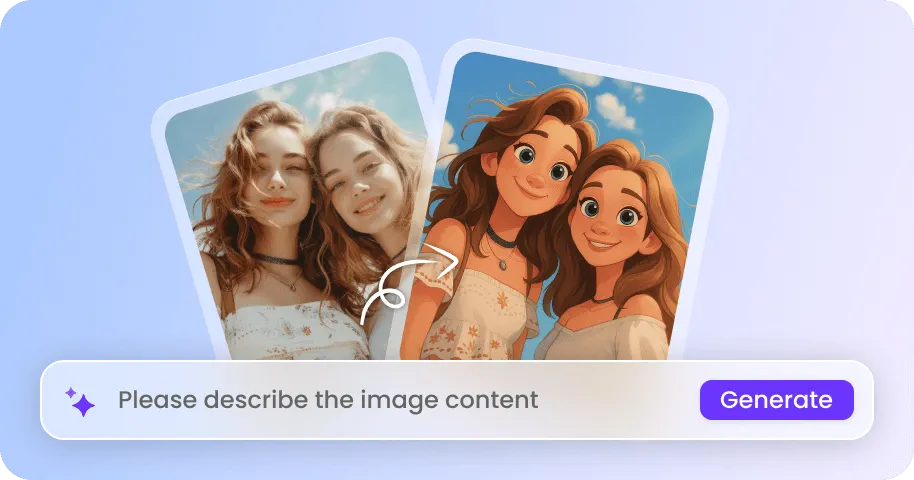
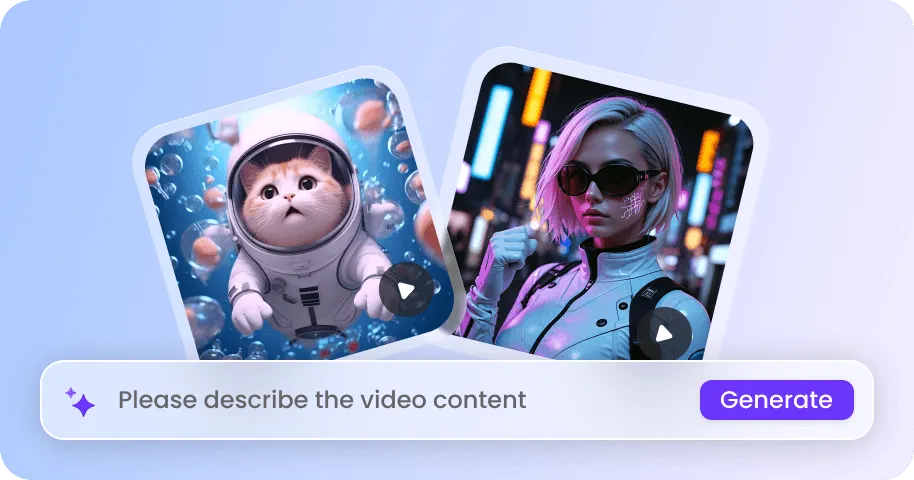
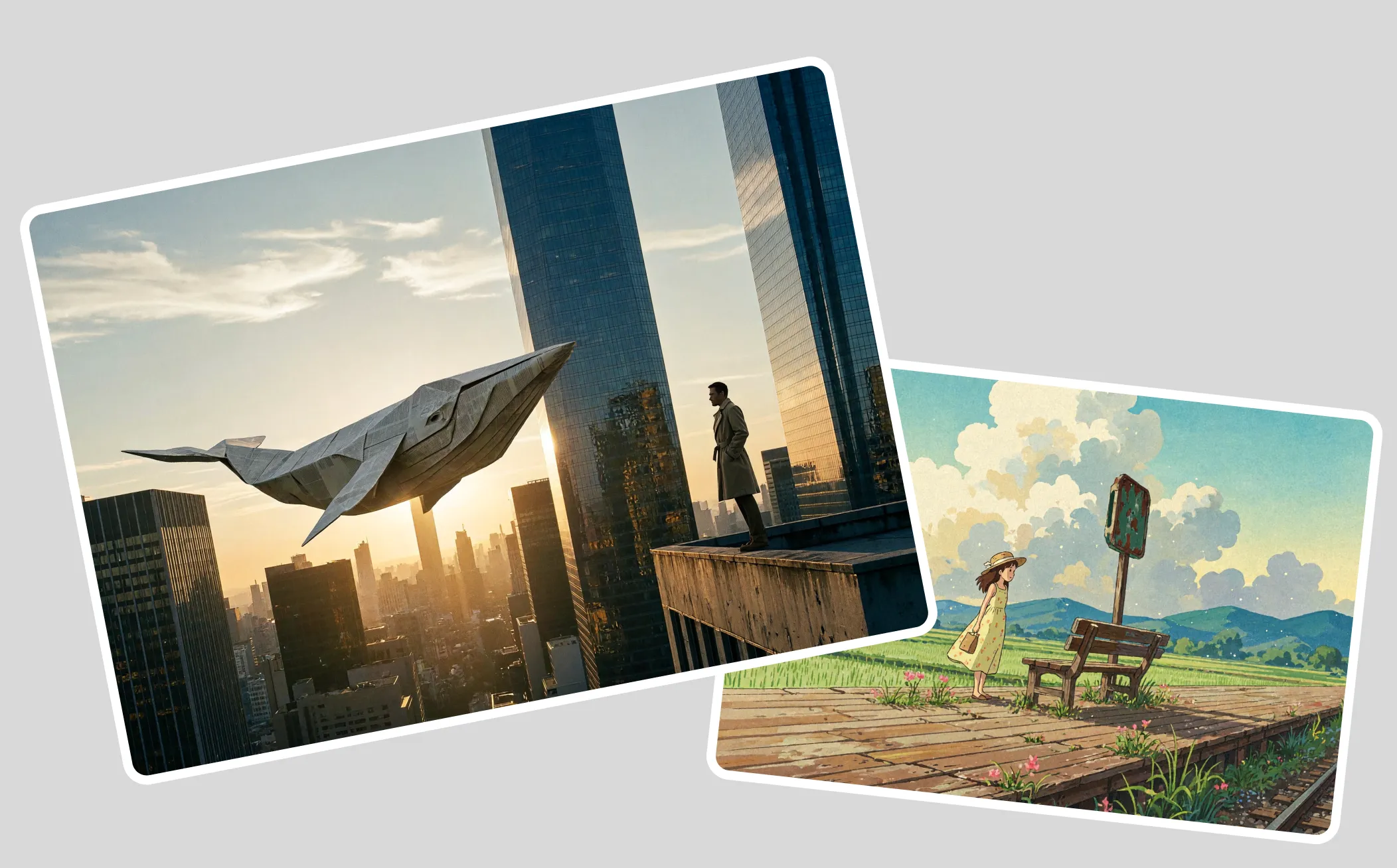
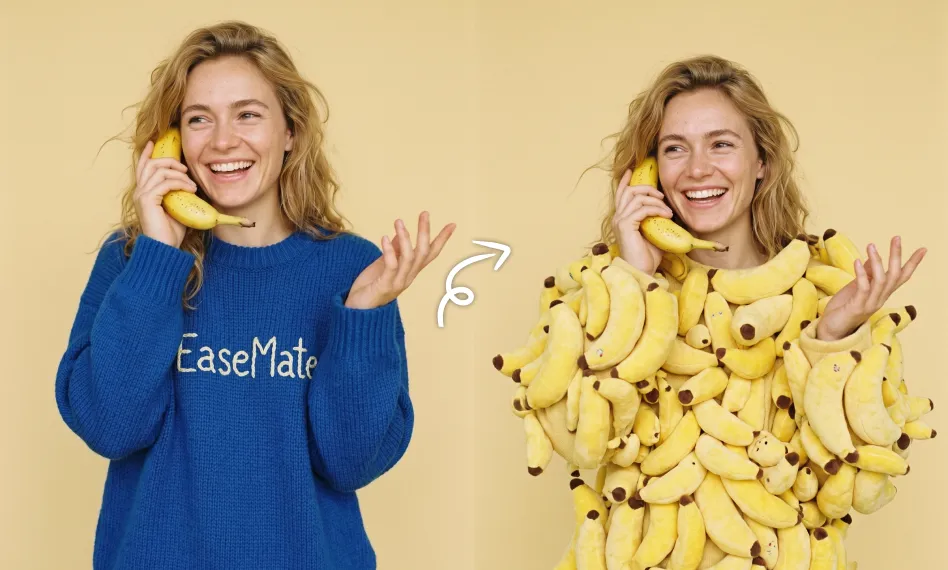
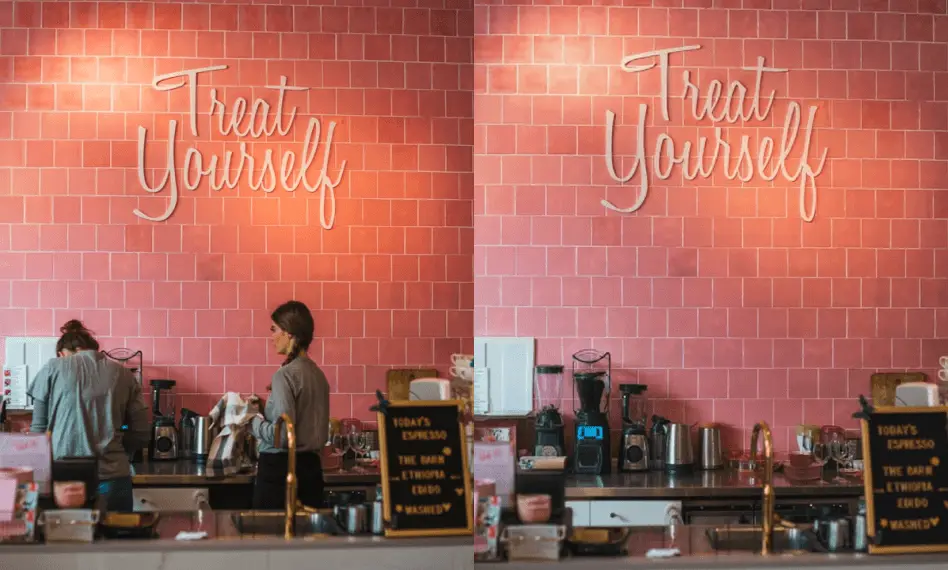
Explore images generated by MiniMax H3 Image—ranging from realistic product photography and creative character designs to highly detailed posters and imaginative scenes—and find inspiration for your next project.
How to Generate Images Using MiniMax H3 Image on EaseMate AI?
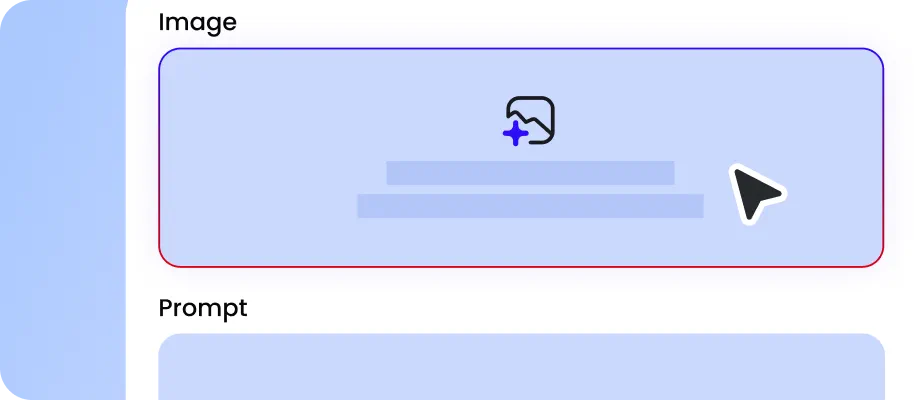
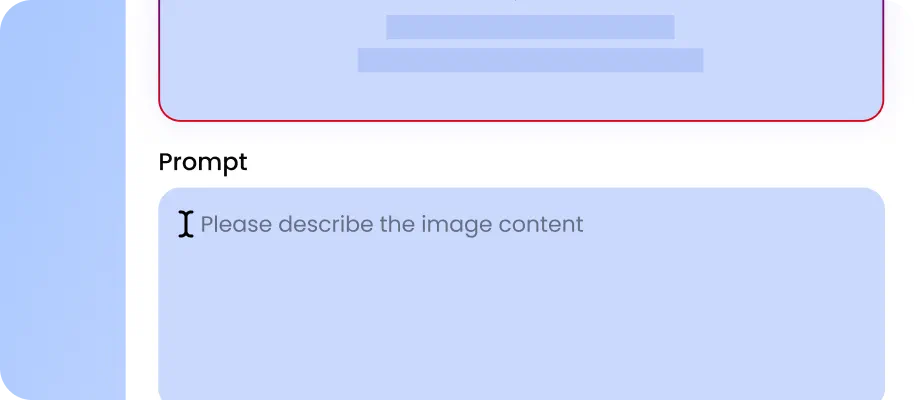
Please describe the image you would like to create or you can upload the relevant materials and explain how each one should influence the final result.
Choose your preferred image resolution and aspect ratio based on your creative needs. Select a higher resolution for detailed visuals or a suitable aspect ratio for your intended use.
Click the Generate button and let MiniMax H3 Image turn your prompt and settings into detailed visuals. Review the generated images and check whether they match your expectations.
Why Choose MiniMax H3 AI Image Generator on EaseMate AI?
As the latest AI model for image generation and editing from the MiniMax family, MiniMax H3 Image combines up to 16 visual references, create high-resolution 4K artwork, and follow complex editing instructions with greater creative control. Simply type your idea or upload images to create stunning visuals now.
Generate and Edit Images with MiniMax H3 for Free
Create and edit stunning AI images for free with MiniMax H3. Get free credits by signing up, checking in regularly, and referring friends, then use them to explore different creative workflows. Generate images from text descriptions, upload reference photos to guide character identity and visual styles, or make targeted changes to existing pictures. With strong prompt adherence, support for up to 16 reference images, and high-resolution 4K generation, MiniMax H3 helps you turn creative concepts into polished visuals.
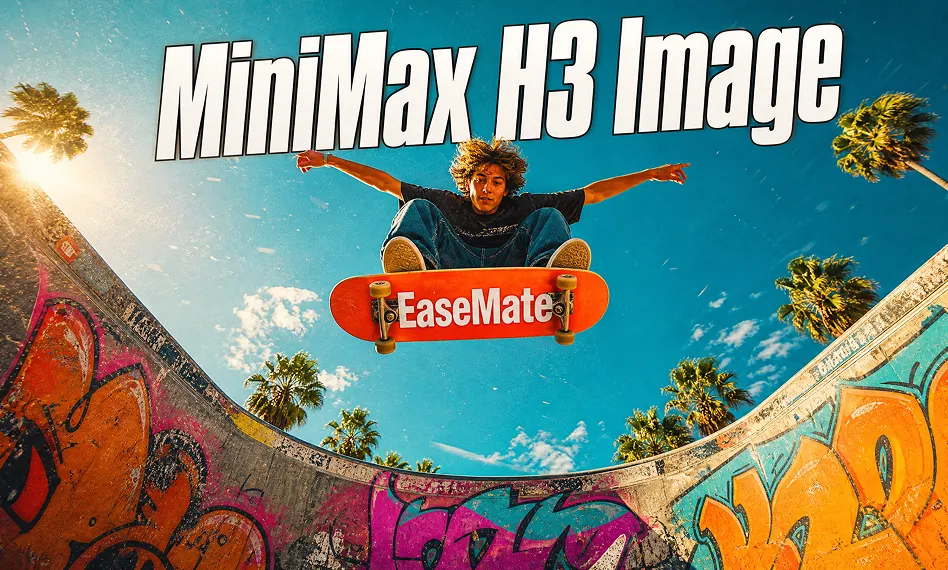
Create Native 4K AI Images in Under 10 Seconds
Generate stunning 4K visuals in seconds with MiniMax H3 Image for free. Powered by an optimized 6-step diffusion process, this AI image generator from MiniMax can produce native 4K images at 4096×4096 resolution (16MP) in under 10 seconds, up to 5×faster than mainstream alternatives. From detailed character concept sheets and jewelry photography to architectural renderings and promotional key visuals, create high-quality assets with significantly shorter rendering times.
Combine up to 16 Reference Images in One Run
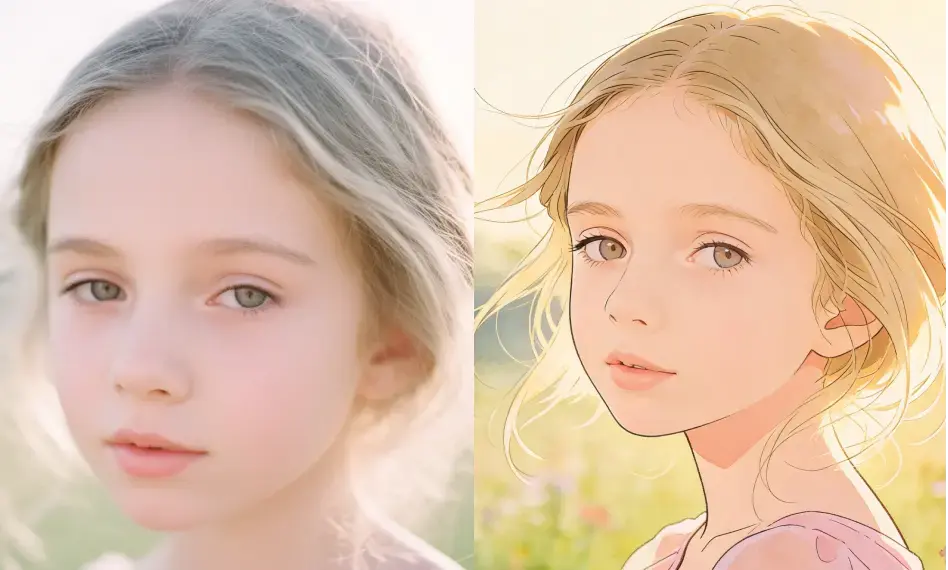
Combine multiple visual inspirations without losing what makes each one unique. MiniMax H3 Image supports up to 16 reference images, allowing you to map specific assets to different elements of your generated image. For example, bring a model's face from Image 1, a hairstyle from Image 2, a streetwear outfit from Image 3, and a city backdrop from Image 4 into one scene. Its multi-reference capability helps preserve these distinct attributes instead of mixing unrelated features into an inconsistent result.
Understand Complex Instructions with Accurate Visual Results
Powered by an unchanged Qwen3-VL text encoder and a single-stream Diffusion Transformer (DiT), MiniMax H3 Image delivers advanced natural language prompt understanding for image generation. Its unified multimodal sequence accommodates text instructions alongside up to 16 reference images. Rather than interpreting each instruction as an isolated keyword, the model connects subjects, environments, and spatial constraints. You can replace a product's background, adjust its reflective surface, and reposition surrounding objects while maintaining a cohesive visual composition.
Create Images with Other AI Image Generation Models
FAQs about Using MiniMax H3 Image on EaseMate AI
What is MiniMax H3 Image?
MiniMax H3 Image is an open-weights AI model for image generation and editing, developed by MiniMax. It supports text-to-image generation, creation based on reference images, and instruction-driven image editing. Designed to produce highly detailed and photorealistic visual content, the model is capable of following complex prompts and supports the use of up to 16 reference images. Furthermore, it offers output resolutions of up to 4K, making it suitable for both everyday creative tasks and professional visual projects.
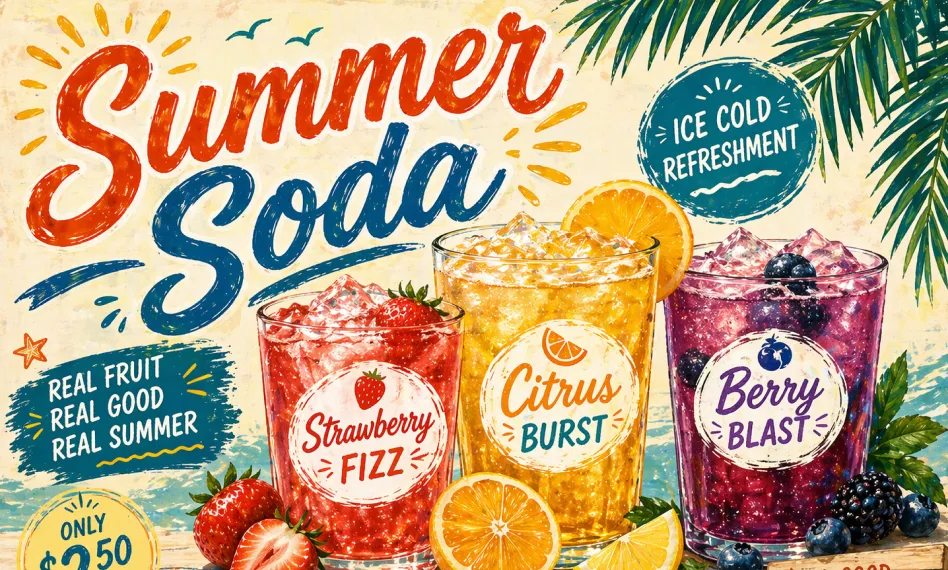
Can MiniMax H3 Image accurately generate images with text?
What resolution does MiniMax H3 Image support?
MiniMax H3 Image vs. GPT Images 2.6: Which one is better?
MiniMax H3 Image vs. Seedream 5.5: Which one is better?
EaseMate AI ToolKit
Find any tool you want here to make efficiency at your fingertips