Gemini AI Photo Editor Online Free, No Sign-up
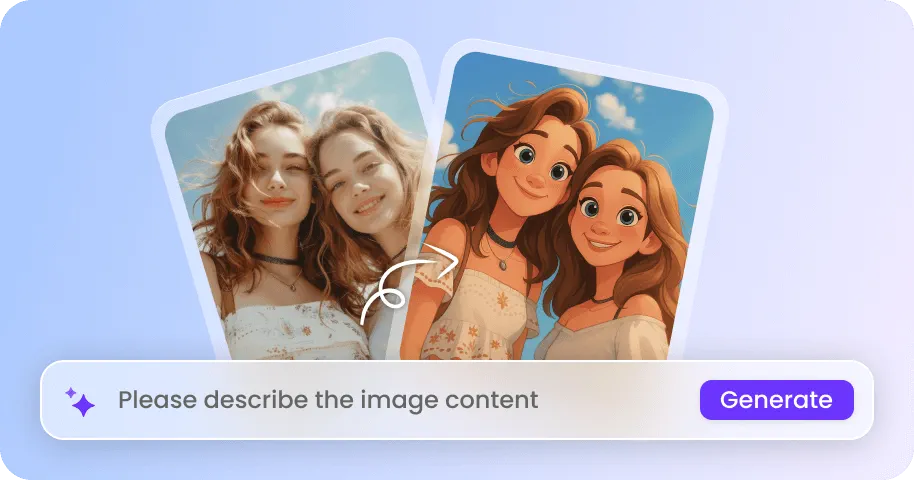
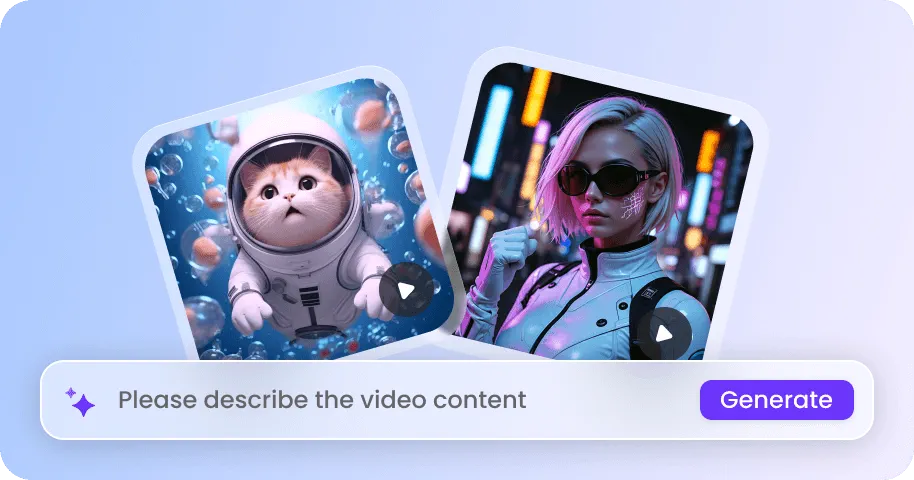
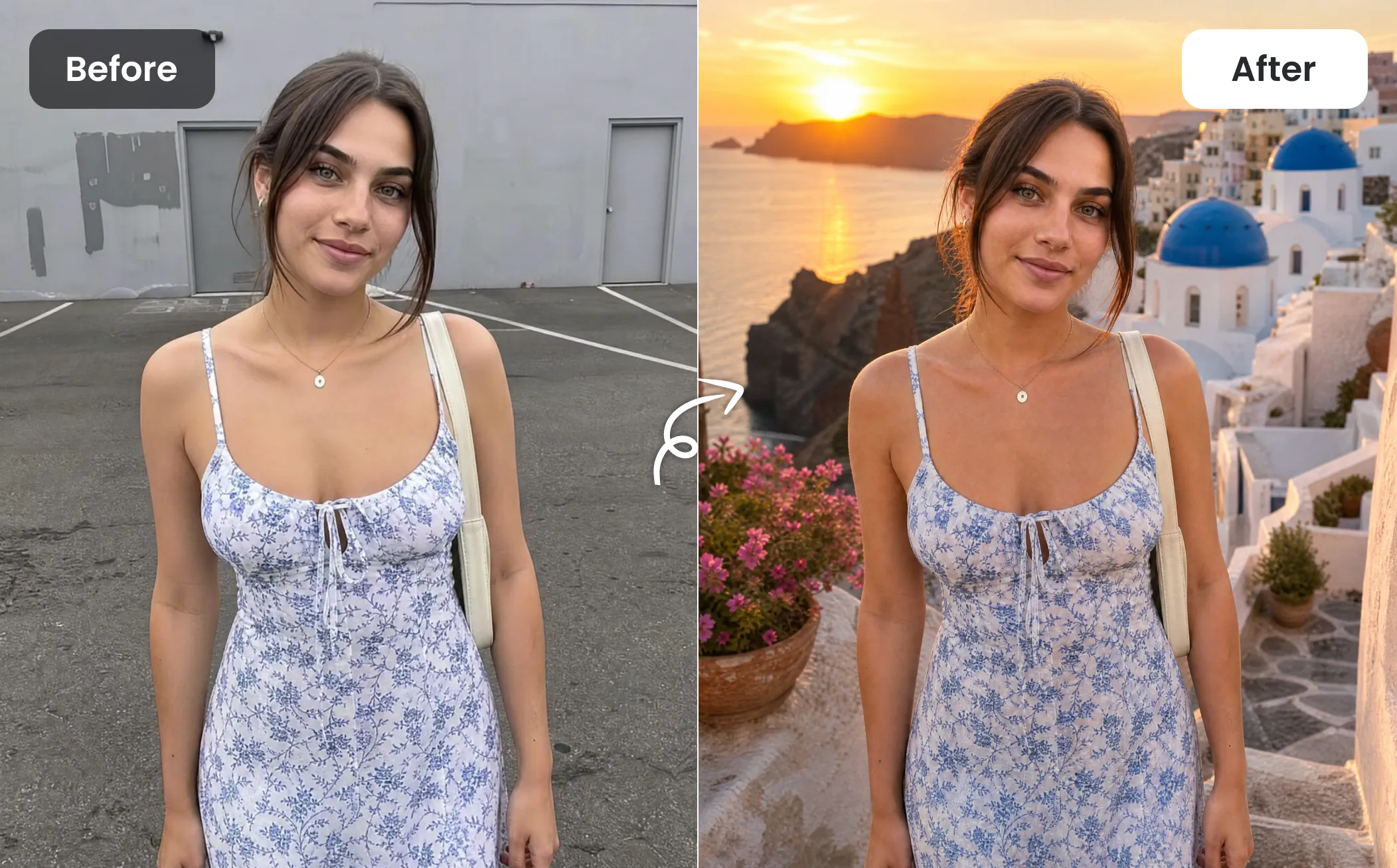
Edit photos with simple prompts, blend multiple images, replace backgrounds, and transform visual details with our Gemini AI photo editor. No complicated editing tools or manual adjustments needed, just upload any photos online to edit them while maintaining consistent subjects, details, and creative styles.

How to Use Gemini AI Photo Editor on EaseMate AI?
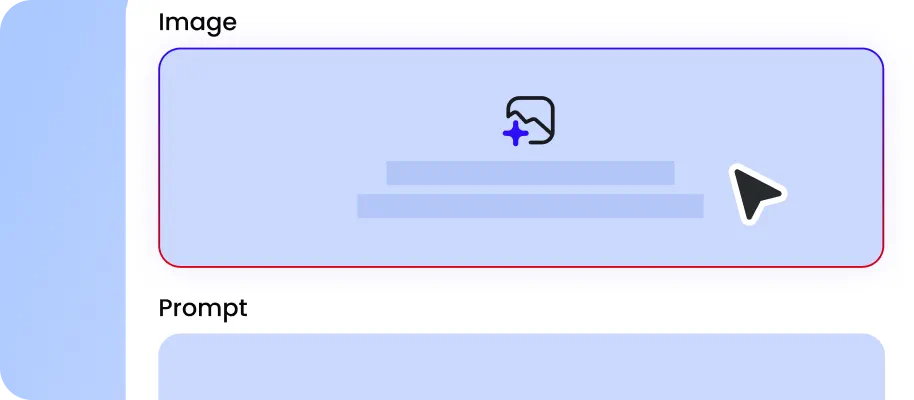
Select one or more photos you want to edit from your device. For better results, you’d better upload a high-quality photo that can show the subject and all the details clearly.
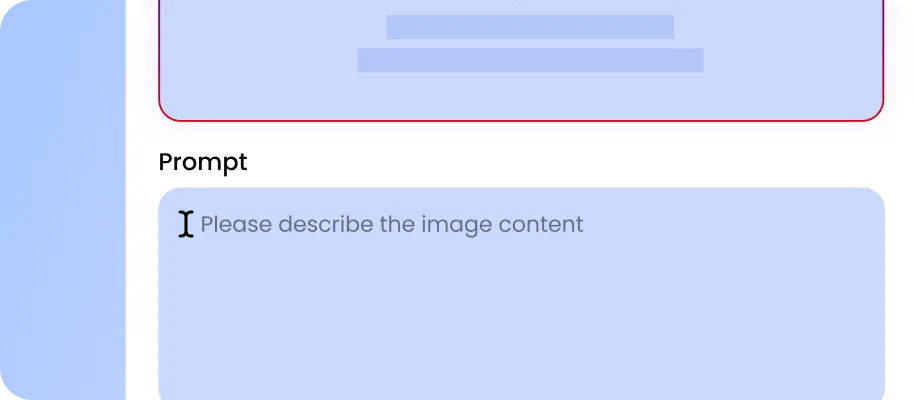
Type the change you want to make, such as changing backgrounds, swapping objects, altering clothing, adjusting colors, enhancing portraits, swapping style, and more.
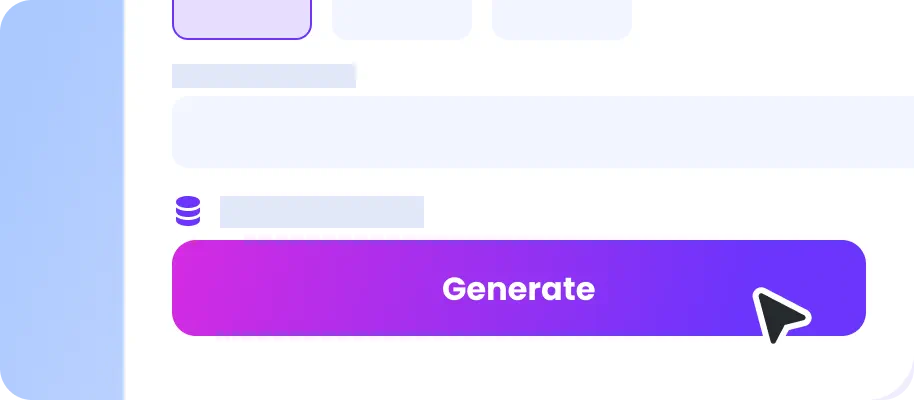
Select an aspect ratio, output format, and resolution, click “Generate” and then your edited photo will be ready in seconds. Since the output version doesn’t have any watermark, you can feel free to use it for personal or commercial needs.
Why Choose Gemini AI Photo Editor in EaseMate AI?
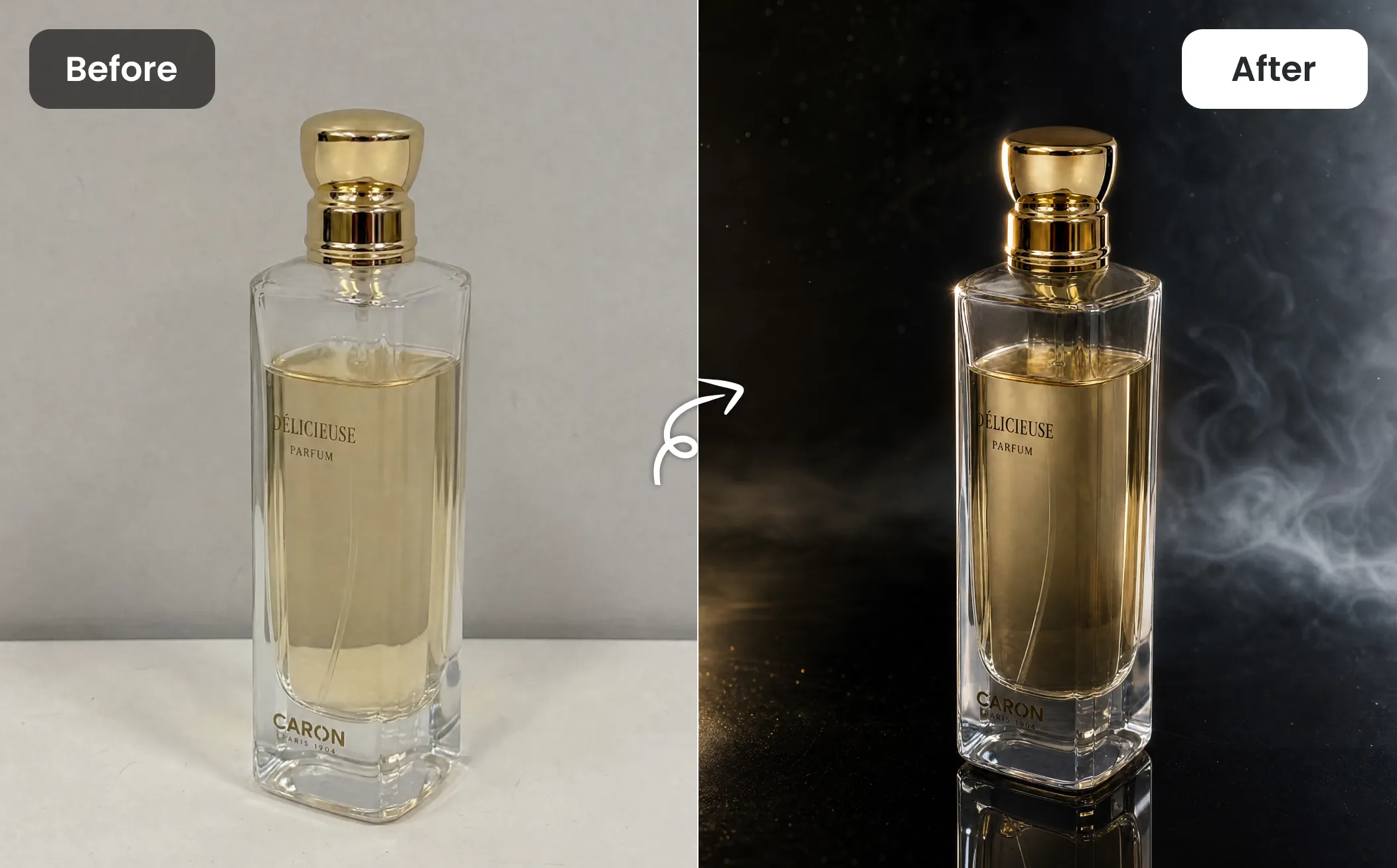
Edit photos effortlessly with natural-language prompts, blend up to five images into cohesive compositions, and access Nano Banana 2 Lite, 2, and Pro in our free Gemini AI photo editor for flexible, creative, high-quality results.
Edit Photo with Prompt for Free
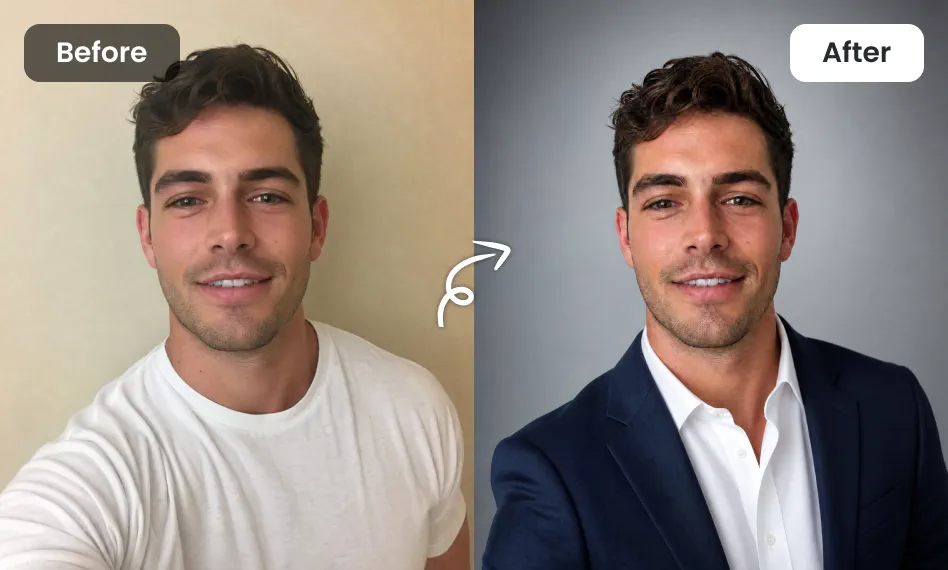
With our free Gemini AI photo editor, editing an image can be as simple as describing what you want. Instead of manually selecting pixels, creating masks, adjusting layers, and fine-tuning individual elements, simply type what you want to change in plain words, and then Nano Banana 2 will process the underlying image manupulation. You can let it brighten a portrait, replace a background, change clothing colors, or create a new mood.
Blend Multiple Images into a Seamless Composition
Turn several visual references into one cohesive image with support for up to 5 photos. Use one image for the person, another for clothing, a third for the pose, and additional references for the environment or lighting. For example, upload a portrait, formal suit, luxury hotel, and sunset lighting reference to create a polished editorial-style photo. Instead of editing each element separately, our Gemini AI photo editor can help blend these references into a unified composition with consistent visual details.
Online AI Photo Editor with All Nano Banana Models Included
With the full Nano Banana model lineup integrated into one interface, you can use Nano Banana 2 Lite for rapis drafts and visual experiment and Nano Banana 2 for more refined iterations. For high-fidelity commercial content, Nano Banana Pro provides a more advanced finishing option. For example, you can quickly test 5 product backgrounds with Lite, develop the strongest concept with Nano Banana 2, and use Pro to refine textures, shadows, colors, and fine details.
Maintain Consistent Image Quality After Editing
Preserve the look of your original photo while transforming the details you want with our online Gemini image to image AI generator. However, no AI editing workflow can guarantee zero quality change after endless revisions, and repeated processing may introduce slight artifacts. For the best output, you'd better provide clear instructions from the start. Combine major edits like lighting, background swaps, object removal, and style changes into one comprehensive prompt instead of editing them piecemeal.
FAQs About Gemini AI Photo Editor
Can Gemini AI edit photos?
Yes, Gemini AI can edit your photos. Simply upload your images, type the changes you want, and then you can easily modify elements or transform styles. Best of all, you can refine the image through continuous chat prompts after reviewing the first edit.
Is Gemini AI free to edit photos?
Gemini vs GPT, which is better for editing photos?
Will the image quality degrade after multiple edits?
What can I do with this Gemini AI photo editor?
EaseMate AI ToolKit
Find any tool you want here to make efficiency at your fingertips