


ChatDOC - Free Online AI DOC Chat Tool
Scan DOC documents, recognize text, summarize the text to extract the key insights, or translate the text into different languages.
Drag & Drop, or Choose PDF, Doc, PPT to upload
PDF, Doc, PPT Files Supported.
For a quick try, get started with our sample files here:
How to Use EaseMate AI ChatDOC
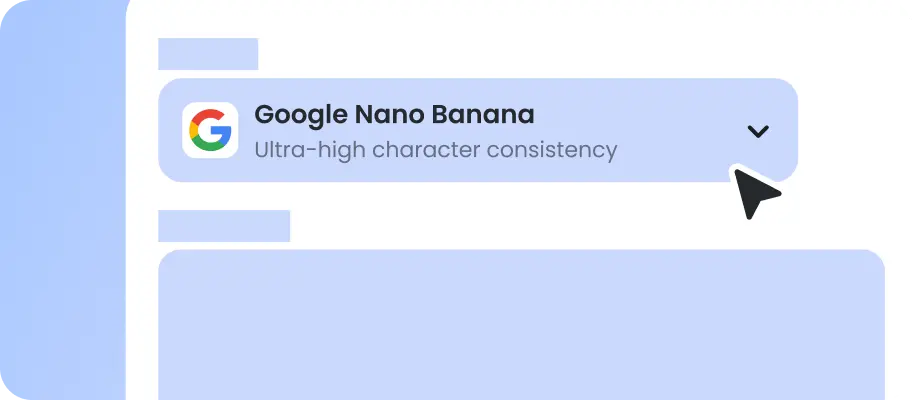
Visit the EaseMate AI ChatDOC website and click the "Browse files" icon to upload your documents.

Once uploaded, it will summarize your DOC, highlighting key points and insights.

Users can chat with or ask questions about the content of your DOC like image, TXT, and PPT. The AI will provide instant answers based on the document's text.
Why Choose EaseMate AI ChatDOC
It helps you handle complex documents, offering features like automatic summary, partial content conversation, cross-document searches, and multilingual support.
Efficient DOC File Information Extraction
EaseMate AI DOC Summarizer allows users to quickly extract specific information from documents by asking questions in a conversational manner. This feature is particularly useful for researchers and students who need to analyze complex documents efficiently.
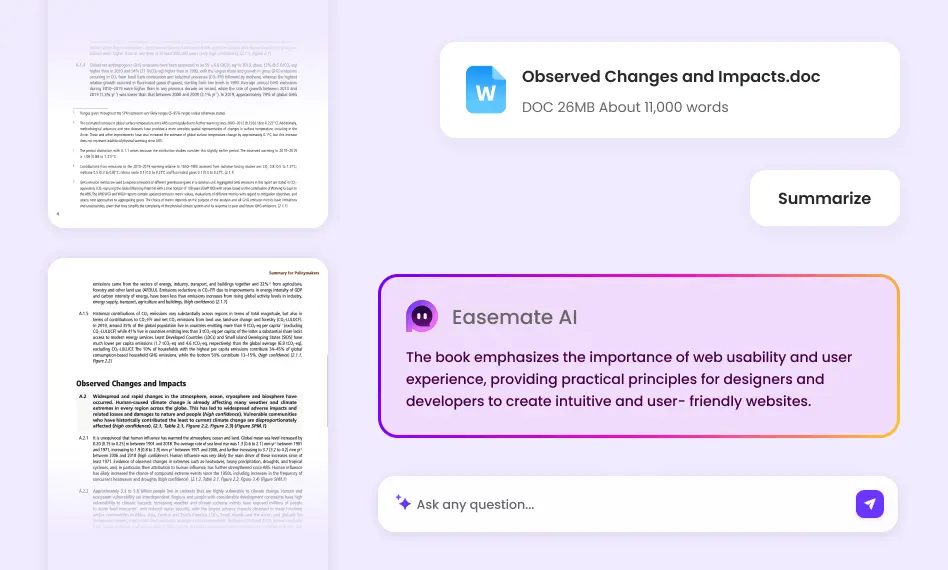
Instant Intelligent Q&A Interaction with DOC File
EaseMate AI ChatDOC allows users to interact with docements through natural language queries, providing accurate answers while citing specific page references. This feature mimics consulting a knowledgeable assistant who instantly locates information in lengthy documents.
Time-Saving and Automation Summary
With features like instant summarization and keyword extraction, EaseMate AI ChatDOC drastically reduces document processing time. Users can generate concise summaries of 100-page reports in seconds or identify critical terms without skimming through pages.
User-Friendly Interface and Guide
This chat tool offers a simple and intuitive interface that allows users to easily upload and analyze documents. It also provides customizable summarization options, tailoring the focus and depth of summaries to specific user needs.
FAQs of Free Online EaseMate AI ChatDOC
What are the key features of EaseMate AI DOC Chat Tool?
EaseMate AI DOC Chat Tool, offers several key features that make it a powerful tool for all DOC owners to interact with their documents: 1. AI-Powered Document Summarization 2. Multi-Language Translation & Support 3. Interact with Partial Content of DOC 4. Smart Q&A System
Is EaseMate AI Doc Chat tool safe?
Can EaseMate AI ChatDOC handle images and web pages?
What AI models are integrated into EaseMate AI ChatDOC?
How does EaseMate AI ChatDOC extract the content from a document?
EaseMate AI ToolKit
Find any tool you want here to make efficiency at your fingertips




