


Free Kling O1 AI Video Editor Online
Edit an existing video through natural language commands. With Kling O1, it only takes a few moments to change characters, backgrounds, weathers, styles, camera viewpoints, and other objects precisely.


How to Edit Videos with Kling O1 in EaseMate AI?
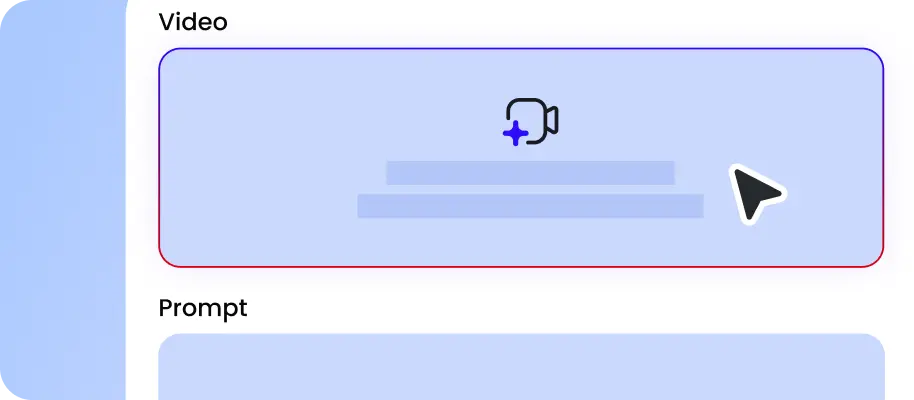
Provide the source video you want to edit. You can drag and drop or click the designated area to upload the video file.

Describe the changes you want to make in natural language, such as removing the background or changing the style of the video. Then set the output format and quality settings for your videos.

After a few moments, our Kling O1 video to video model will edit the video from your text prompts and selected parameters. You can download it with no watermark.
Why Choose Kling O1 AI Video Editor in EaseMate AI
With our Kling O1 AI video editor, you can directly edit videos from natural language and multi-reference input. Simply input simple words, and then you can edit, restyle, or extend any video clips in a flash.
Accurately Edit Videos from Natural Language
Kling O1 can instantly interpret simple words to perform accurate video edits. Just type descriptions like replace sky, desaturate backgrounds, remove logo, make it vintage, and so on, and then this online Kling O1 video editor will edit each frame as per your requirement. Editing existing videos with one platform eliminates tedious imports, keeps the metadata intact, and ensures color, motion, and face consistency.
Instant Video to Video Style Transfer
Experiment with different artistic styles and color schemes instantly. From vibrant anime scenes to high-tech cyberpunk atmosphere, our free Kling O1 AI video editor makes every frame is applied cleanly and consistently. After restyling, it will automatically preserves faces, objects, and overall composition, ensure every frame stay consistent, stable, and true to the scene in the source video.
Multi-Reference Video to Video Editing
Combined with multimodal inputs like text prompts, key frames, or reference videos, this online Kling O1 video to video editor can reserve textures, lighting, and character likeness. Moreover, the deeper semantic understanding can accurately inteprets your ideas and visuals you upload, so it can edit videos with clear and conistent details. This is perfect for ads, shorts, and branded content production with professional results.
Transform Characters or Scenes from the Existing Videos
Thanks to the conversational edit, you can swiftly change characters, faces, outfits, backgrounds, and more from simple text commands. Without manual masking, you can adjust camera angles, replace backgrounds, or modify the weather and lighting. Tell it to add, remove, or modify objects and people, and it will apply those instructions across the timeline while preserving motion and facial detail.
FAQs of Kling O1 AI Video Editor by EaseMate AI
What is Kling O1 Edit?
Kling O1 Edit is one feature of Kuaishou's multimodal AI video model called Kling Omni One. It allows you to edit videos from natural language. Whether you need to swap characters or transform the environment, just type a simple text command, and then Kling O1 can edit your videos precisely and swiftly for you.
How does this Kling O1 AI video editor work?
Can I edit videos with Kling O1 for free?
How is Kling O1 AI video editor different from other AI video editors?
Does Kling O1 also have a video generation feature?
EaseMate AI ToolKit
Find any tool you want here to make efficiency at your fingertips




