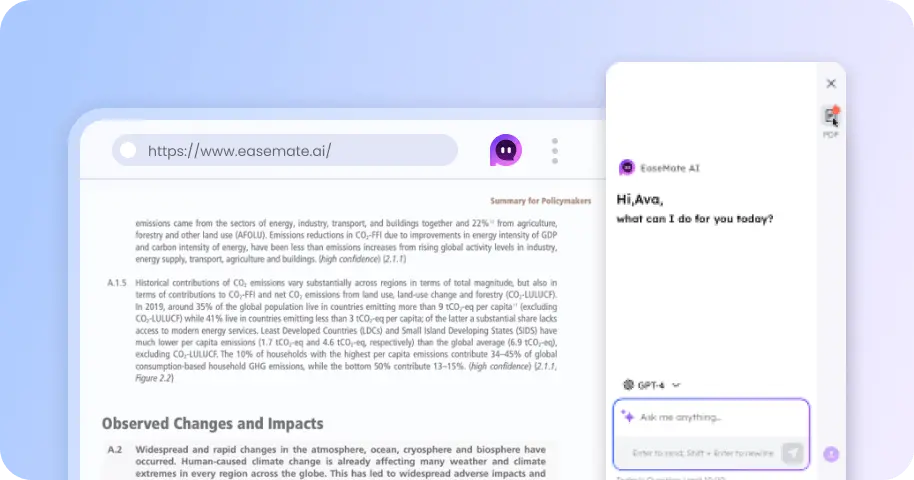
Free Grok Imagine 2 Online, No Sign-up
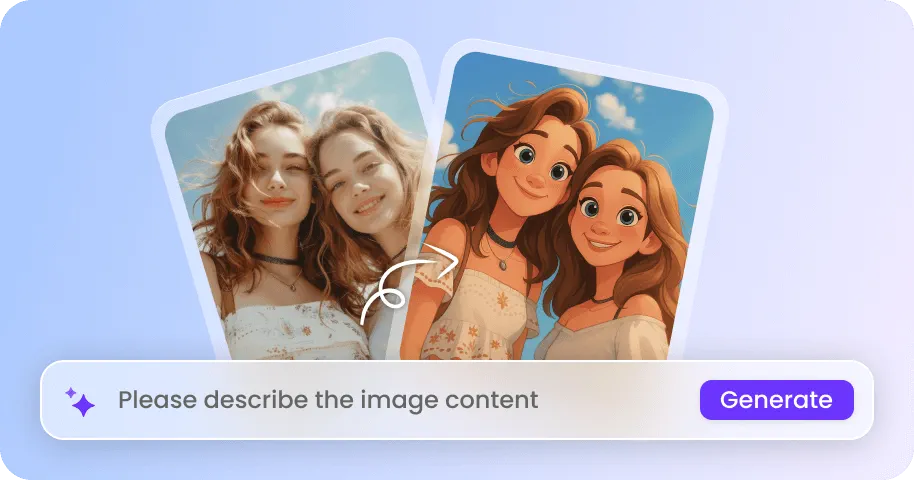
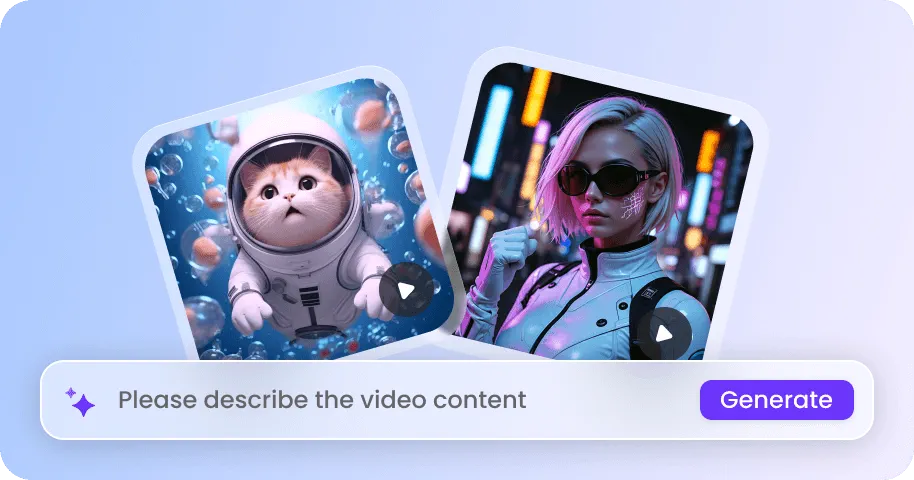
Generate and edit images with Grok Imagine 2 for free. This xAI's new image model features multi-reference editing, stronger prompt understanding, and crisp text rendering. No login needed, just drop any idea or image to unlock next-gen image generation now!

How to Use Grok Imagine Image 2 on EaseMate AI?
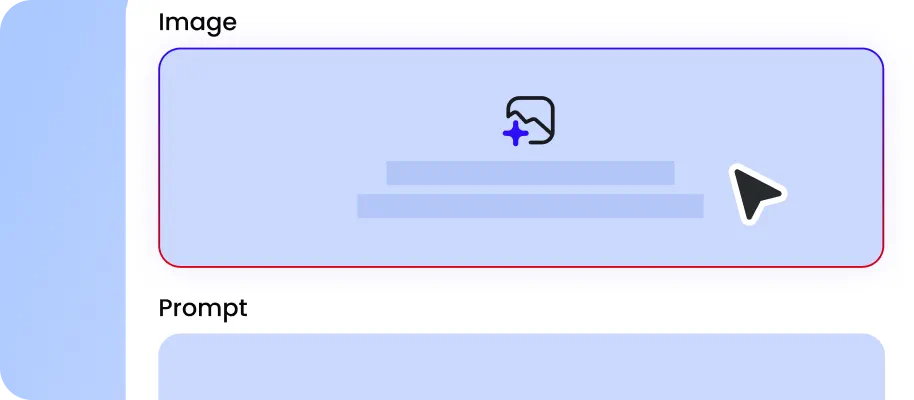
Type a detailed text prompt to specify your subject, text hierarchy, layout, lighting, style, and more. Also, you can upload several reference images to lock the main elements or aethestic style.
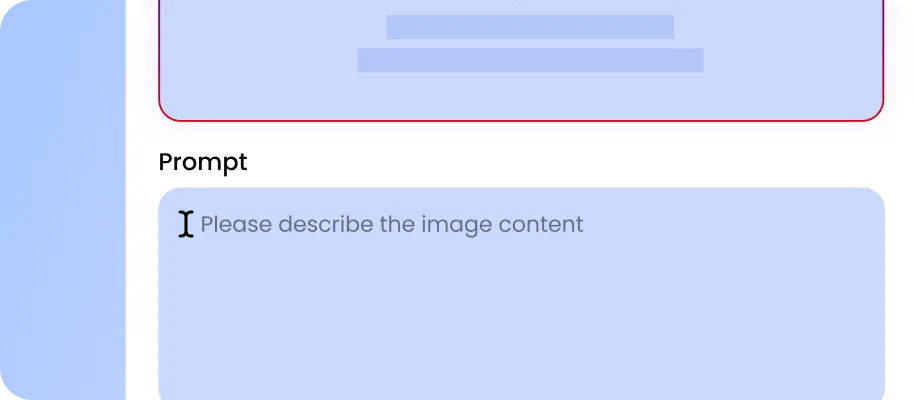
Specify the output quality, aspect ratio or formats. Click "Generate" to let Grok Imagine 2 generate an image from text or edit existing image in seconds.
Now, you can preview your artwork without any watermark. Download the generated or edited image for immediate use or further editing.
Why Choose Grok Imagine 2 AI Image Generator in EaseMate AI
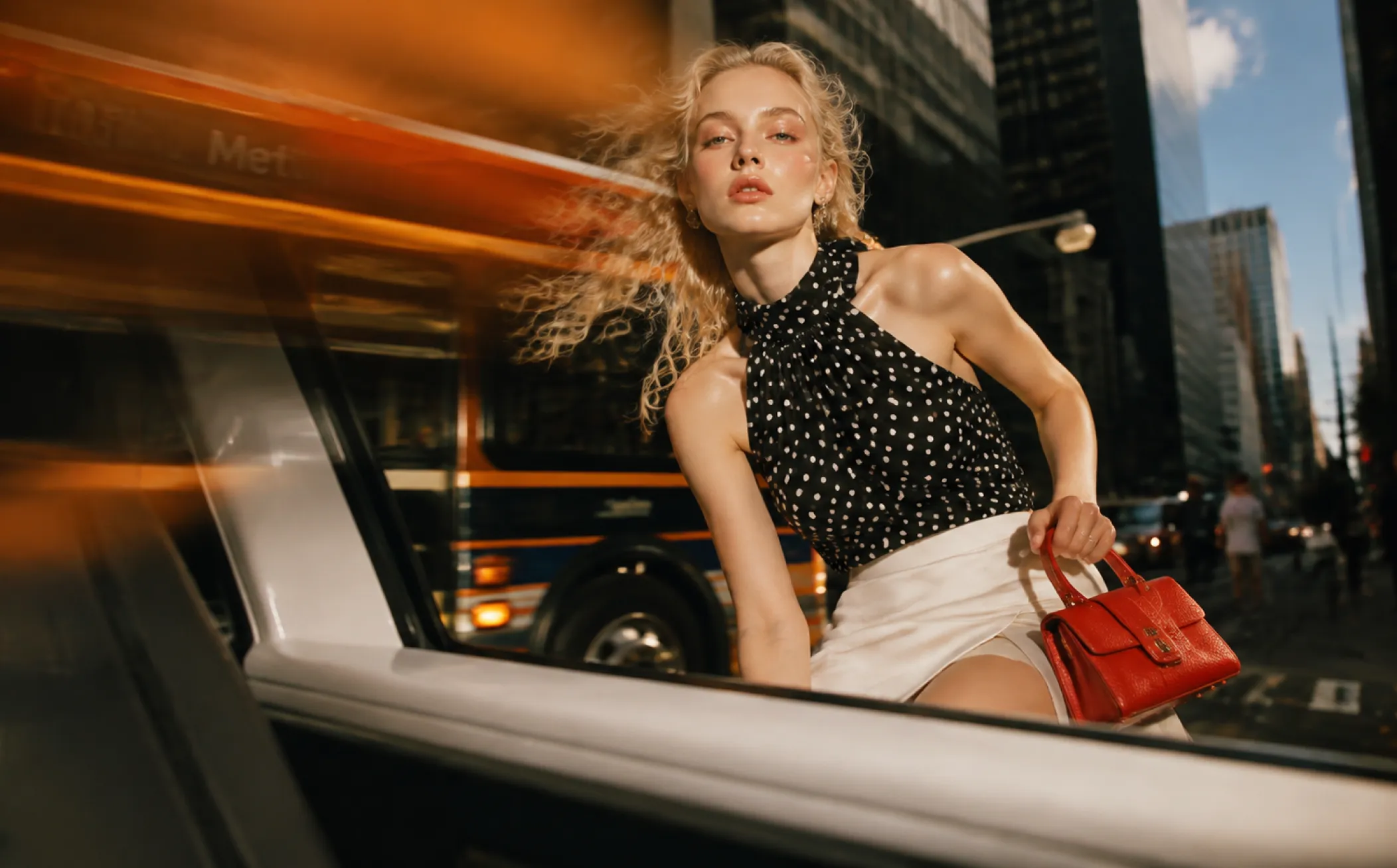
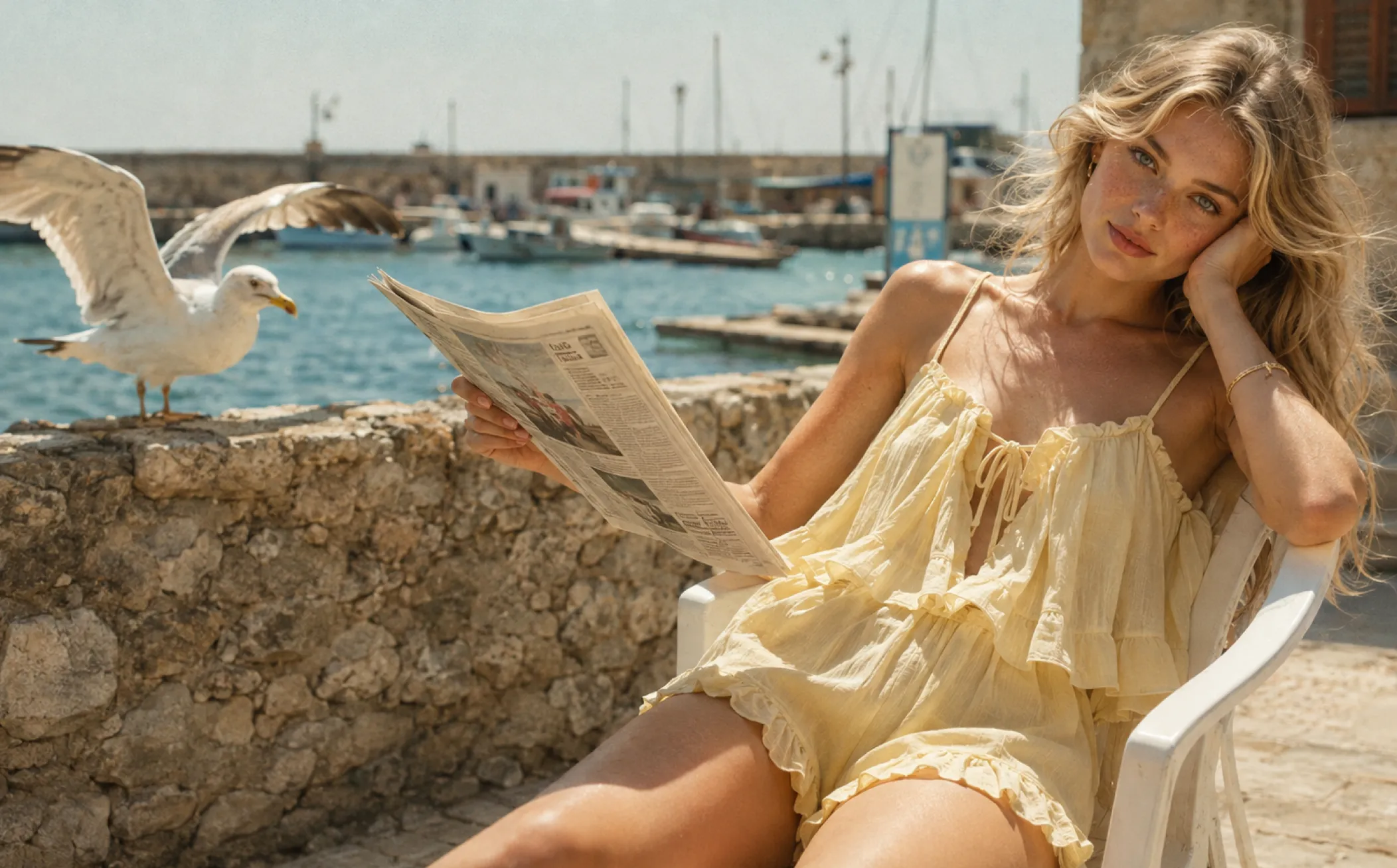
As xAI's latest image generation model, Grok Image 2 can generate photorealistic images from text and images for free. With precise editing, multi-reference suuport, clean typography, smart resize across nine aspect ratios, our Grok 2 AI image generator is ideal for marketing posters, graphic design, BG removal, room staging, headshots, etc.
Generate Images with Grok Imagine 2 for Free Online
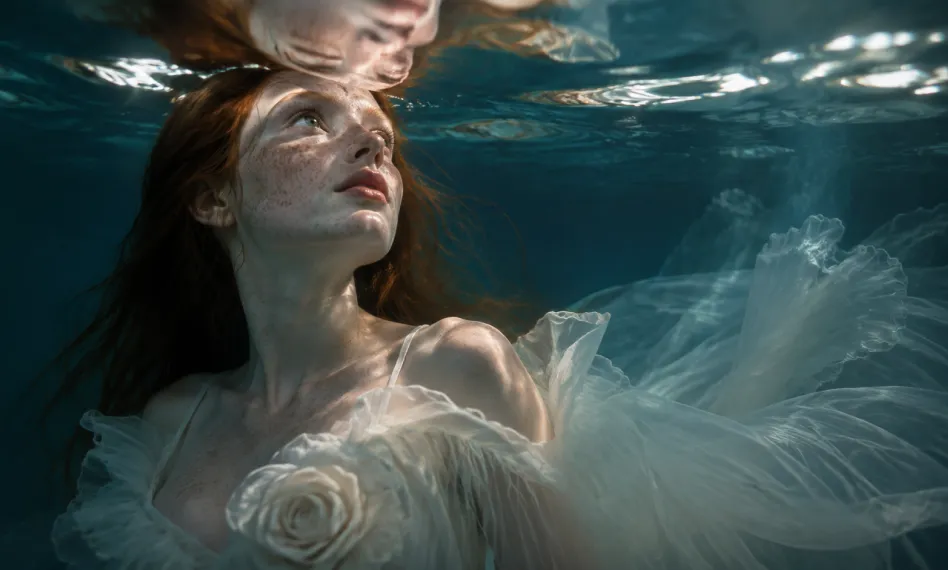
Create stunning images from text or images with our free Grok 2 AI image generator. Ranked No.2 on Arena’s text to image generation and image to image editing leaderboard, it follows detailed prompts closely, from composistion and typography to visual style. Convert simple descriptions into posters, product photos, portraits, packaging, or social media graphics. Start wuth free image generations as a new user, and then unlock addition usage through check-ins, referrals, sign-ups, or community particioation.
Make Precise Local Image Edits from Text
Stop regenerating an entire image just to fix one small detail. Select a specific region with the Magic Wand or use Segmentation for more complex selections, then apply your edit. You can also remove backgrounds to create transparent product assets, making it easier to reuse the same subject across ads, catalogs, social posts, and other creative projects. For example, update a model’s dress color while preserving her face and pose, replace a product label without changing the packaging, or remove unwanted objects from a specific area.
Blend up to 5 Reference Images with Grok 2 AI Image Generator
Instead of relying on lengthy prompts and a single image, Grok Imagine 2 can blend up to 5 reference images in a single generation. Without manually layering assets in Photoshop, you can assign each image a role: one for the product, one for the model, one for the background, one for the lighting, and one for the visual style. Also, you can upload multi-angle shots or character turn-arounds to help Grok Image 2 maintain consistent identity.
Resize Images Across Nine Different Aspect Ratios
With Grok Image 2, you can turn one finished image into nine different formats. Select a new aspect ratio, and then it will intelligently rebuild the surrounding canvas rather than simply stretching or cropping your image. A finished 1:1 product image can become a 9:16 Story, 16:9 banner, or 2:1 hero graphic while retaining the main product and extending the surrounding scene.
FAQs of Grok 2 AI Image Generator by EaseMate AI
What is Grok Imagine 2?
Grok Imagine Image 2, also called Grok Image 2, is xAI’s latest AI image model ranked number 2 in Arena’s text-to-image and image-edit leaderboards as of August 7, 2026. Based on Grok Image 2, it focuses more on practical workflows rather than one-and-done generation. This new Grok AI image generator supports up to 5 reference images, precise regional edits, smarter resizing, and text layout control. In addition to text-to-image capability, Grok Image 2 also supports editing your existing images. Upload your image, select the edited area, and describe the changes, and then Grok Image 2 will deliver high-fidelity output that keeps subject and character consistent after several edits.
Is there a way to try Grok Image 2 for free?
What’s new in Grok Imagine 2 compared with Grok Imagine 1?
Grok Image 2 vs GPT Image 2, which is better?
How to get Grok to combine 2 images?
EaseMate AI ToolKit
Find any tool you want here to make efficiency at your fingertips