💥 50% OFF SEEDANCE 2.5, Limited-Time Offer. ⚡ GET STARTED
Download EaseMate App to Get 30 Free Credits
Download
Try our new agent. Simple to use, ready to run.Try It
EaseMate AI

Bicep Heart Trend AI Video Maker: Create Muscle Heart Gesture Video Free Online

Make a viral Bicep Heart Trend video for free online! Simply drop your photo and let EaseMate AI animate your arm flex, hand heart gesture, and confident smile.

How to Make Bicep Heart AI Video with EaseMate AI?

Step 1 icon
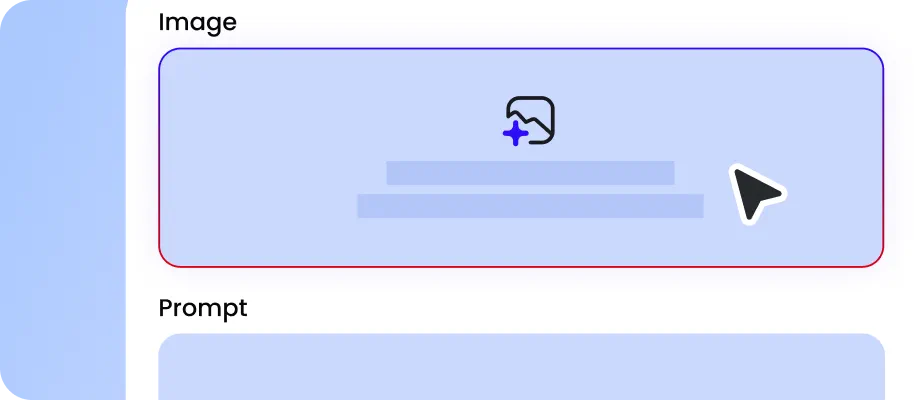
Step 1: Upload Your Photo

Choose a photo of the person, virtual character, or pet you want to feature in the bicep heart trend. A sharp image with clearly visible arms or front paws helps EaseMate AI create a more natural-looking gesture while keeping the subject recognizable.

Step 2 icon
Step 2: Set Your Video Quality

Pick the output resolution that suits your needs, then start generating your video. If you want to go beyond the preset effect, open the Canvas tab and use its workflow tools to customize your creative process and explore more personalized results.

Step 3 icon
Step 3: Save and Share Your Creation

Watch the generated clip and check whether the flexing arm and heart-shaped hand gesture look natural. When everything looks good, download your realistic video without a watermark and post your new bicep heart trend on your favorite social media platforms.

Why Remake Bicep Heart Trending AI Video Using EaseMate AI?

From realistic human performances to playful pet versions, EaseMate AI helps you customize the subject while keeping the signature movements and visual sequence of the original Bicep Heart video.

Recreate the Original Bicep Heart Video in Minutes

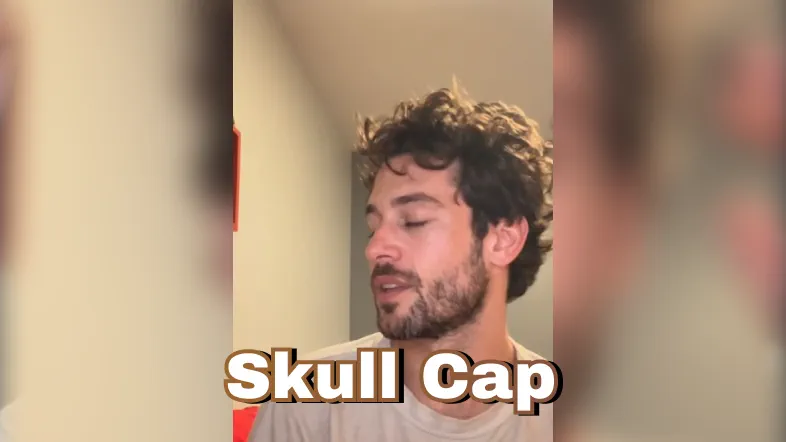
EaseMate AI Remaker uses the reference video as a guide to reproduce its signature movements, including the initial smile, arm flex, hand placement, and final heart pose. Simply upload your photo and let the AI handle the video creation process, making it easier to turn a viral trend into your own short video in just a few minutes.
Replace the Original Performer with Any Character

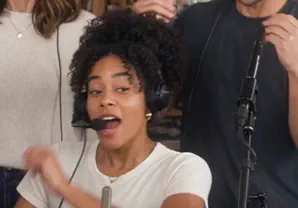
Make the Bicep Heart trend your own by replacing the original performer with a character of your choice. Upload a photo of yourself, your pet, your favorite idol, or your baby to create a personalized version of the trend. EaseMate AI uses your uploaded image as the new subject, bringing the character into the reference performance while retaining recognizable facial features and visual characteristics.

Customize Realistic Muscles or Keep Your Natural Physique

You don't need naturally muscular arms to create an impressive Bicep Heart video. EaseMate AI can generate realistic muscle definition and natural-looking arm contours when you want a more defined flex. Prefer a more authentic appearance? You can also choose to keep your original physique without adding artificial muscles or exaggerated body proportions.

Follow the Character's Movements in the Reference Video

Creating a Bicep Heart video involves more than just the final, frozen pose. EaseMate AI Remaker uses preset reference videos to guide the creative process of movements, hand placement, facial expressions, and camera composition. It accurately replicates the action sequences and framing of the original footage while replacing the person in the video with the subject you provide.

FAQs about Bicep Heart AI Video Maker on EaseMate AI

What is Bicep heart trend?

The Bicep Heart trend is a viral internet challenge featuring a flexed bicep combined with a hand or arm gesture to create a heart shape. It became popular on TikTok and X because it turns serious gym flexing into a funny, affectionate performance. AI video generators make the trend even more entertaining by transforming regular photos into muscular animations, giving everyone an easy way to create and share their own version.

EaseMate AI ToolKit

Find any tool you want here to make efficiency at your fingertips