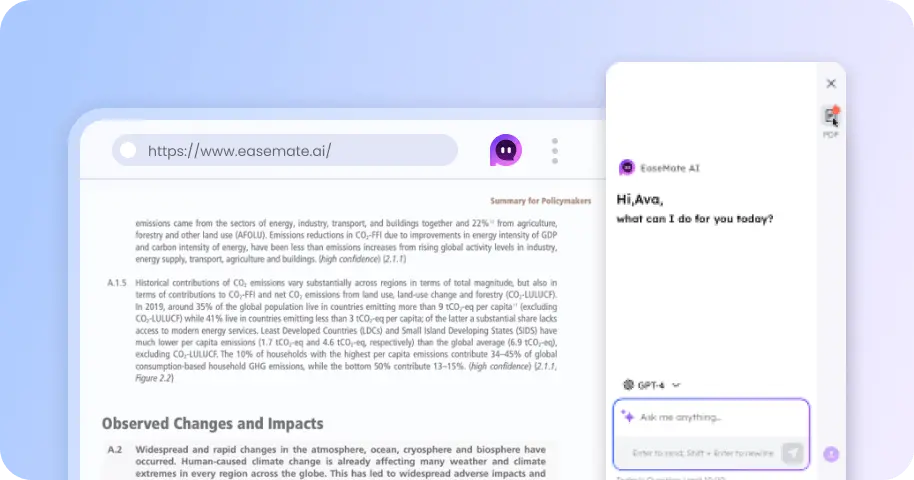
Free Wan 3.0 AI Video Generator: Create Native 1080P Videos up to 30s Online
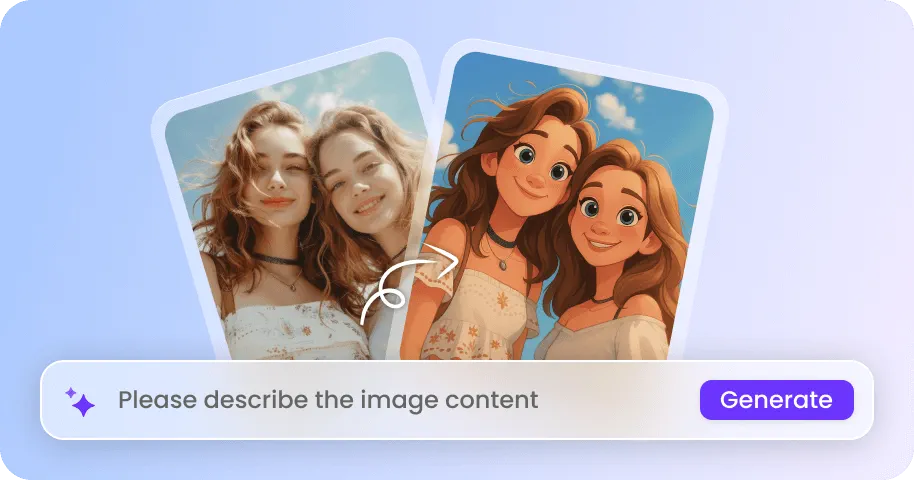
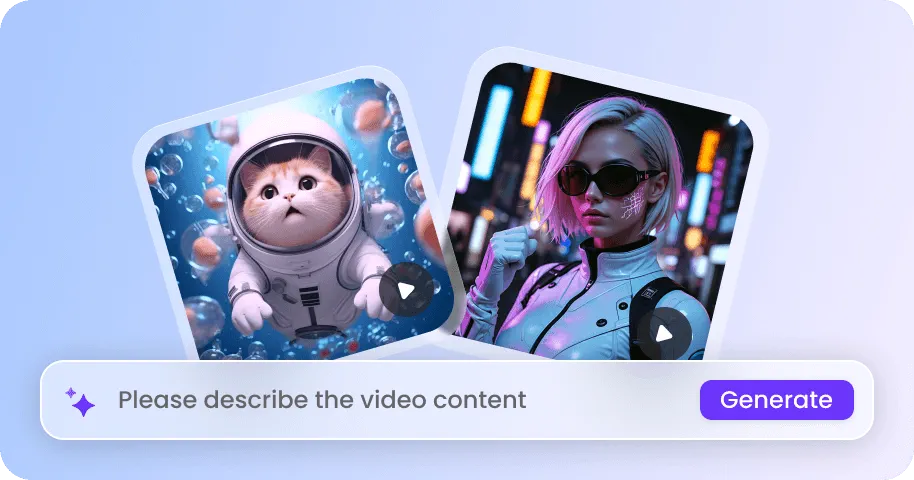
Create native 1080P 30-second videos with audio in one click. Wan 3.0 can transform omni-reference inputs like text, images, videos, or audio into product demonstrations, short cinematic stories, character-driven scenes, social media shorts, etc.


How to Generate Videos with Wan 3.0 on EaseMate AI?
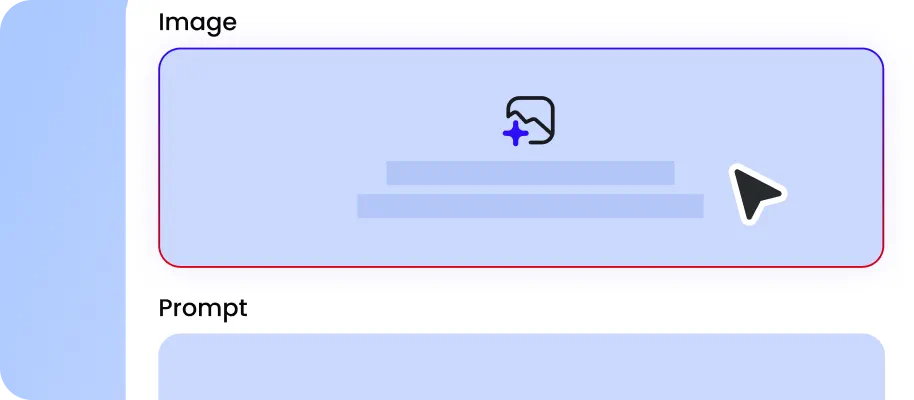
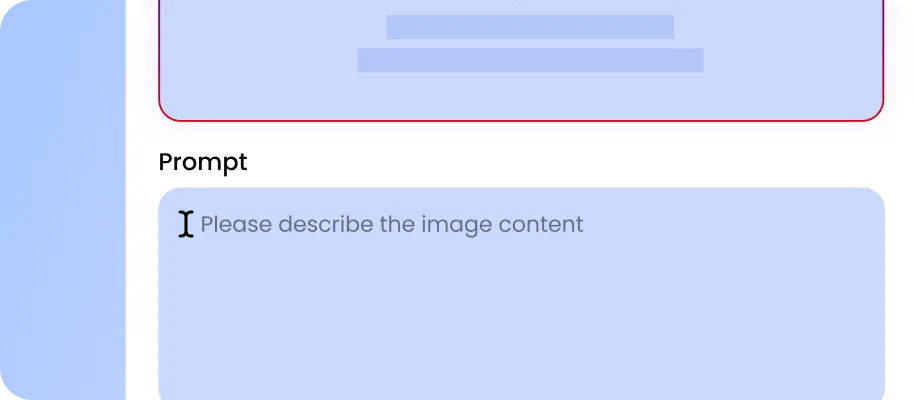
Describe your subject, actions, camera movements, settings, or lighting you want. Then, you can upload reference assets like images, videos, or audio to lock the character or visual style.
Set the aspect ratio, quality, and duration for your video. Click "Generate" and then our Wan 3.0 AI video generator will interpret your instructions and visual references at once.

Now, you can preview the video, including motion, subject details, framing, and audio timing together. Download the watermark-free version for direct use or further editing.
Why Choose Wan 3.0 AI Video Generator in EaseMate AI
Generate native 1080P videos up to 30 seconds long with Wan 3.0. As Alibaba’s latest AI video model, it supports omni-reference inputs including a mix of text, images, videos, and audio references to alongside pixel-perfect consistency, precise video editing, cinematic visual and motion control, and more.
Generate 1080P Videos Up to 30 Seconds for Free
Wan 3.0 expands AI video generation with native 4K rendering and clips up to 30 seconds long. Unlike previous 15-second, 1080p outputs that often require upscaling and stitching, Wan 3.0 preserves sharp details, smooth motion, and consistent characters throughout the entire scene. For example, an e-commerce seller can generate a complete product campaign showing a product reveal, lifestyle usage scene, close-up details, and a final promotional shot while maintaining consistent lighting, camera style, and product appearance.
Support up to 20 References for More Flexible Video Creation
With this omni-reference capability, Wan 3.0 accepts up to 20 references in one generation, including 10 images, 5 videos, and 5 audio clips. You can use the uploaded images for character identity and location, videos for action and camera movement, and audio for dialogue or musical tone. This reduces the need to explain every detail with lengthy descriptions and gives you more flexible control over your AI video output.
Deliver Pixel-Level Consistency Across Multiple Subjects & Scenes
Wan 3.0 delivers stronger multi-subject tracking and object stability across complex scenes. During movement and camera transitions, faces, clothing patterns, accessories, and product details remain more consistent. Earlier Wan models could struggle when characters interacted, causing faces to blend, clothing patterns to shift, or certain objects to disappear. Our free Wan 3.0 AI video generator utilizes diverse reference matching to maintain each person‘s identity and preserve relationships between characters, props, and environments.
Create up to 6 Connected Shots in One Clip
Instead of generating disconnected clips and stitching them manually, our online Wan 3.0 AI video maker can automatically build up to six linked shots in one 30-second generation. For example, a short drama can include an introduction shot, character interaction, emotional close-up, action moment, and ending scene, all with consistent characters, smooth transitions, and synchronized audio for a more cinematic experience.
FAQs of Wan 3.0 AI Video Generator by EaseMate AI
What is Wan 3.0?
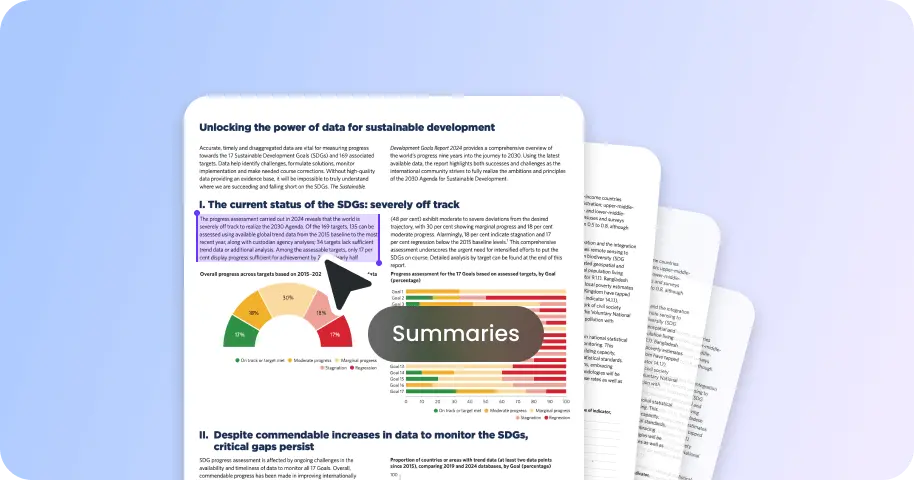
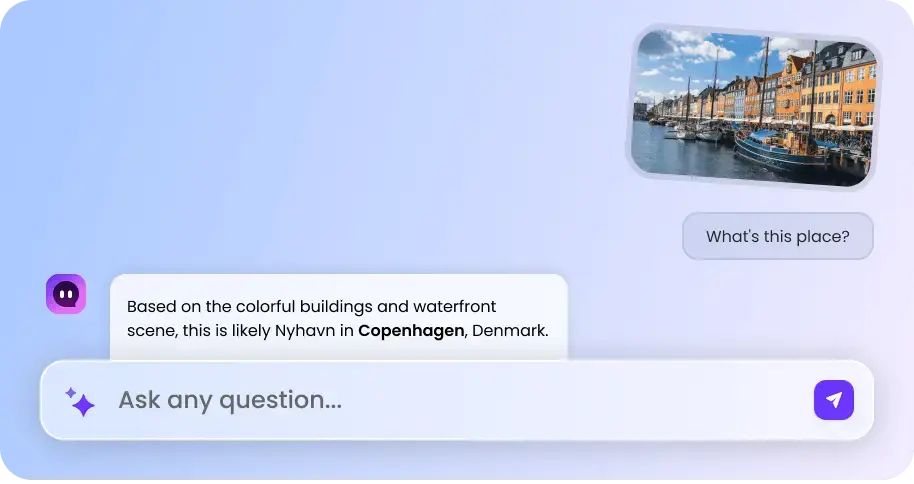
Wan 3.0 is Alibaba's latest multi-model AI generation model that can create native 1080P videos from text, images, audio, videos, and documents. It supports up to 30-second video generation, realistic scene reconstruction, stable character identity, and multi-shot storytelling. This makes it perfect for cinematic long takes, multi-angle camera shots, commercial ads, one continuous shot, etc.
Can I try Wan 3.0 for free?
Can Wan 3.0 generate videos from files?
Wan 3.0 vs Wan 2.7, what’s the difference?
Seedance 2.5 vs Wan 3.0, which is better?
EaseMate AI ToolKit
Find any tool you want here to make efficiency at your fingertips