Free Video Watermark Remover Online
Easily erase watermarks from videos for free. With one tap, remove logos, text, and overlays while preserving the video quality.

How to Clean up a Video with EaseMate AI?
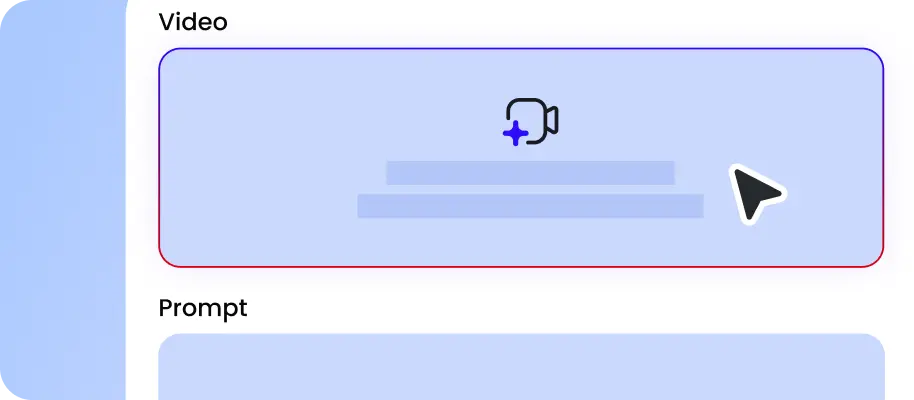
Select the video that you need to process and have permission to modify from your device. Our free video watermark remover supports multiple file formats, including MP4, MOV, M4V, etc.
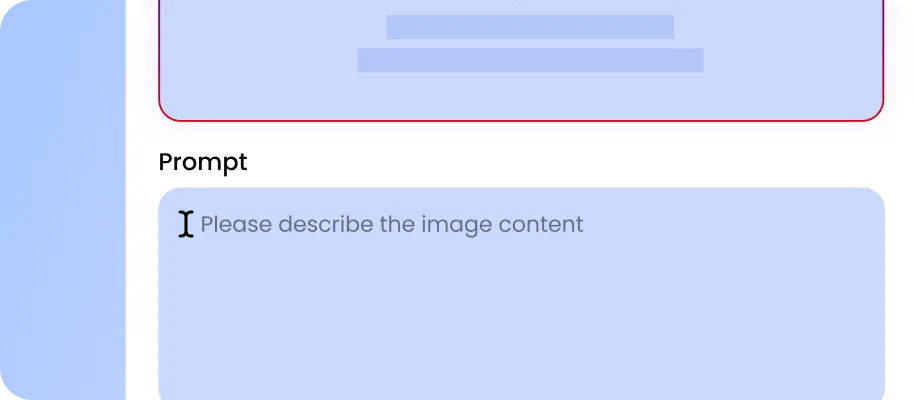
Click "Generate" to let this online video watermark eraser automatically detect and clean up visual distractions you are authorized to modify. Do not remove copyright notices, required attribution, or protected content provenance information.
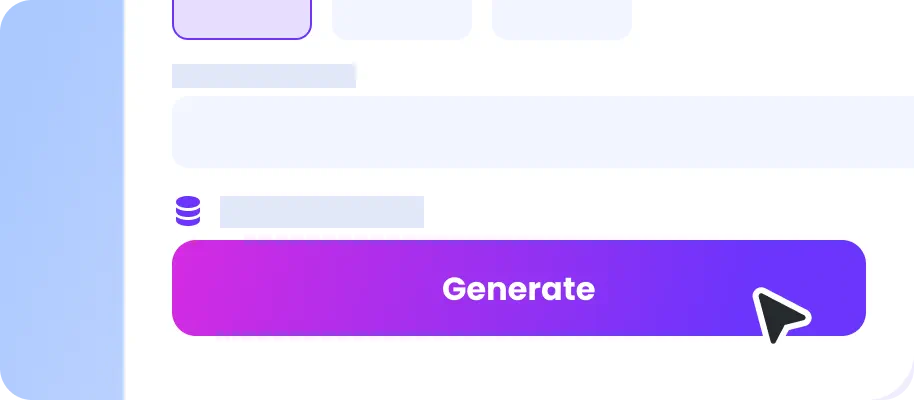
After a few moments, you can get a watermark-free video without bur. Download it in HD quality for free. Before sharing or publishing it, confirm that you have the necessary rights and that applicable attribution and provenance information has been retained.
Why Choose Video Watermark Remover in EaseMate AI
Remove video watermarks with AI for free. Our online video watermark remover instantly eliminates logos, text, and overlays on TikTok, Instagram, or YouTube footage you own or are authorized to modify while maintaining the original definition.
Remove Watermark from Video for Free
Enjoy watermark-free videos for eligible cleanup tasks without spending a cent. Our online video watermark remover makes it easy to clean up the logos, text, or overlays in video clips you own or are authorized to edit in seconds. Since it is 100% free and browser-based, everyone can access and use it without any design skills or tedious editing. Simply sign up, upload your videos online, and get your first free flawless result, ideal for reusing and restoring old footage. Most importantly, please always respect copyright, licensing terms, required attribution, and content provenance protections.
Smart Video Watermark Remover With AI Precision
Combined with sophisticated artificial intelligence, our AI video watermark remover can remove logos, text, or any overlay precisely, even if they are faint, oversized, or positioned in the center of the frame. Once removed, the AI reconstructs the background automatically, filling in the textures and movements so naturally that the edit becomes invisible. As a result, the edited area can seamlessly blend into the scene.
Best TikTok Watermark Remover for Any Platform
Designed for creators of all industries, this online video watermark eraser works across different platforms, including TikTok, Instagram, and YouTube. It eliminates logos, usernames, captions, hardcoded subtitles, and even transparent overlays with unmatched accuracy. Do not remove creator attribution, copyright notices, or required source information, and follow the relevant platform terms when sharing or reusing edited videos.
Get Watermark-Free Videos Without Quality Loss
Experience one-click video watermark removal without quality loss. While clearing away unwanted overlays, logos, or text, our free video watermark editor ensures your videos remain crisp and high-definition. No smudging, no stretching, np pixel loss. With its intelligent pixel reconstruction, even complex backgrounds remain clean and natural. Whether you're editing 1080p tutorials or 4K promotional videos, your footage stays sharp, professional, and completely watermark-free.
FAQs of Video Watermark Remover by EaseMate AI
What is video watermark remover?
A video watermark remover is an AI-powered tool that helps edit eligible visual elements, such as logos, text overlays, and timestamps, in videos you own or are authorized to modify. Depending on the video and the type of overlay, AI algorithms may help reconstruct the surrounding background. Always respect copyright, licensing terms, required attribution, and content provenance protections when editing or reusing video clips.
Is there a free watermark remover for videos?
How can I remove TikTok watermark from saved videos?
Is this video watermark removal tool safe to use?
Will the video watermark removal process lower the video quality?
EaseMate AI ToolKit
Find any tool you want here to make efficiency at your fingertips