


Bypass AI Detector: Anti-AI Content Generator & Free AI Humanizer
Detect the AI-generated text and transform it into human-like, authentic, undetectable writing with EaseMate AI Bypass.
How to Use EaseMate AI Bypass
Paste your copied text or manually enter the text in the AI chatbot box, and click the "Check for AI" button to confirm whether your pasted content is AI-generated.
To bypass AI detection, click the "Humanize" button to convert your pasted AI-generated text into undetectable AI writing.
After transforming AI-written text into human-like writing, please safely save the more humane text version.
Why Choose EaseMate AI Bypass
As a powerful online AI detection bypasser and AI humanizer, EaseMate AI Bypass helps students, educators, or content makers bypass AI detectors and humanize AI-generated content.
Paste and Check If It Is AI-generated Text with AI
Paste your copied content in the AI chatbot box, and the Check for AI feature of EaseMate AI Bypass will detect it and check for plagiarism by students, educators, business professionals, digital marketers, content makers, etc.
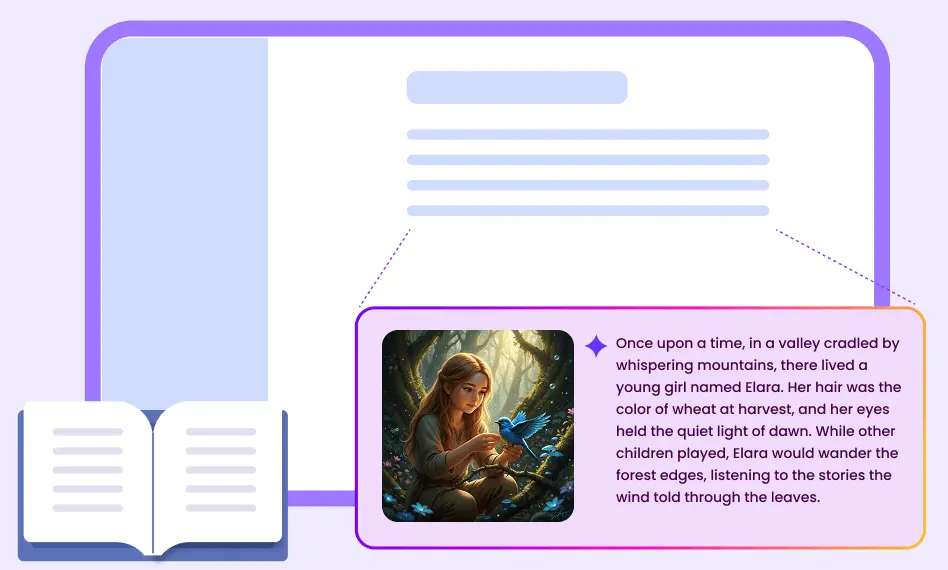
Humanize AI-generated Texts
Our EaseMate AI Bypass can easily convert AI-generated writing into human writing to bypass detection. After receiving the new text, you can recheck it for AI. If you're dissatisfied with the plagiarism rate, ask EaseMate AI Bypass to rewrite the content.
Free of Charge & No Registration Requirement
Even without registration, EaseMate AI Bypass can humanize AI-generated content into human-like texts with a low duplication detection rate and bypass AI detectors.
Quite Safe and Easy for Everyone to Use
EaseMate AI Bypass will not save personal information, and your texts will be secured and excluded from training AI models. Meanwhile, computer and mobile users can access this handy tool online.
FAQs of EaseMate AI Bypass
Is EaseMate AI Bypass free to use?
Of course, it is 100% free to use. Without logging in, you can enjoy the fantastic features provided by EaseMate AI Bypass. As the name implies, it can make your AI text undetectable by converting it into a low plagiarism rate and human-like text.
How does EaseMate AI Bypass work?
What AI model does EaseMate AI Bypass use?
Is the humanized content plagiarism-free?
What are the benefits of using EaseMate AI Bypass?
EaseMate AI ToolKit
Find any tool you want here to make efficiency at your fingertips




