


How to Use EaseMate AI Ask GPT

Enter the question or the topic you wonder in the AI chatbox of EaseMate AI Ask GPT.
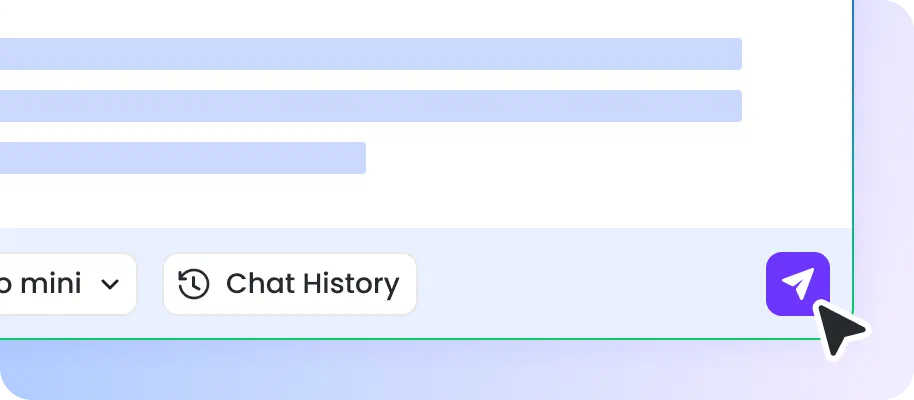
Choose a desired AI model (GPT-4o mini or GPT-4.1 mini) and hit Enter to let EaseMate AI Ask GPT analyze your input and generate answers.

After receiving the answers generated by EaseMate AI Ask GPT, you can copy, edit, or share them with others or save them for later use.
Why Choose EaseMate AI Ask GPT?
Safe, easy, and fast, EaseMate AI Ask GPT is targeted to answer various questions with accurate answers. Whether you need writing help or problem-solving assistance, it can all get you covered.
Get Accurate and Factual Answers Instantly
EaseMate AI Ask GPT leverages GPT-4o mini and GPT-4.1 mini to provide instant, accurate, and factual answers, allowing users to solve problems quickly using the most advanced AI models.

Ask Questions Anywhere & Anytime
Ask GPT supports all web platforms, allowing users to enjoy instant AI assistance anytime and anywhere through any web browser without installation or device restrictions.
Safe, Trustworthy and Privacy-Secured
Implemented at the highest level of the security algorithm, EaseMate AI Ask GPT can guard the content you input. Without authority, it will not access or visit your data.
No Registration Required & Unlimited Use
EaseMate AI Ask GPT offers limitless uses. Moreover, there’s no need to sign it up. Feel free to chat with this tool to get the answer you want!
FAQs of EaseMate AI Ask GPT
What's the difference between EaseMate AI Ask GPT and ChatGPT?
Although both EaseMate AI Ask GPT and ChatGPT are powerful AI chatbots powered by GPT-4o mini and GPT-4.1 mini, they are slightly different. The former is completely free and available to everyone and there’s no limit to its use. As for ChatGPT, you need to create an account and some features even require a paid version.
Can I ask EaseMate AI Ask GPT anything?
Is my data safe with EaseMate AI Ask GPT?
Is EaseMate AI Ask GPT free?
Can I use EaseMate AI Ask GPT without an account?
EaseMate AI ToolKit
Find any tool you want here to make efficiency at your fingertips




