Change Background Color Online for Free, Download in HD, No Sign-Up Required
A free online background color changer that lets you change your image background to a single color, multiple colors, AI-generated gradients, or other creative designs.
Product Image

Product Background *
(multi-select)
Each background generates a result
Sample image
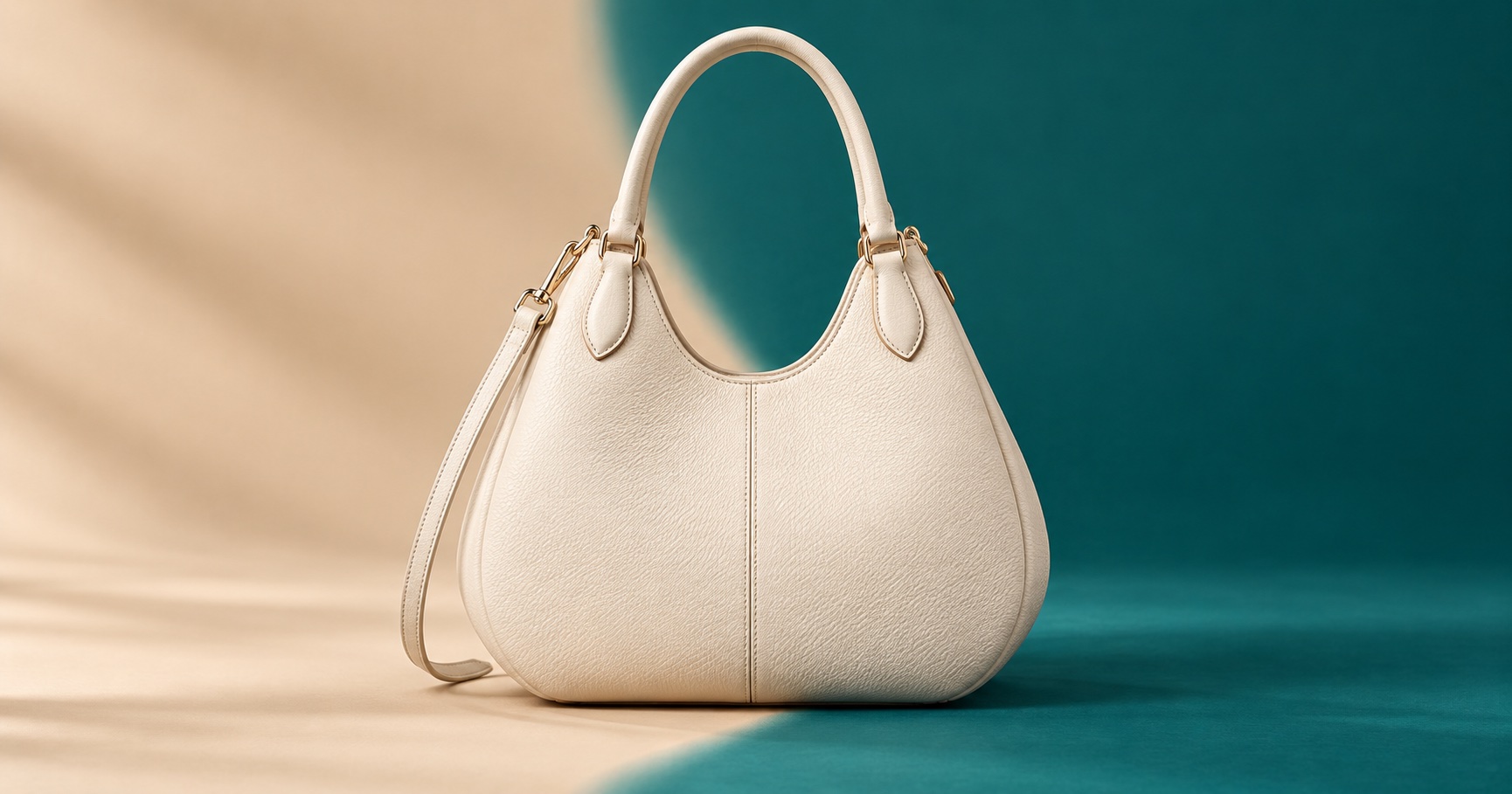
How to Change Background Color with EaseMate AI?

Step 1. Upload Pictures or Paste URLs
Start by uploading a JPG or PNG image or pasting Amazon and eBay URLs. Choose background colors and EaseMate AI analyzes the image and identifies the foreground automatically.
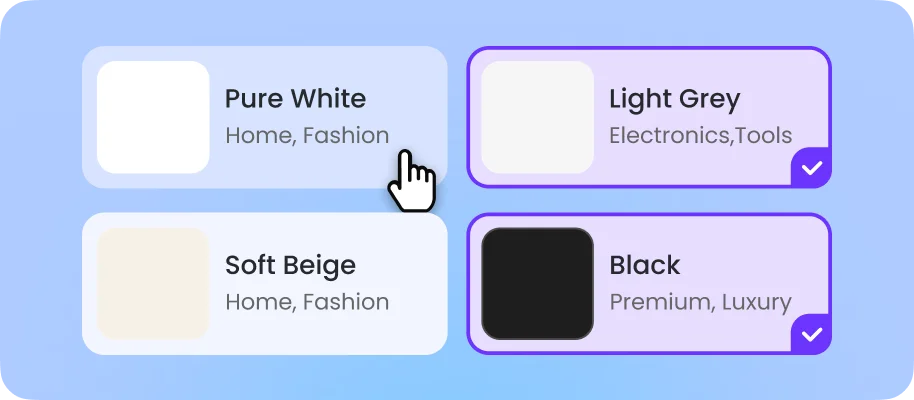
Step 2. Generate a Background Color
Our AI color changer will remove the original background and apply your requested color. You can change the background to white, black, a brand color, or another shade that suits your image.
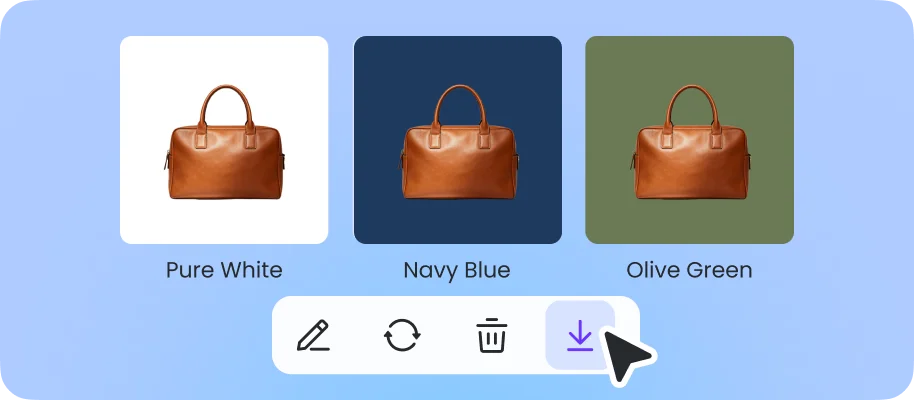
Step 3. Modify and Download Images
Try different colors to compare how they affect the appearance of your product or subject. Make detailed adjustments, change colors, and download the final images when you're ready.
Why Choose EaseMate AI to Change Background Color?
Change the background of a photo online for free without downloading any software. Simply upload your photo and choose the background color you want, then download the high-resolution image with no watermark. This online photo background changer works well for product photos used in e-commerce, professional profile portraits, and document photos that require a clean, simple background.
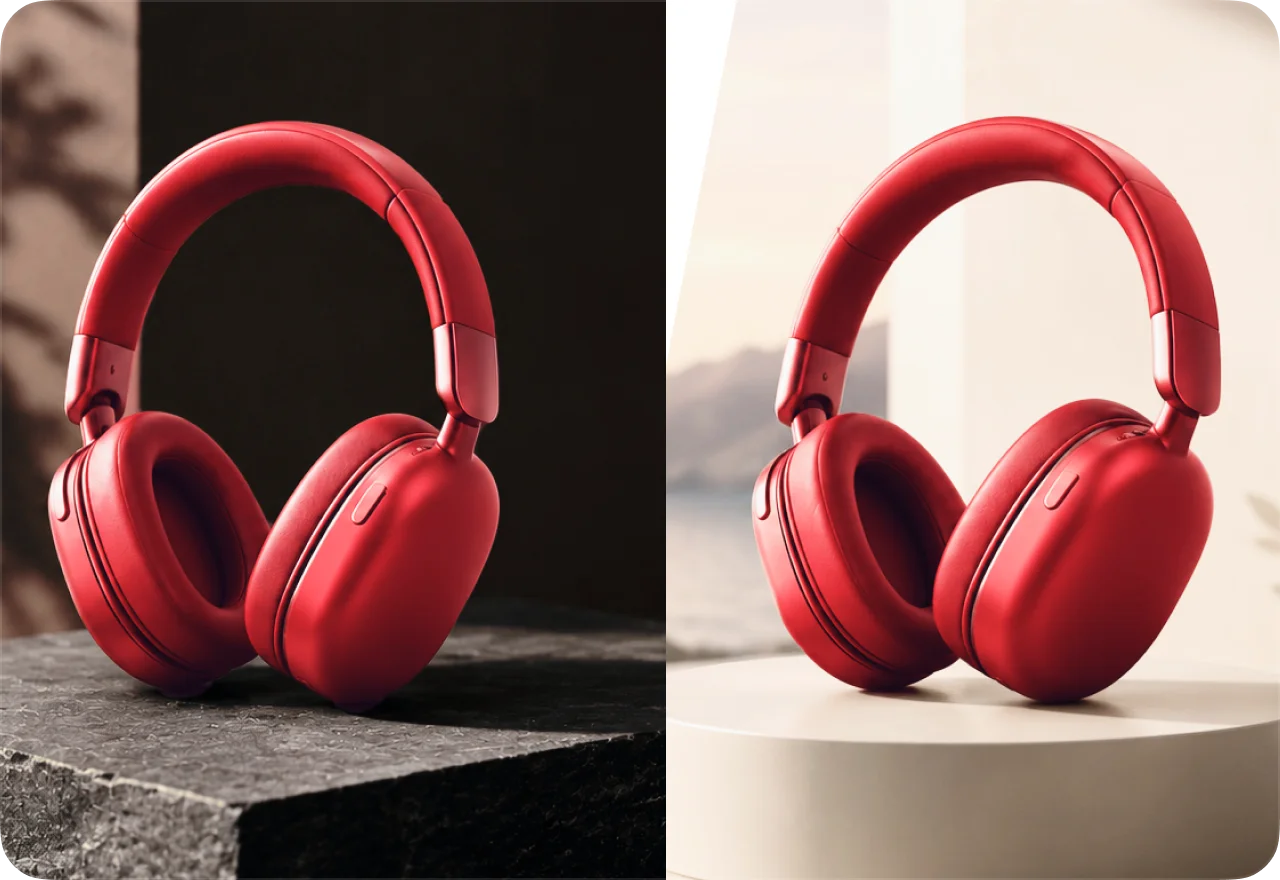
Precise AI Recognition Keeps Every Detail Intact
EaseMate AI automatically identifies people, products, transparent objects, and complex edges before changing the background color. It preserves details that can easily be lost during manual background removal, including hair, fur, glass, thin straps, and jewelry. Once the original background is removed, our image background color changer can apply the color you chose, or you can describe a new scene for AI to generate.

Apply Multiple Background Colors to Your Product
Break free from fixed background colors and give your product images more flexibility. EaseMate AI automatically isolates your product, allowing you to place it against a color that better matches your product and helps highlight its appearance. For example, reflective products such as jewelry and watches can stand out against a black background. You can also apply multiple colors to the same image to explore different visual styles and find the right background for your product.
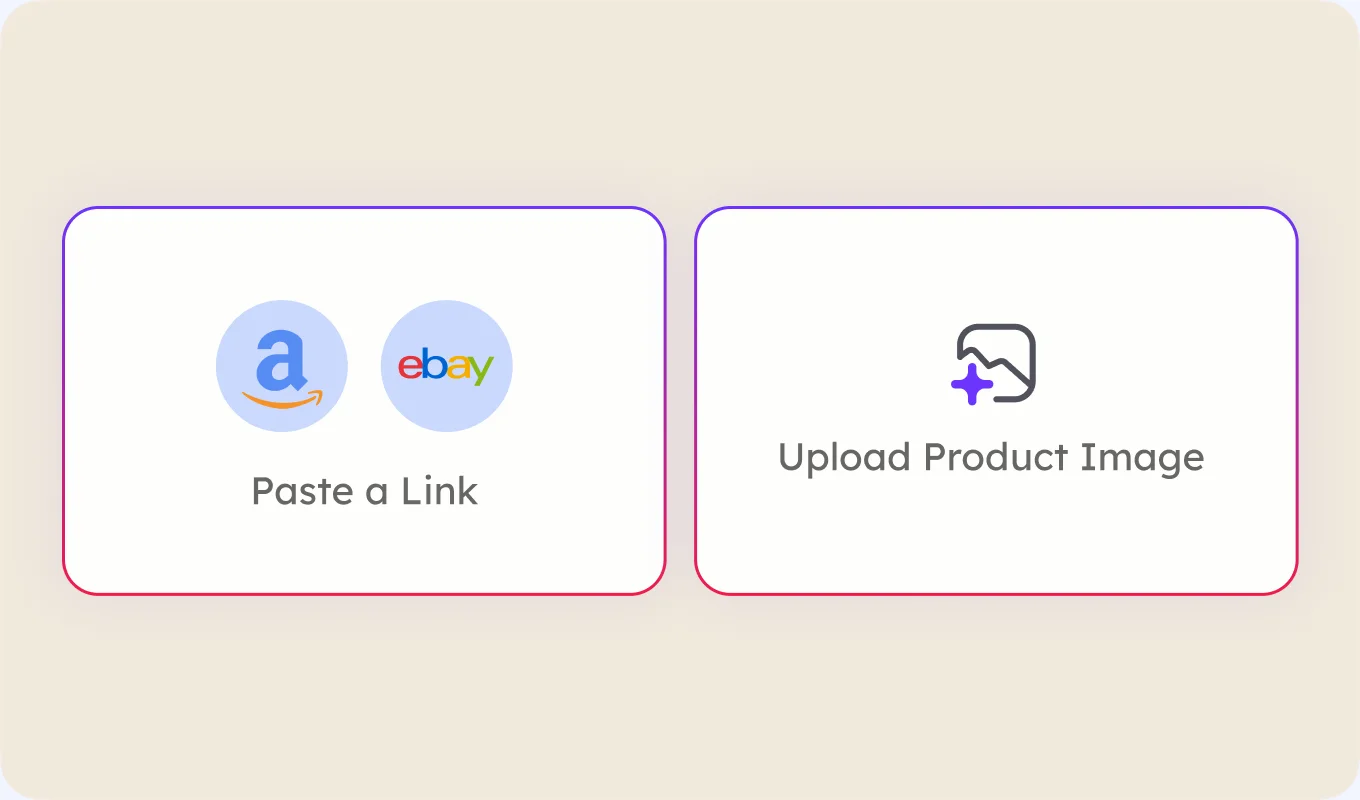
Change Background from Amazon or eBay Product Links
Instead of downloading product images manually, paste an Amazon or eBay product link to provide the product reference. EaseMate AI can analyze the available product image, identify the main subject, and remove the original background with precision. You can then change the background color in a photo for free online or create a completely different visual for your product listing and promotional content.
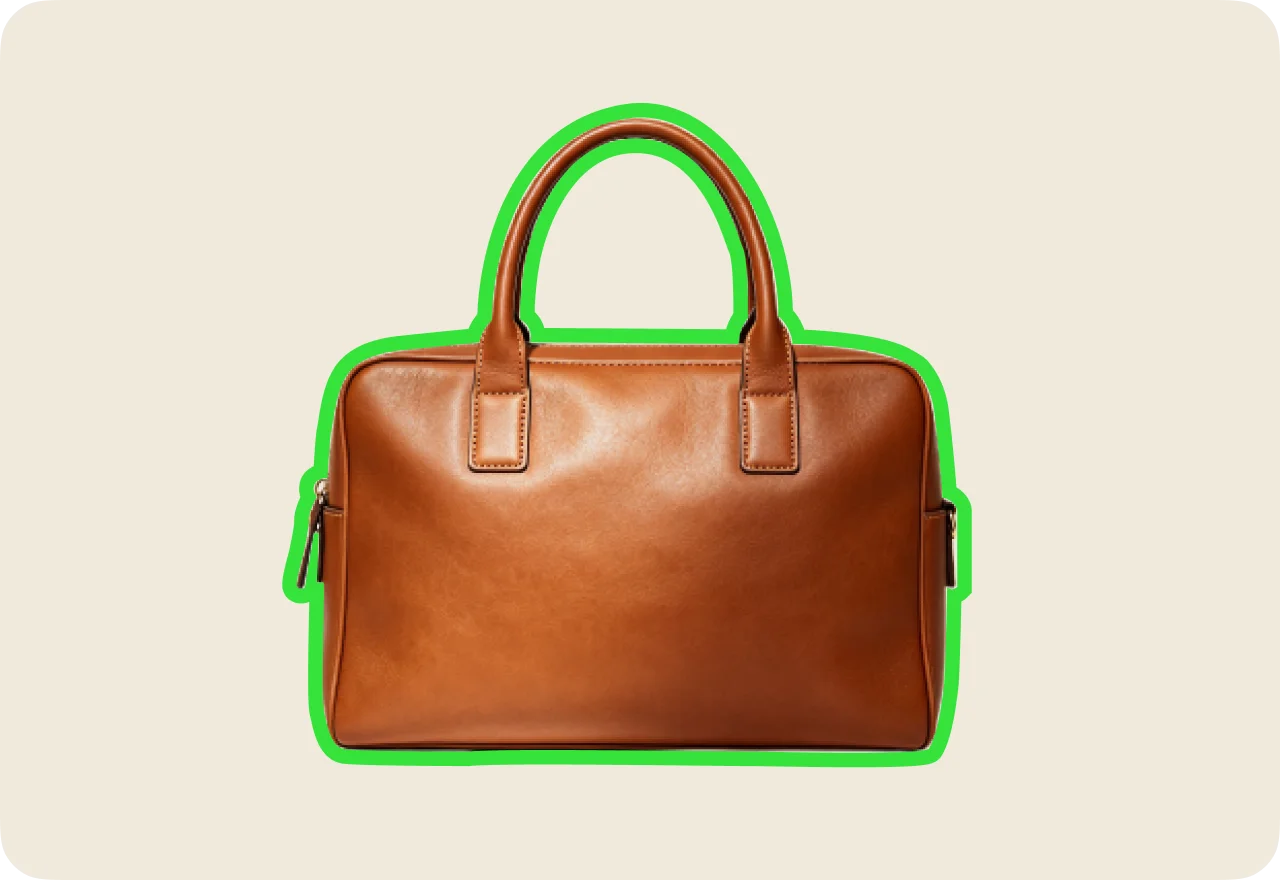
Test Different Background Colors in Minutes
Try multiple background colors on the same image to quickly compare different visual styles. You can test white, black, brand colors, or other shades to see which one makes your product or subject stand out. AI photo background color changer accurately separates the foreground from the background, helping the new color blend naturally around fine edges and maintain a consistent appearance. This makes it easier to create multiple versions of a product photo without manually editing each one.
FAQs About EaseMate's Background Color Changer
EaseMate AI ToolKit
Find any tool you want here to make efficiency at your fingertips