


PDF Insights Tool: Your Free Online PDF Insight Extraction
Read and understand PDF content, smart summarize, and chat with your PDF via EaseMate AI-driven PDF chatbot.
Drag & Drop, or Choose PDF, Doc, PPT to upload
PDF, Doc, PPT Files Supported.
How to Use EaseMate AI PDF Insights Tool

Click "Browse File" to choose your PDF file, or you can drag the PDF into the upload section.

EaseMate PDF Insights Tool will automatically analyze your uploaded PDF document and generate a summary of it. Check the summarized information in the right pane. You can also switch to other AI models, such as DeepsSeek.

By typing some further prompts or questions, you can get more information.
Why Choose EaseMate AI PDF Insights Tool
AI-powered PDF tool streamlines the process of analyzing, extracting key insights, and interacting with PDF files.
Extract the PDF Key Insights Simply and Efficiently
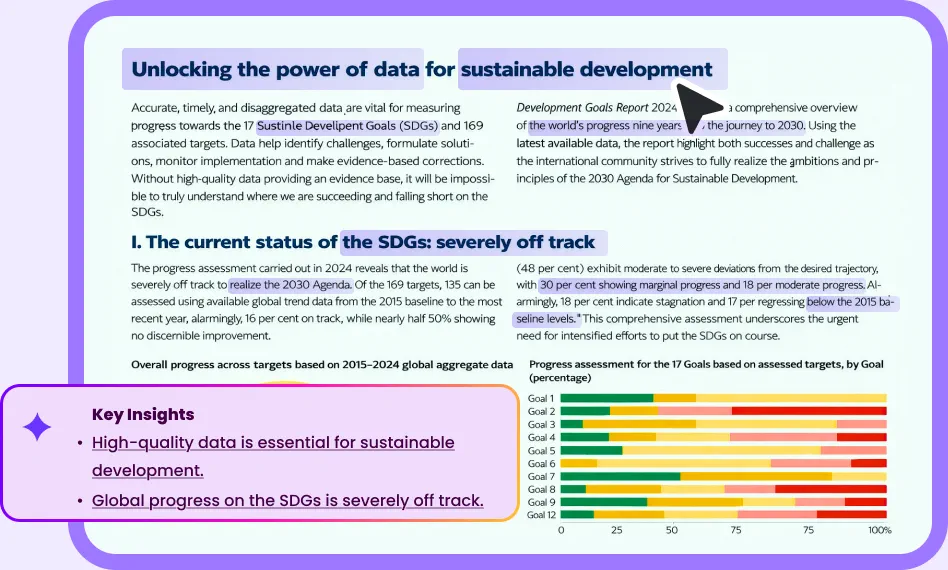
This AI PDF insight extractor leverages advanced AI technologies to summarize and analyze PDF content. It can quickly identify main ideas, key phrases, and relevant details within PDFs, providing users with concise summaries without requiring them to read the entire document.
Ask Questions and Get Instant Answers
Fluent document interaction is enabled through an AI chat feature, allowing users to ask questions about the PDF content and receive high-quality answers instantly. This interactive approach provides deeper insights and helps clarify any doubts about the document.
Support Various Popular AI Models
It integrates multiple advanced AI models, including DeepSeek V3, DeepSeek R1, GPT-4o mini, Meta Llama 3.3 70B, and Claude 3 Haiku, which allows users to apply their preferred AI model for enhancing customization and accuracy.
Highly Secured PDF Privacy Protection Algorithms
EaseMate PDF Insights Tool employs robust privacy protection algorithms to safeguard user data. This ensures a secure environment for analyzing PDFs, and protecting sensitive information from unauthorized access.
FAQs of EaseMate Free Online AI PDF Insight Tool
Is the EaseMate AI PDF Insight Tool Free?
Yes, EaseMate AI PDF Insights Tool, also known as EaseMate ChatPDF, offers a free plan. Users can upload up to two PDF files per day and ask up to 20 questions about each document without any cost.
Can I summarize the PDF file via EaseMate AI PDF Insight Tool?
Is the EaseMate AI PDF Insight Tool secure?
How do I extract the key insights of my PDF documents?
What can I do with the EaseMate AI PDF Insight Tool?
EaseMate AI ToolKit
Find any tool you want here to make efficiency at your fingertips




