Image Color Changer: Change Image Color Online Free, No Sign-up
Remove unwanted objects, people, text, and logos with our free magic eraser. Simply upload any image and brush over the item you want to delete online to clean it up in a flash.
Product Image

Product Color *
Each color generates a result
Sample image
How to Change Color of Image on EaseMate AI?

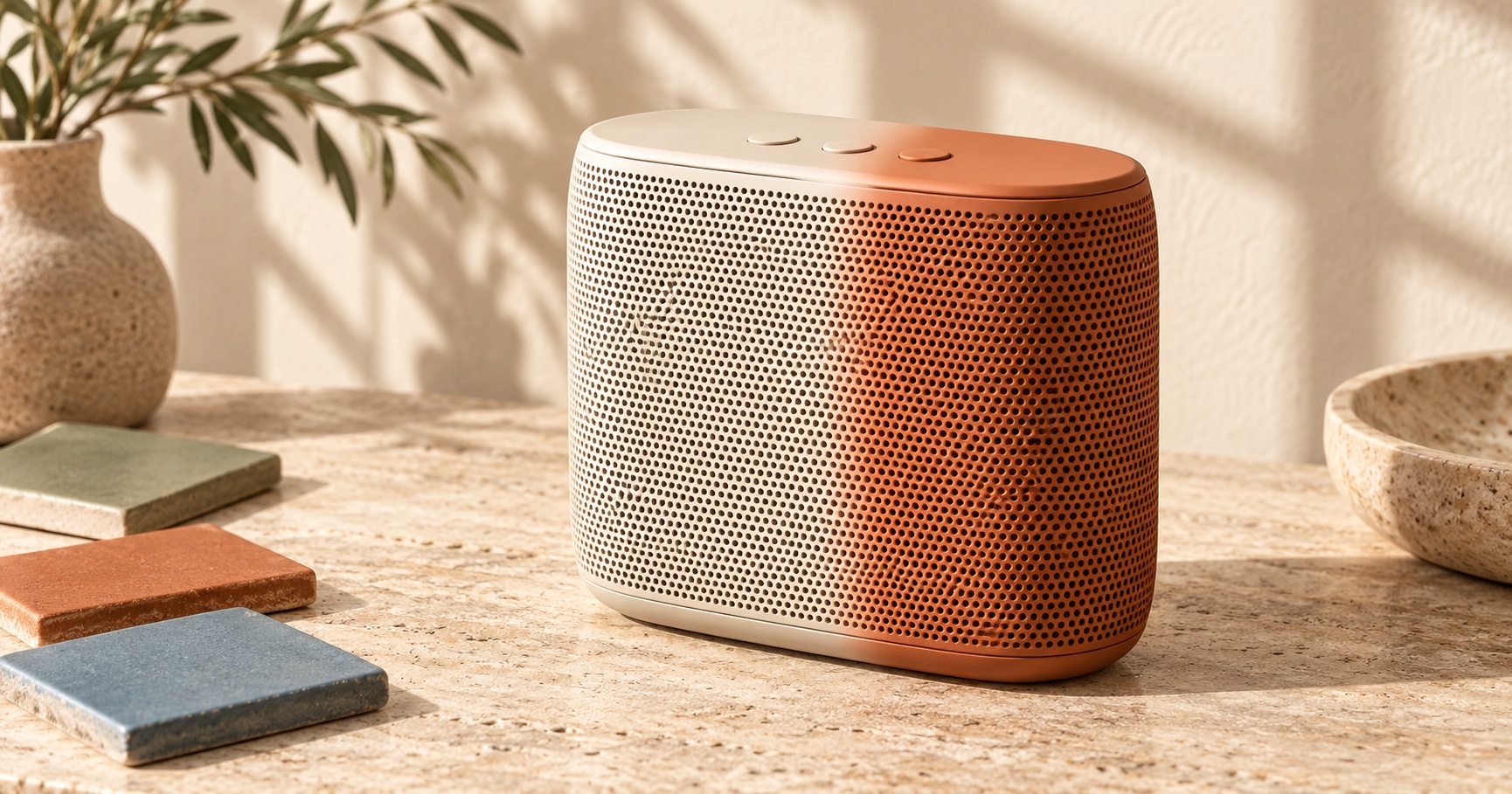
Step 1. Upload your photo.
Drag or drop an image in JPG, JPEG, PNG, or WEBP up to 20 MB. Our image color changer supports swapping color for all types of images, including product shot, portrait, outfit, object, etc.
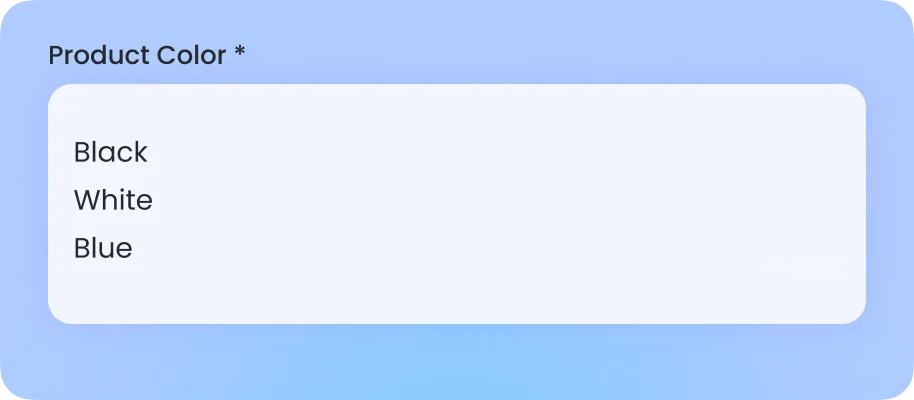
Step 2. Pick a color.
Select the item or layers you want to adjust. Then, either choose a color from the list or enter the color change in plain language, like “change the model’s jacket from black to white, recolor the jeans blue, make the shoes red, and set the background to light gray.”
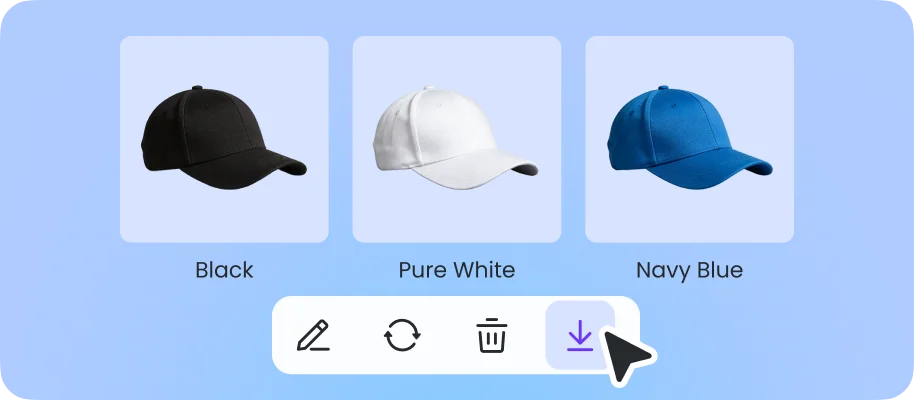
Step 3. Replace color in image.
Click “Generate” and then you can preview the high-quality recolored image in seconds. Since it doesn’t have any watermark, it’s ideal for product catalogs, graphic designs, or color tone adjustment.
Why Choose Image Color Changer in EaseMate AI?
Our free AI photo magic eraser makes unwanted objects disappear in seconds. Remove people, clutter, text, watermarks, blemishes, glare, and more using one-click detection or photo cleanup.
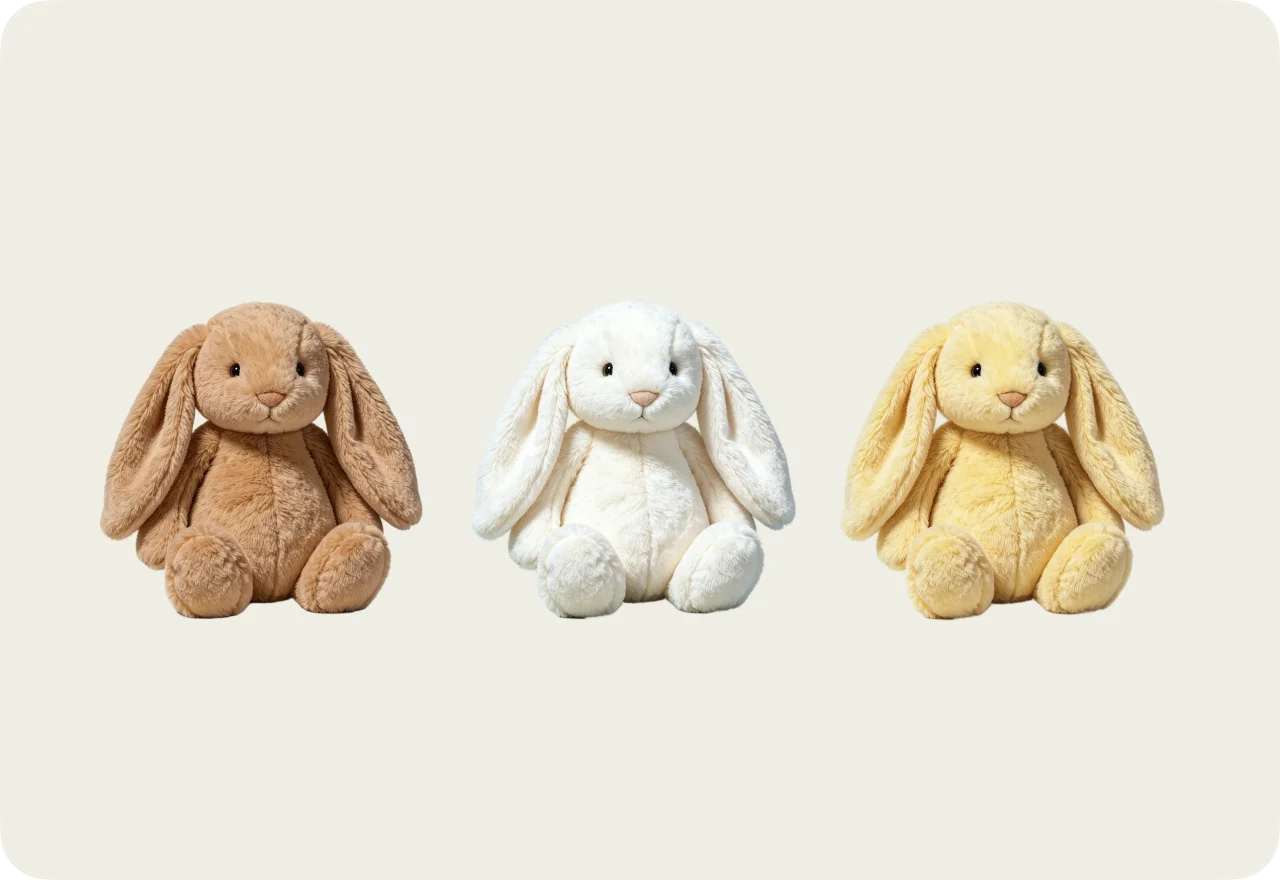
Change Color of Image for Free, No Sign-up
Easily transform your photo colors online without signing up or downloading an app. Simply upload your image directly online, select the color or object you want to change, and then apply your preferred shade in seconds. Whether you're creating product variations, refreshing social media graphics, or testing different design palettes, you can recolor any images without any masking or editing skills.
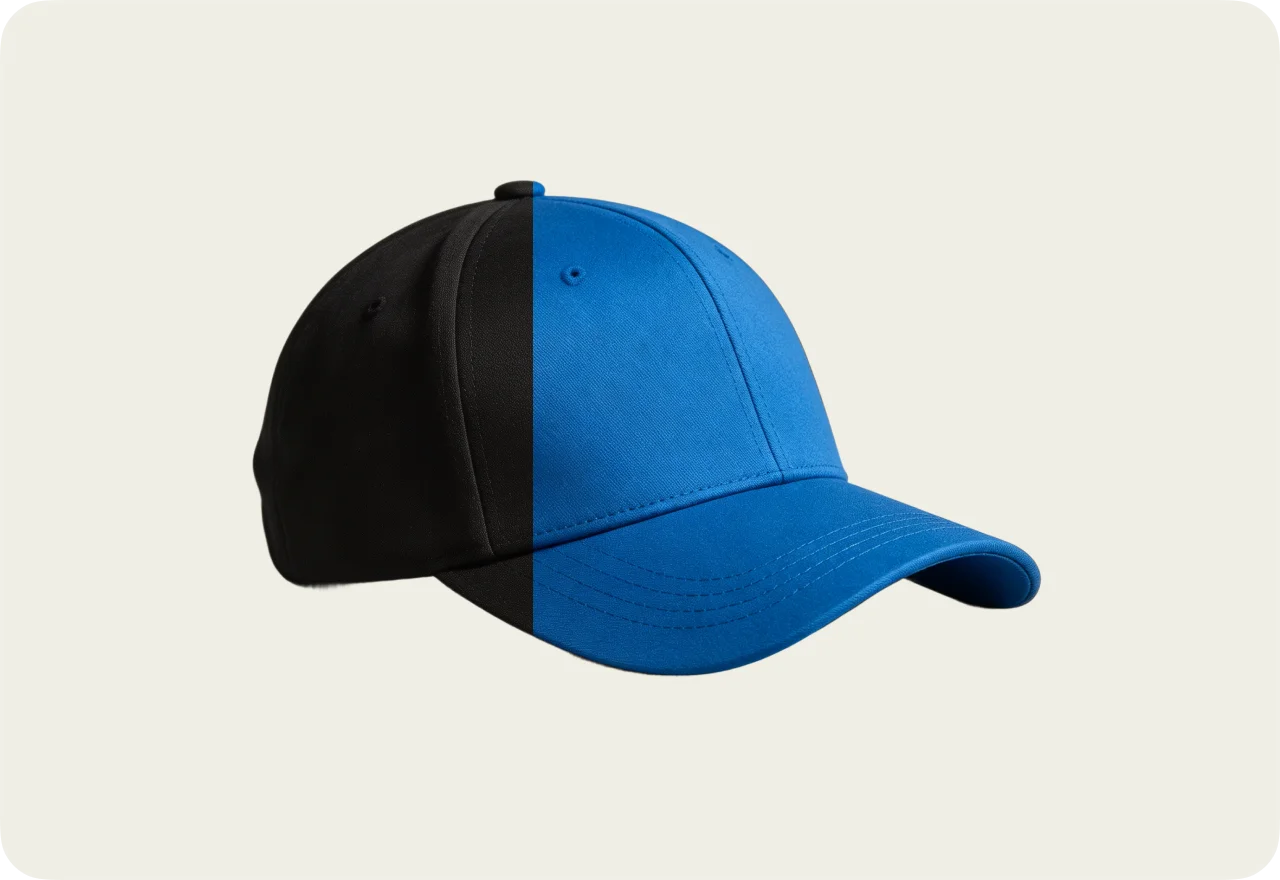
Change Background Color with One Click
Change your photo background color in seconds without affecting the main subject. After receiving your images, our AI image color changer will intelligently separate people, products, and other foreground elements from their original backdrop, then apply your chosen color or texture. Make product photos consistent with a pure white background, create a soft pastel setting for social media portraits, or switch to a branded tone for promotional graphics. The result is a clean, professional image with natural edges and carefully preserved subject details.
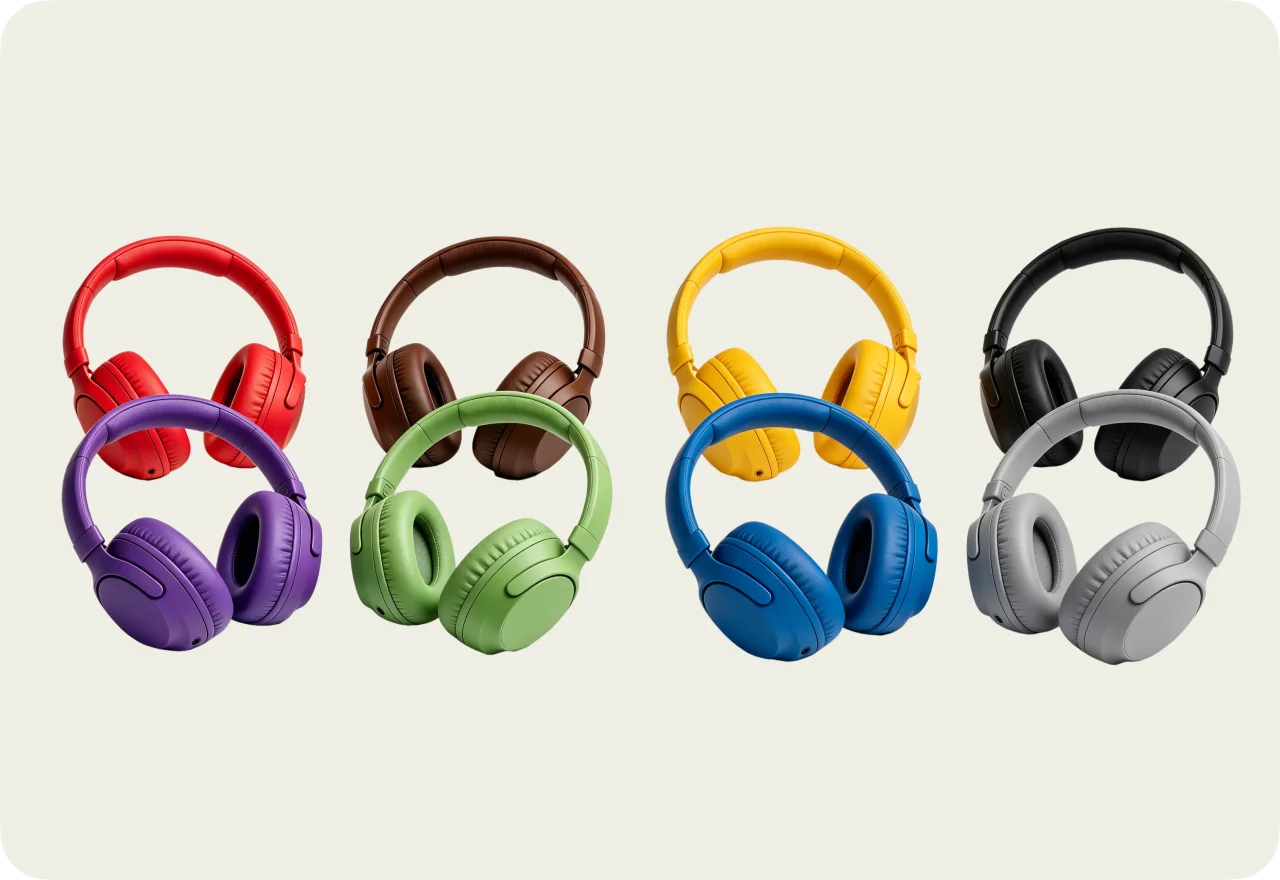
Recolor Any Photo with Any Color
Choose from the suggested colors or create your own custom shade to make every image fit your vision. Change clothing colors without reshooting, experiment with new hair colors, recolor products for different listings, or transform backgrounds to match a campaign. Whether you want soft pastels, bold neon tones, natural earth colors, or exact HEX and RGB values, this free picture color changer makes personalized recoloring fast and accessible.
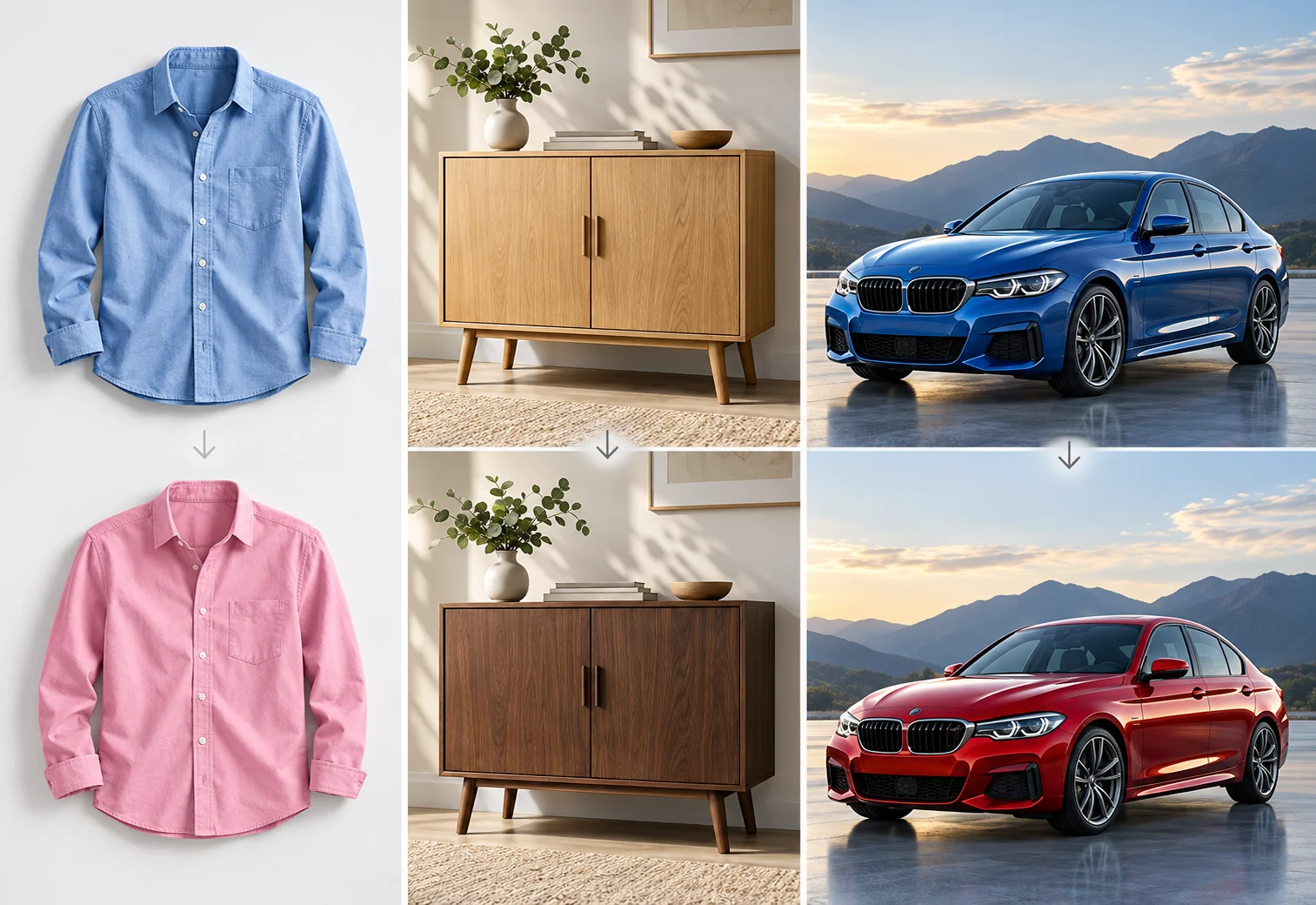
Smart Color Changes for Natural, Accurate Results
Our AI image color changer goes beyond simple color overlays to create precise color replacement. Smart segmentation identifies the object you want to edit, while intelligent color mapping preserves its original texture, shape, shadows, and highlights. Change a model's shirt from blue to pink, preview a wooden cabinet in a darker tone, or recolor a glossy car while maintaining realistic reflections. Every adjustment is designed to preserve the original structure and create seamless, natural-looking results.
FAQs of Photo Color Changer by EaseMate AI
EaseMate AI ToolKit
Find any tool you want here to make efficiency at your fingertips