Free Instagram Watermark Remover Online
Remove Instagram watermarks for free. With our online Instagram watermark remover, you can remove text, logos, stickers, and more easily. Start with an upload, and then you can download instagram Reels without quality loss.

How to Remove Instagram Watermark on EaseMate AI?
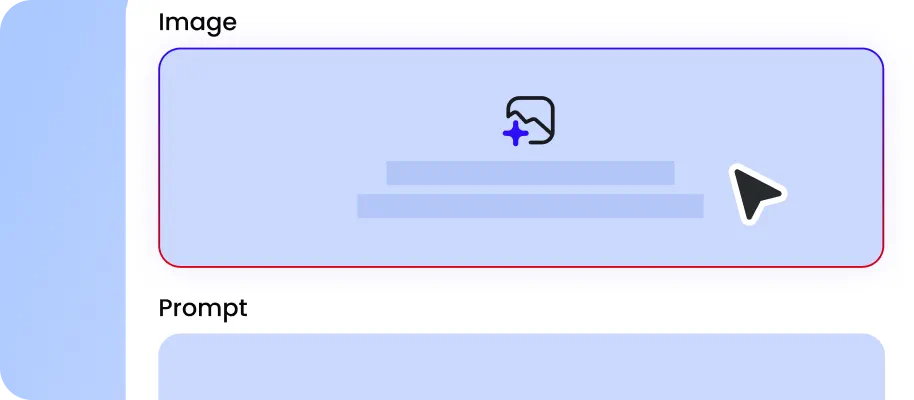
Drag and drop your Instagram reels (mp4, webm, or mov) to the designated area. You can upload videos with a maximum length of 120 seconds. Make sure you have permission to edit the footage.
Click "Generate" to let this online Instagram watermark remover process your video. After that, it will automatically detect and clean Instagram usernames, logos, and corner labels.

Preview the processed video and check for blur, artifacts, or other visual inconsistencies before downloading. Retain any required copyright notices, creator attribution, and content provenance information.
Why Choose Instagram Watermark Remover in EaseMate AI
Easily remove watermarks like the IG logo, texts, and graffiti from Instagram reels for free. No app download or other manual tracing. Upload any video to our AI-powered Instagram watermark remover online and enjoy watermark-free IG reels for TikTok, Facebook, YouTube, and more.
Remove Instagram Watermark Online Free
Looking for a fast way to remove Instagram watermarks? Clean up your IG reels with our free Instagram watermark remover. It can almost remove almost all the distracting IG logos, username, added text, and more. There's no need to install software or manually trace the watermark frame by frame. Instead of leaving blurred patches, the advanced artificial intelligence will automatically reconstruct the background to match the original scene. Just upload your video, click once, and download a watermark-free reel ready for reuse anywhere. Before reusing or sharing a video, make sure you have the necessary rights and preserve any required attribution or source information.
Bulk Instagram Reels Watermark Remover
With our Instagram watermark remover, you can handle batches Instagram videos effortlessly. Instead of opening each clip individually, upload multiple files, and clean Instagram watermarks in one session. There's no need to manually trace the watermark edges or repeat the same steps for every reels. With automatic detection and batch processing, you can erase entire collections of Instagram videos efficiently and keep your editing workflow simple and productive. Review each processed video individually to check for visual inconsistencies, and only edit content you own or are authorized to modify.
One-Click IG Watermark Removal Without Blurring or Cropping
Keep your Instagram videos crystal clear while removing unwanted logos, text, stickers, or emojis. Unlike traditional tools that blur or crop parts of your footage, this AI-powered Instagram watermark remover utilizes advanced clean plate reconstructions to rebuild the background behind the watermark. By analyzing surrounding pixels frame by frame, it intelligently fills the removed areas, keeping textures, colors, and motion natural. Within seconds, your Reels will be clean and ready to share on various social media platforms.
Download Instagram Reels without Watermark
Enjoy watermark-free Instagram reels to unlock more creative freedom. Without the Instagram logo blocking the screen, your video will look more polished and professional, which helps maintain better reach on other platforms like TikTok, YouTube or Facebook. You can also customize your clips by adding captions, graphics, stickers, memes, or stickers to match your branding style before posting. If you plan to share or repurpose an Instagram Reel on TikTok, YouTube, Facebook, or another platform, make sure you have the necessary permissions and retain any required creator attribution, copyright notices, and content provenance information.
FAQs of Instagram Watermark Remover by EaseMate AI
Can ChatGPT remove watermarks?
No, it can't. ChatGPT can't remove watermarks from any image or video. For this, you can resort to some reliable third-party platforms like EaseMate AI to delete both static and dynamic watermarks from images and videos with one click.
Do I need to download an app to remove a watermark from Instagram?
Does removing the watermark affect my Instagram reels' quality?
Can this Instagram watermark remover erase other types of watermarks?
Can I remove multiple watermarks at once?
EaseMate AI ToolKit
Find any tool you want here to make efficiency at your fingertips