Free AI Angle Generator: Create Multiple Product Angles from a Single Photo
Turn one product image into multiple angles with EaseMate AI. Choose the angles you need, generate several perspectives at once, and create platform-ready images for ecommerce listings, social media, product presentations, and marketing campaigns without repeatedly rewriting prompts.
Product Image

Image Angle *
(multi-select)
Each selected angle generates a result
Platform *
Sample image
How to Generate Multi-Angle Product Images on EaseMate AI?

Step 1. Upload an image or paste a product link
Upload a clear product image to use as the source. If your product is already listed on Amazon or eBay, you can also paste the product URL so EaseMate AI can identify the available product images for generation.
Step 2. Select your angles and platform
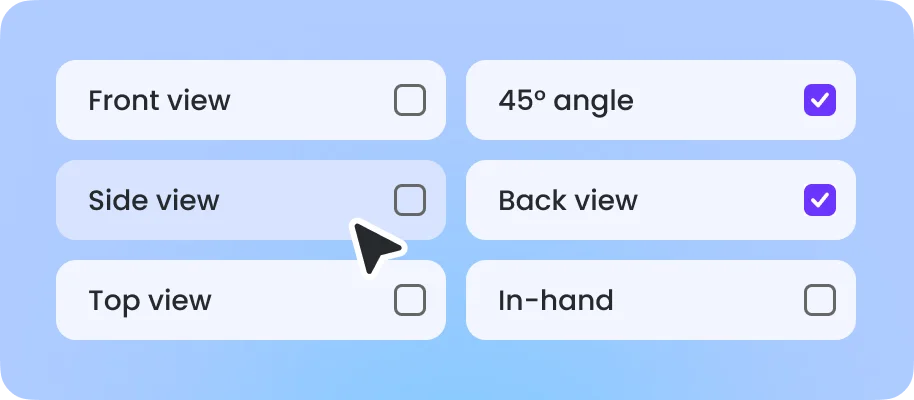
Choose the product angles you want to generate. You can also select a platform preset such as Amazon, eBay, TikTok, Instagram, or Facebook to use the appropriate image ratio and generation instructions.
Step 3. Generate and review your image set
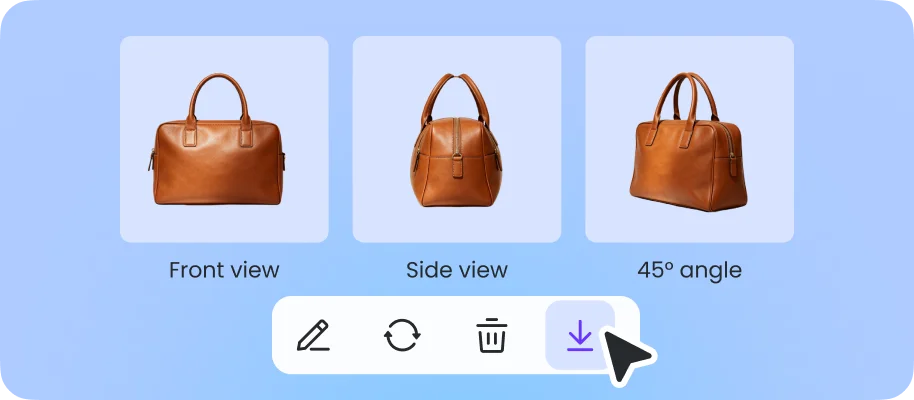
Generate multiple angles together and review the results as a complete product set. Select the views that best fit your listing, social post, catalog, or campaign, then download and use the images in your workflow.
Why Choose EaseMate AI to Generate Multi-Angle Product Images?
EaseMate AI's angle generator makes it easier to create consistent product images from different viewpoints. Select the views you want and generate the product views you need for ecommerce listings, creative testing, product presentations, and marketing assets.
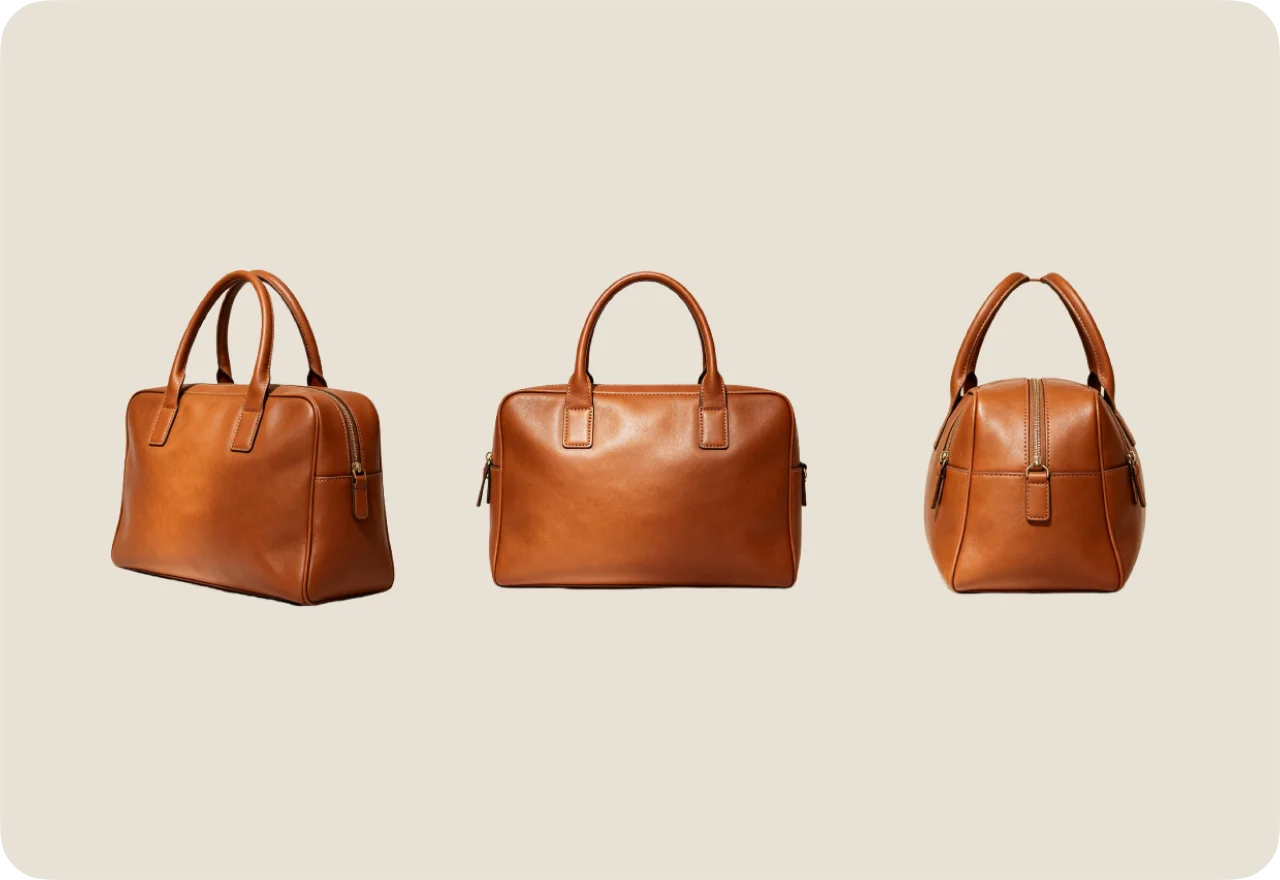
Multi-Angle Ecommerce Image Sets for Detailed Product Showcase
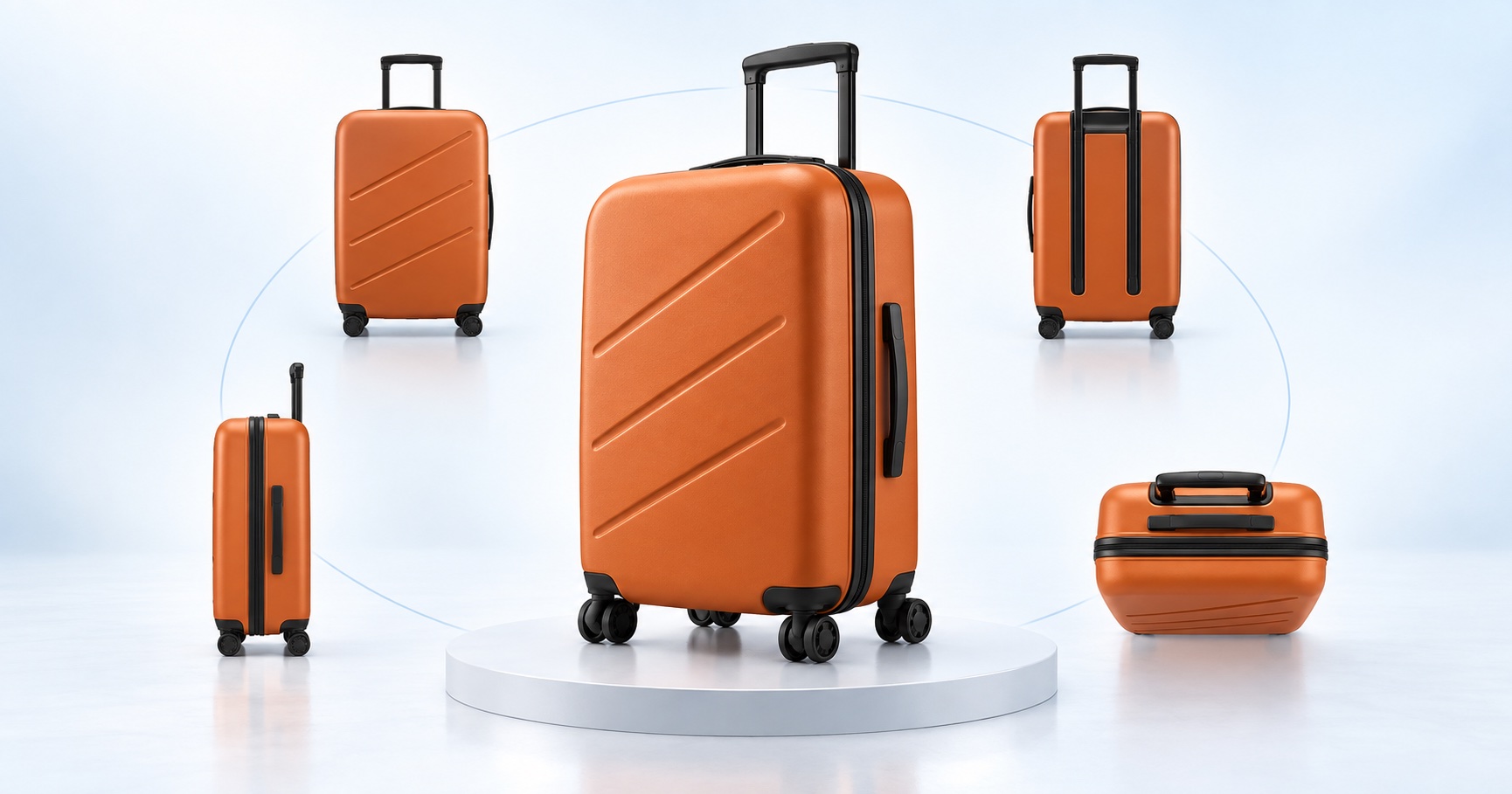
Create extra product angles for listings, galleries, and product pages from a limited source image. Easemate's angle generator products additional camera angles, front, side, back, and top-down, from the same source shot, so a listing can showcase the product as if it had been photographed in a full studio session. During generation, the AI technology precisely preserves the object's shape, color, and surface details, ensuring the resulting image set is stylistically consistent and cohesive rather than a disjointed collection of disparate images.
Precise Camera Angle and Perspective Control
The angle generator gives you direct control over camera direction and viewing angle rather than limiting you to a single fixed rotation. Beyond the six standard directions—front, back, left, right, top, and bottom—the AI also supports 45-degree oblique views to create more striking visual variations. EaseMate AI's multi-angle image generator is ideal for creating multiple views of a character, showing how a 3C product looks when held in hand, or creating an in-hand jewelry presentation to demonstrate scale and real-world use.
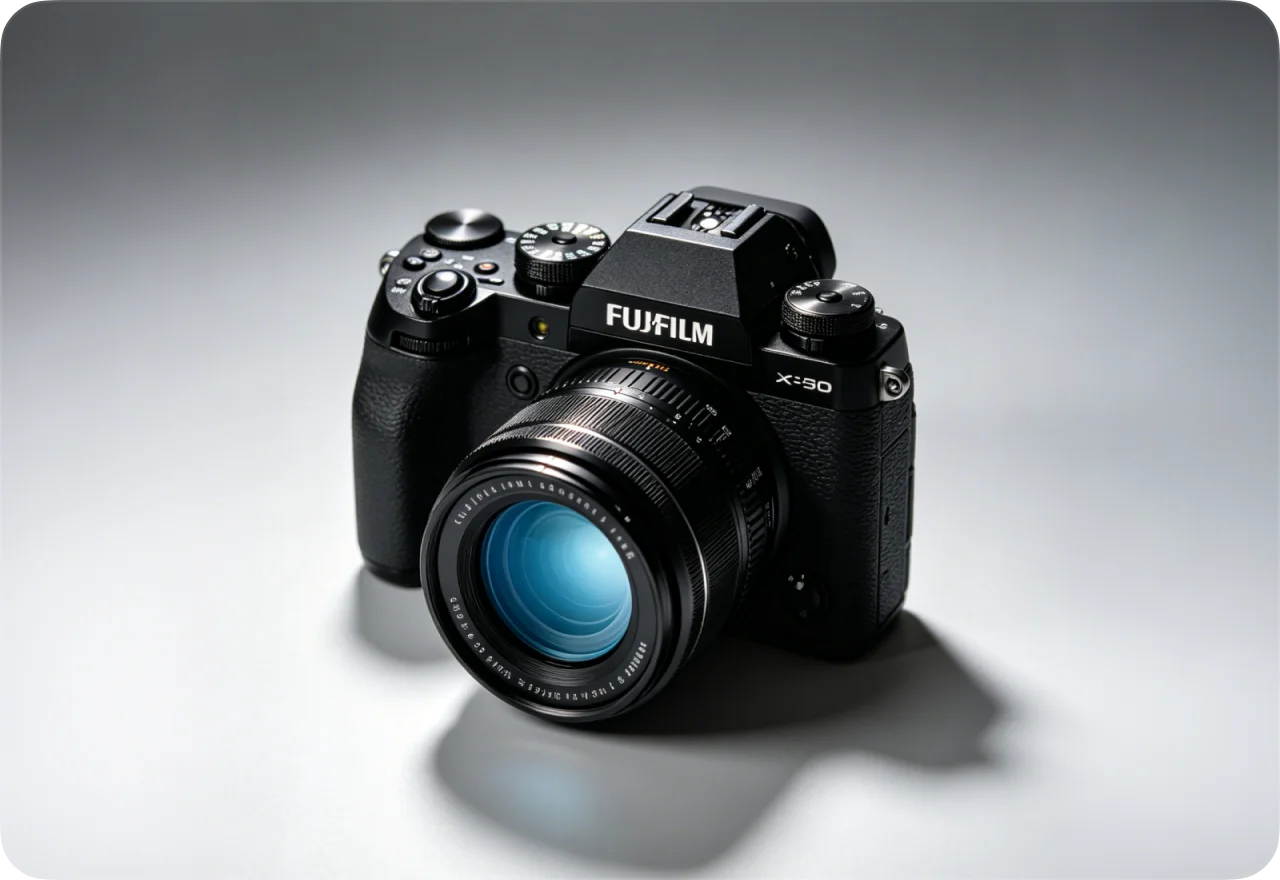
Maintain Visual Consistency Across All Product Angles
Our AI analyzes your product's structure, lighting, and material details to maintain consistency across images generated from different angles. Each image preserves accurate proportions and visual coherence, ensuring that key product features remain realistic and consistent across all views. This makes the generated content well-suited for professional ecommerce platforms such as Amazon, Shopify, and Etsy.
Generate Multiple Angles Faster for Batch Workflows
Use source images to generate views from various angles and compile them into a visually consistent asset collection. This tool is useful for creating product catalogs, updating multiple product listings, producing marketing campaign assets, or generating image variations for different marketing channels. Instead of manually setting up camera angles for each product, you can directly generate the additional views required for your workflow based on existing product images.
FAQs About the Multi-Angle Product Image Generator
EaseMate AI ToolKit
Find any tool you want here to make efficiency at your fingertips