


Photo to Clay: Turn Your Photo into Claymation Art Free Online
Say hello to effortless clay creation. Instantly transform your photos into clay-like images with EaseMate AI Photo to Clay for free. Upload your photo and add an adorable cartoon clay filter now!
 GPT-4o
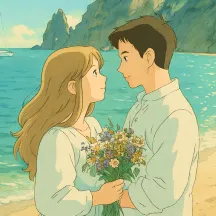
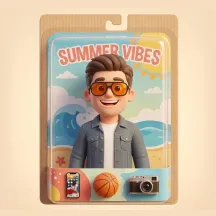
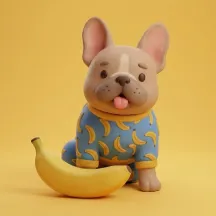
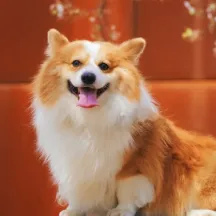

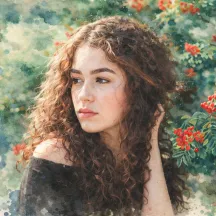
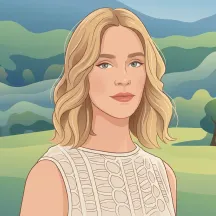
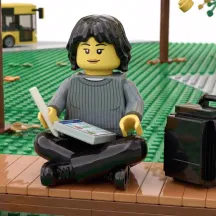
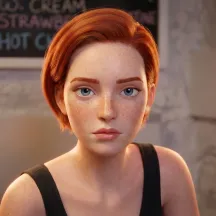


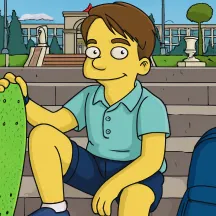

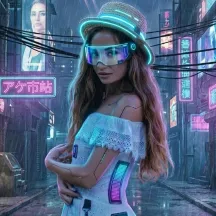



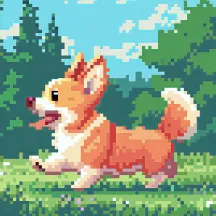
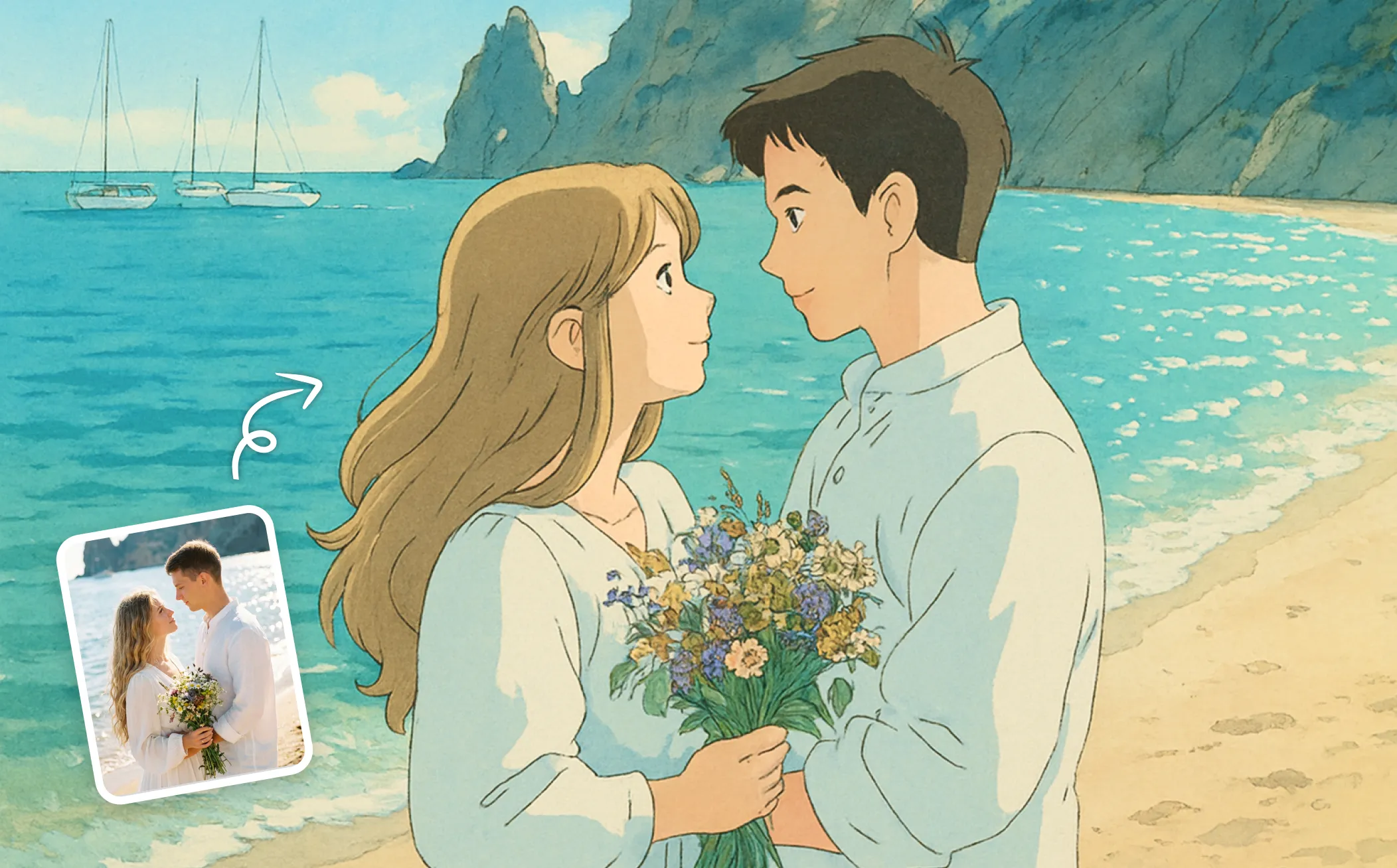
How to Convert Photo to Claymation Style with AI in EaseMate AI

Select a photo that you'd like to transform. The photo should not be larger than 32 MB. It can be a picture of yourself, your pets, friends, meals, plants, etc.

Click "Generate" and our free clay photo filter will turn your photo into claymation style. To create a personalized claymation piece, please toggle on "Customize Prompt" to add more descrption and requirements.

Wait a few moments, and then you can view and download the claymation-style image with no watermark. Also, you can share them with your friends on social media platforms.
Why Choose Photo to Clay in EaseMate AI?
Turn your photo into a cute clay art for free. It's easy, fun, and fast. No sign-up or skills needed, just upload any photo and then you can get a funky handcrafted clay creation perfect for social media, branding, or education materials.
Zero-Cost Photo Clay Filter to Unlock Your Artistic Side
Wonder how to convert your photo into stunning clay-like images for free? EaseMate AI Photo to Clay can accommodate your needs! Without the burden of fees or enrollment, everyone can access this online claymation AI filter to explore and create unique clay art.
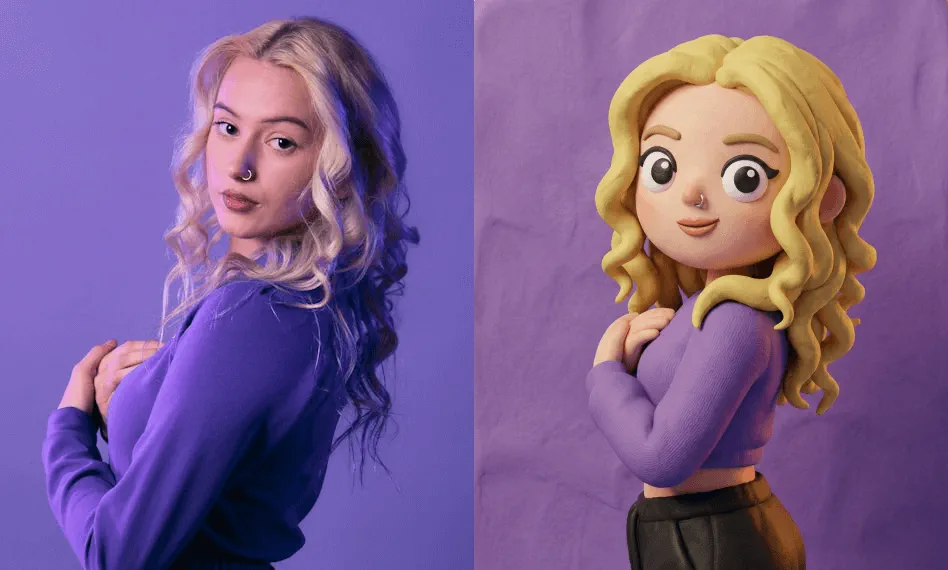
Instantly Transform Your Photos into Watermark-Free Clay Art
EaseMate AI Photo to Clay empowers you to create high-quality and watermark-free claymations from your photos with incredible ease and speed. Whether you are an artist or an amateur, it takes a single click to switch your regular picture into a delicate clay figure.
Boost Your Social Media Presence with Clay-Style Images
With our online AI clay filter, you can transform any human portrait, pet photo, or scenic shot into visually striking claymation artworks that stand out in feeds. As a result, it will boost social media presence significantly by increasing more likes and comments.
One-Click AI Claymation Maker for Any Photos
Transform all types of images into vibrant clay-style artwork in seconds. From portraits and pets to food, cars, and landscapes, every detail is reshaped with smooth clay textures and handcrafted depth. The final result captures the warmth and creativity of stop-motion clay animation with modern digital precision.
FAQs of Photo to Clay by EaseMate AI
What is a clay photo filter?
A clay photo filter usually refers to a creative tool that can convert a normal photo into a comical clay character swiftly. It makes your images more dynamic and engaging by adding clay-like depth and texture.
How does EaseMate AI Photo to Clay work?
Can I try this online Clay image filter for free?
What type of photo can EaseMate AI photo to clay process?
What image resolution and quality can I expect from this AI clay filter?
EaseMate AI ToolKit
Find any tool you want here to make efficiency at your fingertips




