


Photo to Illustration: Turn Photo into Illustration Online for Free
With EaseMate AI Photo to Illustration, transforming your photo to a stylish illustration is a click away. No fees, no sign-ups - just upload your image to make it look like scenes from a storybook.
 GPT-4o
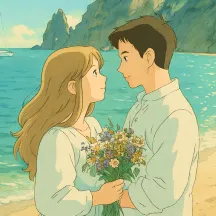
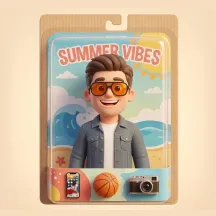
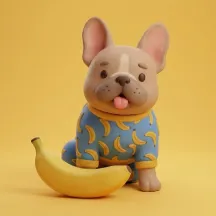
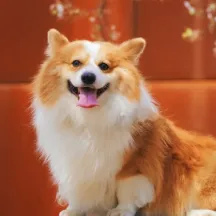
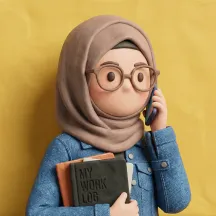
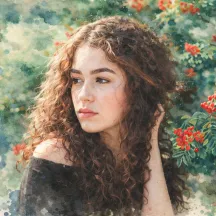
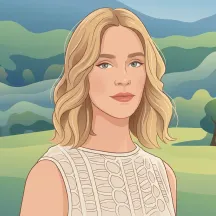
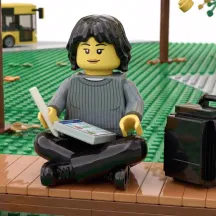
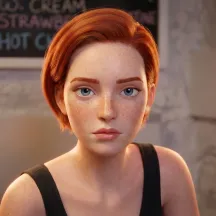

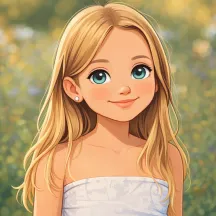
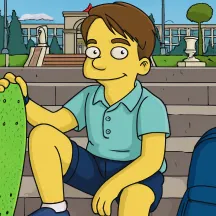

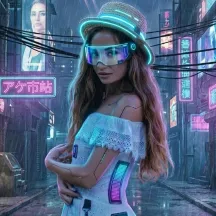
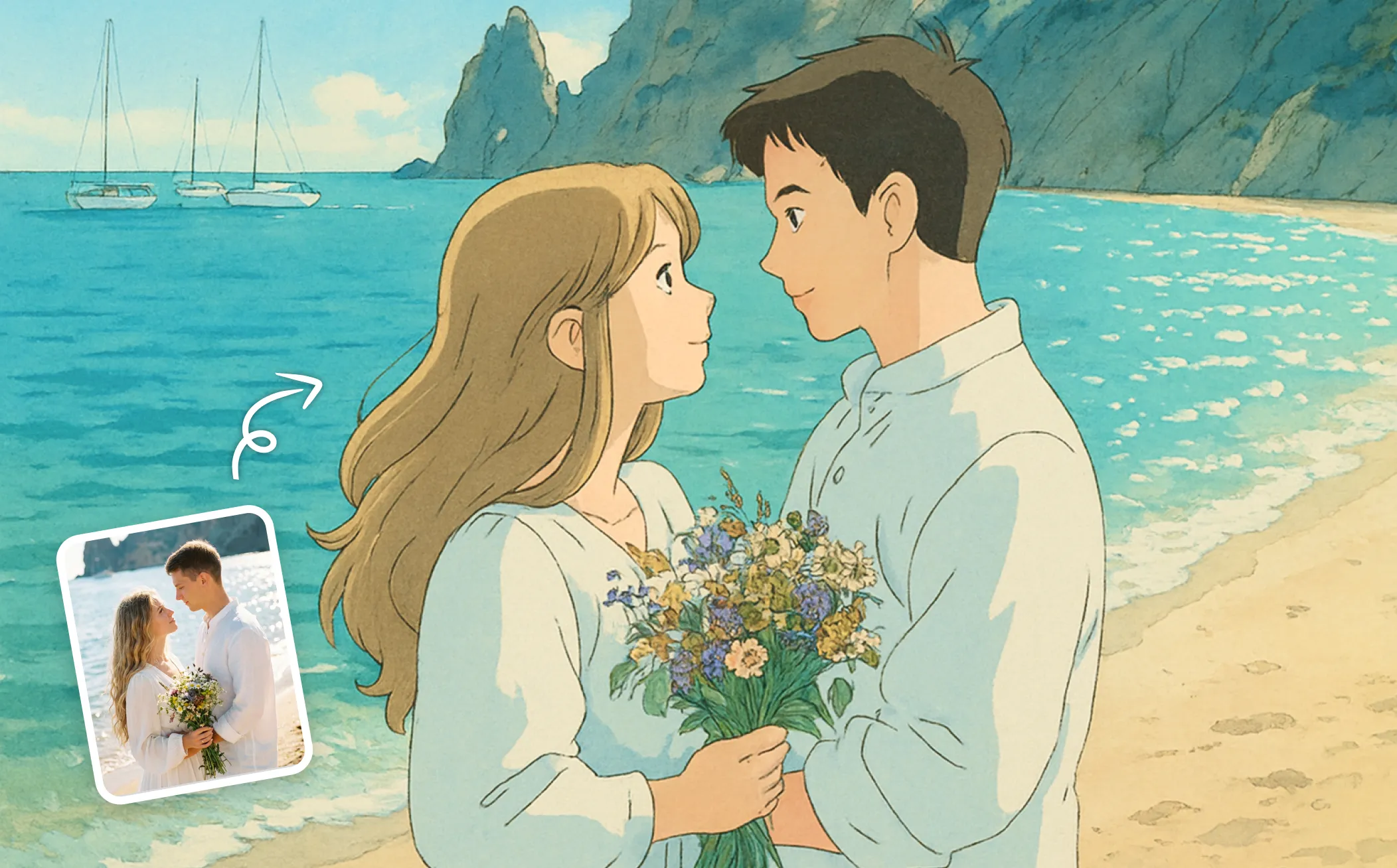
How to Convert Photo to Illustration in EaseMate AI?

Drag and drop a photo into EaseMate AI Photo to Watercolor. Or, click the “Choose a file" button to upload a photo.

Once the photo is uploaded, click "Generate" to let EaseMate AI Photo to Illustration convert it to an illustration style. To get a more satisfying result, you can toggle on "Customize Prompt" and type more details or descriptions before generation.

After a while, you can view and download high-resolution illustrations without a watermark for free. Also, you can switch to other filters like Ghibli, Watercolor, Clay, Simpson, etc.
Why Choose Photo into Illustration in EaseMate AI
Instantly turn your photos into hand-made illustrations with AI. Drop any image online to see how it comes to life in seconds! Try our online free illustration filter to create an elegant drawing now!
Unlock Multiple Illustration Styles with Our Online Illustration Filter
Turn your favorite photos into captivating artwork using artwork with our free illustration filter. Just switch on “Custom Prompt”, type in your desired illustration style, and then you can watch your ideas come to life in seconds. Explore multiple artistic options, including soft watercolors, expressive sketches, bold comic styles, or sleek line art. Even a standard photograph can become a polished line drawing.
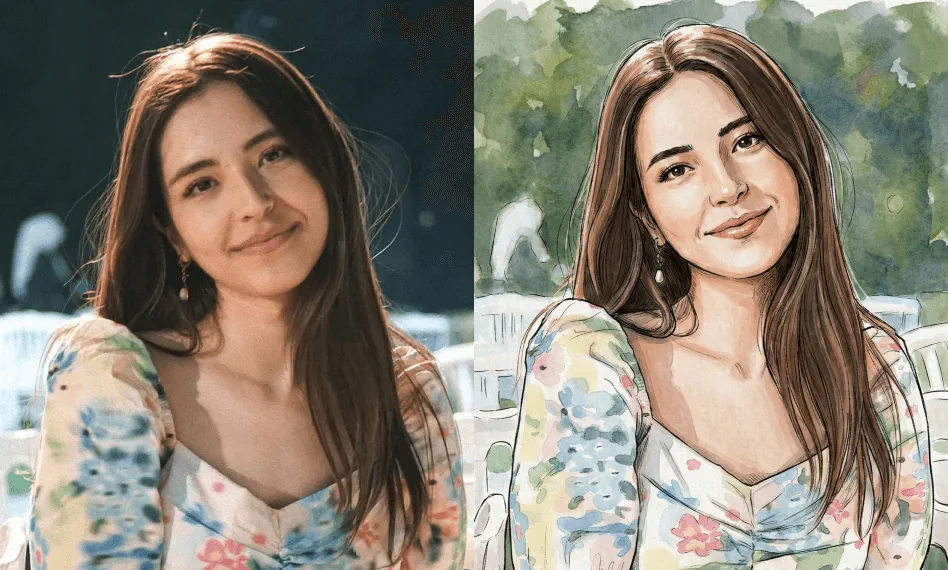
Create Stunning Illustrations in a Snap
Fast, fun, and free, EaseMate AI Photo to Illustration makes it easy to transform your image into a stylish illustration. No pencil, design skill, or software needed, simply upload your photo, click Generate, and get an illustration-style artwork in a few seconds.
Complimentary Line Art Effect
This online illustration filter can change your photos into gorgeous illustrations with bold outlines and vibrant colors for free. No hidden cost or subscription needed. After transformation, it will add a striking visual effect that resembles pencil or ink drawings while retaining key features in your original images.
Versatile Usage in Various Sectors
By adding soft artistic touches and blending colors, your illustration will be ideal for both personal and commercial purposes. Whether you need to enrich your presentations, publications, or social media posts with stunning illustrations, EaseMate AI Photo to Illustration can satisfy all your demands.
FAQs of Photo into Illustration by EaseMate AI
What is EaseMate AI Photo to Illustration?
EaseMate AI Photo to Illustration is an online AI-powered tool that can turn any picture into an illustration easily, which saves you from a lengthy hand-drawn process. After the transformation completes, you can download the illustrations for free and apply them in social media, presentations, publications, creative projects, etc.
Is EaseMate AI Photo to Illustration Free?
How many pictures can I convert per day?
Do I need to download EaseMate AI Photo to Illustration?
Can I export my illustration artwork without workmark?
EaseMate AI ToolKit
Find any tool you want here to make efficiency at your fingertips




